Eagle
I was originally planning on using Kitcad EDA, but since everyone in the class seems to be using Eagle, and there's a full post on it in the Tutorials page, I ended up using Eagle.
A very basic and intuitive one can be found on Jeremy Blum's channel: Tutorials for Cadsoft Eagle . Still, the tutorials in Sparksfun are also great. Would recommend starting from here.
Labyrinth
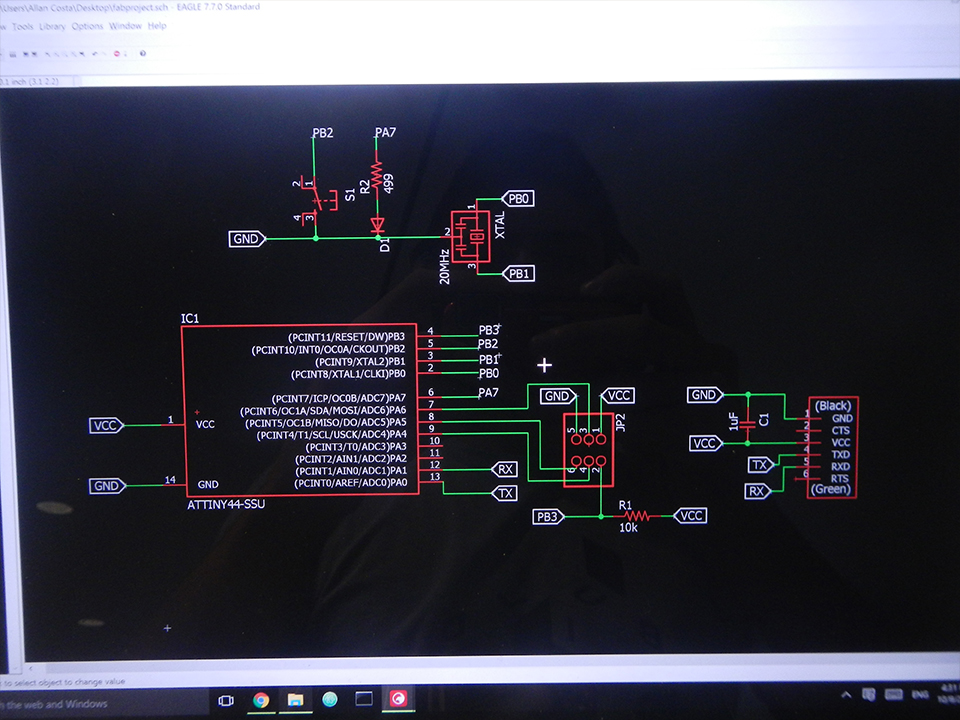
After installing the fab library (check it here - recommend using curl). I decided to first design a simple LED + button board - if things were to go well with a simple version like this, I'll pick more interesting components and build something more complex.
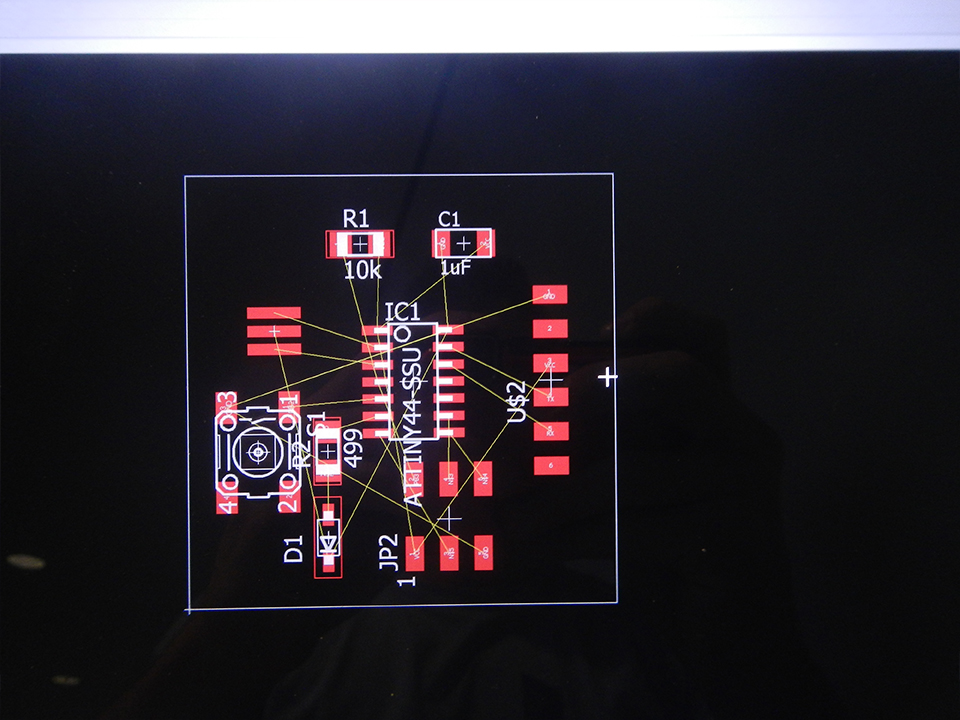
Board building is just like a labyrinth. At first, I just played around with possible versions of the board; eventually, I used the classic fab's reference. After linking everything and exporting the files (to export the PCB vector paths, make just the top layer of the board visible. Then, go to Files > Export > Image. Set 500dpi and Monochrome) I used photoshop to create the frame. Everything was correct, except the milling machine actually working.
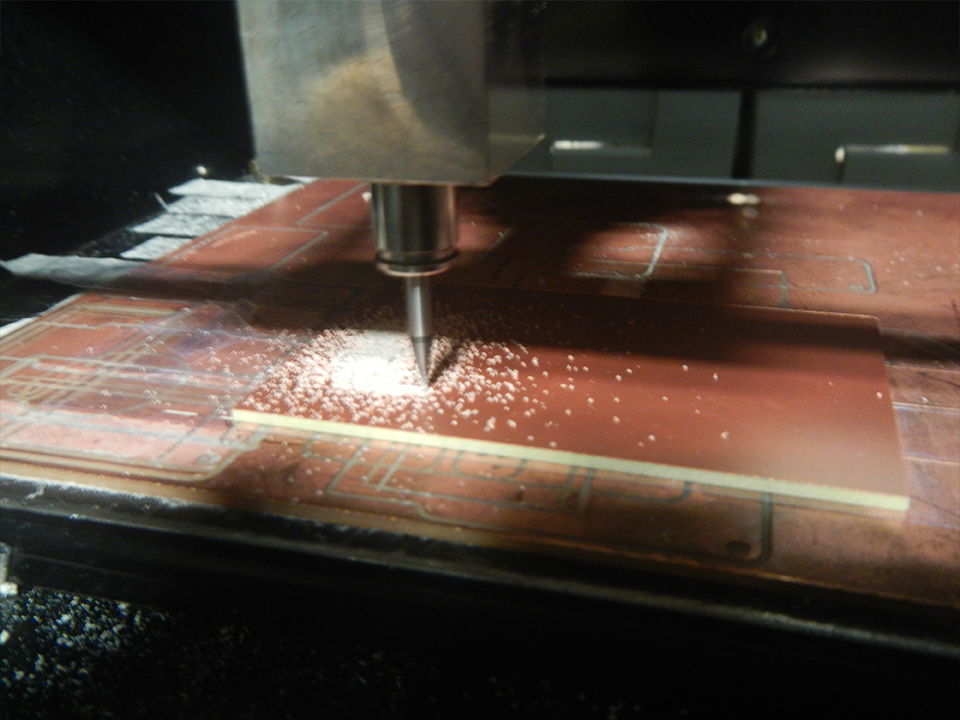
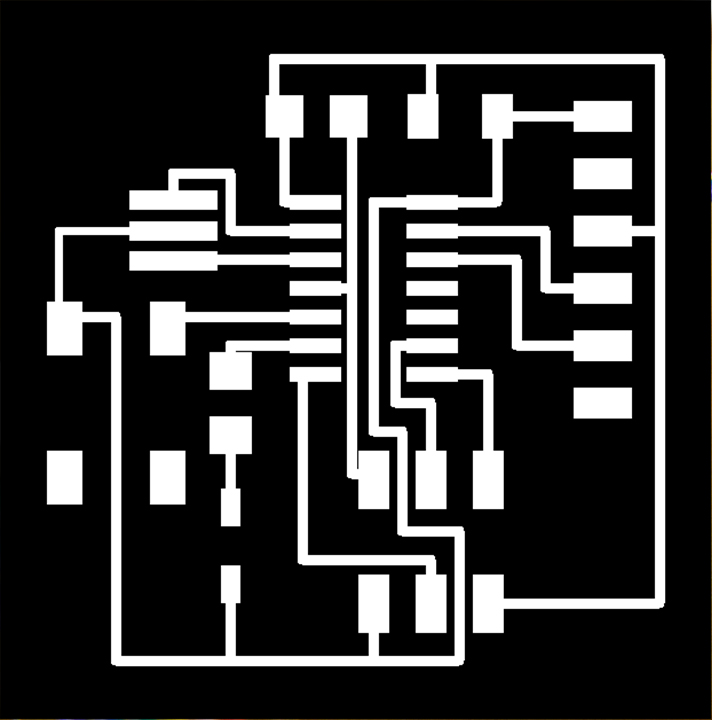
Rather than having a small diameter on the design, I had previously changed the grip alternative values to 0.01 - to better draw the paths. But two of them were close enough for mods not to process it - same problem from two weeks ago. Instead of modifying parameters in the mods, I simply moved the routes in EAGLE, re-exporting the png file. This time, it worked just great.
And here are the final pngs for the board:

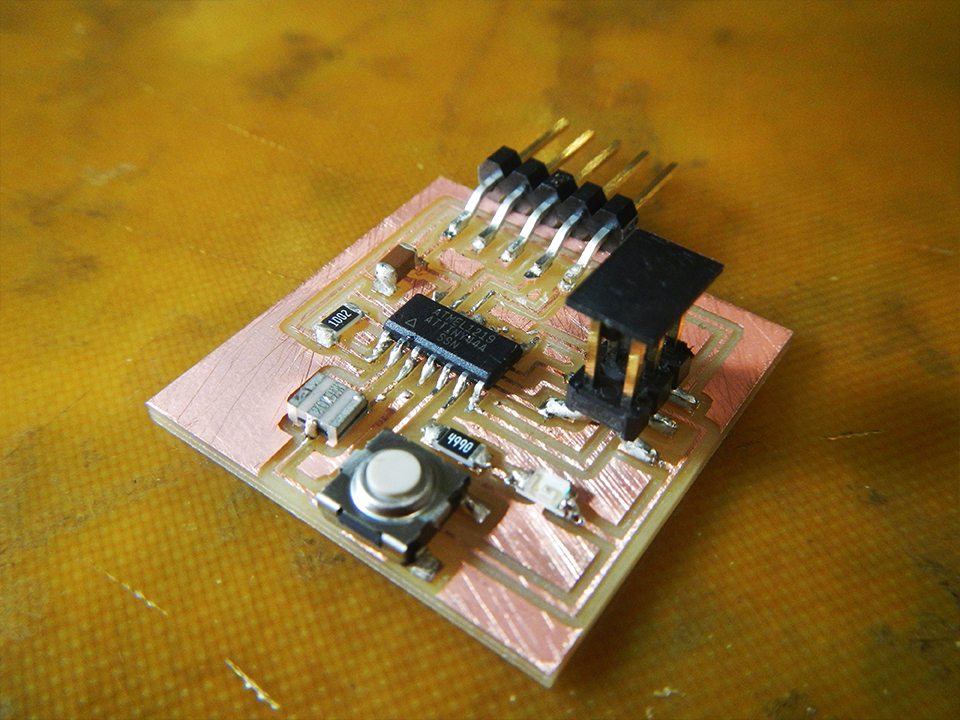
Here's the final result after soldering:
avrdude done. thank you.
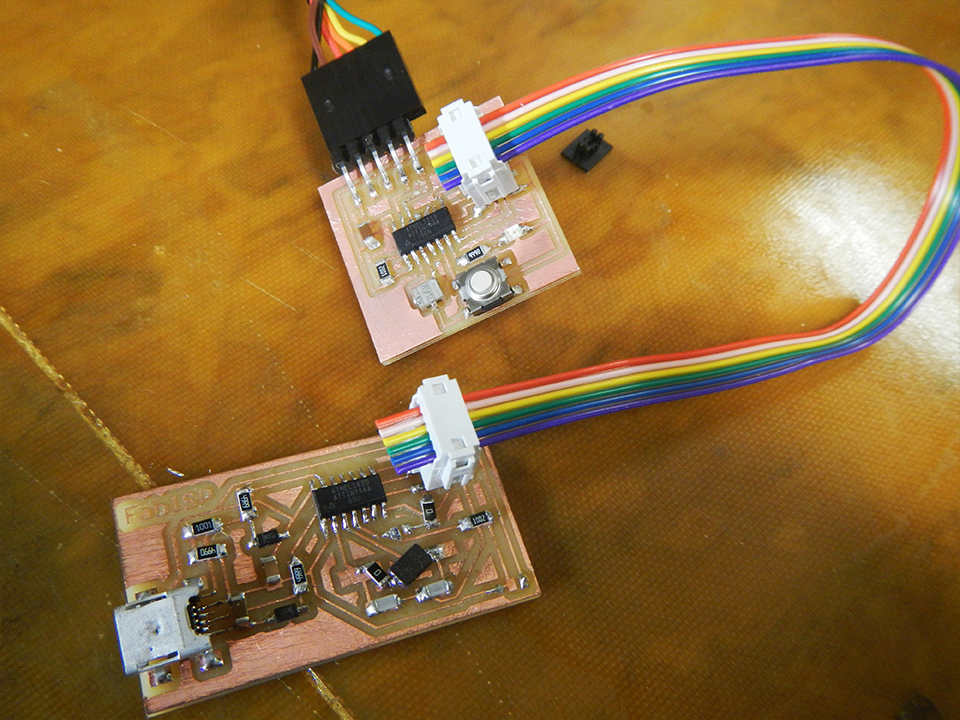
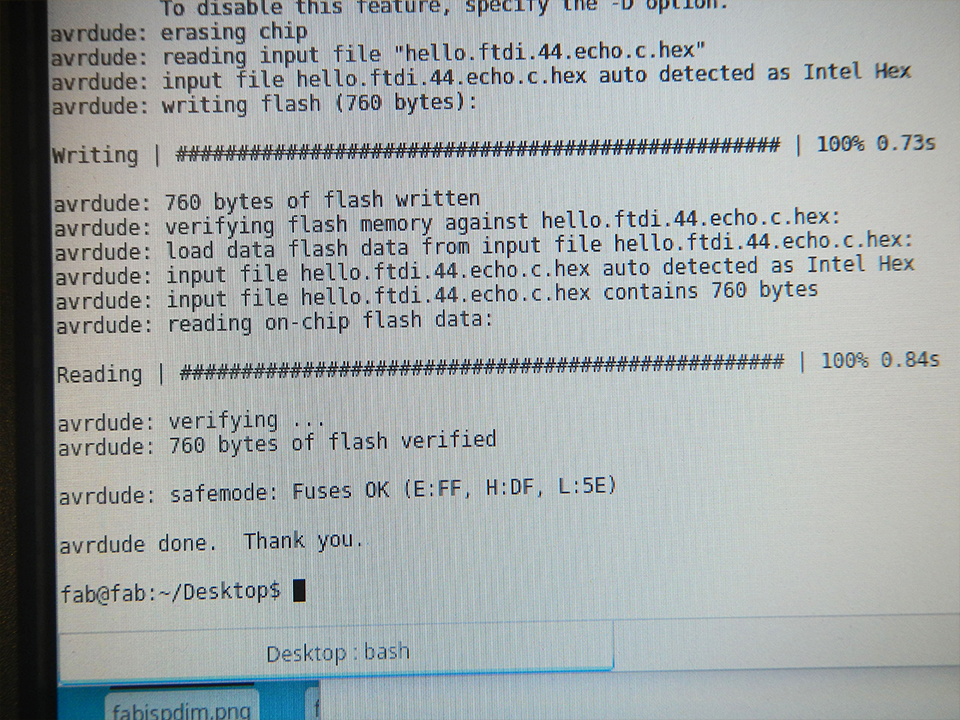
I followed tutorials and guides from both last year's students and the official 2015 Tutorials Page; got the hello.ftdi.44.c.make and hello.ftdi.44.c.c, the .hex and the .out files (remember to have all of them in the same folder). Then, using my programmed-programmer to program a program I was implementing the echo-hello-world code in the board:
make -f hello.ftdi.44.c.make
avrdude done. Thank you.
sudo make -f hello.ftdi.44.c.make program-usbtiny-fuses
avrdude done. Thank you.
sudo make -f hello.ftdi.44.c.make program-usbtiny
avrdude done. Thank you.
python time:
python term.py /dev/ttyUSB0 115200
And nothing. At least I tried.
After 40 minutes trying to solve the issue (and thanks for the help, Grace) I still couldn't solve it. Hence I'm writing stuff down here.
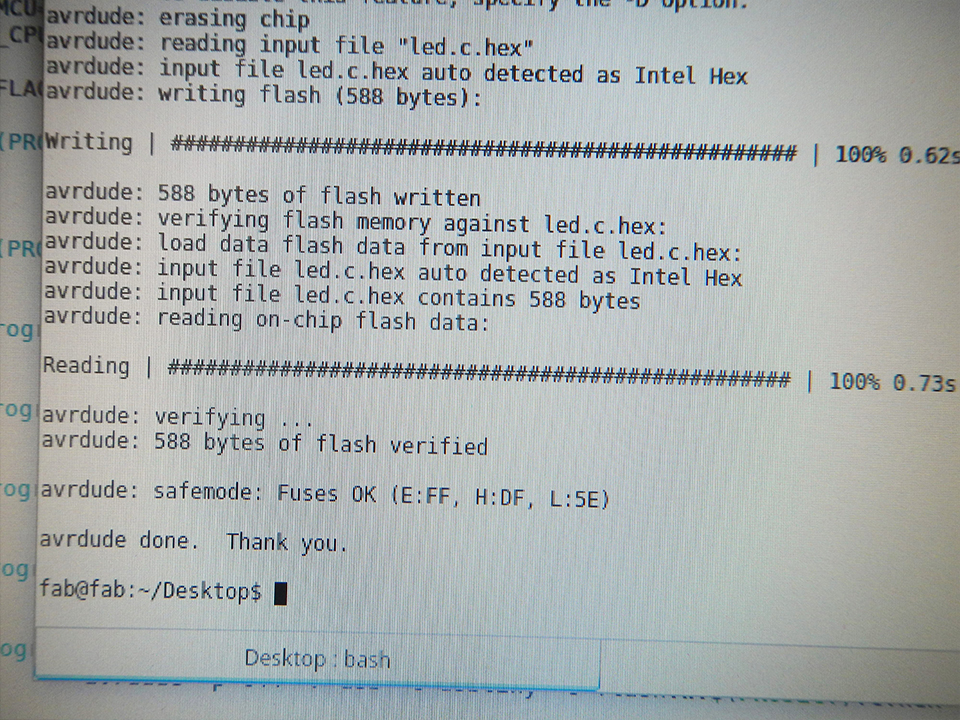
I simply decided to try the LED code itself. Returning again to last year's projects, I modified some codes to light the green LED of my board. And Voila,
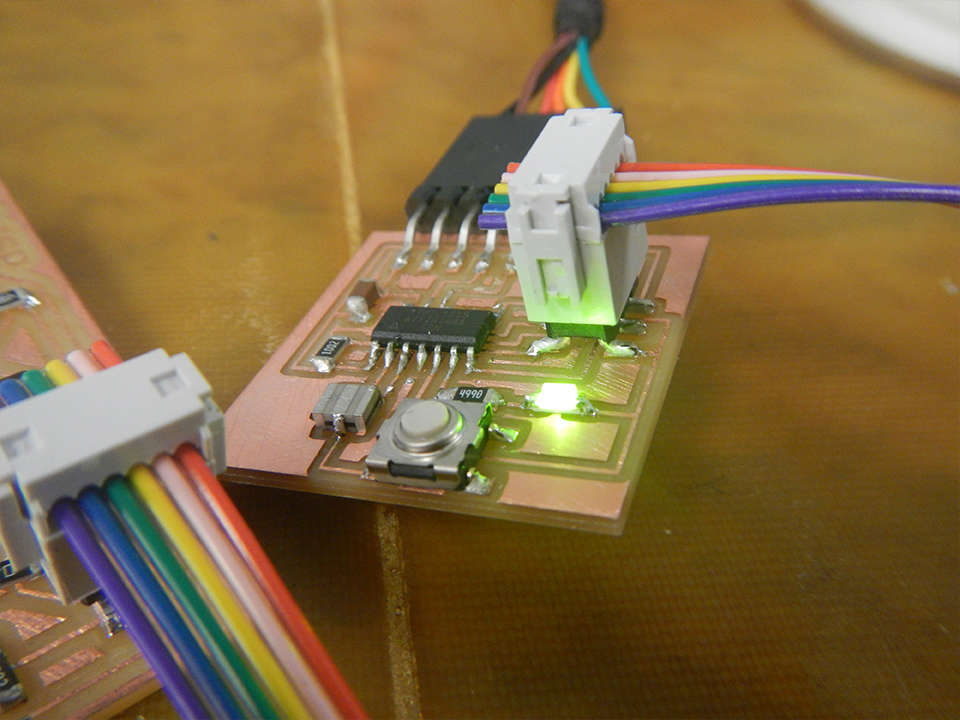
avrdude done. Thank you.