|
|
|
|
I am a first year graduate student in the masters program of the Media Arts and Sciences at MIT. I come from a unique and rich, southern Asian(Indian) culture. I got under-graduation in computer science and engineering. My interest in understanding human aspects of technology led me to Masters in Design from IDC (Industrial Design Center), IIT Bombay. After pursuing my M.Des degree from IIT Bombay, I worked for a year with the Incubation Team at Microsoft India. Currently, I am working as a Research Assistant with Ambient Intelligence Group at the Media Lab, MIT. To know more about me, visit my website www.pranavmistry.com
This is my course page for MAS.863 How to make (almost) anything. |
| |
|
................................................. |
................................................................................................ |
|
|
Week 2
09/11/06
|
Introduction, Softwares & Tools
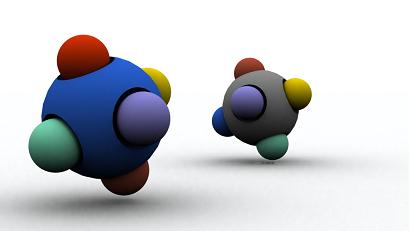
This week, we are supposed to (a) think about some final project ideas and (b) learn 3D modelling in Blender or some other 3D program.
 |
| |
|
................................................. |
................................................................................................ |
| |
|
Week 3
09/18/06
|
Lasercutter, Signcutter, Plasmacutter/Router
This week, we are supposed to make a 3D object constructed from 2D objects using no adhesives of any sort. We may use the Laser Cutter or the Vinyl Cutter to achieve this.
I started to play with the laser cutter and as a first try I cut out the famous Square Puzzle from a cardboard. Laser cutting is fun.
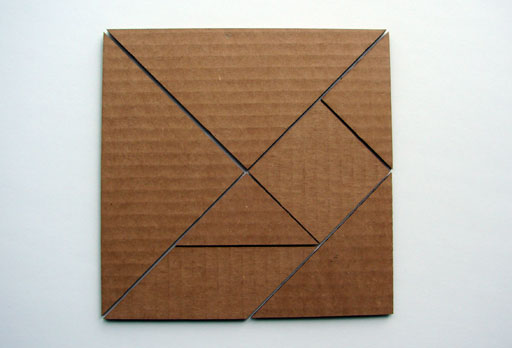
Chinese Puzzle
I thought of making a construction kit.
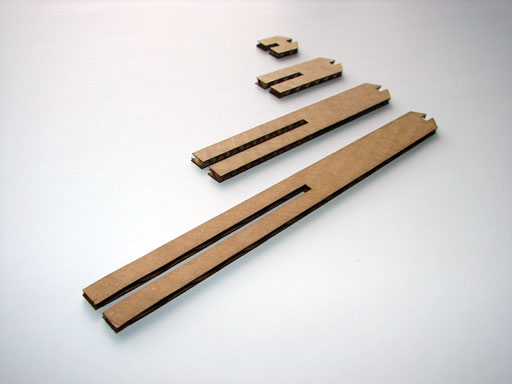
Basic 2D structure
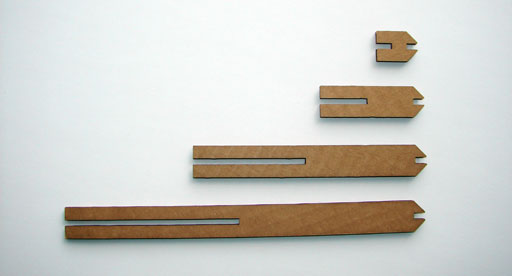
Basic 2D structure
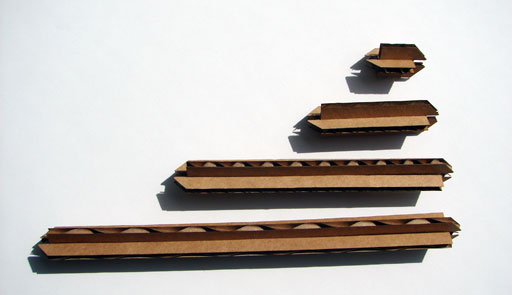
Basic 3D structure(building block)
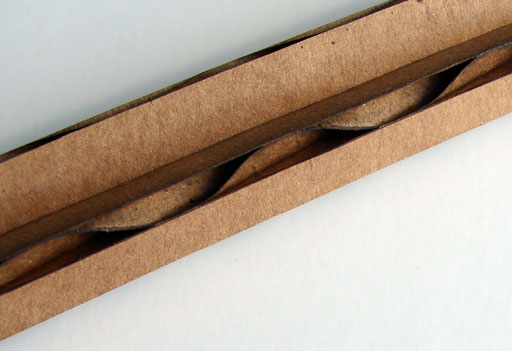
Zoomed in view of a building block.
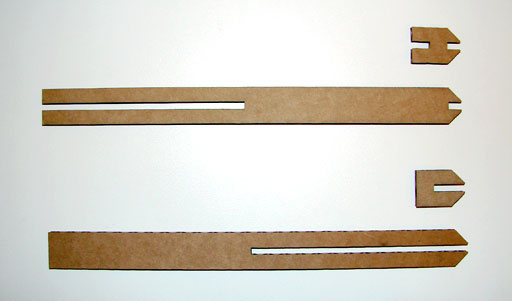
Refinement to the basic 2D structure(before and after)
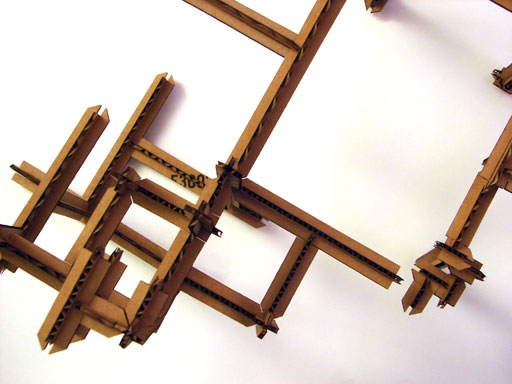
Structure made by building blocks
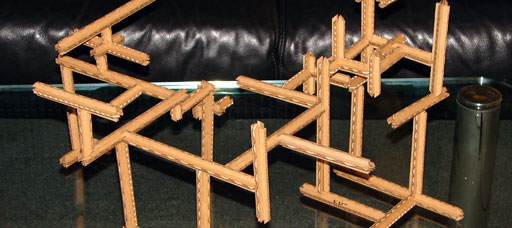
Structure made by building blocks
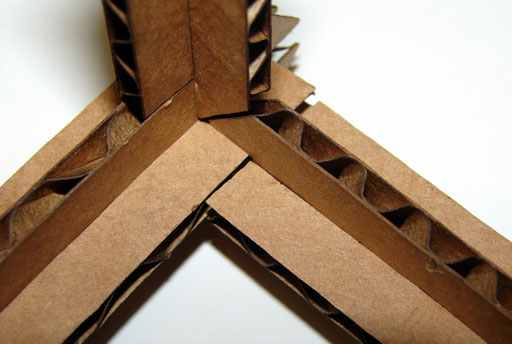
Zoomed in view of a Joint in the structure.
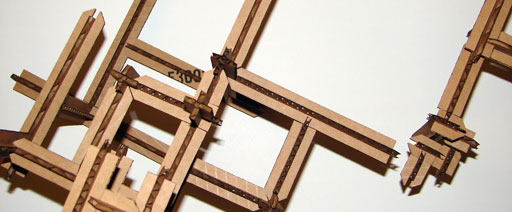
Structure made by building blocks
The execise was real fun. I explored various aspects related to lasercutting such as directional strength of materials (cardboard,),
|
| |
|
................................................. |
................................................................................................ |
| |
|
Week 5
10/02/06 |
PCB Fabrication, Board Stuffing, Cable Making
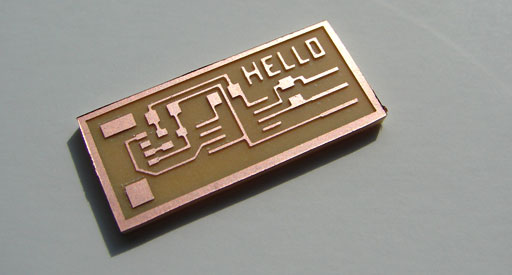
The assignment for this week was to make a Printed Circuit Board(PCB) using the Modela NC mill and the vinyl cutter, make cables for it and program it so that it sends "hello world" to the computer.
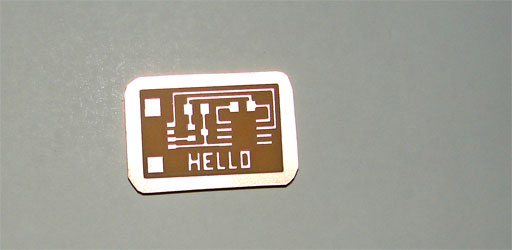
Unstuffed PCB
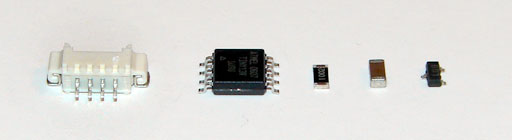
Components
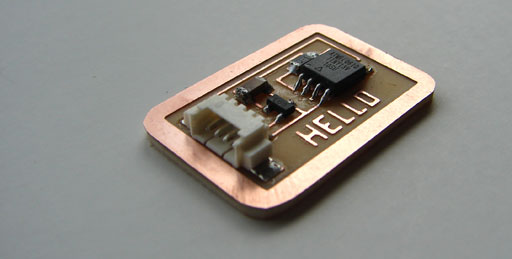
PCB(with components stuffed)
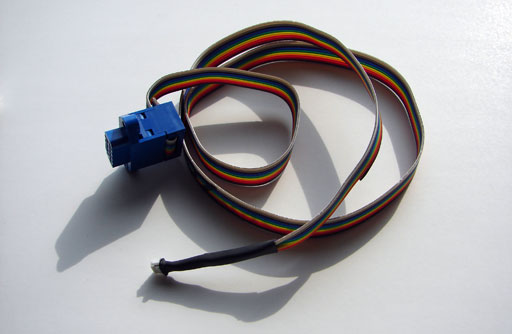
I made two cables.
The parallel cable connects to a computer's parallel port (lpt port) and has a programming clip at the other end, which can be used to program the microcontroller on a chip.
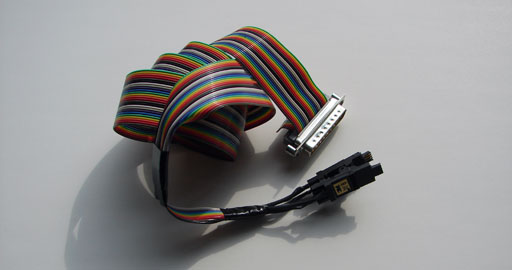
The serial cable connects a computer's serial port (COM port) to the serial header on a chip, and allows a programmed chip to exchange data with the computer it's connected to.
|
| |
|
................................................. |
................................................................................................ |
| |
|
Week 7
10/16/06 |
Microcontroller Programming(Make a Volt-Meter)
Unstuffed PCB
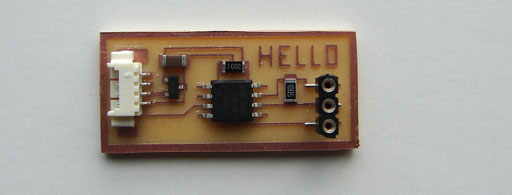
PCB(with components stuffed)
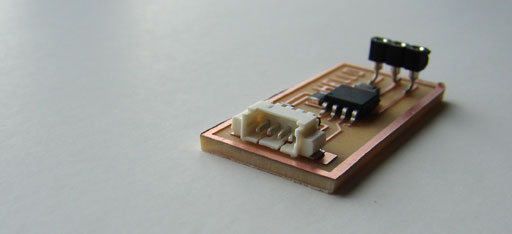
PCB(with components stuffed)
|
| |
|
................................................. |
................................................................................................ |
| |
|
Week 8
10/23/06 |
3D Scanning and Printing
This week’s assignment was to scan an object and print it. The aim of the assignment was to learn 3D scanning and 3D printing techniques.

I scanned a mouse(no, I mean a computer mouse). For scanning I used Non-contact type 3D laser digitizer by Konica Minolta. I corrected the scanned model in Geomagic Studio 4.0. I printed the mouse with Zcorp 3D printer. I also printed the mouse with Stratasys FDM machine.
A 3D scanner is a device that analyzes a real-world object to collect data on its shape and possibly color. The collected data can then be used to construct digital, three dimensional models that are used in a wide variety of applications. These devices are used extensively by industry in the production of such things as movies and video games. Other applications include industrial design and prototyping, computer vision and documentation of cultural artifacts.
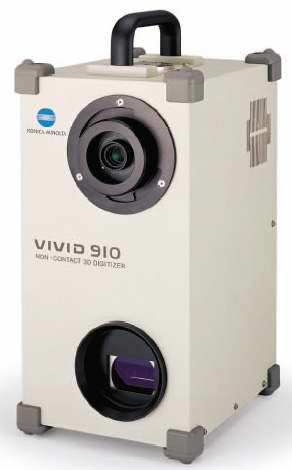 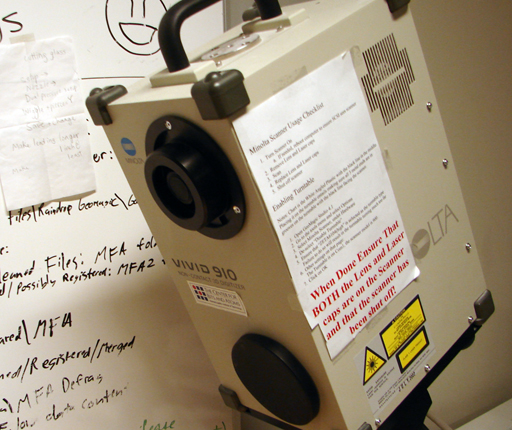
Non-contact 3-D LASER digitizer VIVID 910
3D printing is a low-end version of solid freeform fabrication. One variation consists of an inkjet printing system. Layers of a fine powder (either cornstarch or plaster) are selectively bonded by "printing" a water-based adhesive from the inkjet print-head in the shape of each cross-section as determined by a CAD (computer aided design) file. Alternately, these machines feed liquids, such as photopolymer, into individual jets that deposit tiny droplets as they are scanned to form a layer of the model. The liquid hardens after being deposited. Materials available for spraying include glue, wax, and photopolymer. Photopolymer Phase machines employ an ultraviolet (UV) flood lamp mounted in the print head to cure each layer as it is deposited.
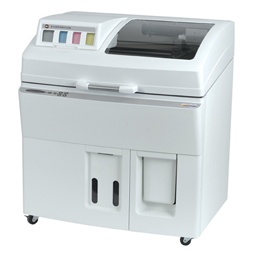 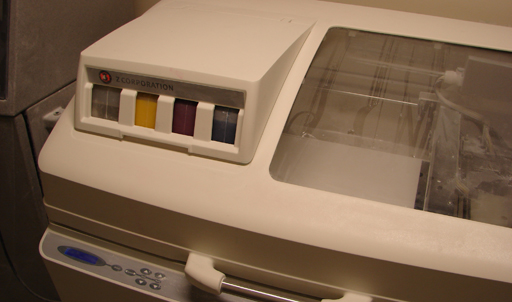
Zcorp 3d printer (The Spectrum Z510)
Fused deposition modeling, which is often referred to by its initials FDM, is a type of rapid prototyping (RP) technology commonly used within engineering design. The FDM technology is marketed exclusively by Stratasys Inc. Like most other RP processes (such as 3D Printing and stereolithography) FDM works on an "additive" principle by laying down material in layers. A plastic filament or metal wire is unwound from a coil and supplies material to an extrusion nozzle which can turn on and off the flow. The nozzle is heated to melt the material and can be moved in both horizontal and vertical directions by a numerically controlled mechanism, directly controlled by a CAD software package. In a similar manner to Stereolithography, the model is built up from layers as the plastic hardens immediately after extrusion from the nozzle.
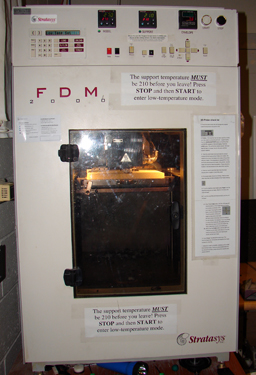
FDM Stratasys
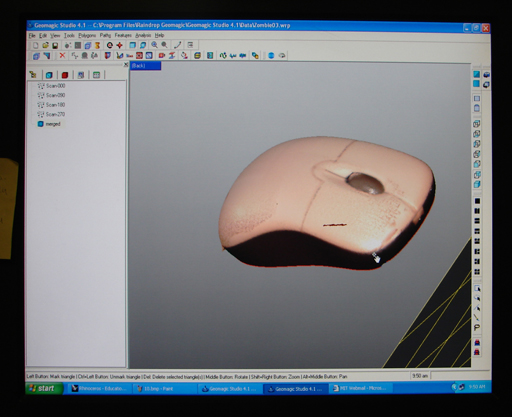
GeoMagic Studio 4.1
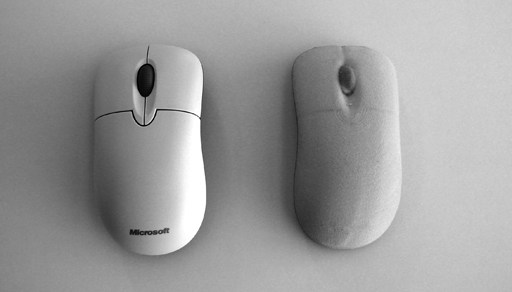
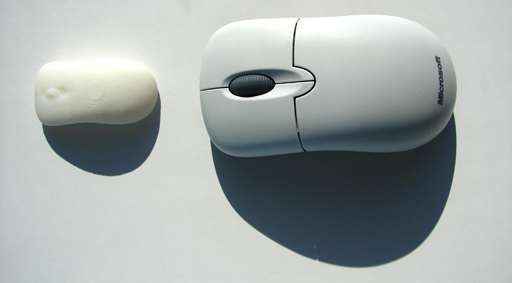
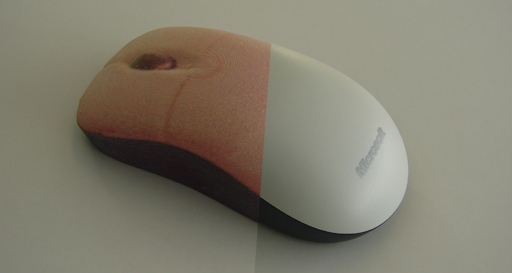
final output of my mouse in StrataSys and Zcorp
|
| |
|
................................................. |
................................................................................................ |
| |
|
Week 9
10/30/06 |
Input Devices
The assignment for this week was to make an input device from scratch. I decided to make an touch sensitive scroll-wheel. I decided to experiment capacitive sensing for making it. |
| |
|
................................................. |
................................................................................................ |
| |
|
Week 10
11/06/06 |
Waterjet Cutter, NC Milling and Turning
The assignment for this week was to learn how to operate the WaterJet machine and make a flexure.
A flexure bearing is a bearing which allows motion by bending a load element. A typical flexure bearing is just one part, joining two other parts. For example, a hinge may be made by attaching a long strip of a flexible element to a door and to the door frame.
Flexure bearings have the advantage over most other bearings that they are simple and thus inexpensive. They are also often compact, light weight, have very low friction, and are easier to repair without specialized equipment. Flexure bearings have the disadvantages that the range of motion is limited, and often very limited for bearings that support high loads.
A flexure bearing relies on the bearing element being made of a material which can be repeatedly flexed without disintegrating.
I used OMAX waterjet to cut the alluminium profile made in the OMAX Layout tool.
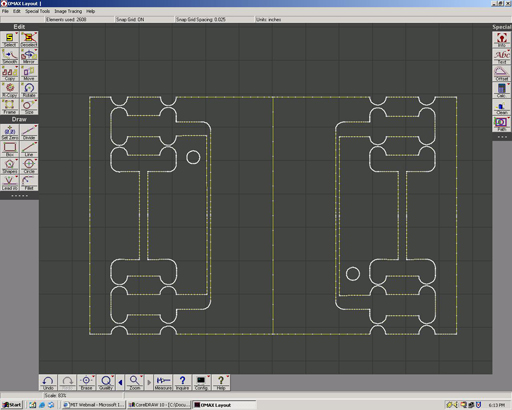
Screenshot of the OMAX model of my flexure experiment
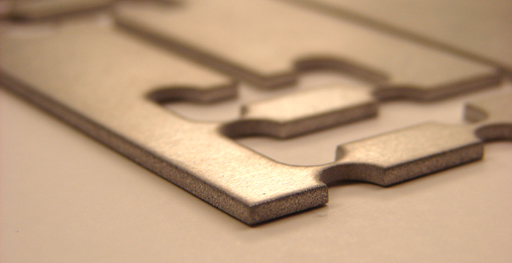
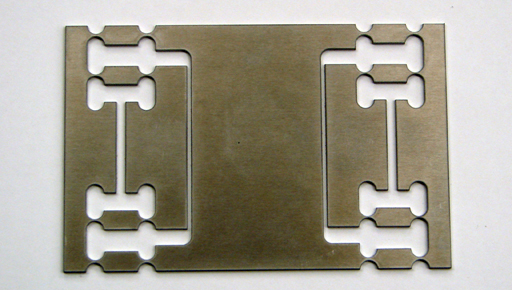
The image shows the final output cutted from the Aluminium sheet on the OMAX machine. The central region is the moving platform while the outmost regions act like floting units. The regions between them are the regions which are stable and founded/anchored to ground.
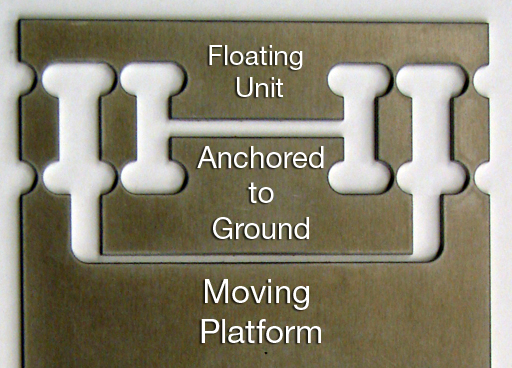
One part of the flexure unit showing three regions marked
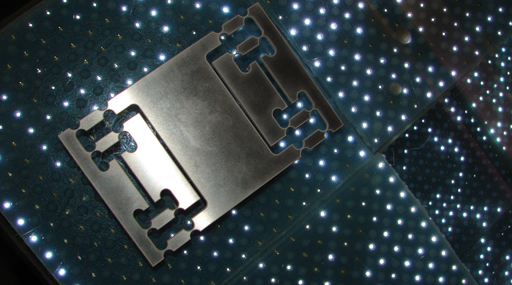
Metal and Light. (I love them both)
My Flexure unit on the Flexible Urban Display project. |
| |
|
................................................. |
................................................................................................ |
| |
|
Week 11
11/13/06 |
Output Devices
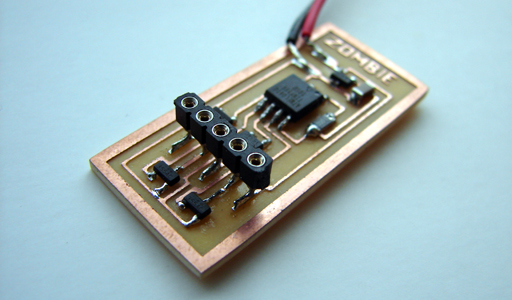
The assignment for this week was to play with different output devices. I made a stepper motor controller board and LCD display controller board.
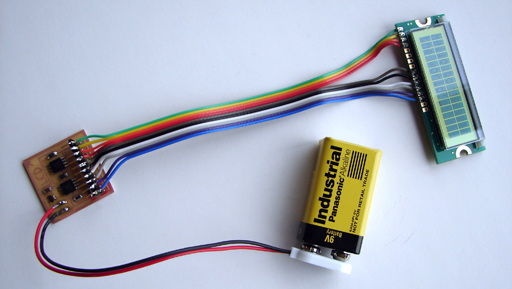
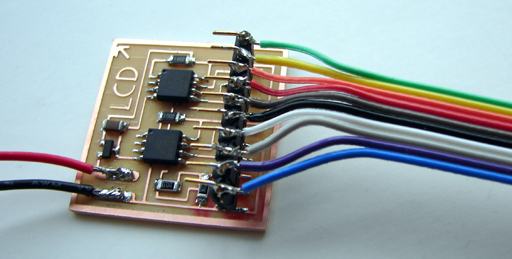
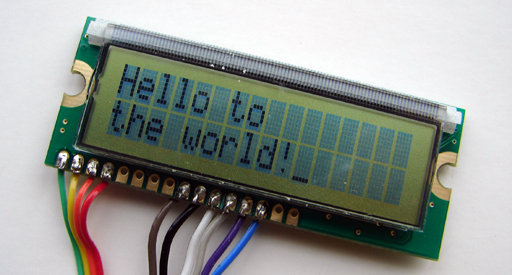
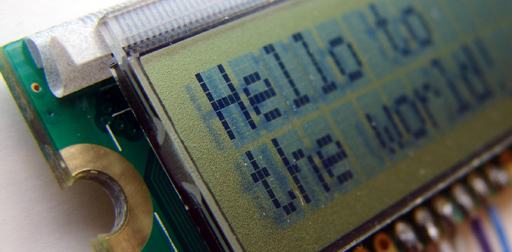
|
| |
|
................................................. |
................................................................................................ |
| |
|
Week 12
11/20/06 |
Molding and Forming
Coming soon ....... |
| |
|
................................................. |
................................................................................................ |
| |
|
Week 13
11/27/06 |
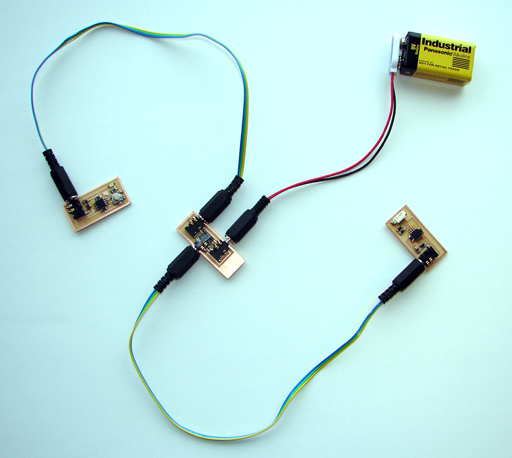
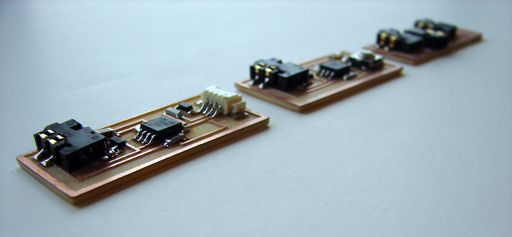
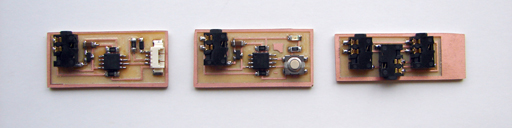
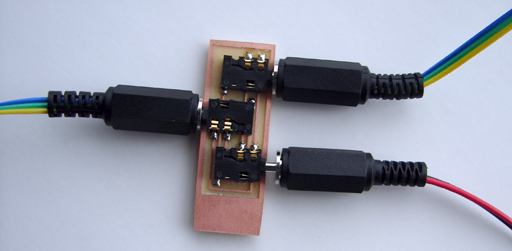
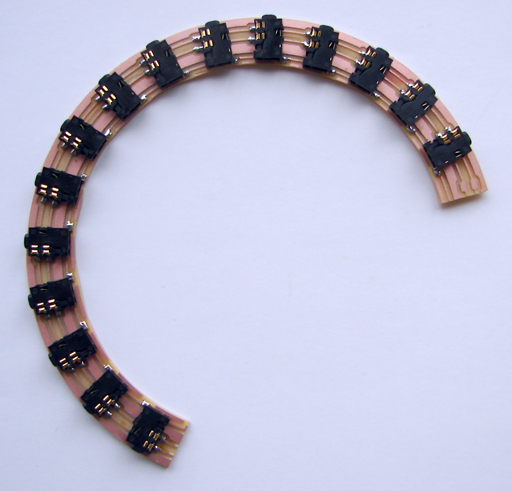
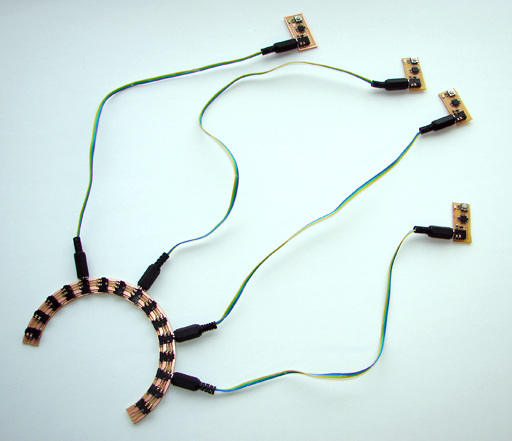
Networking and Communications
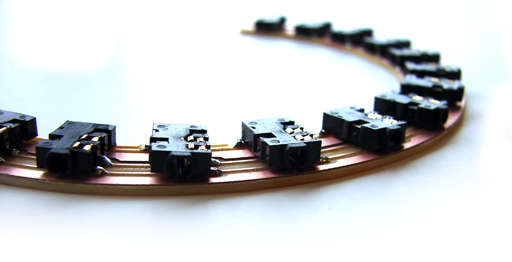
Internet 0.
|
| |
|
................................................. |
................................................................................................ |
| |
|
Week 14
12/04/06 |
Laser Micromachining, Confocal Microscopy
The week's assignement was to learn about Laser Mocromachining and Confocal Microscopy.
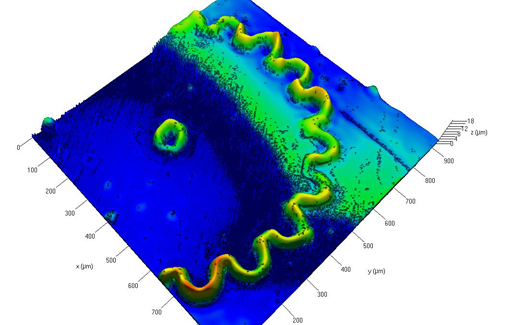
Confocal Image of the Gear
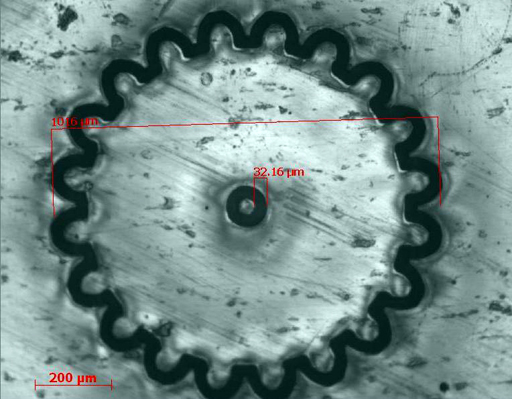
picture of a PDMS cast of the gear
|
| |
|
................................................. |
................................................................................................ |
| |
|
Week 15
12/11/06 |
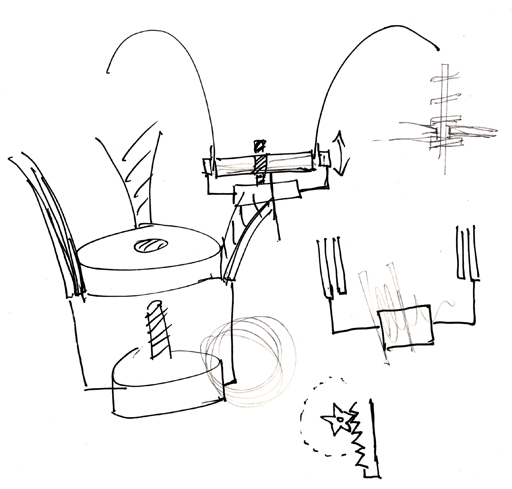
Project Preparations
Flower

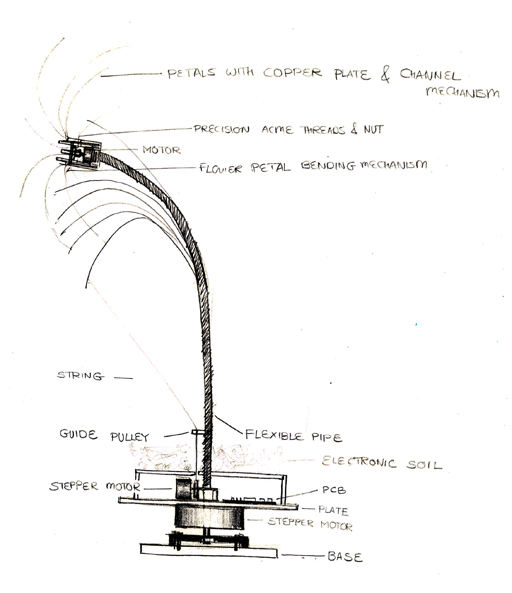
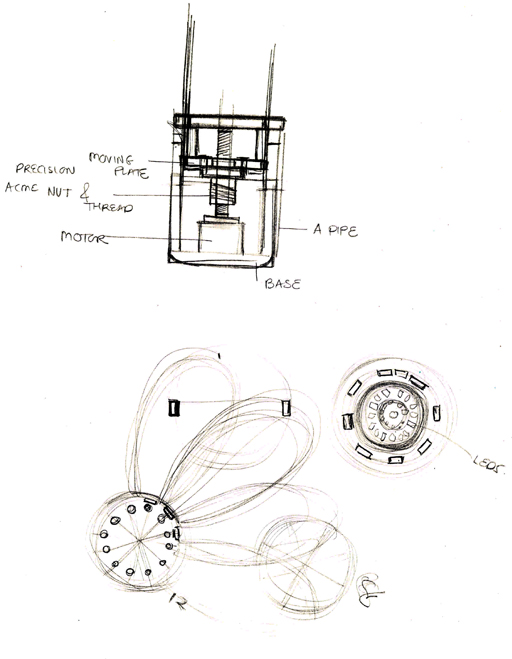
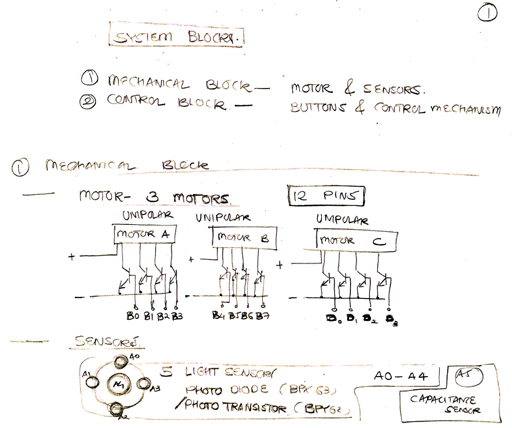
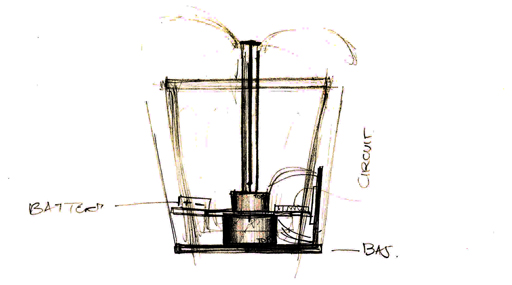
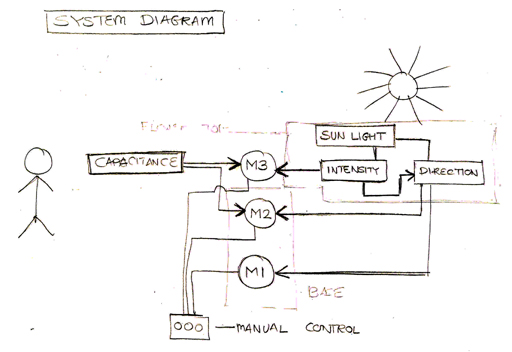
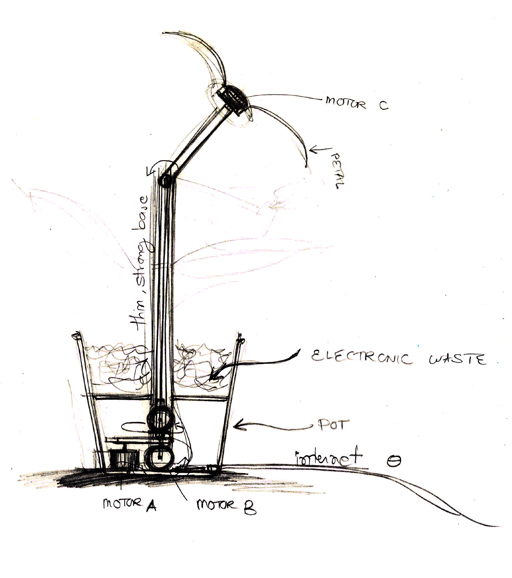
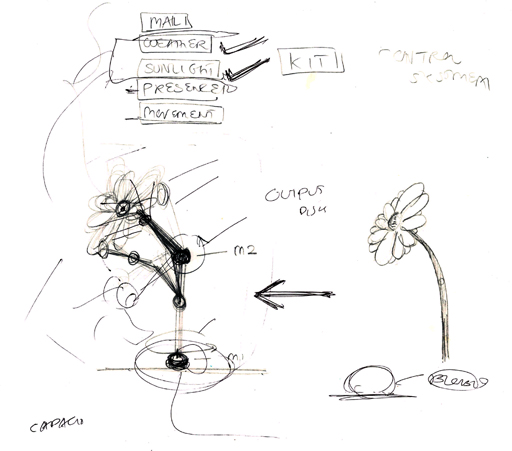
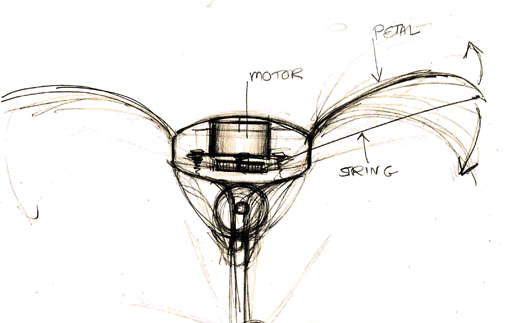
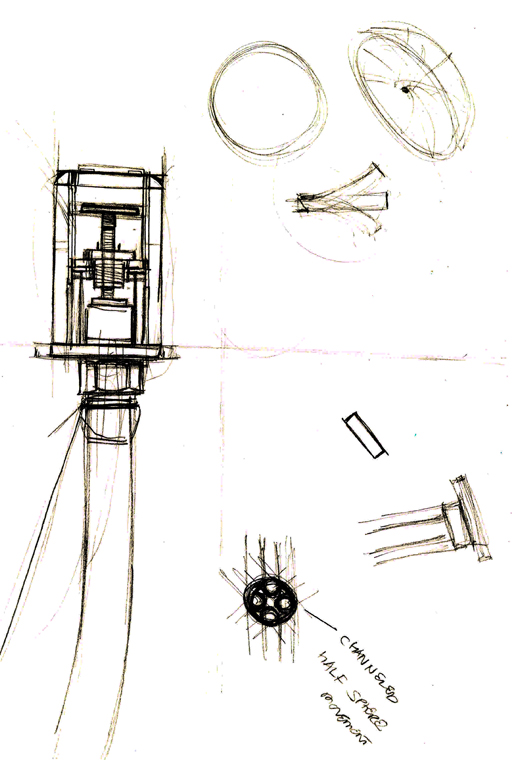
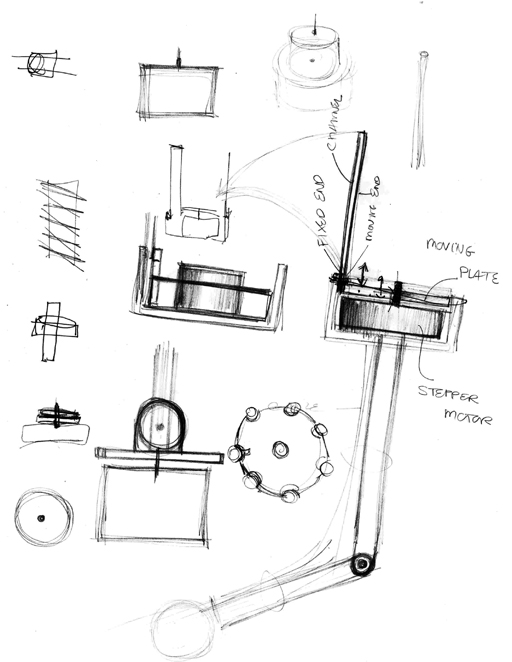
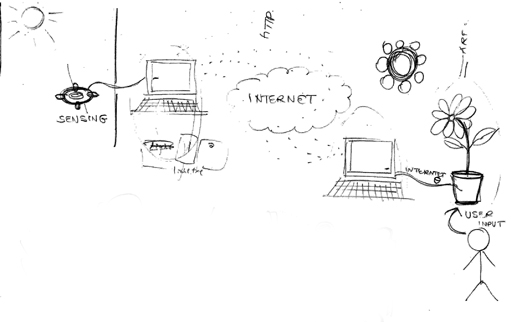
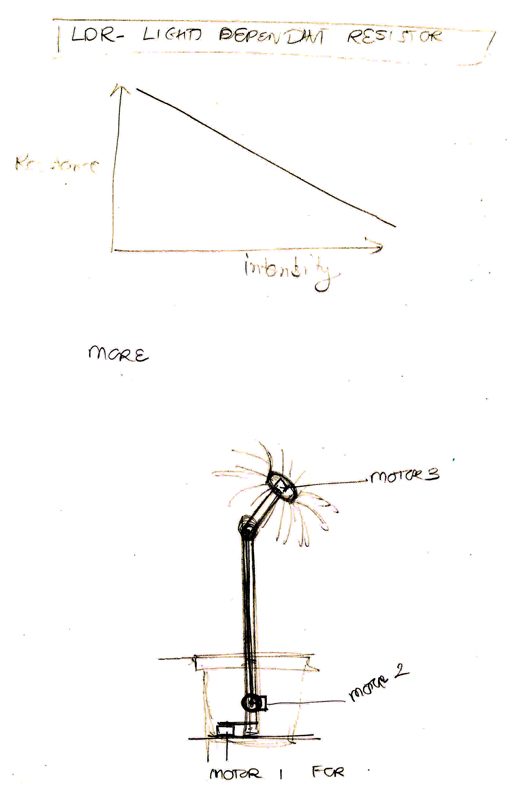
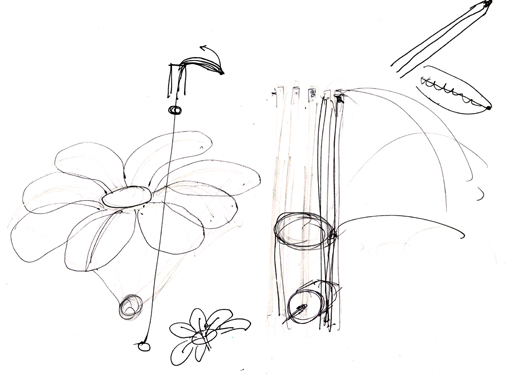
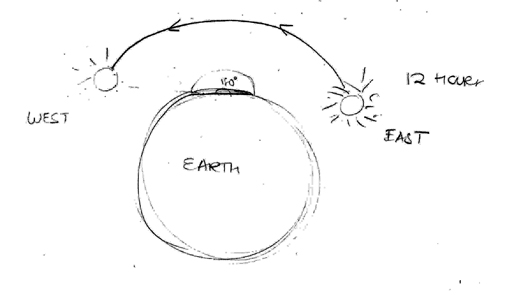
|
| |
|
................................................. |
................................................................................................ |
| |
|
Week 16
12/18/06 |
Final Projects
Flower |
| |
|
................................................. |
................................................................................................ |
|
|
Links |
Massachusetts Institute of Technology
www.mit.edu
MAS 863 class page
http://fab.cba.mit.edu/classes/863.06/
CBA FabLab
http://cba.mit.edu/projects/fablab/
Media Lab
www.media.mit.edu
Pranav Mistry
www.pranavmistry.com |
| |
| |
|
................................................. |
................................................................................................
Last Updated 10th December,
2006 |
| |