week 12: networking and communications
For this week’s assignment, the focus was on networking and communications, a topic that is particularly important for several key reasons. Networking and communications allow devices to exchange information reliably, which is essential in modern systems where multiple components interact across distances. Understanding these concepts is crucial for managing purposes such as data transfer, remote control, and system coordination. The location of devices is another critical factor, as it affects signal strength, latency, and overall performance. Parallelism plays a significant role in networking because simultaneous communication channels can dramatically improve efficiency, enabling multiple devices to operate together without delays. Modularity is equally important, as it allows complex systems to be built from smaller, interchangeable components that can communicate seamlessly, simplifying both design and maintenance. Interference is a fundamental challenge in networking, as overlapping signals or environmental noise can degrade performance, making it necessary to understand how to mitigate these effects.
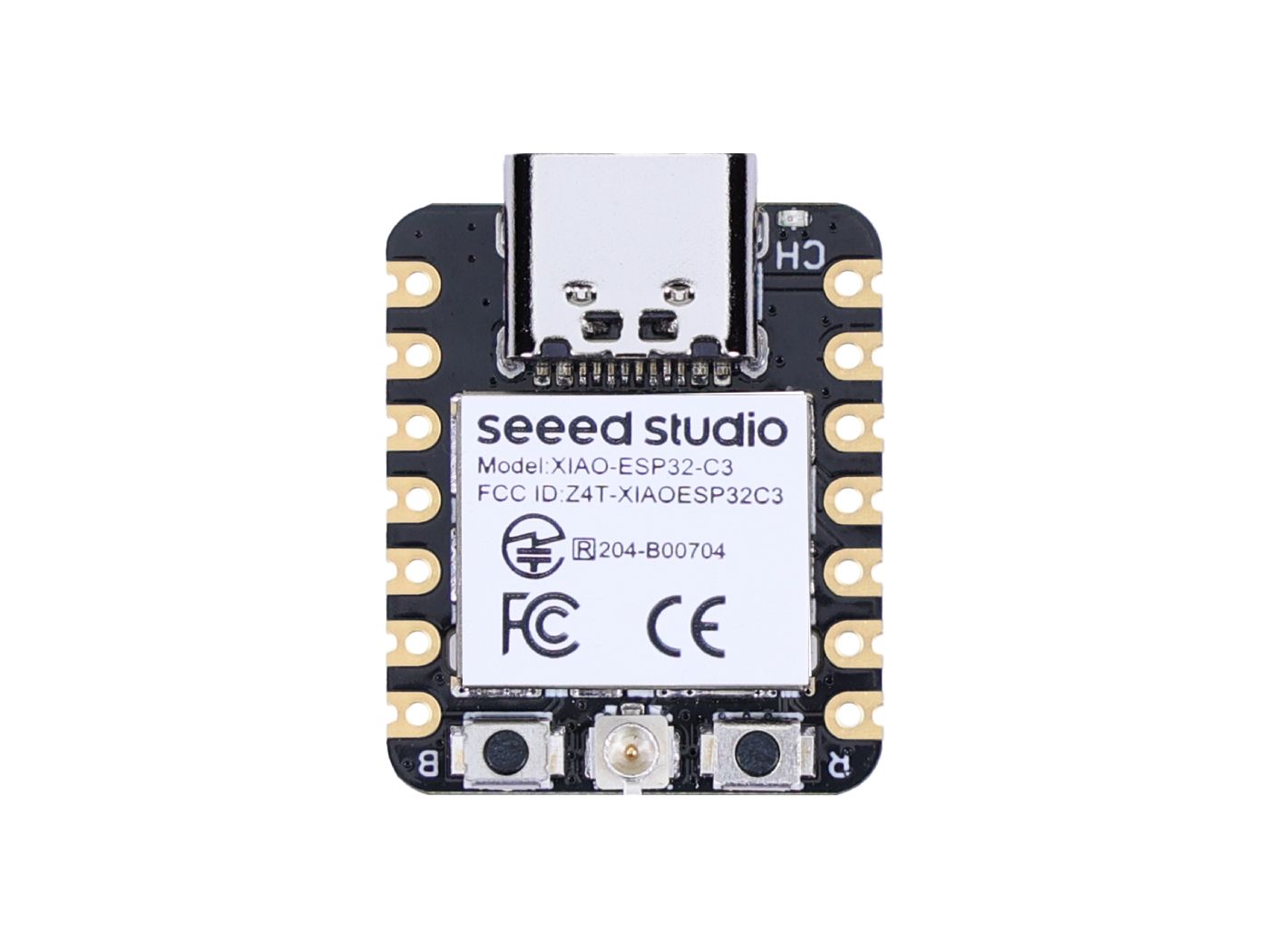
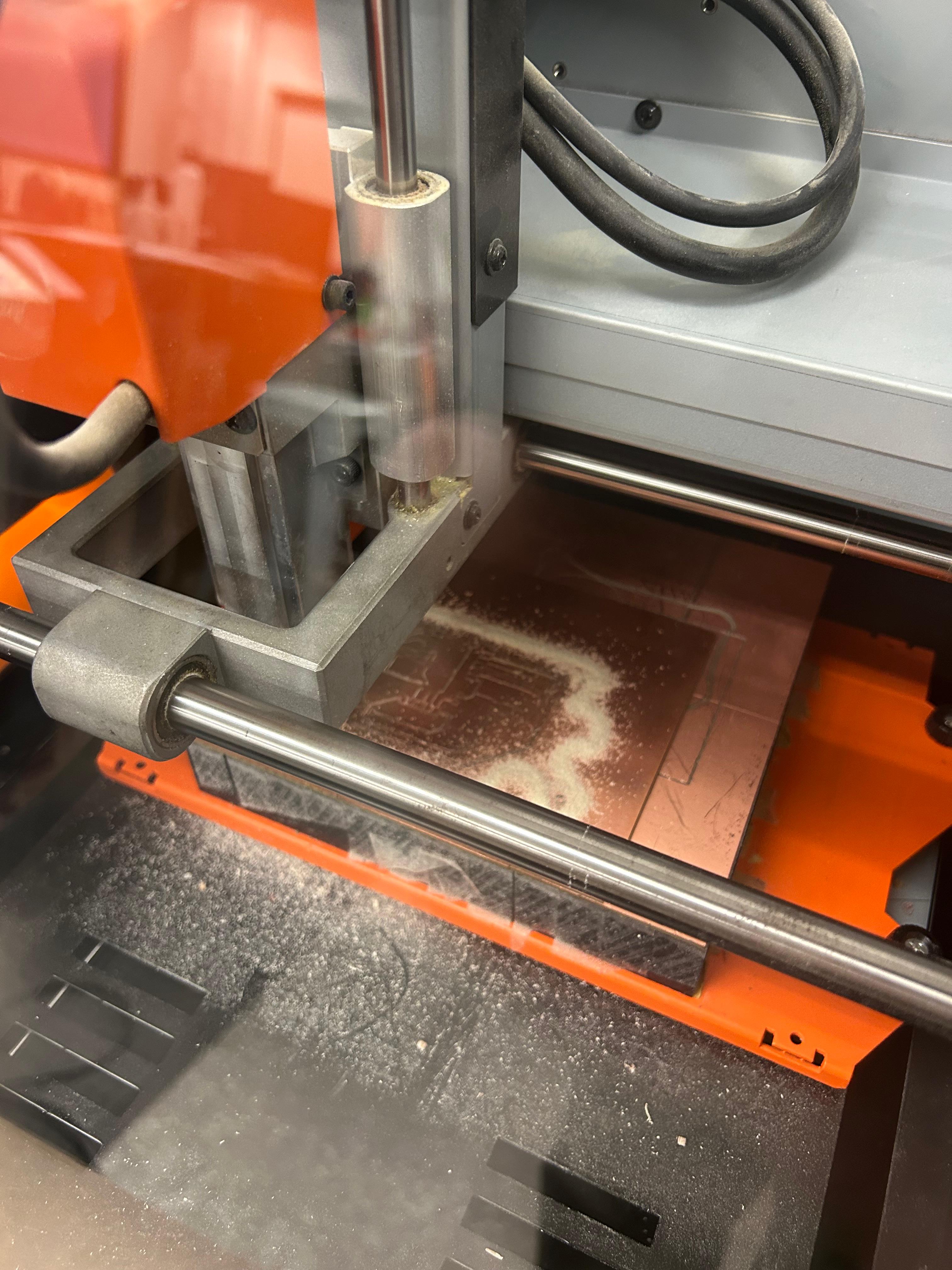
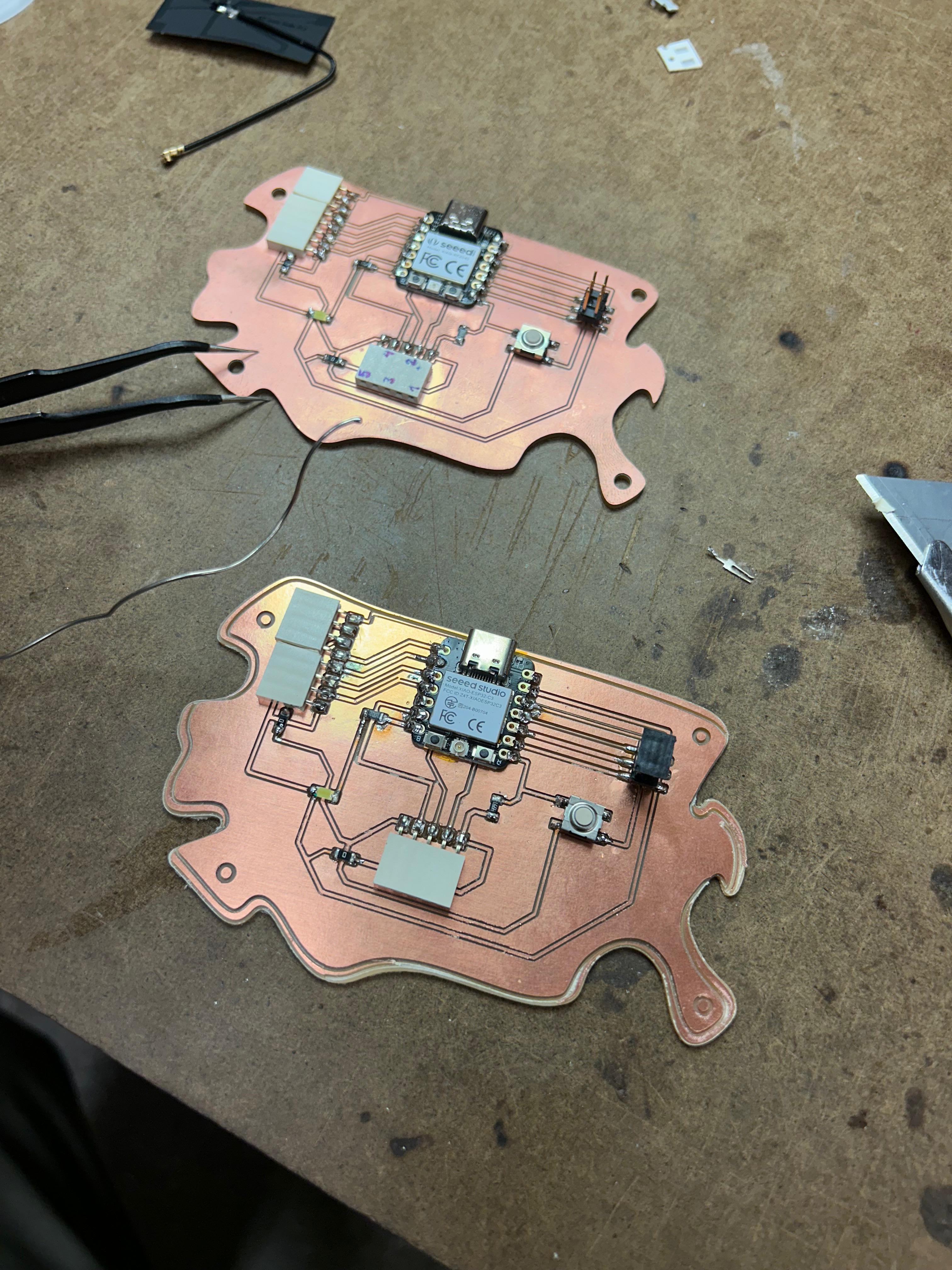
For the assignment, I milled the same board I have been working with throughout the semester, but this time, I used a Xiao ESP32-C3
microcontroller, which is connected to an antenna. This setup allowed me to explore wireless communication and test the networking concepts
in a practical context.
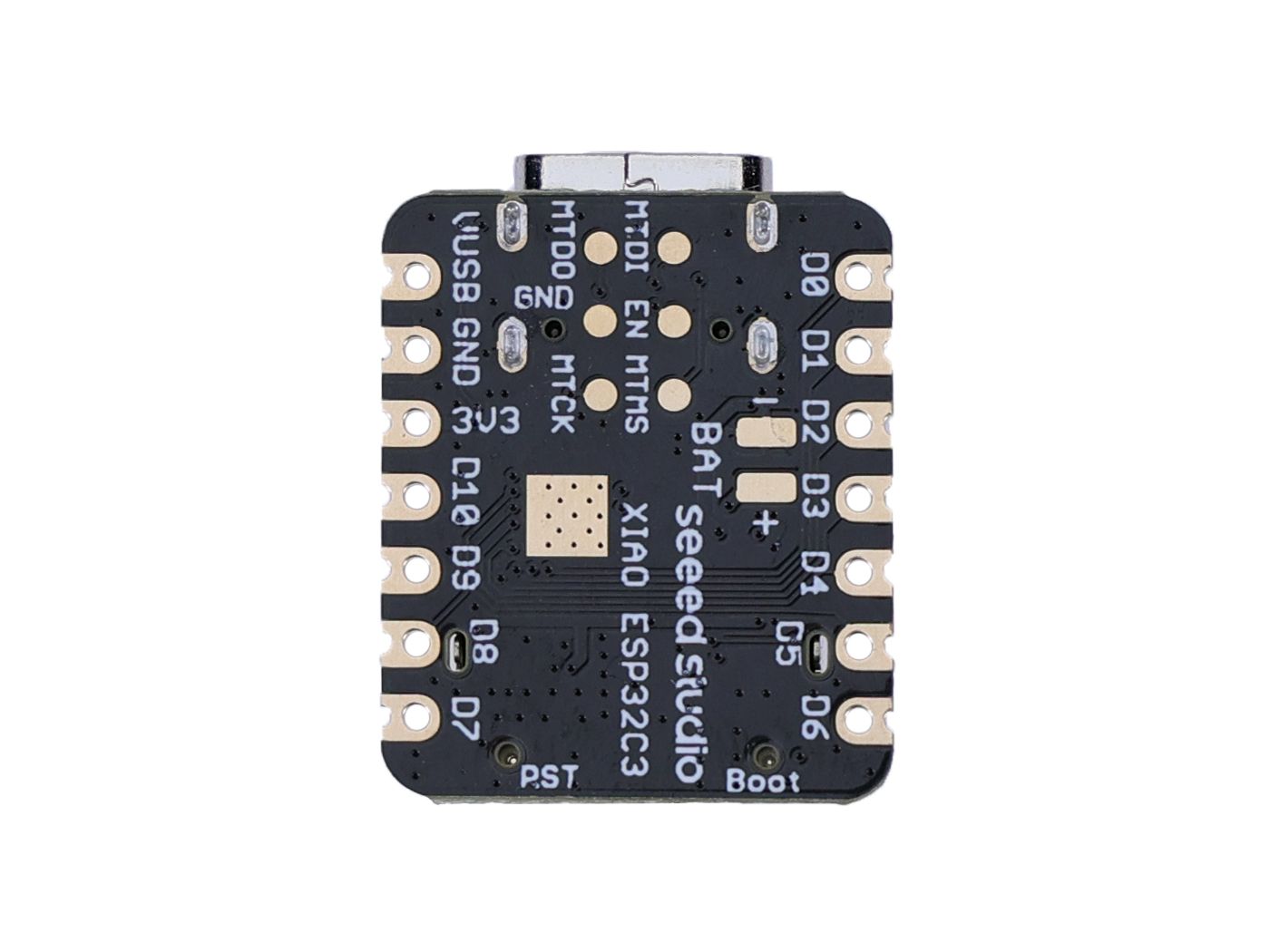
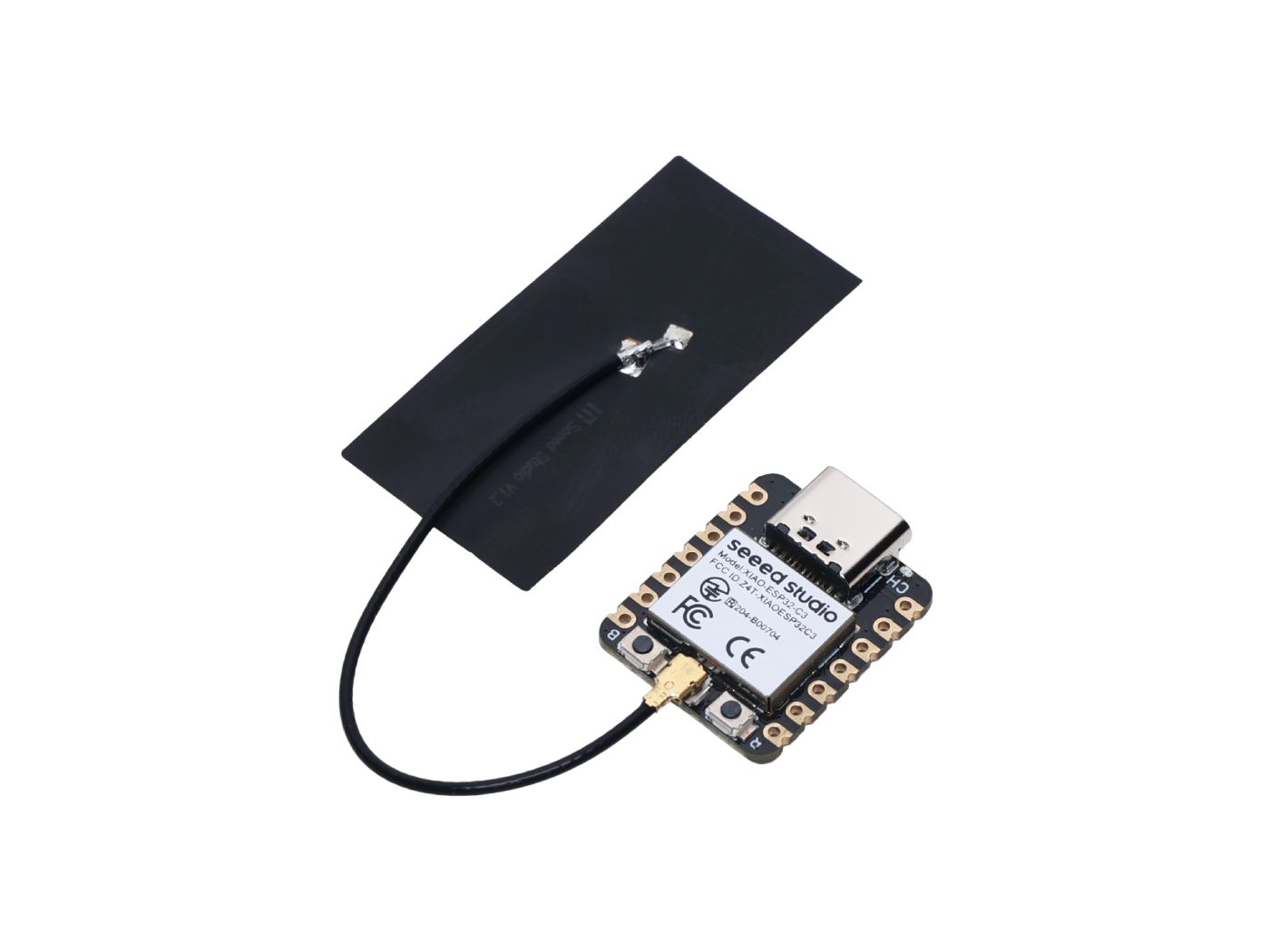
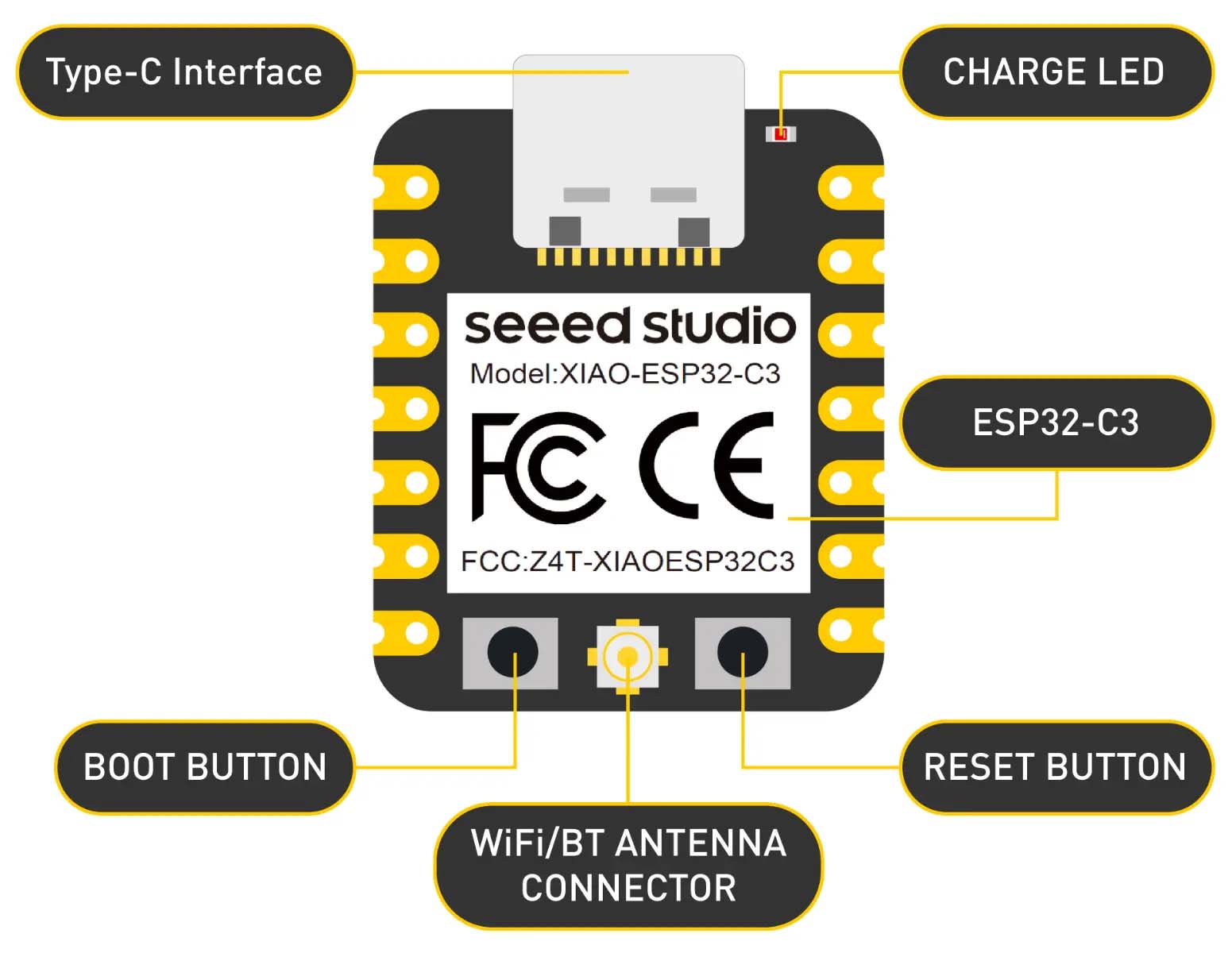
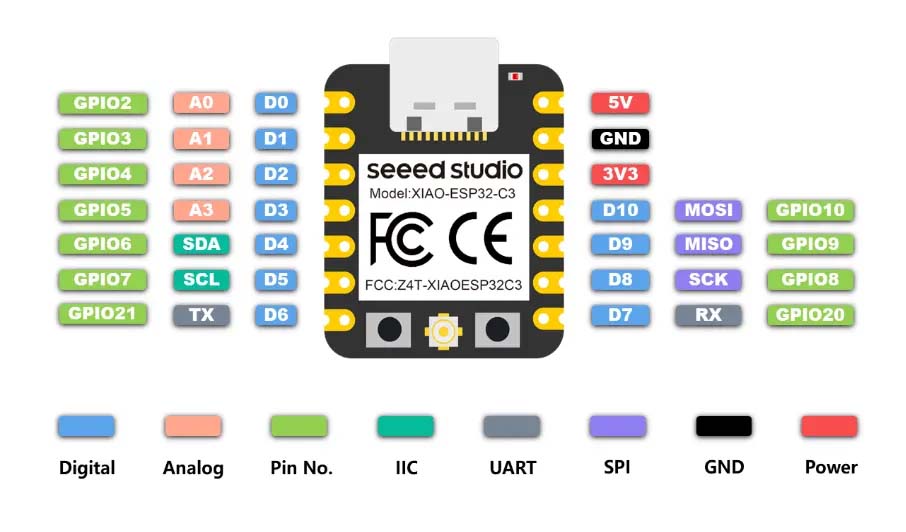
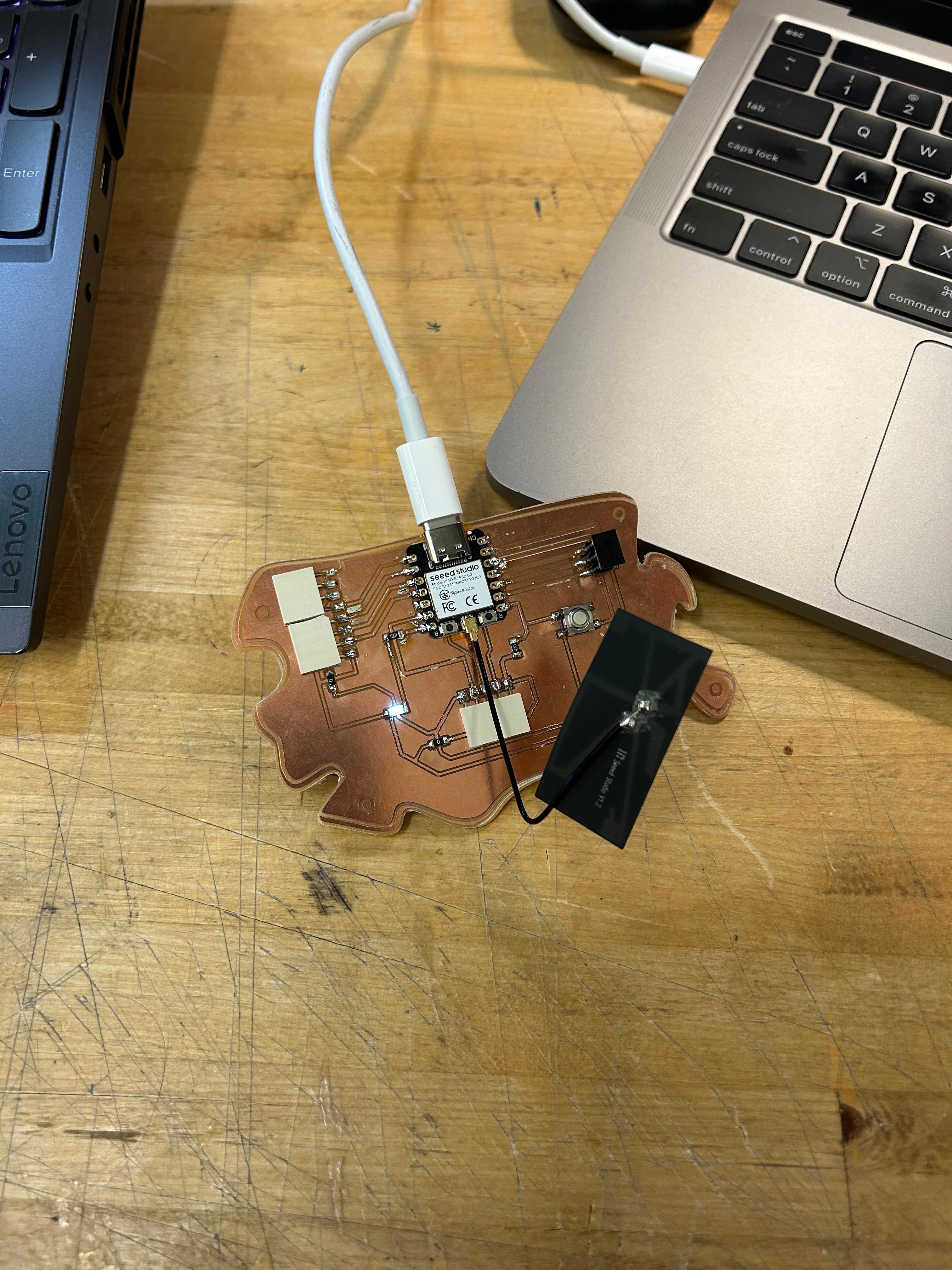
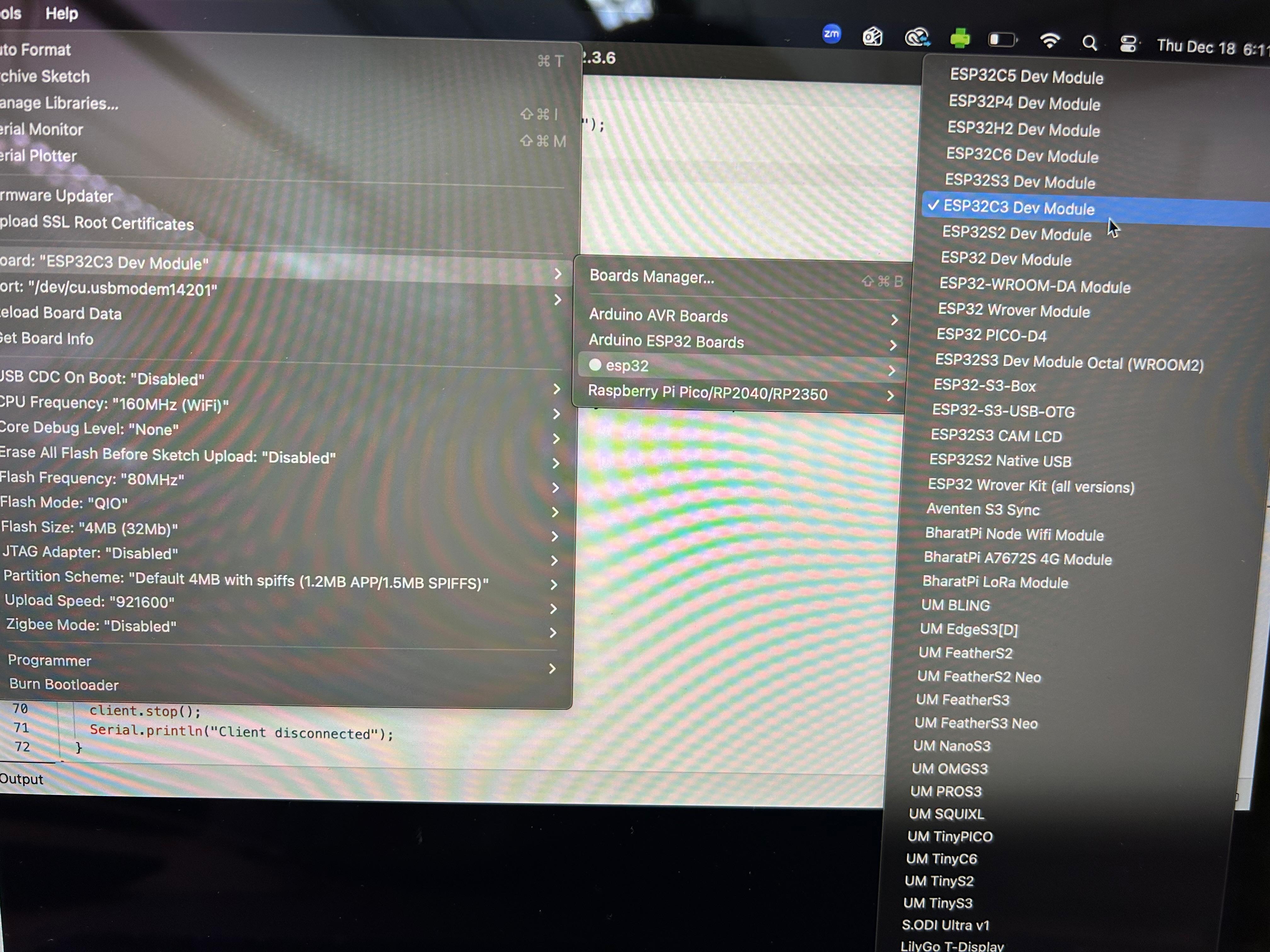
I started by testing whether the ESP32-C3 was communicating with my computer via USB. I wrote a small Serial test sketch that should have printed messages to the Serial Monitor and blinked the LED. However, when I ran the code, nothing appeared on the Serial Monitor, and the LED remained constantly on instead of blinking. This suggested to me that the board was receiving power, but either the code was not running as expected, the pin behavior of D6 was unusual, or the USB communication was not working properly. I double-checked my board selection and USB port in the Arduino IDE, verified the USB cable, and planned to try using another GPIO pin to see if the behavior changed.
My next step will be to confirm that the Serial communication works and the board is executing code reliably. Once that is established, I plan to connect the ESP32-C3 to Wi-Fi and implement a simple web server. This would allow me to control the LED from my laptop via a browser interface. Alternatively, I am considering using Bluetooth, which would involve sending commands from my laptop to the microcontroller.
const int ledPin = 6;  // Your external LED pin, change if needed

void setup() {
  pinMode(ledPin, OUTPUT);

  // Start Serial
  Serial.begin(115200);

  // Wait briefly for board to initialize
  delay(1000);
}

void loop() {
  // Blink the LED
  digitalWrite(ledPin, HIGH);
  delay(500);
  digitalWrite(ledPin, LOW);
  delay(500);

  // Print short message
  Serial.println("ESP32-C3 alive!");
}
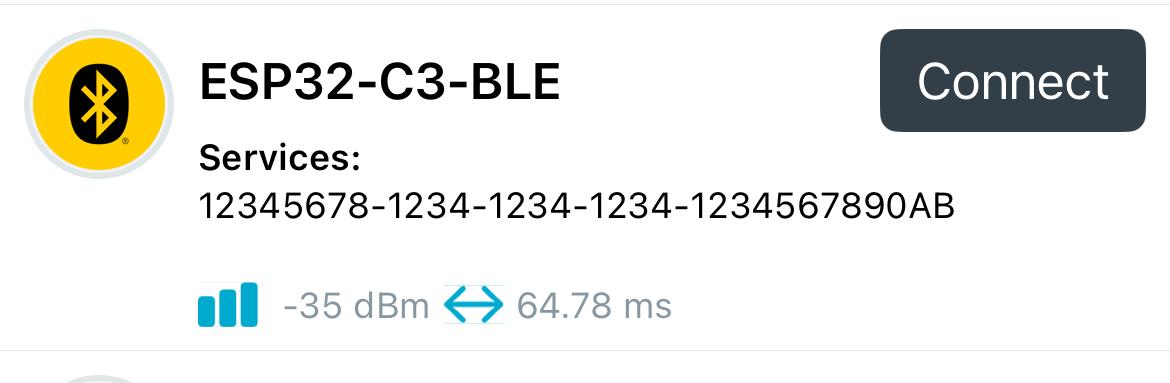
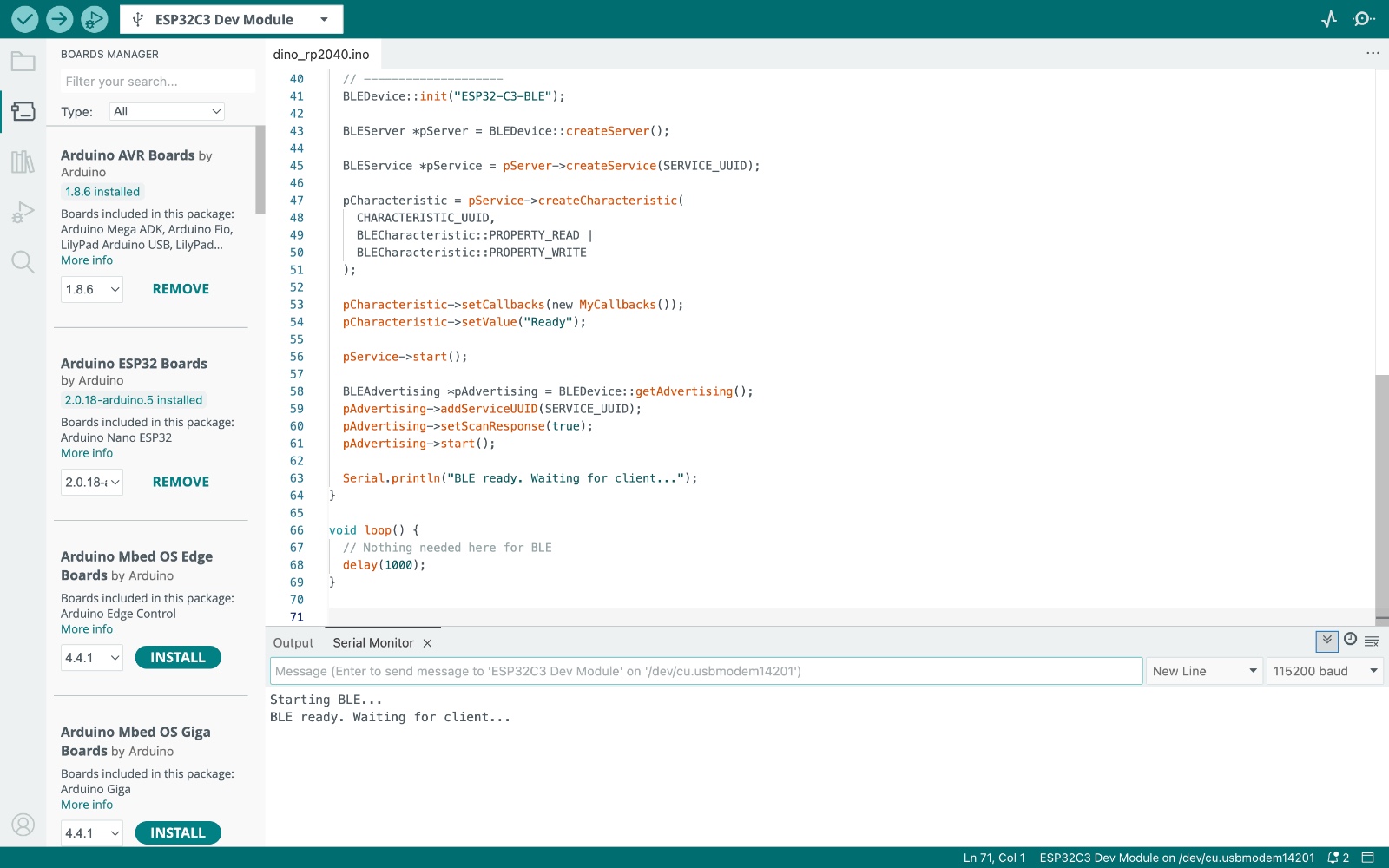
After several unsuccessful attempts to connect the device to Wi-Fi, I eventually managed to establish a Bluetooth connection instead. I used the nRF Connect app, which I had previously downloaded, to scan for and identify the device. Through this app, I was able to connect successfully and begin communicating with it.
#include
#include
#include
#include

#define SERVICE_UUID        "12345678-1234-1234-1234-1234567890ab"
#define CHARACTERISTIC_UUID "abcd1234-5678-1234-5678-abcdef123456"

BLECharacteristic *pCharacteristic;

// --------------------
// BLE CALLBACKS
// --------------------
class MyCallbacks : public BLECharacteristicCallbacks {
  void onWrite(BLECharacteristic *pChar) {
    String value = pChar->getValue();   // ✅ CORRECT TYPE

    if (value.length() > 0) {
      Serial.print("BLE received: ");
      Serial.println(value);

      // Example command handling
      if (value == "on") {
        Serial.println("Command: ON");
      } else if (value == "off") {
        Serial.println("Command: OFF");
      }
    }
  }
};

void setup() {
  Serial.begin(115200);
  delay(1000);

  Serial.println("Starting BLE...");

  // --------------------
  // BLE INIT
  // --------------------
  BLEDevice::init("ESP32-C3-BLE");

  BLEServer *pServer = BLEDevice::createServer();

  BLEService *pService = pServer->createService(SERVICE_UUID);

  pCharacteristic = pService->createCharacteristic(
    CHARACTERISTIC_UUID,
    BLECharacteristic::PROPERTY_READ |
    BLECharacteristic::PROPERTY_WRITE
  );

  pCharacteristic->setCallbacks(new MyCallbacks());
  pCharacteristic->setValue("Ready");

  pService->start();

  BLEAdvertising *pAdvertising = BLEDevice::getAdvertising();
  pAdvertising->addServiceUUID(SERVICE_UUID);
  pAdvertising->setScanResponse(true);
  pAdvertising->start();

  Serial.println("BLE ready. Waiting for client...");
}

void loop() {
  // Nothing needed here for BLE
  delay(1000);
}