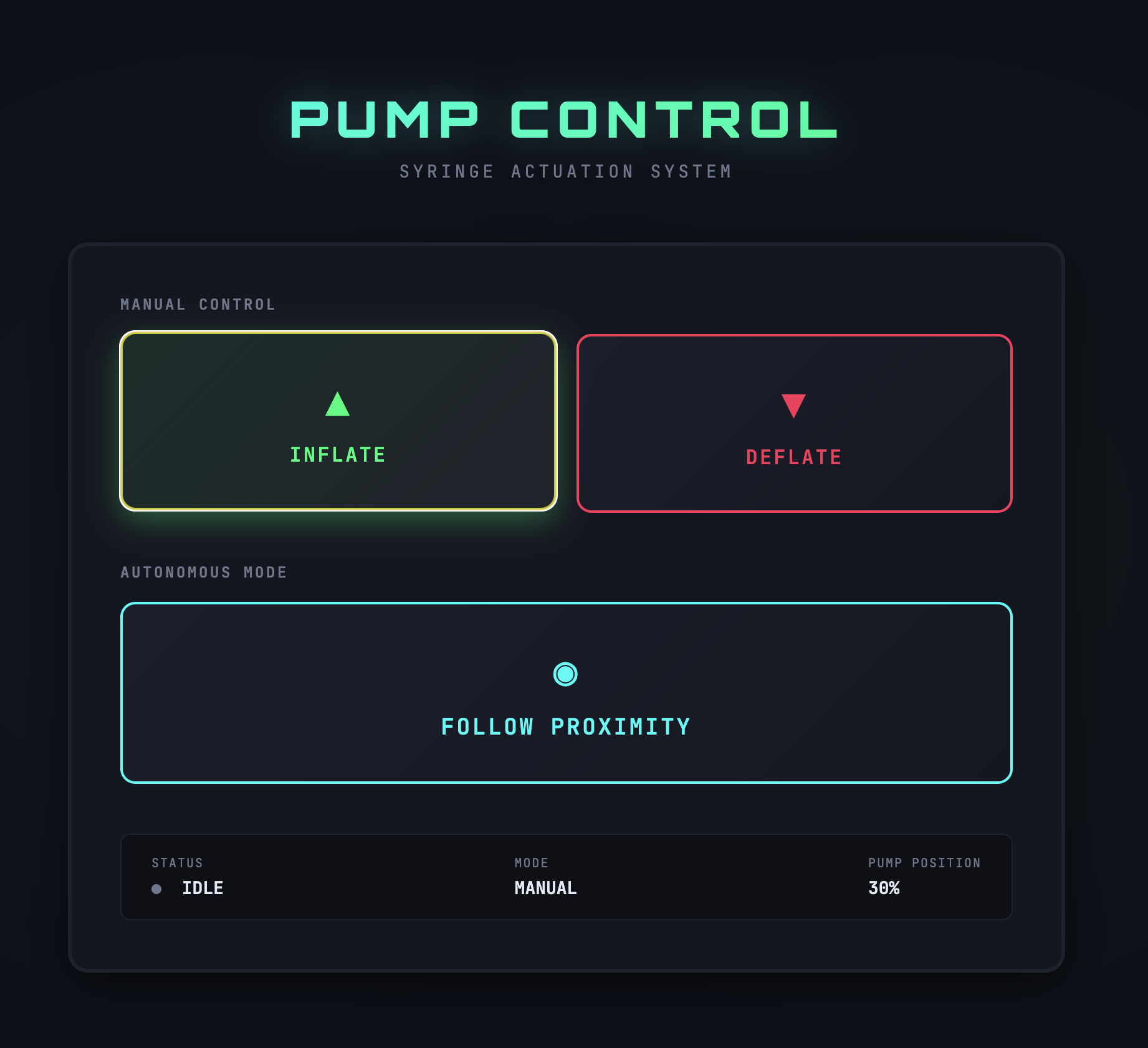
I want to potentially have a GUI for my final project so that it can adjust the stepper motor as needed. First, I tried working with an RFID reader so that when a tag is scanned, it will trigger the motor. The original vision was that a tag can be attached to an object which then pulls up a website after scanning. Rodrigo and I partnered up to try to get the RFID reader working with the microcontroller to be able to pull up our GUIs. This was the process:
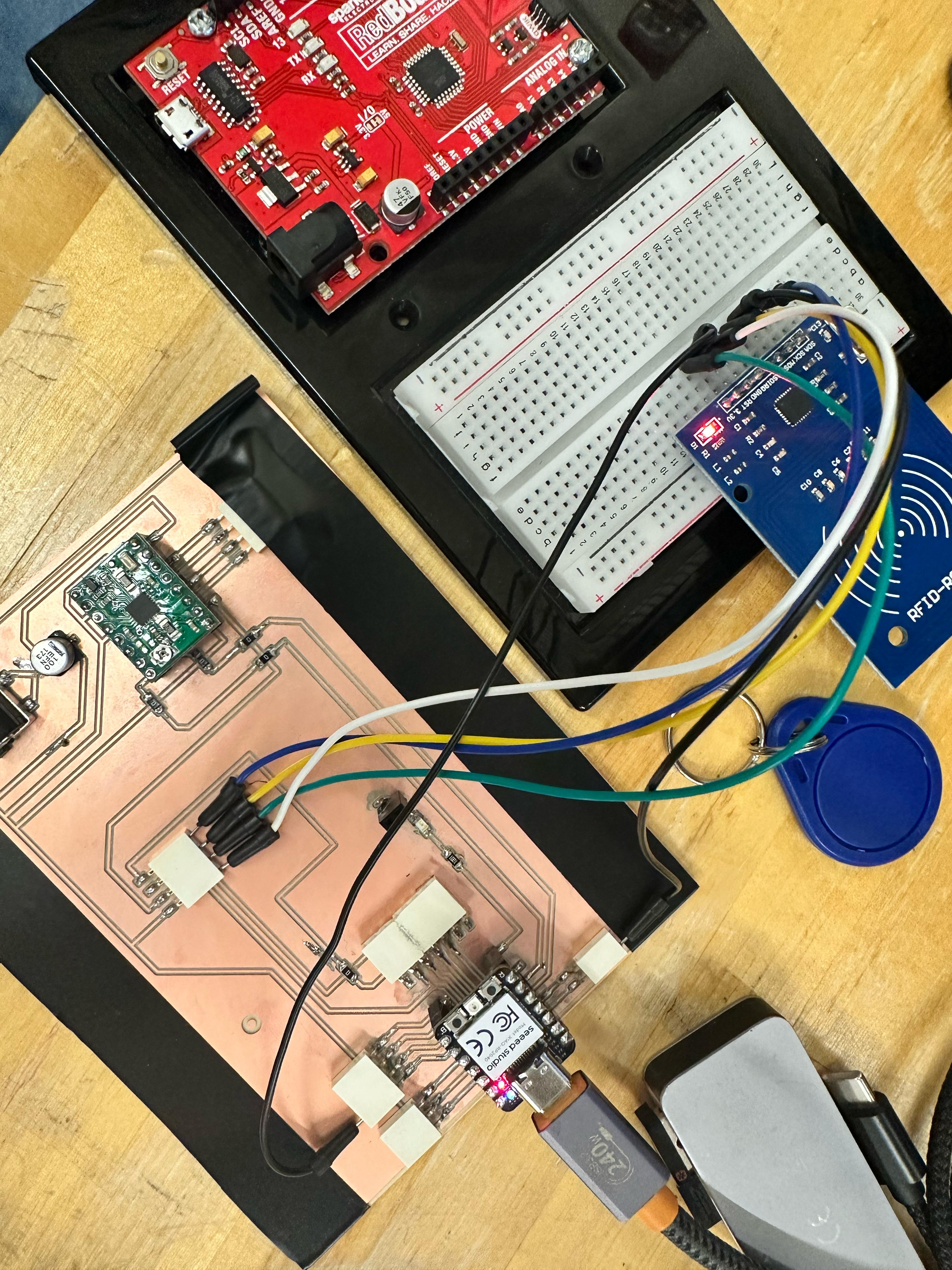
We first connected the RFID reader to the microcontroller (XiaoRP2040) on the PCB board I designed (for my final project). The RC522 RFID Reader communicates with microcontrollers primarily via the SPI (Serial Peripheral Interface) protocol.
But first, we had to install the necessary libraries in Arduino IDE to work with the RC522 RFID reader. The "MFRC522" library is the most commonly used library which provides functions to interface with the reader and configure data to RFID tags. During testing, the XIAO RP2040 stopped appearing as a USB device. It was likely damaged while interfacing with the RFID reader, underscoring how sensitive 3.3V microcontrollers can be to wiring and power mistakes during early prototyping.
Then we switched to the Arduino Redboard and Xiao ESP32S3. We were able to connect to the 2.4GHz hotspot for the network initialization and ready for tag scanning.
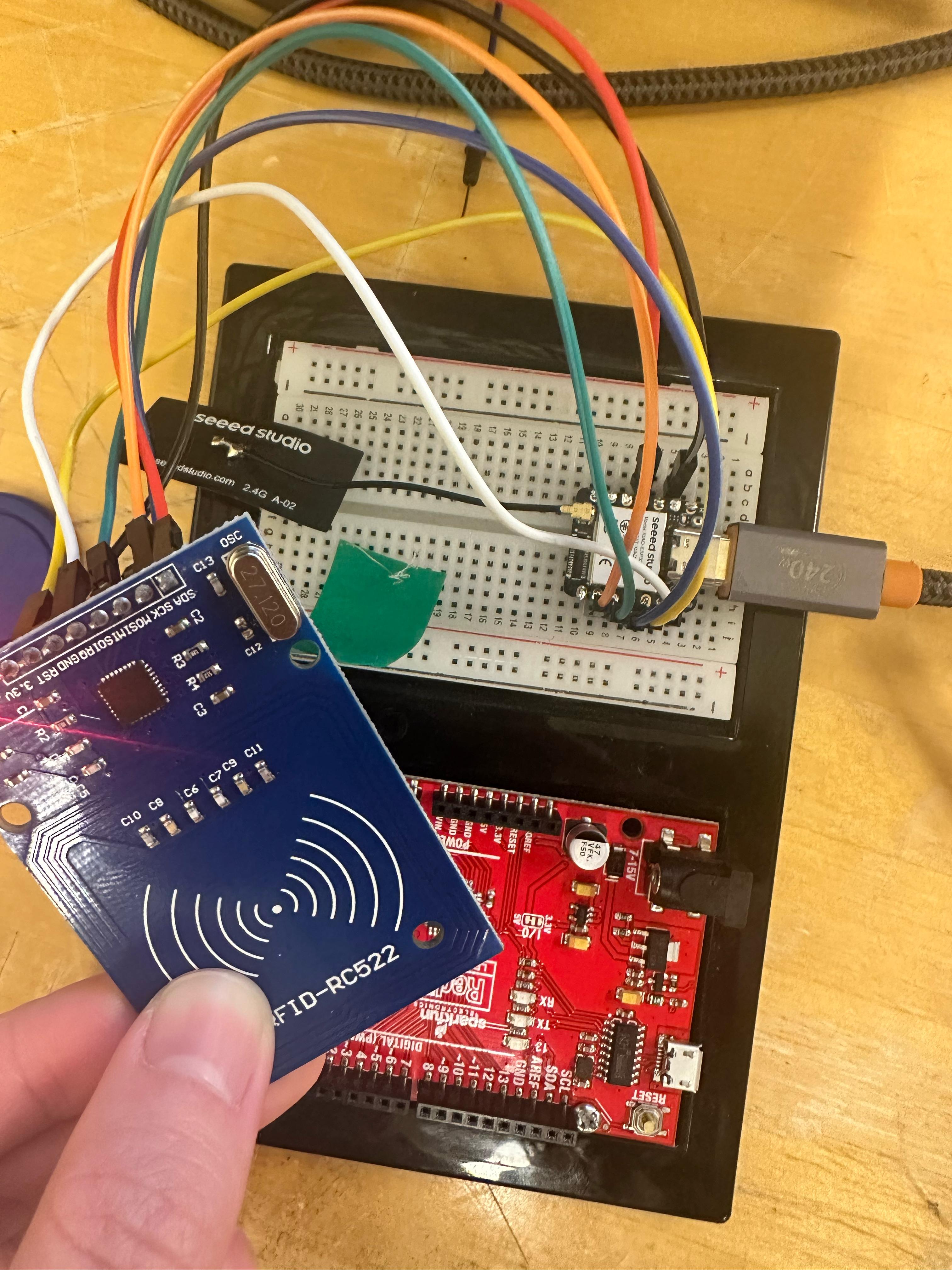
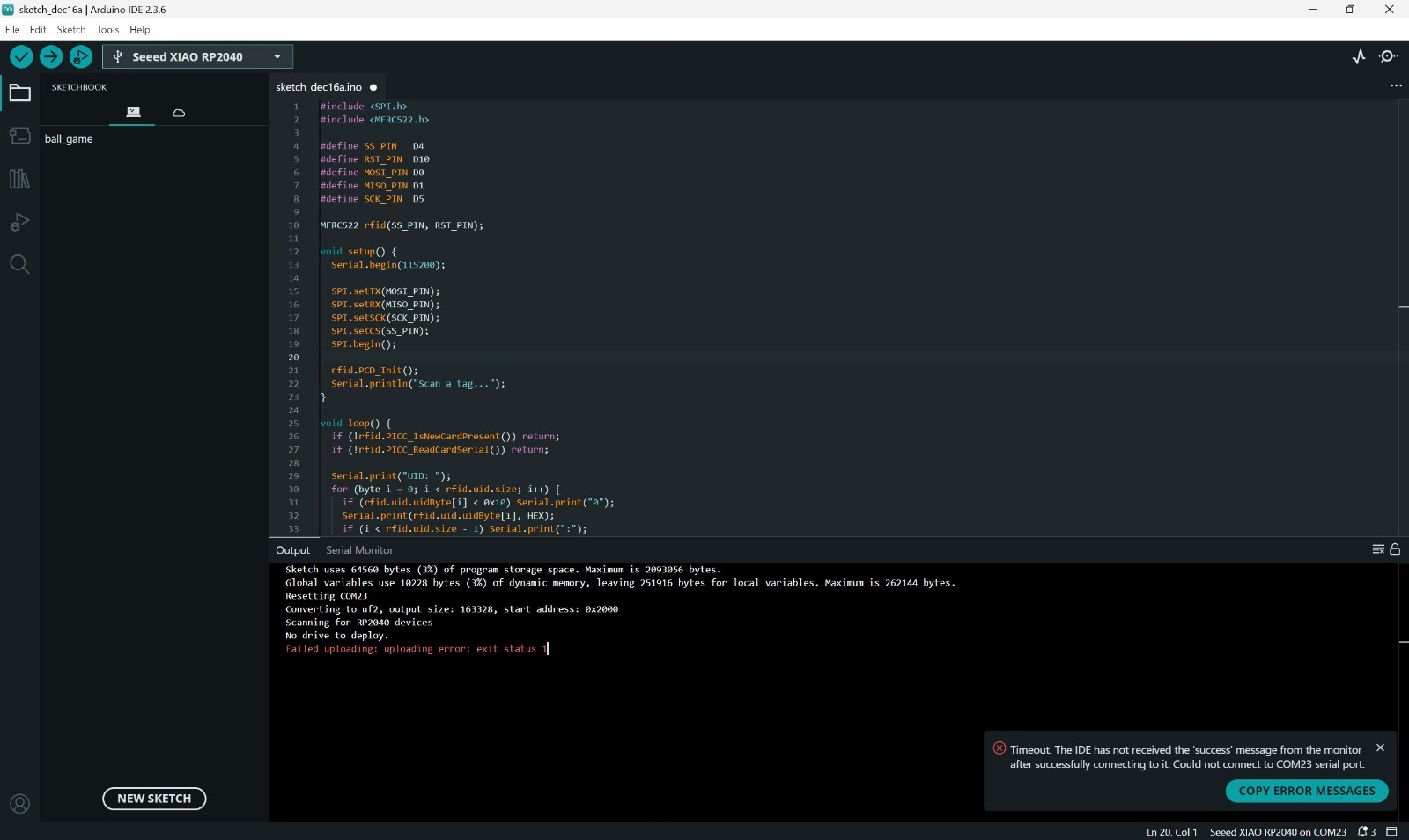
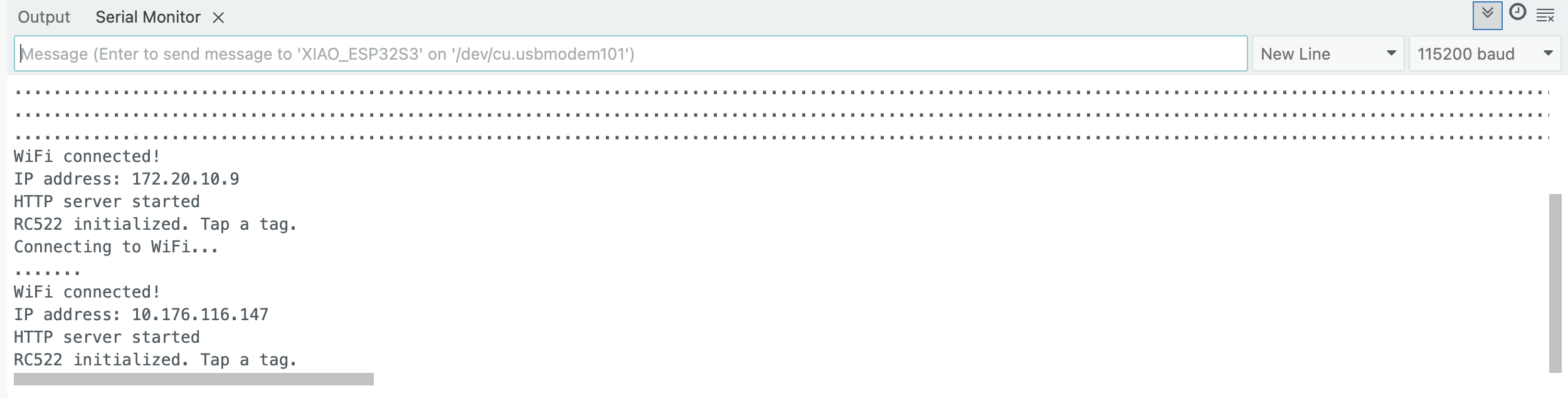
Each RFID tag are supposed to have a UID (Unique Identifier), which acts like a digital fingerprint that helps identify which tag has been scanned. However, it failed to detect any tags.We conducted the RC522 SPI sanity check but no luck at the time of this writing. More debugging is needed to get the RFID reader to work properly.
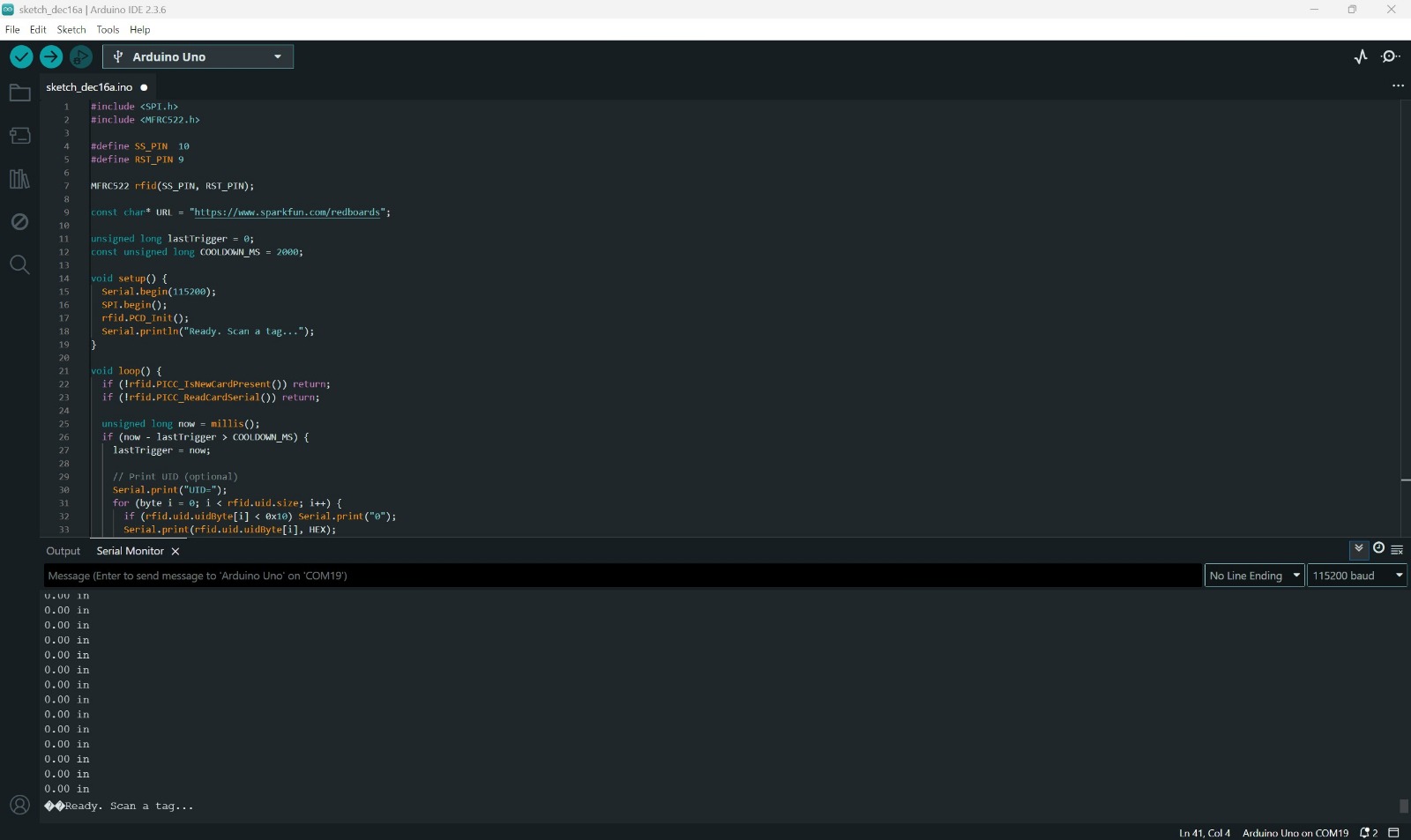
In the meantime, I worked on a prototype of a GUI for my final project with the help of Claude ai to set up buttons for controlling the stepper motor. We'll have to circle back on that RFID.
This has the inflate/deflate (i.e. up and down movement) buttons to be held down in order to actuate the syringe pumps hosted on the linear actuator. A follow Proximity button which toggles autonomous mode that follows proximity sensor readings. A real-time status display (which is ideal) to show current mode, status, and pump position.