The goal of this week was to design, build, and connect a wired or wireless node
with explicit network or bus addressing and a local input and/or output device.
I implemented a wireless BLE node using an ESP32-based Xiao board.
The device exposes a Bluetooth Low Energy service and characteristic that can be written
to by a client. In response, the device displays text locally on an OLED screen
and sends the same message back over the network using BLE notifications.
Throughout development, I relied on two tools in parallel:
LightBlue for BLE discovery and interaction
Arduino Serial Monitor for ground-truth debugging
This system consists of two networked nodes: an ESP32-based BLE peripheral and
a laptop-based BLE central client.
Setting up the BLE Node
I started by setting up the ESP32 firmware in the Arduino IDE. Before implementing
any application logic, I verified that the board could be flashed successfully
and that serial output was working.
The first networking step was initializing BLE and giving the device a recognizable name.
This makes it easy to identify when scanning for nearby devices.
// Initialize BLE and name the device
BLEDevice::init("AudioCharm");
This name (“AudioCharm”) is what appears in BLE scanning tools and acts as the
first level of addressing for the node.
First BLE Tests
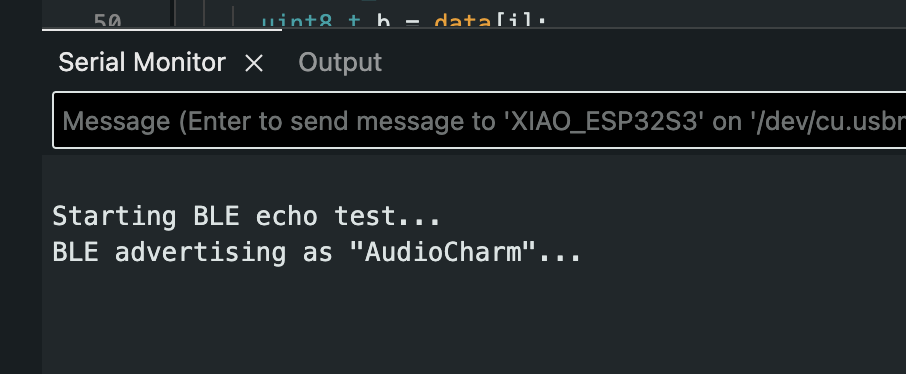
With BLE initialized, I flashed a minimal sketch that advertises the device and
prints status messages over serial. I first confirmed that the firmware was running
by checking the Serial Monitor.
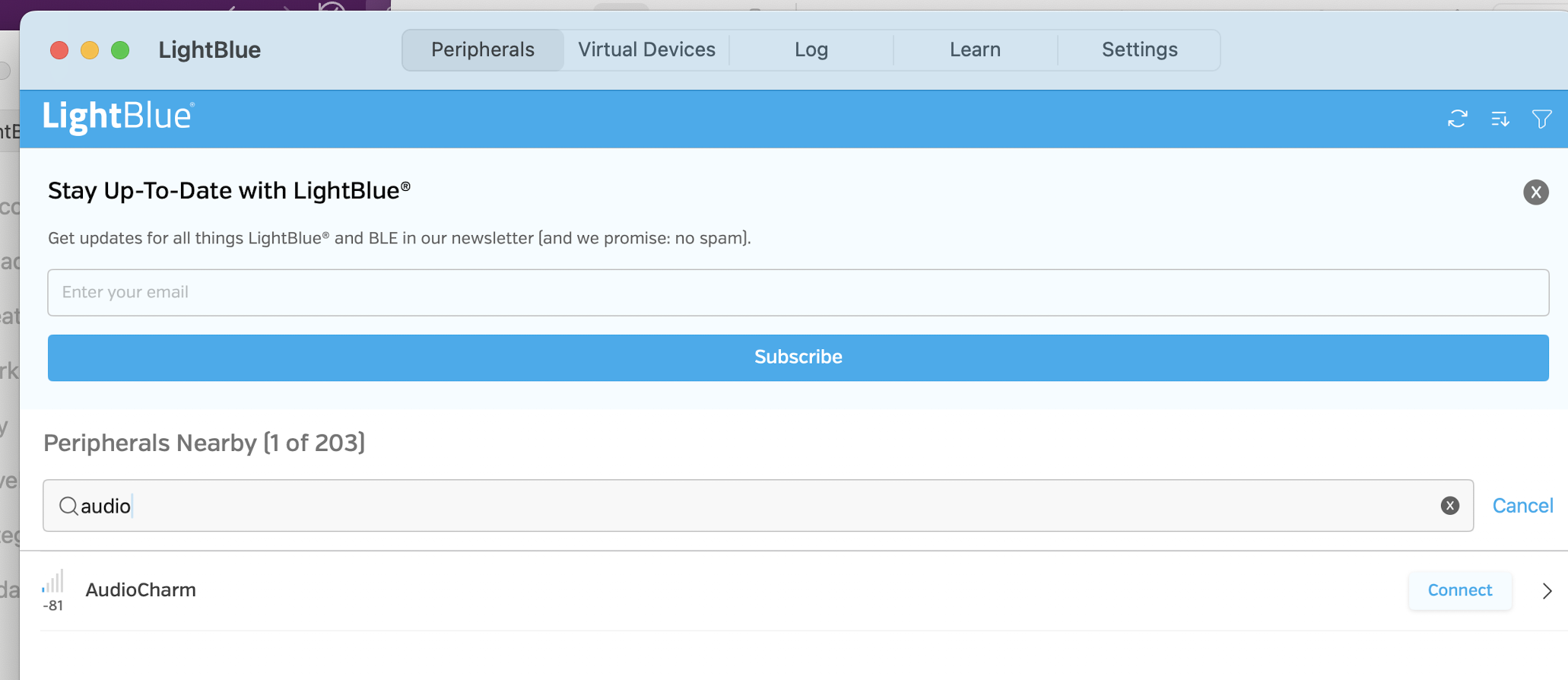
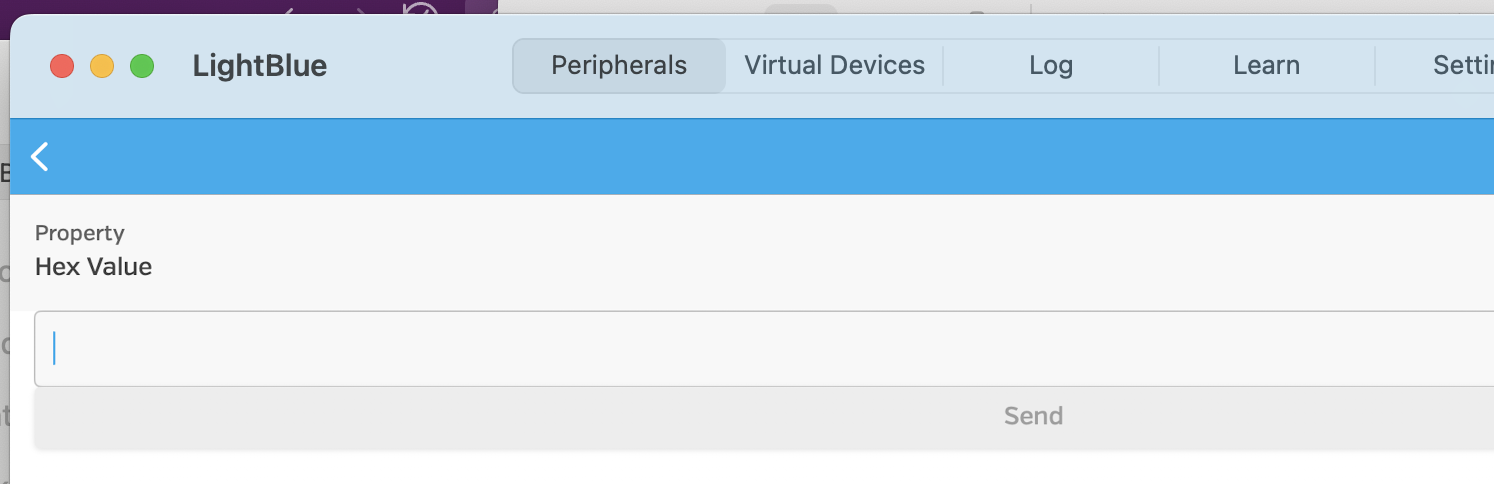
Next, I opened the LightBlue app on macOS and scanned for nearby BLE devices.
The ESP32 appeared under the name I had assigned, confirming that advertising was working.
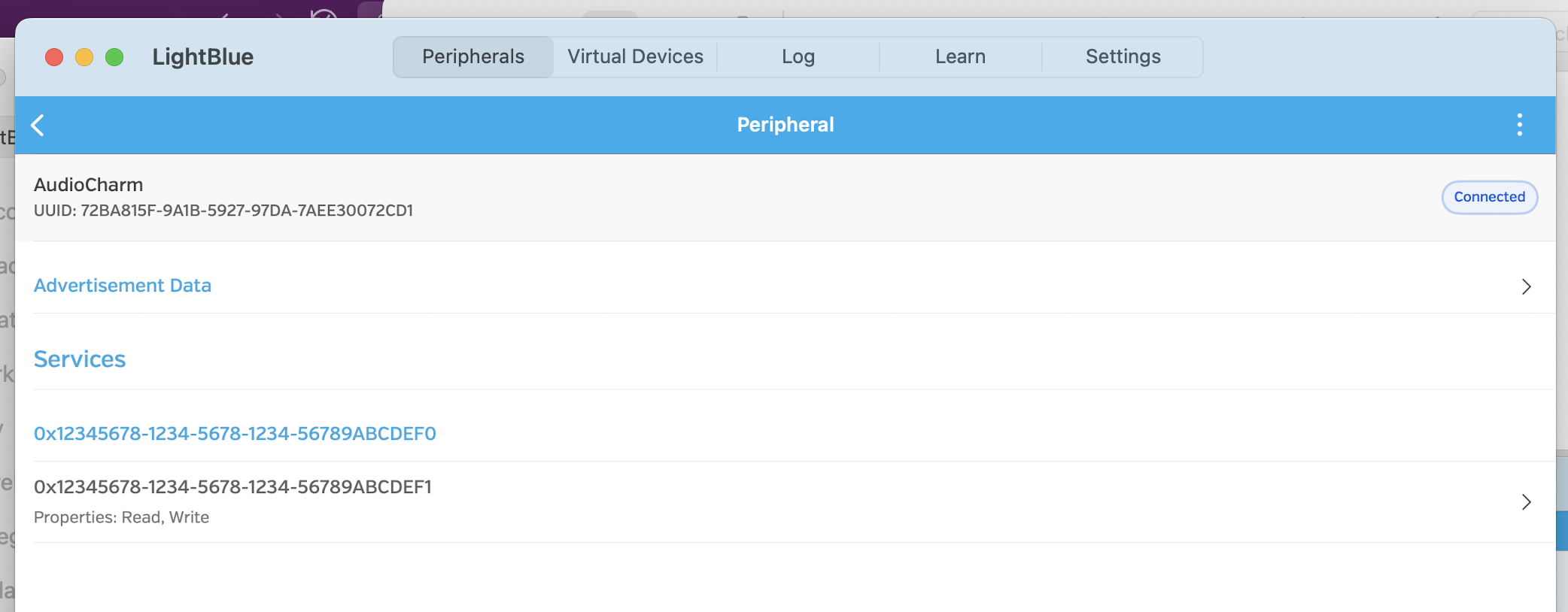
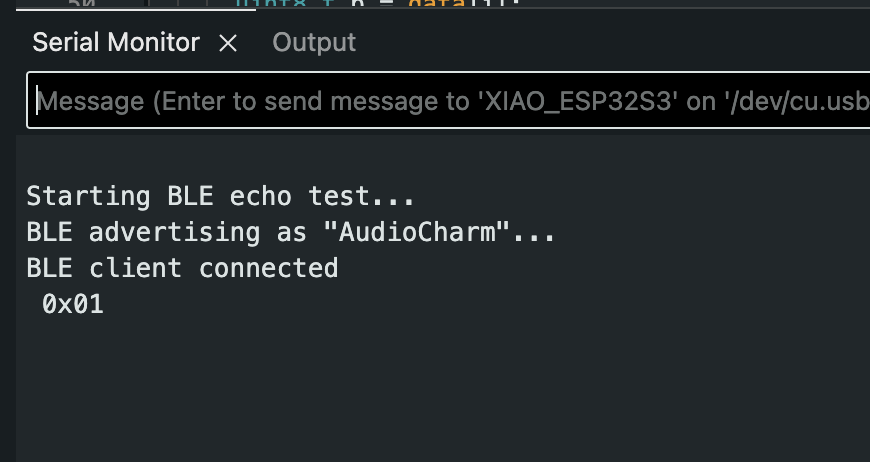
After connecting through LightBlue, I checked the Arduino Serial Monitor again
to confirm that the ESP32 detected the connection event.
BLE Addressing
BLE does not use IP addresses. Instead, devices are addressed using a combination of:
a device name
a service UUID
one or more characteristic UUIDs
I created a custom BLE service and a single characteristic that supports both
writing (client → device) and notifications (device → client).
// Create BLE server and service
BLEServer *pServer = BLEDevice::createServer();
BLEService *pService = pServer->createService(SERVICE_UUID);

// Create characteristic with WRITE + NOTIFY
BLECharacteristic *pCharacteristic = pService->createCharacteristic(
  CHARACTERISTIC_UUID,
  BLECharacteristic::PROPERTY_WRITE |
  BLECharacteristic::PROPERTY_NOTIFY
);
These UUIDs act as the “network addresses” for interacting with the node.
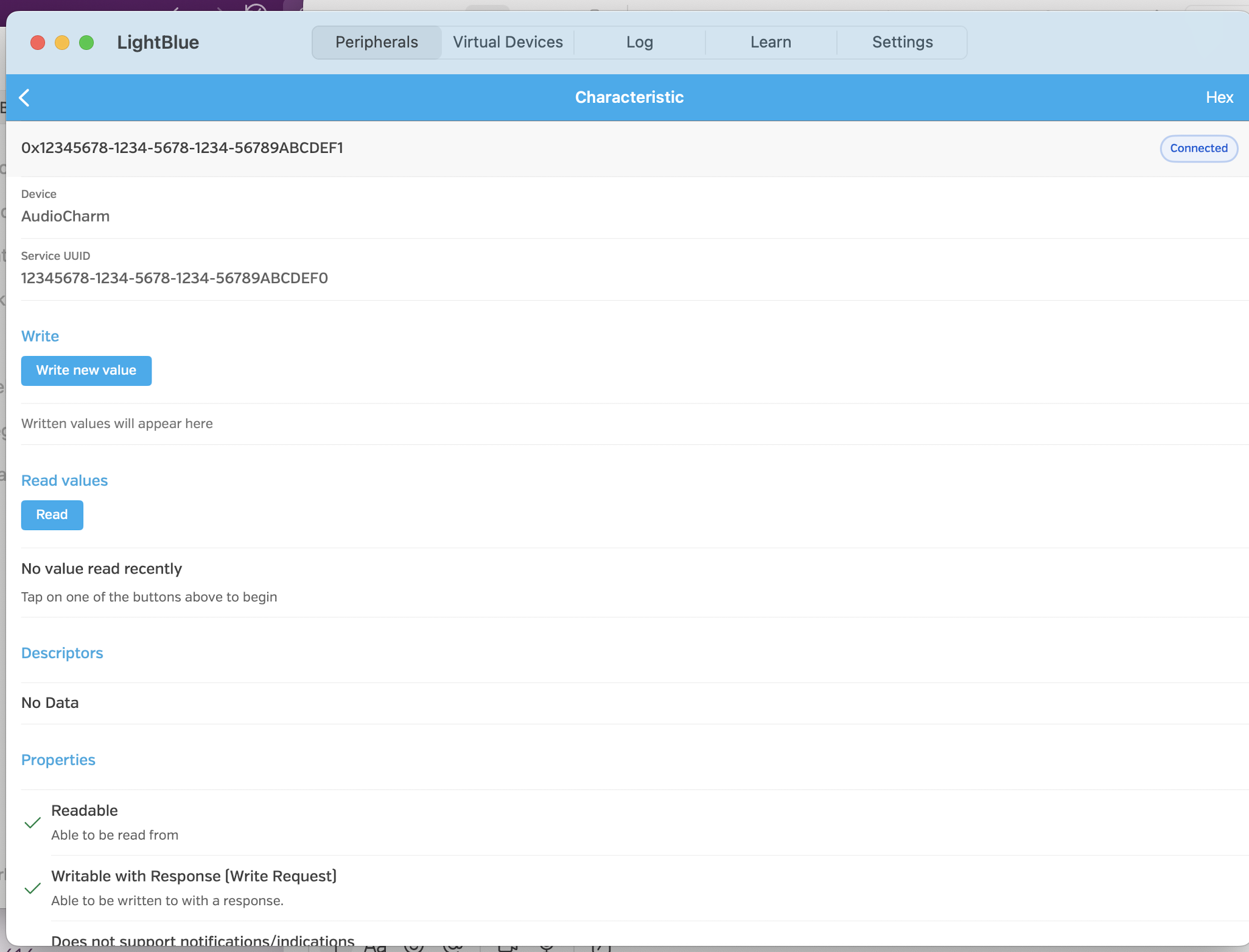
Using LightBlue, I verified that the service and characteristic were visible
and had the correct properties.
Command Design
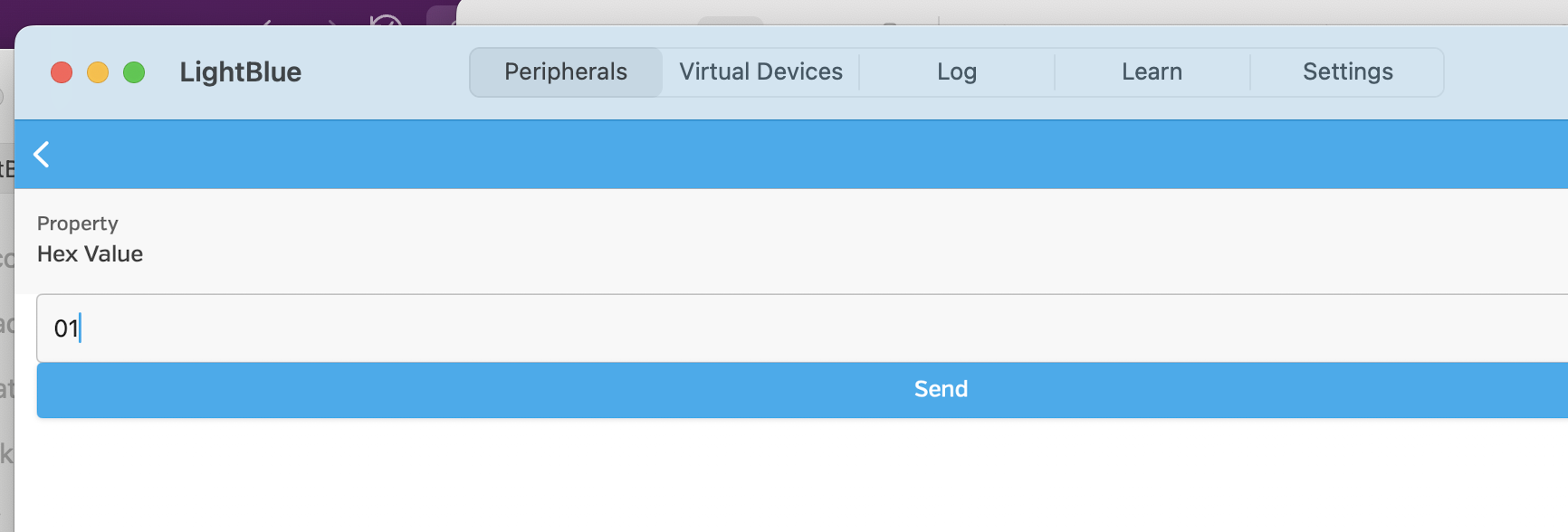
To keep communication simple and robust, I designed a one-byte command protocol.
Writing a single byte to the characteristic triggers a response on the device.
On the ESP32 side, the characteristic write callback reads the incoming value
and passes it to a handler function.
// Callback triggered on BLE write
void onWrite(BLECharacteristic *pCharacteristic) {
  std::string value = pCharacteristic->getValue();
  if (value.length() > 0) {
    uint8_t command = value[0];
    handleCommand(command);
  }
}
This protocol makes it easy to test manually using LightBlue, since values
can be written directly to the characteristic.
Magic Eight Ball (OLED Output)
I used this communication channel to implement a simple “Magic Eight Ball”.
When a command is received, the ESP32 selects a response string and displays
it locally on the OLED screen.
const char* RESPONSES[] = {
  "Absolutely yes.",
  "Probably yes.",
  "Ask again later.",
  "Probably not.",
  "Absolutely not.",
  "Follow your heart."
};
Once a response is selected, it is rendered on the OLED:
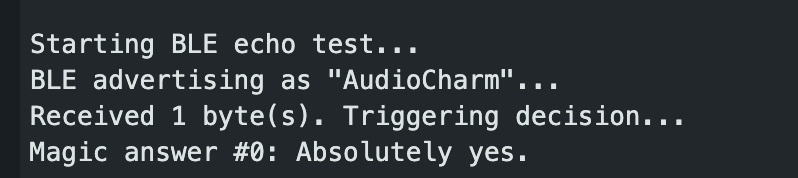
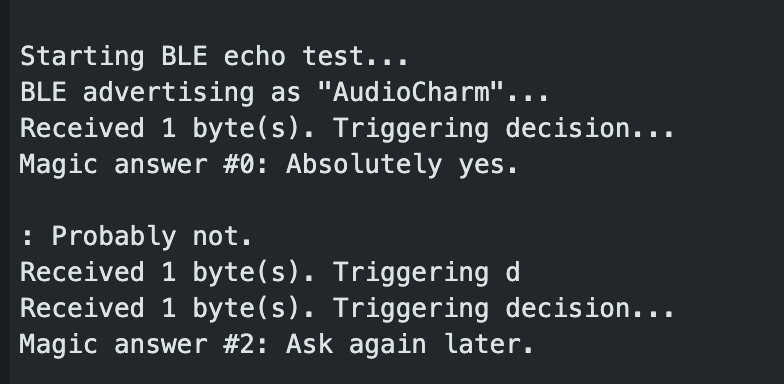
I verified this behavior by writing commands in LightBlue and observing both
the Serial Monitor and the OLED output.
Adding Notifications
At this stage, the device reacted locally, but the client had no confirmation
of what response was chosen. To enable two-way communication, I added
BLE notifications.
After displaying the response on the OLED, the ESP32 sends the same text back
to the client.
// Send response back to the client
pCharacteristic->setValue(response);
pCharacteristic->notify();
This turns the ESP32 into a true networked node: it consumes commands and
publishes data back to connected clients.
Debugging Randomness
During testing, I noticed that the same response appeared repeatedly.
This pointed to an issue with randomness rather than BLE communication.
I replaced Arduino’s pseudo-random generator with the ESP32 hardware RNG
and verified that each command produced a new response.
After this change, repeated commands resulted in varied responses, both on
the OLED and in the client.