Week 13
Interface Application Programming
11/27/2025-12/03/2025
Group Assignment
Here's the link to our group assignment: group assignment
For the group assignment, I documented my usage of Pygame and Tkinter. Pygame is a game engine that could be used to create fun games. TKinter is a canvas application. One of my fond memory with TKinter is creating the game Tetris in TKinter for an intro to programming class.
Previous Work
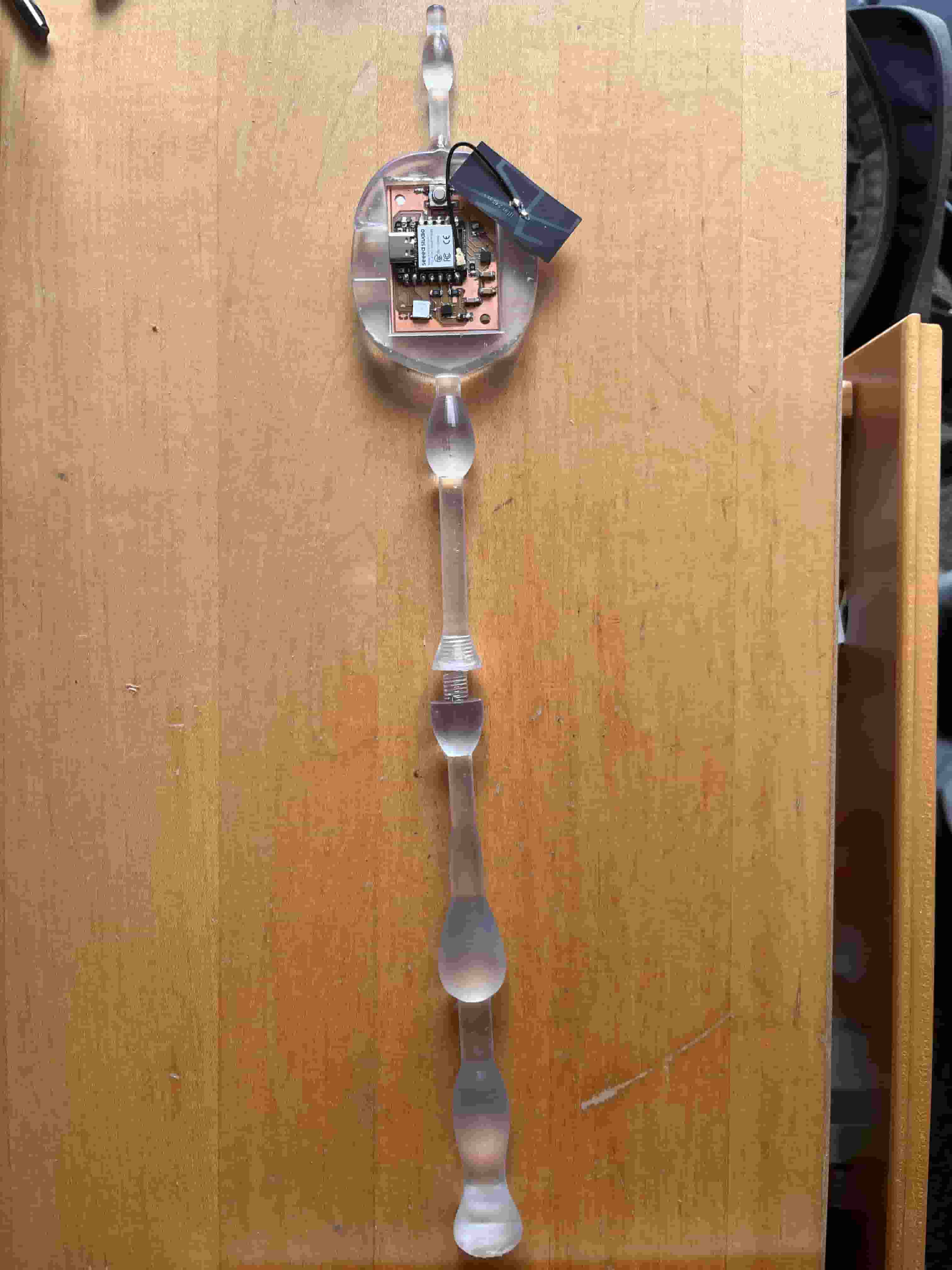
I'm using the wand design from previous weeks with the IMU sensor and the LED output. Last week, I also added networking and communication setup to the wand, allowing the wand to transfer IMU readings to the server.
Matching the Canvas Movement to Spell
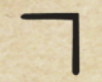
For recognizing the path and comparing to the spell, I used OpenAI's CLIP model for zero-shot predictions. This means that I'm not doing additional training, but simply providing the screenshots of the spell movements from the Harry Potter spell book and hoping the model is able to make the recognitions.
Here is one example of the spell expelliarmus. I figured that the simplistic path could be done with zero shot models.
PyGame
I wanted to make a PyGame to interact with the IMU data and allows the IMU data to control the progression of the game.
IMU Networking & UDP Server
The Python server listens for IMU data streamed wirelessly from the ESP32-S3 using UDP. UDP is chosen for its low latency, allowing real-time wand interaction without blocking the game loop.
                sock = socket.socket(socket.AF_INET, socket.SOCK_DGRAM)
                sock.bind((LISTEN_HOST, LISTEN_PORT))
                data, addr = sock.recvfrom(1024)
Packet Parsing & IMUData Structuring
Each UDP packet begins with a type identifier such as QUAT, indicating quaternion orientation data. The packet is parsed and converted into a structured IMUData object for consistent downstream processing. This kind of abstraction keep networking separate from motion logic.
                parts = decoded.split(",")
                imu_data = IMUData(timestamp=time.time())

                if parts[0] == "QUAT":
                    imu_data.quaternion = Quaternion(
                        float(parts[1]), float(parts[2]),
                        float(parts[3]), float(parts[4])
                    ).normalized()
Wand Tip Position Calculation
The wand is modeled as a fixed-length vector extending from its base. Incoming quaternion data rotates this vector to compute the wand tip’s position in 3D space. This converts raw orientation data into a spatial motion path.
                rotated_dir = quat.rotate_vector((0, 0, 1))
                tip_3d = np.array(rotated_dir) * WAND_LENGTH
Tkinter Rendering Loop (IMU Visualization)
At the bottom left corner of the game, Tkinter is used as a lightweight tool to visualize IMU motion during development. A loop would continuously pull IMU data from a queue and redraw the wand trajectory. This helps users see what movements they are commanding.
                def update_frame():
                    while not data_queue.empty():
                        current_data = data_queue.get()
                    draw_path()
                    root.after(16, update_frame)
PyGame Game Loop
PyGame powers the interactive game environment and manages input, updates, and rendering. The game loop runs at a fixed frame rate to ensure smooth visuals and consistent timing. IMU input is processed alongside traditional game state updates.
                while running:
                    handle_events()
                    update_game_state()
                    render_screen()
                    clock.tick(60)
Gesture Recognition with CLIP
The wand’s drawn motion path is rendered into an image and classified using a CLIP model. CLIP embeds the image and compares it against text embeddings representing spell gestures. The most similar match determines which spell is cast.
                image_embedding = clip.encode_image(drawing_image)
                similarity = cosine_similarity(image_embedding, gesture_embeddings)
                gesture = gestures[np.argmax(similarity)]
Game Mechanics & Turn-Based Logic
Each recognized gesture corresponds to a spell with unique effects and damage values. After a spell is cast, the game updates health, triggers animations, and advances the turn. This connects users' motion to game dynamics.
                if gesture == "fire":
                    cast_fire_spell()
                elif gesture == "shield":
                    activate_shield()
PyGame UI & Heads-Up Display
The UI is built using PyGame’s text and shape drawing utilities. Health bars, timers, spell icons, and messages are redrawn every frame. This ensures continuous feedback during fast-paced interaction.
                screen.blit(score_text, (20, 20))
                screen.blit(current_spell_text, (20, 50))
                pygame.display.flip()
Getting the assets
I first need to get pixeled character images from XOLE.ai, so I prompted it several times to get the boss images and the main character images. Here are the prompts I used: neil's prompt and harry's prompt. And you can use any person's image to have the generated character resembling the person. For example, here are some cartoon character versions of Neil:




For the music, I used the Hedwig's theme song from Harry Potter for the main menu and the battle music from Seer game.
For the background images of the battle scene, I just searched up Harry Potter background images and found one that referenced the Chamber of Secrets.
Limitations of IMU
After connecting the wand to the server and plotting the movements in TKinter, I found out that the movement is pretty much confined to a few lines. Even if I'm rotating the wand, the motion drawn does not reflect the actual motion. I tried applying the Kalman filter to filter out some of the noise and restricting the reading to two axis. But none of these really changed the result. I later learned that IMU is not really meant for position tracking, 6-axis IMU measures linear acceleration and angular velocity instead of x, y, and z positions. Military grade IMU have been designed to filter noise and are applied on spaceships as Neil suggested in class. Yufeng also shared with me more accessible options that I could consider, SparkFun Triband GNSS RTK Breakout - UM980 - SparkFun Electronics
A better implementation for the IMU might be to change the wand into a broomstick, where the rotation can be used to fly the broomstick in a terrain created in Godot.
Demo
Here is the video demo of the canvas and the game responding to the IMU data. Since the IMU data is not very informative, I added a random decision if the image recognition could not be identified to the known spell in the database. We can see the path of the IMU is restricted to certain lines and does not truly reflect the free motions of the wand.
Resources and Acknowledgements
Tools used:
- Python
- Arduino
- ChatGPT