# Week 14
## Wildcard Week
### Individual Assignment
> Design and produce something with a digital process
(incorporating computer-aided design and manufacturing) not covered
in another assignment, documenting the requirements that your
assignment meets, and including everything necessary to reproduce
it.
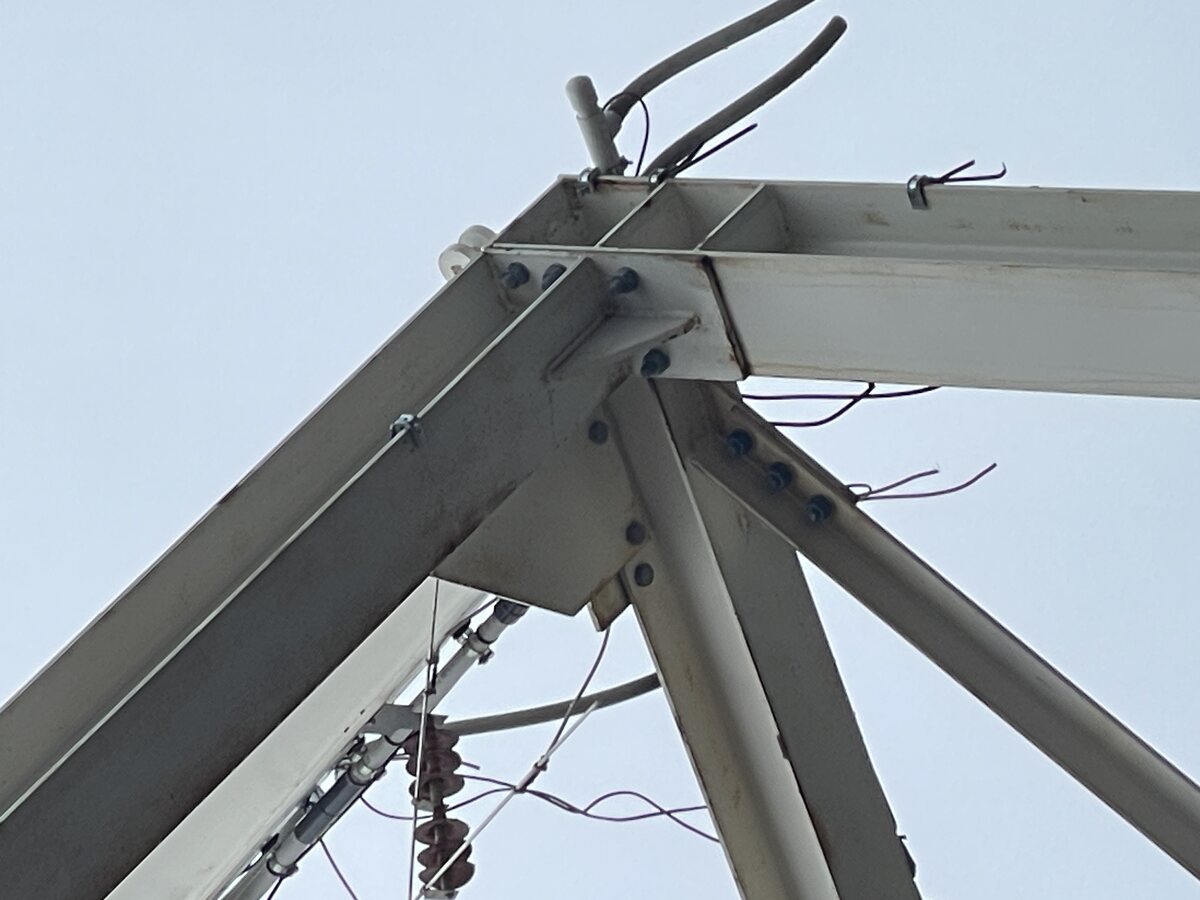
This week I was interested in producing a model with welded connections like the one shown here:
|  |
|:---------:|
| *Welded Steel Frame Connection seen around campus* |
### Welding
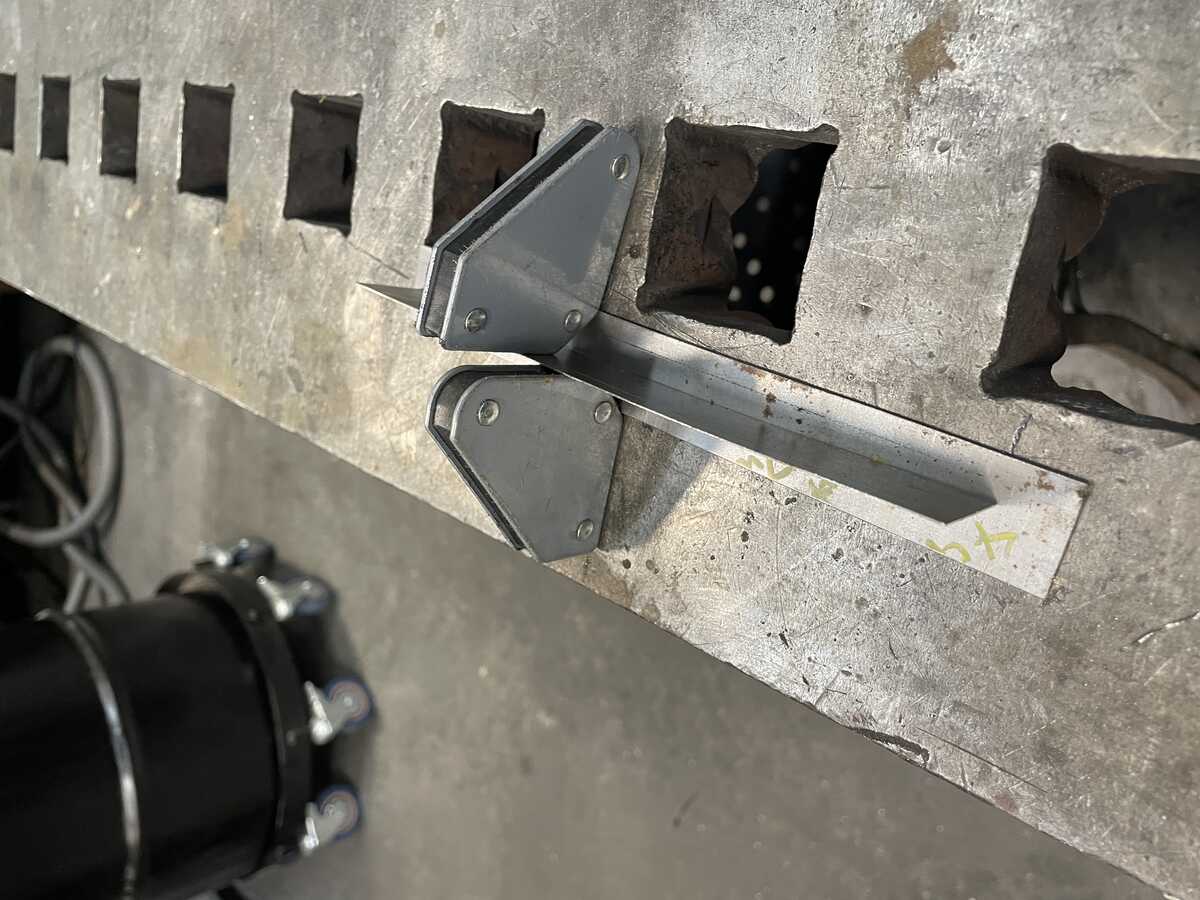
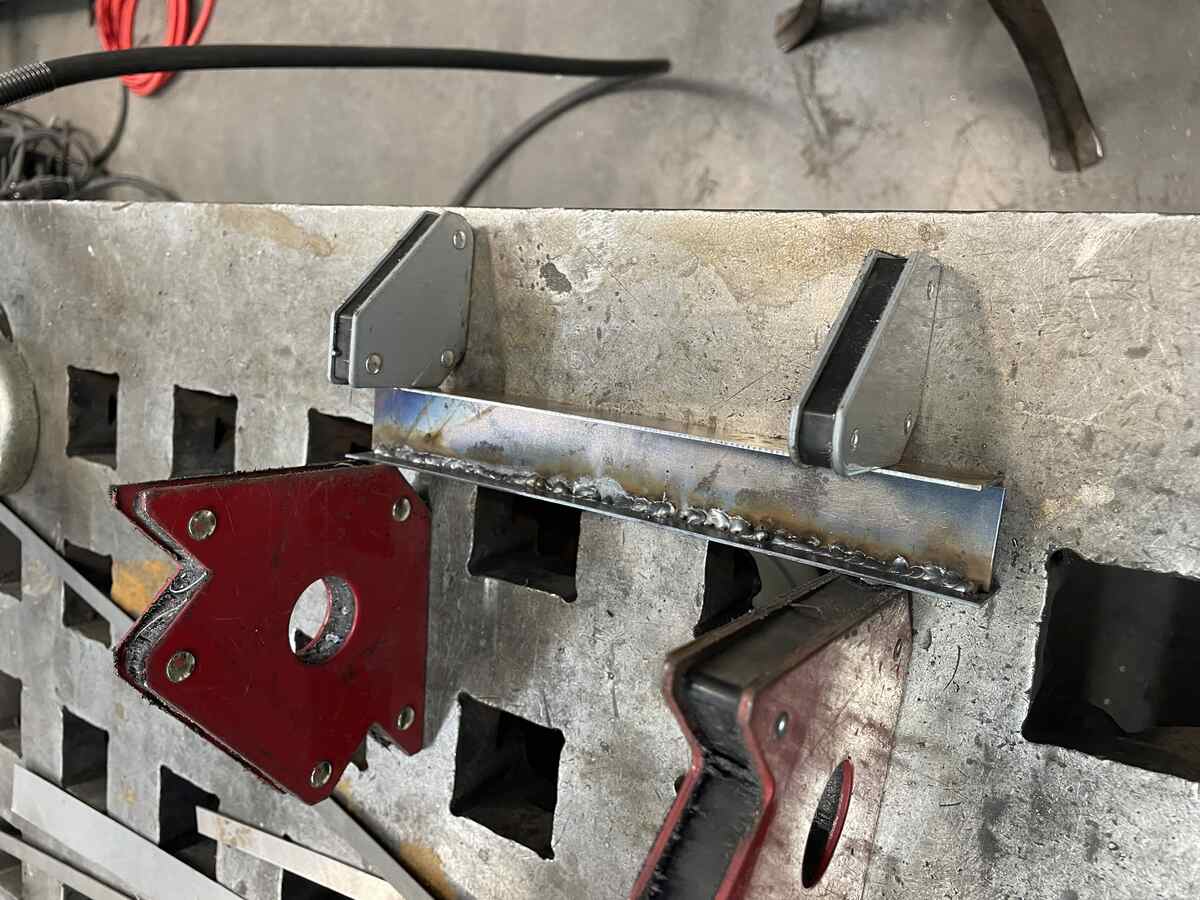
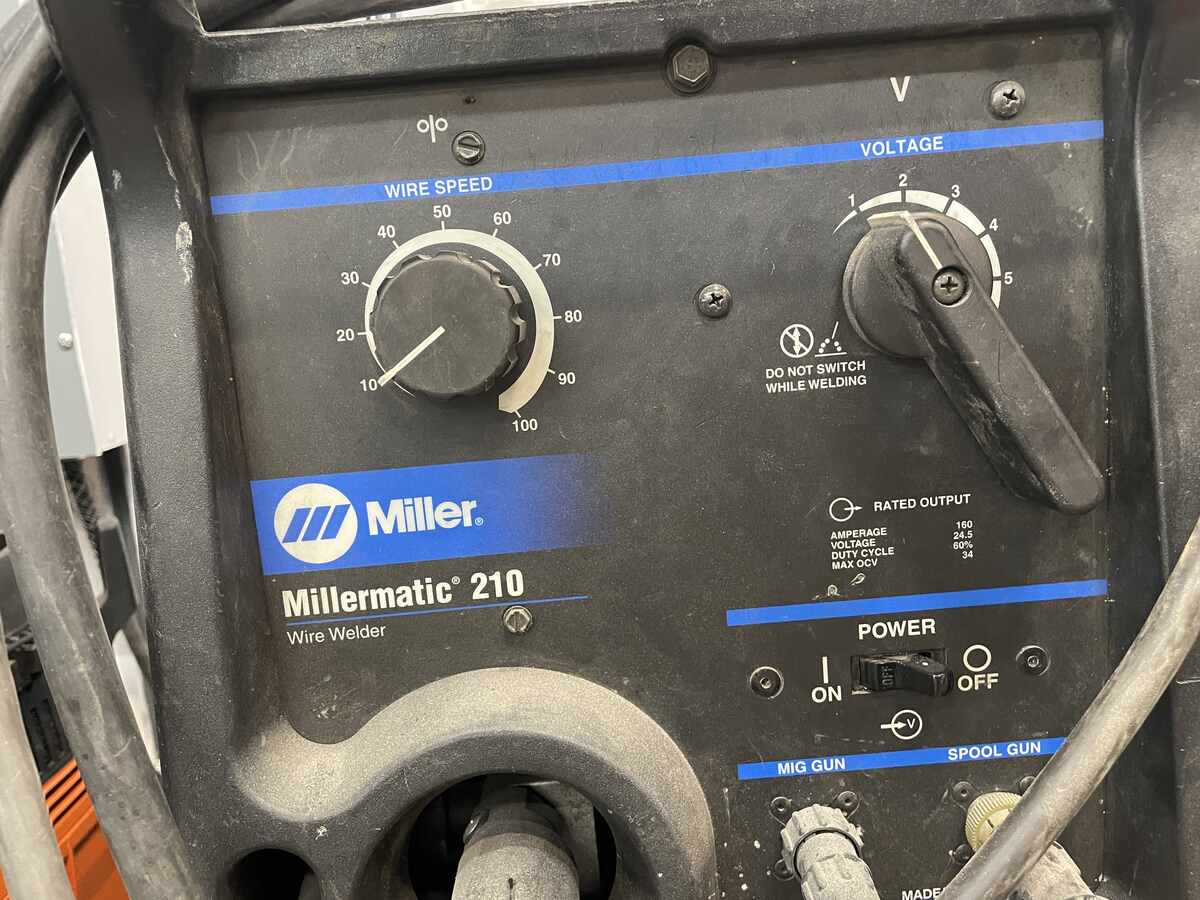
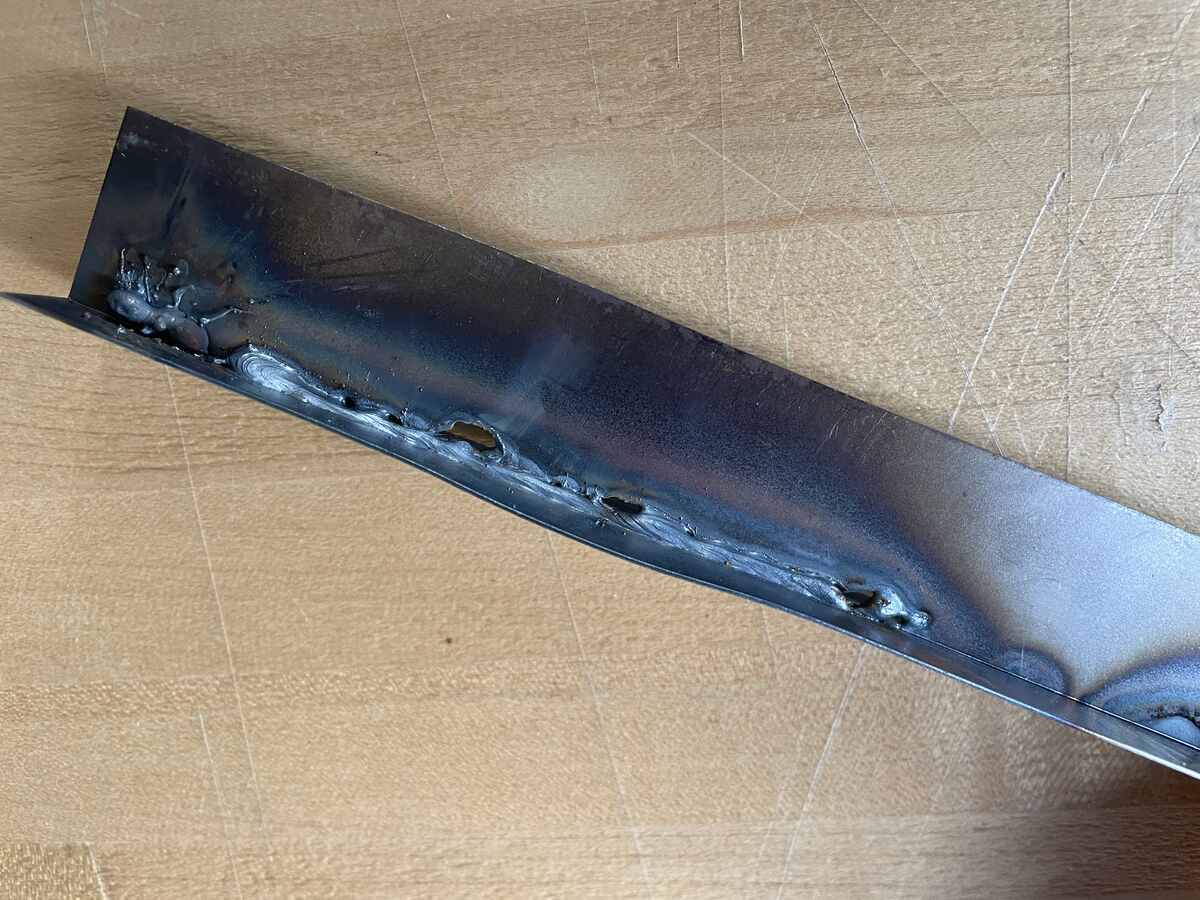
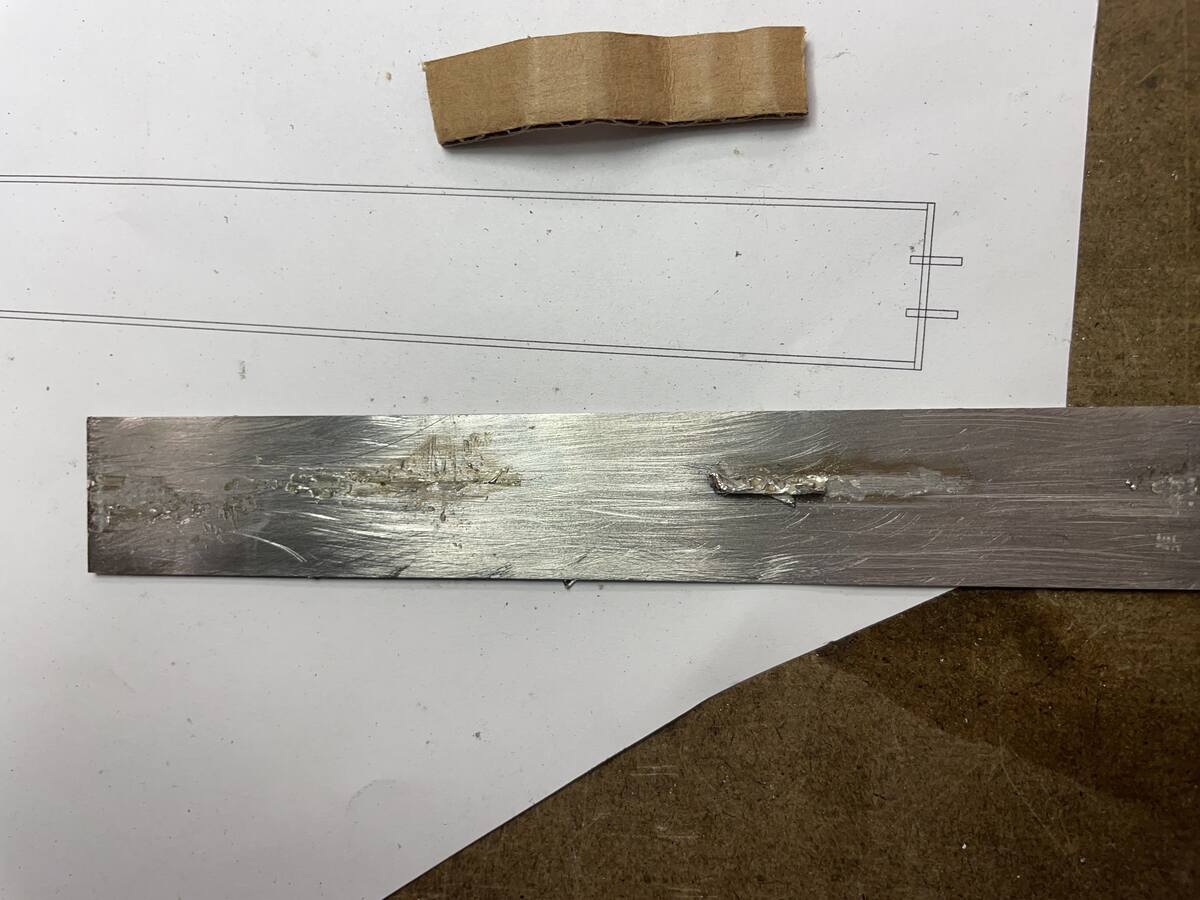
First I tried welding some tests. I found that it was hard with the MIG welder we had to not melt through the sheet metal.
|  |
|:---------:|
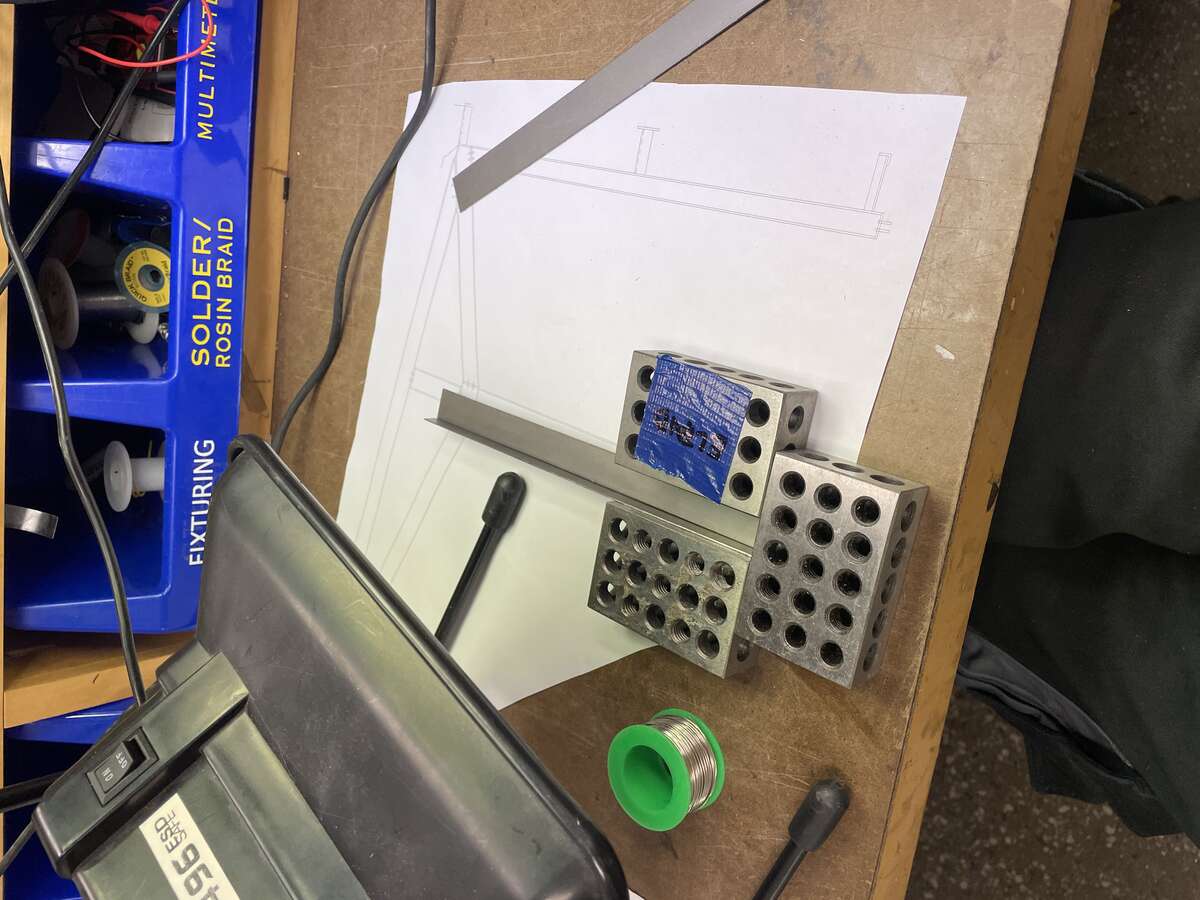
| *Magnetic Jigs to Hold Sheets Perpendicular Before Tack Welding* |
|  |
|:---------:|
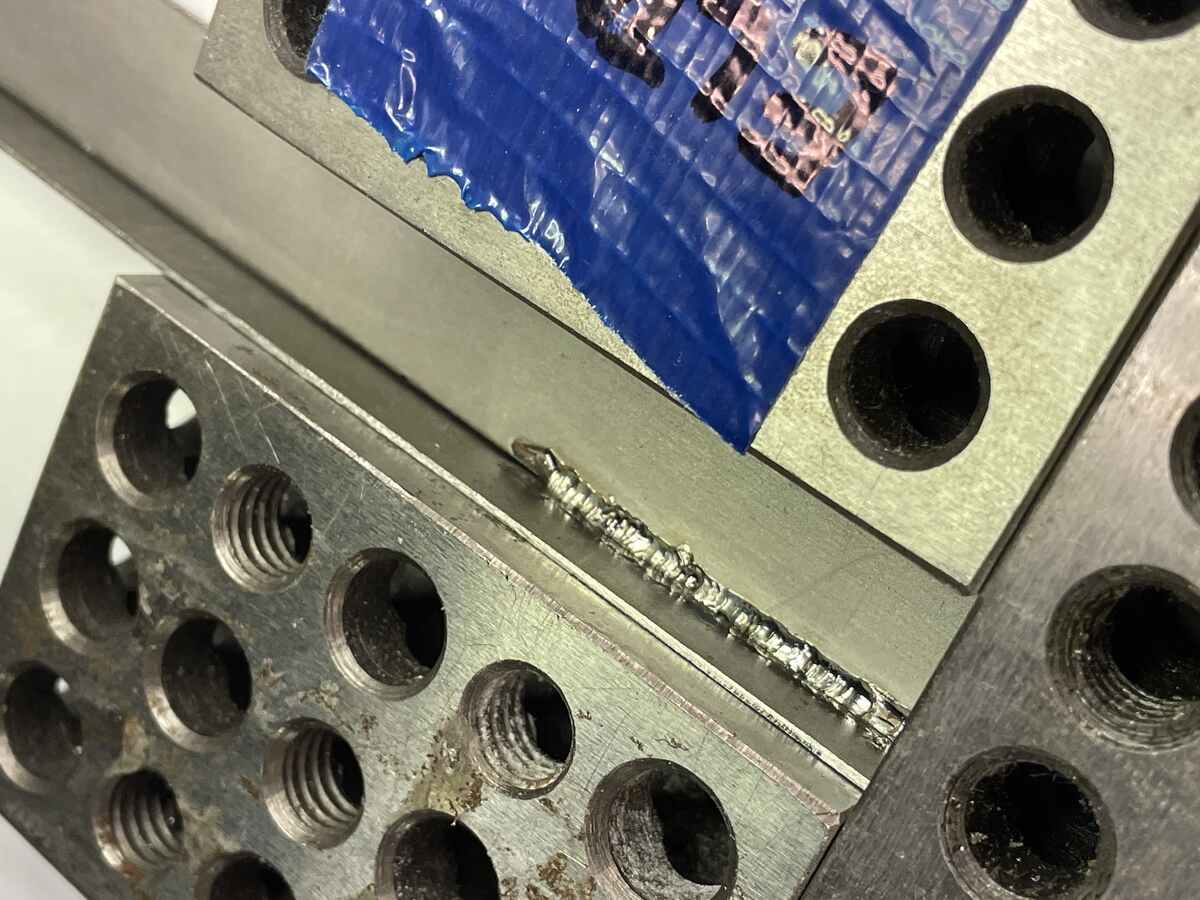
| *The Welded seam before sanding* |
|  |
|:---------:|
| *The Settings on MIG Welder, Note the Lowest possible Voltage* |
|  |
|:---------:|
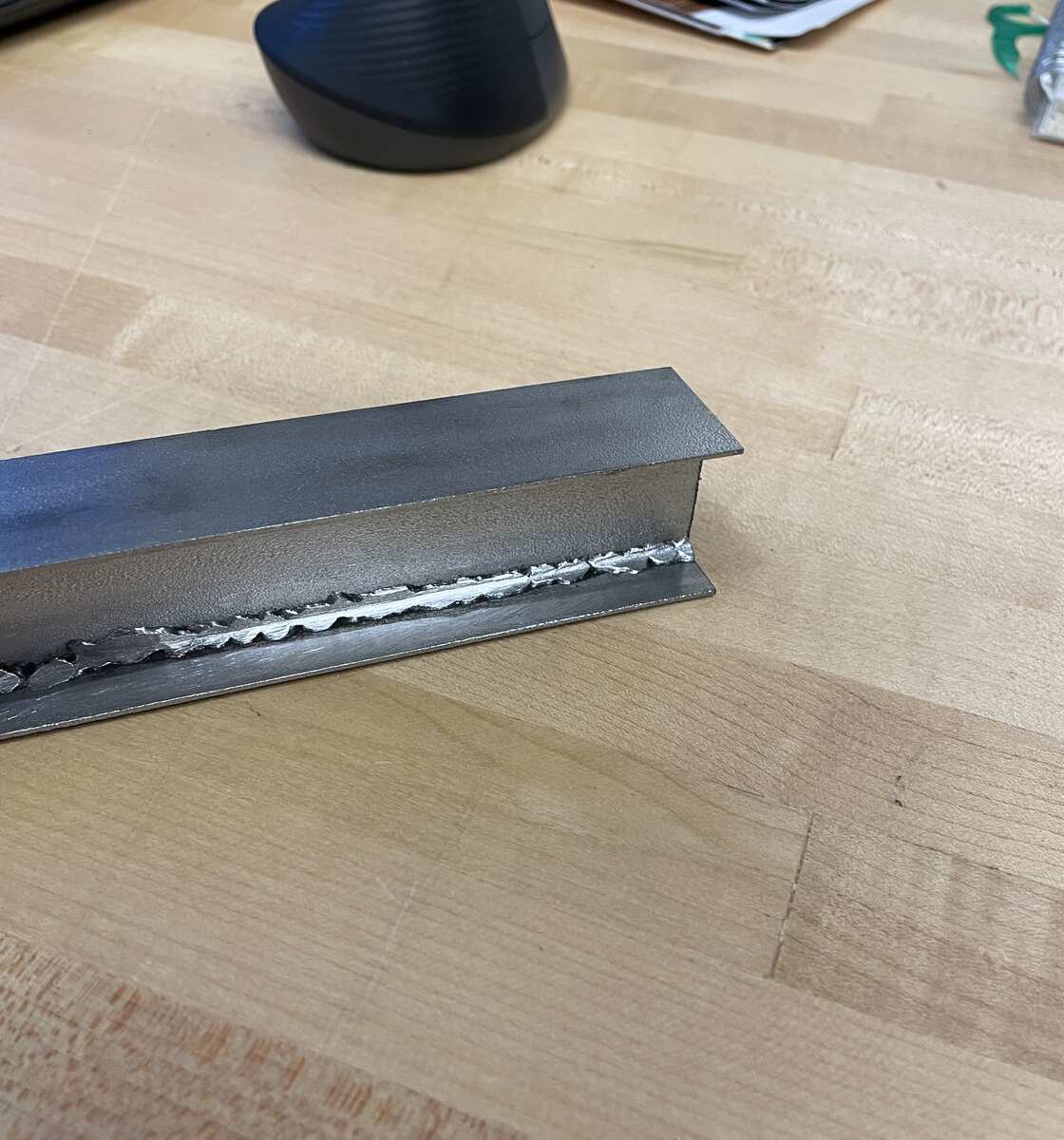
| *The connection after finishing with an angle grinder* |
|  |
|:---------:|
| *Detail of the connection* |
|  |
|:---------:|
| *Welding with too high a volatage will cause it to burn through the material* |
### Metal Laser Cutter
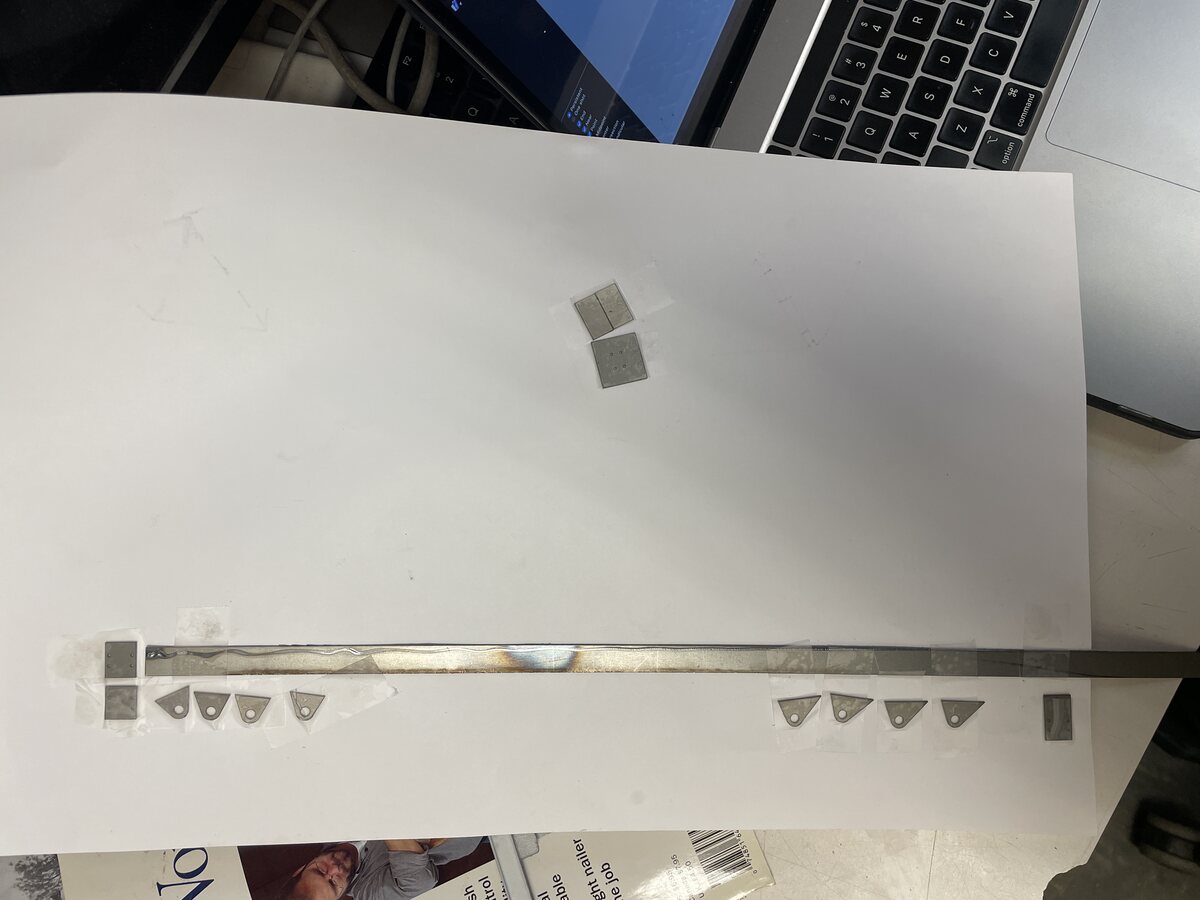
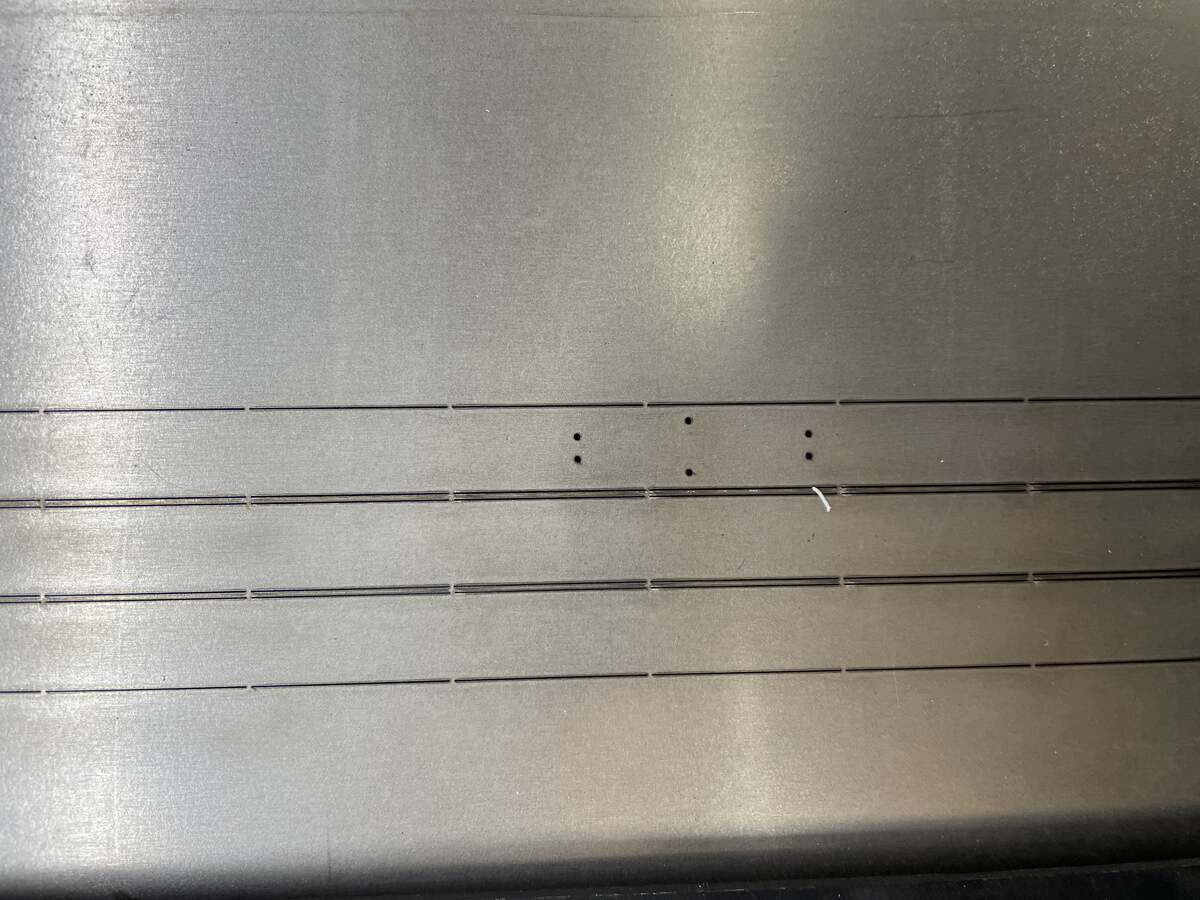
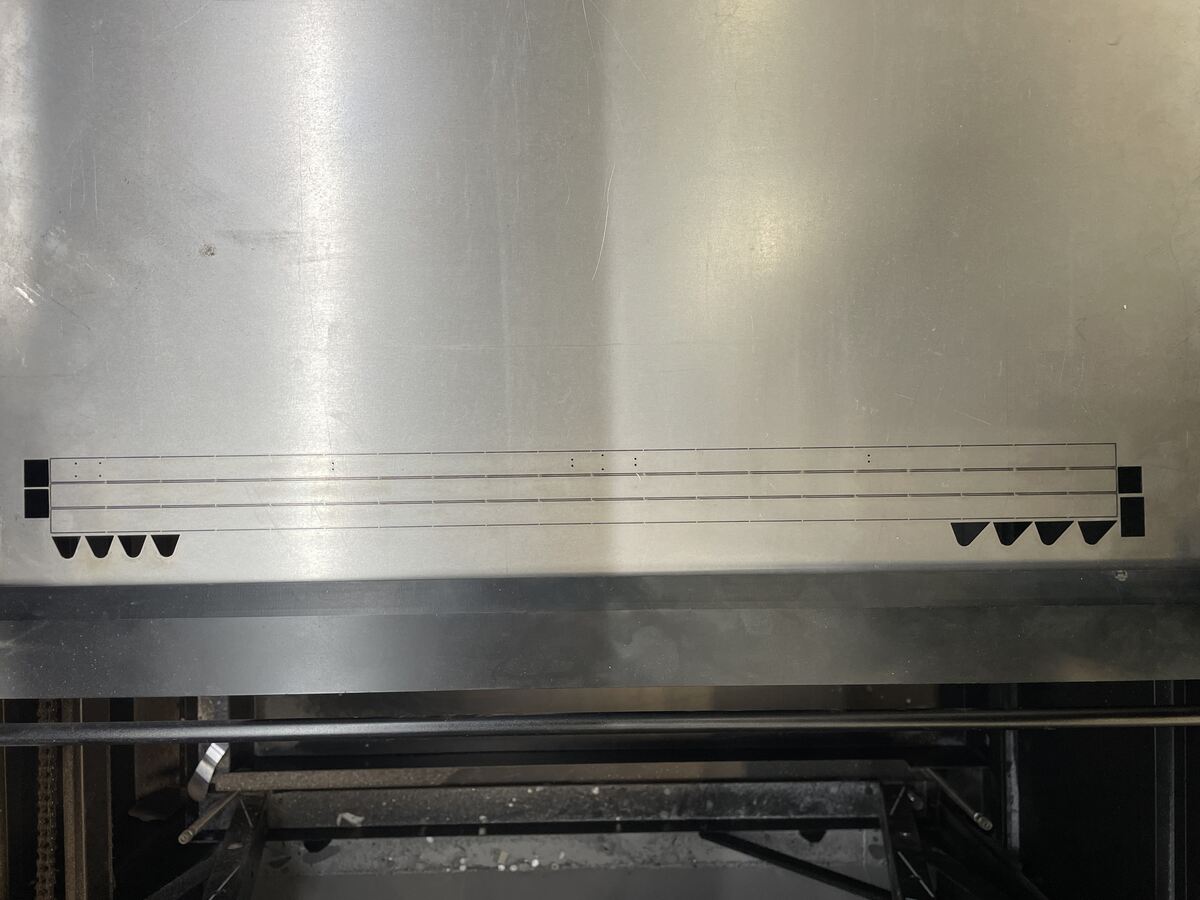
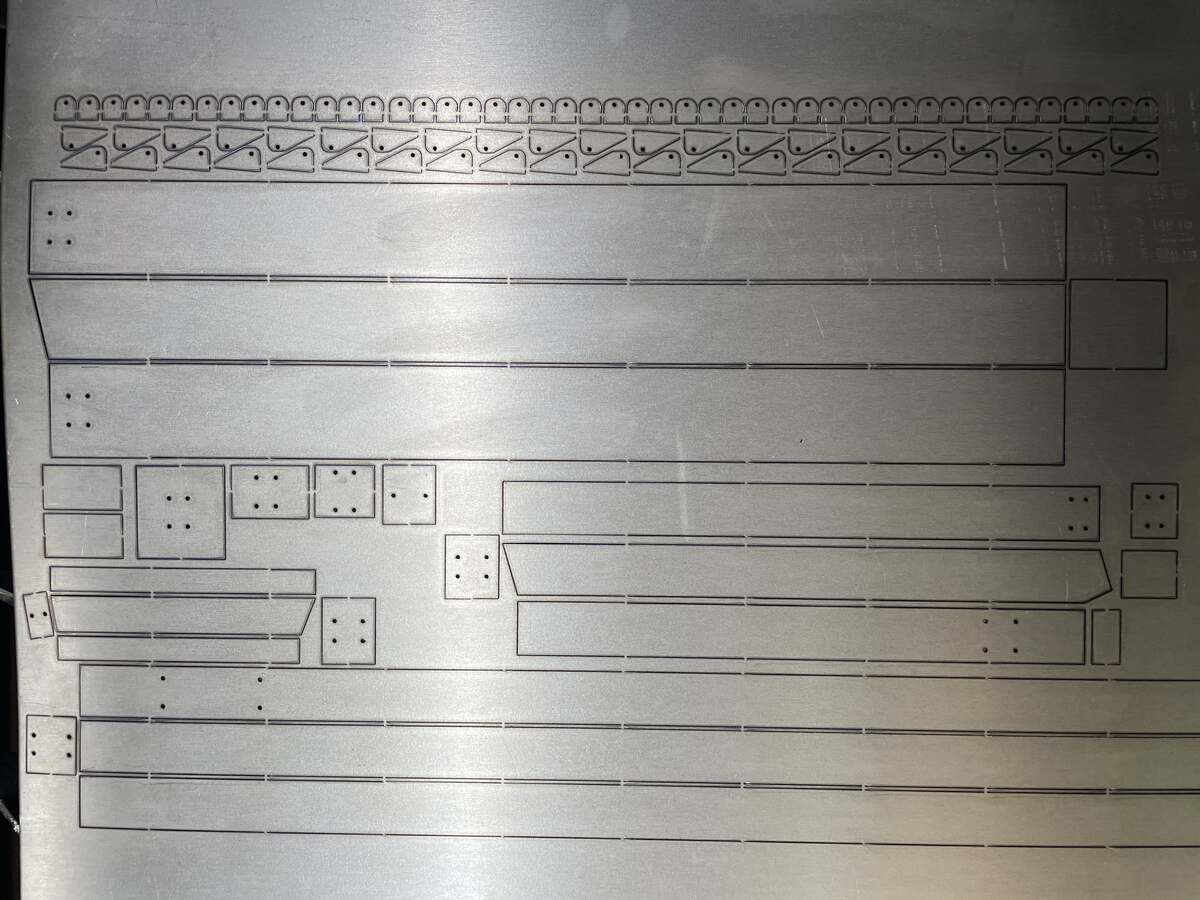
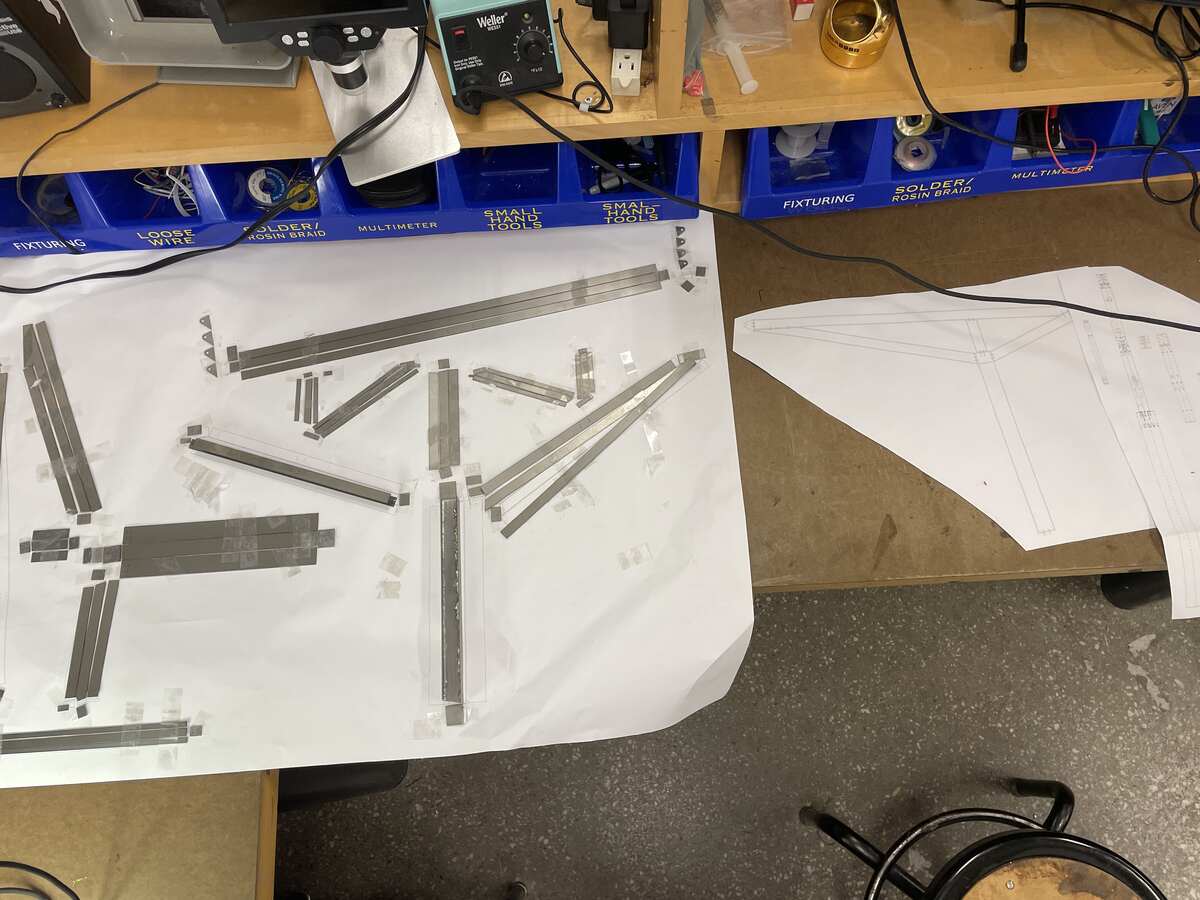
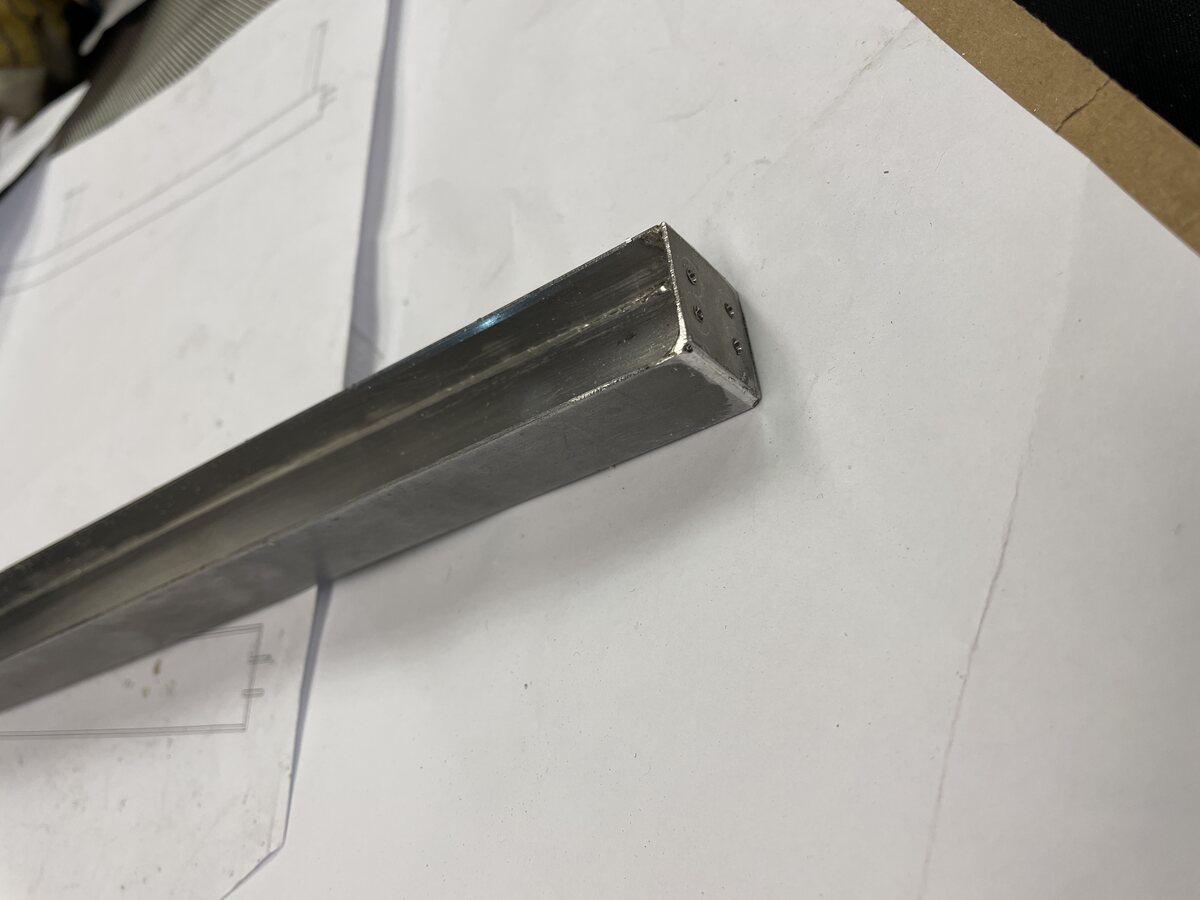
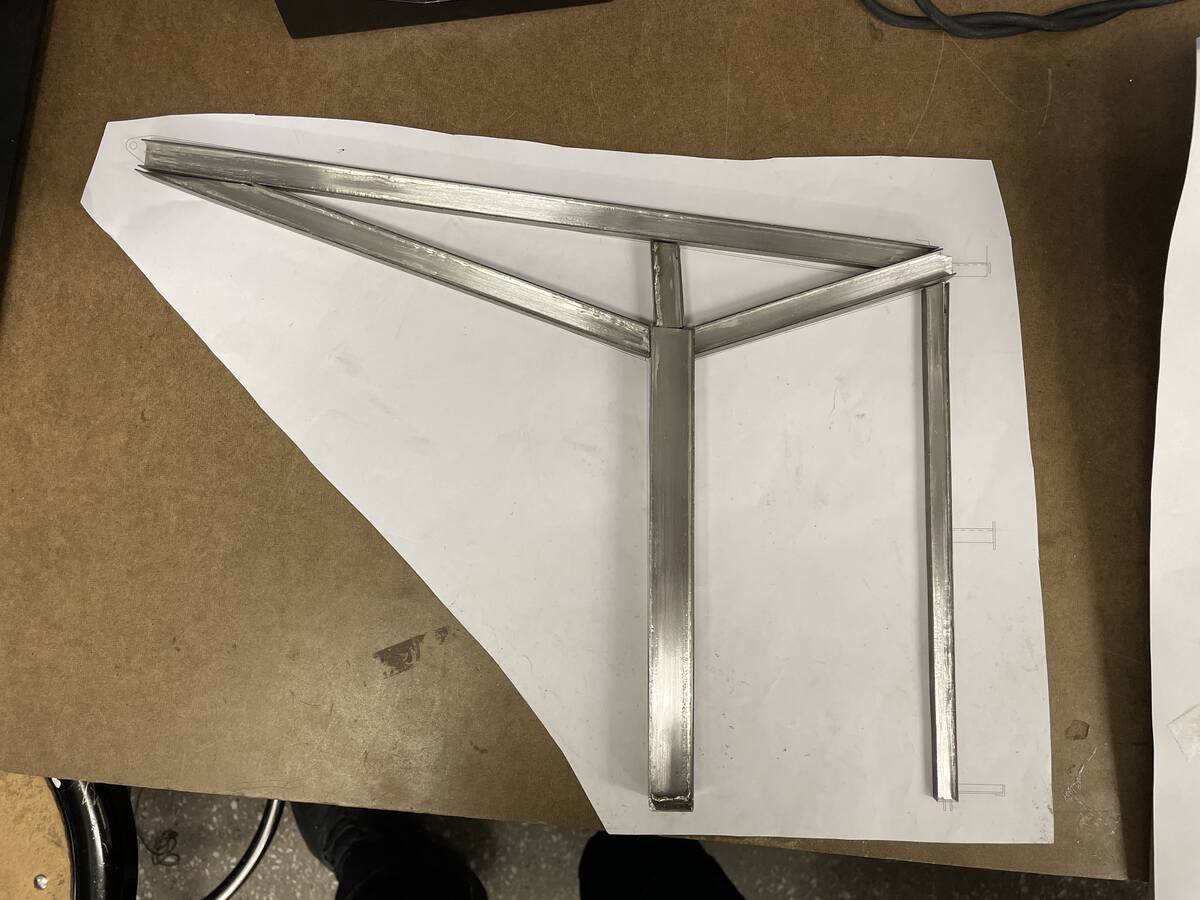
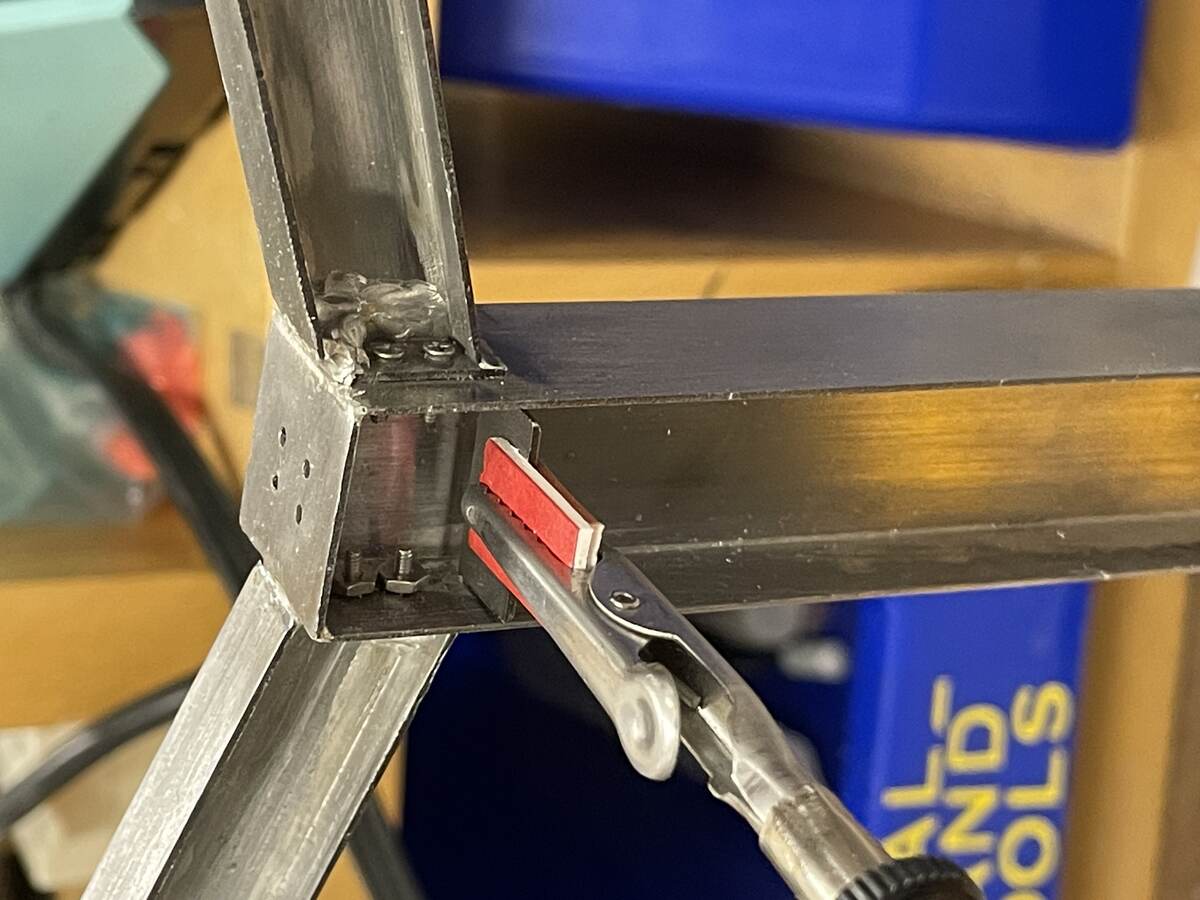
I then designed a model of a welded steel frame and cut it using the Xtool laser cutter.
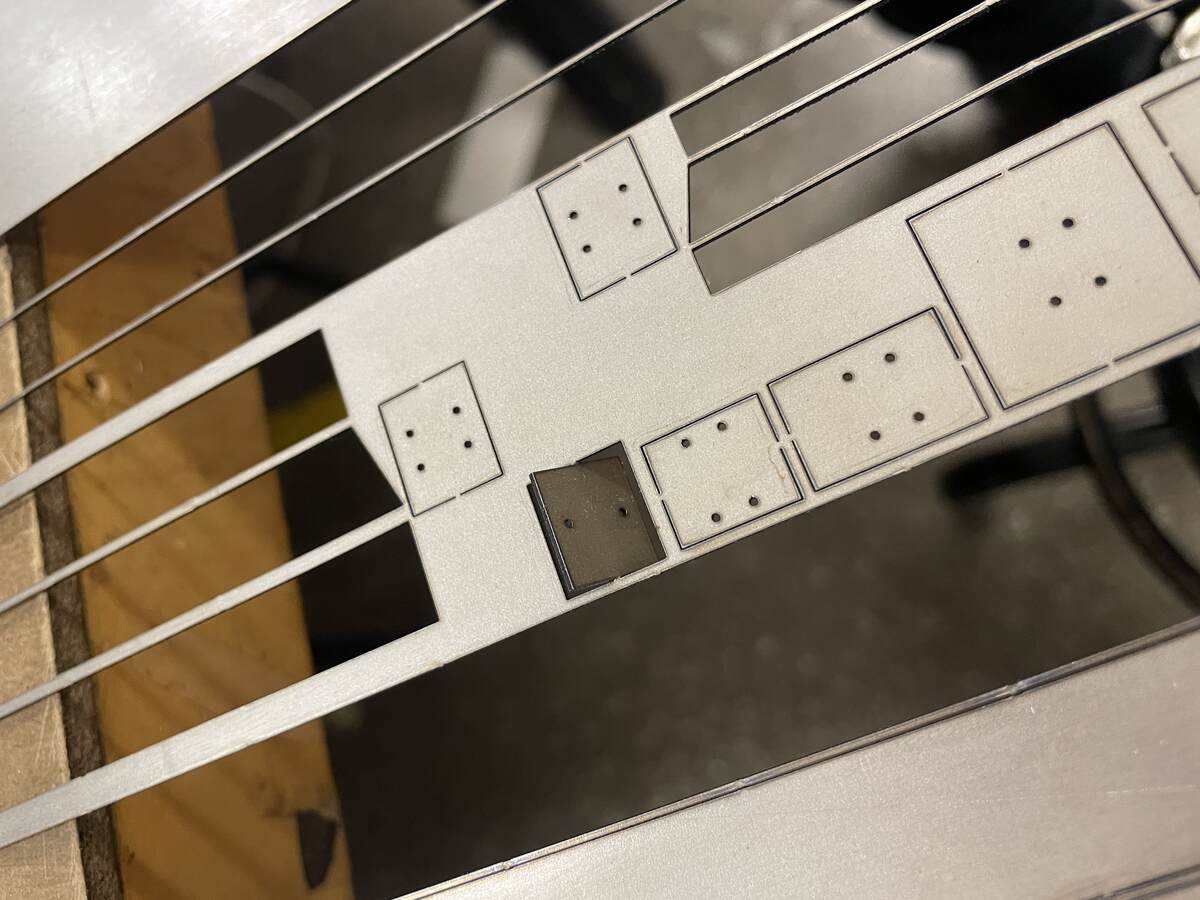
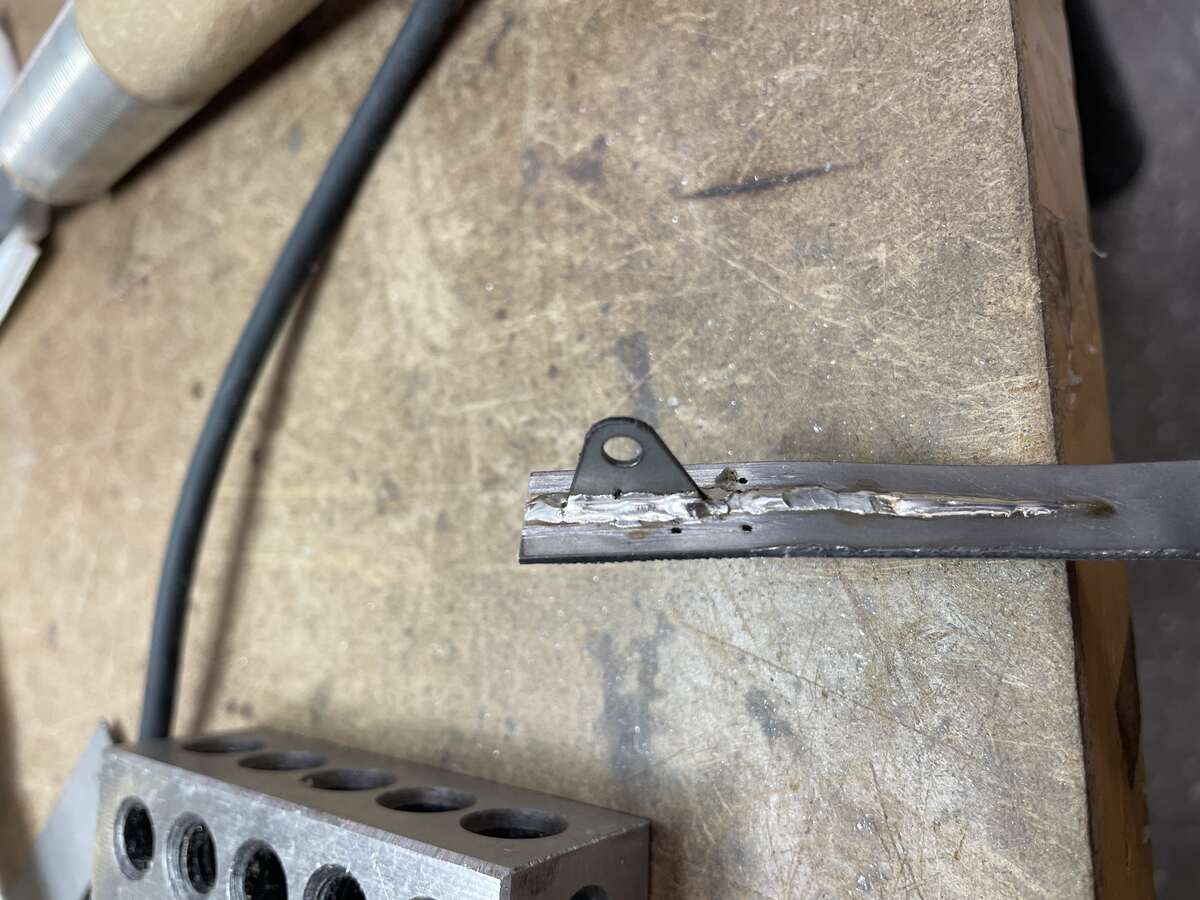
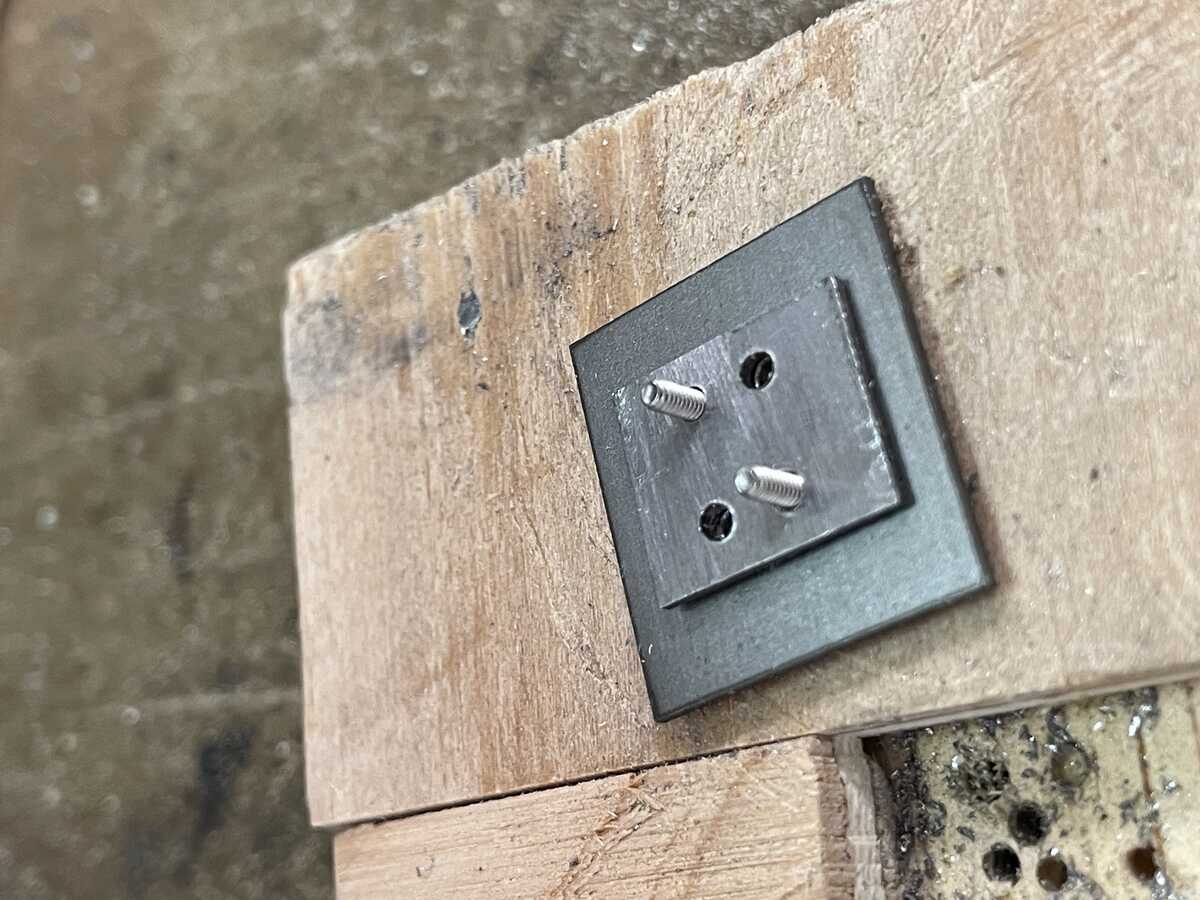
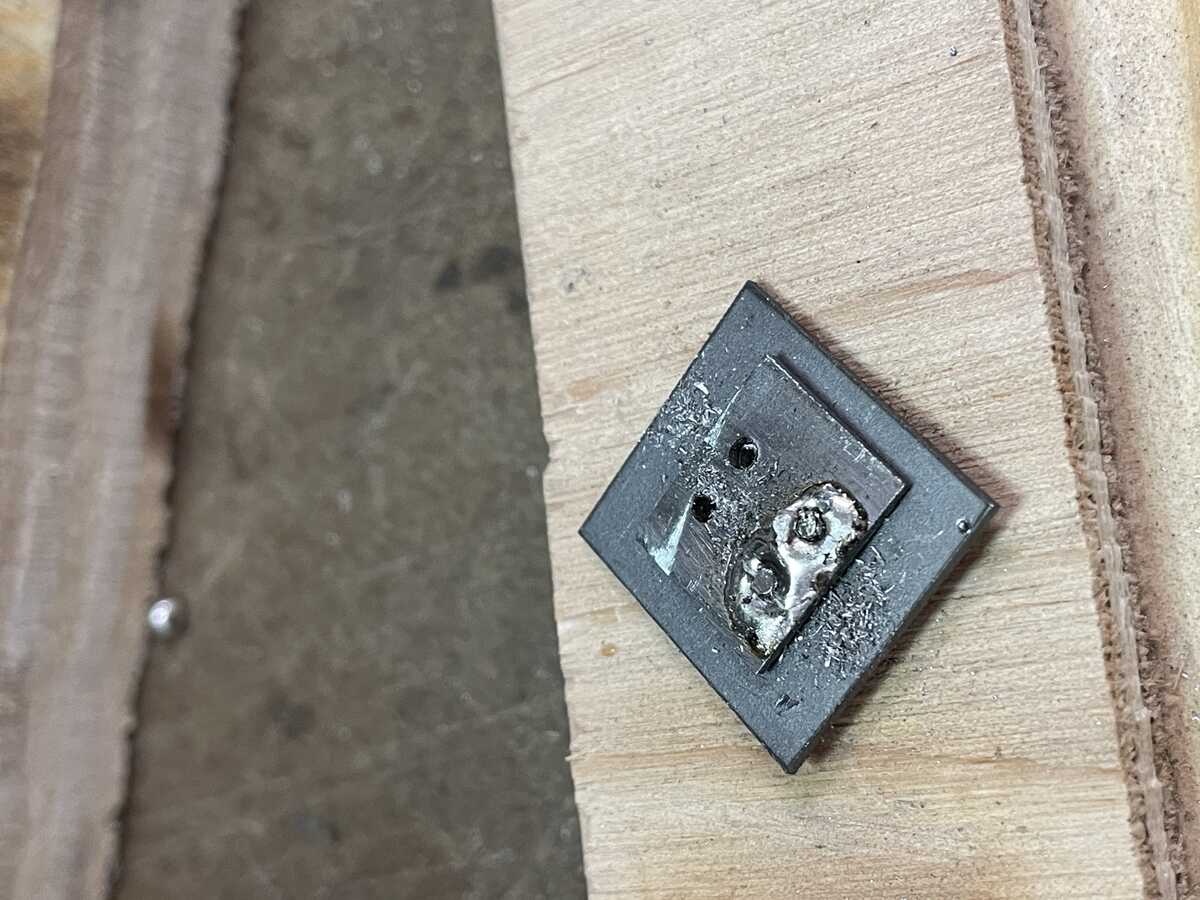
I learned that it is very important to cut the interior holes out first, and to add tabs to hold small parts!
|  |
|:---------:|
| *Metal Laser Cutter Process* |
|  |
|:---------:|
| *Metal Laser Cutter Process* |
|  |
|:---------:|
| *Metal Laser Cutter Process* |
|  |
|:---------:|
| *Metal Laser Cutter Process* |
|  |
|:---------:|
| *Metal Laser Cutter Process* |
|  |
|:---------:|
| *Metal Laser Cutter Process* |
|  |
|:---------:|
| *Metal Laser Cutter Process* |
|  |
|:---------:|
| *Metal Laser Cutter Process* |
|  |
|:---------:|
| *Metal Laser Cutter Process* |
|  |
|:---------:|
| *Metal Laser Cutter Process* |
|  |
|:---------:|
| *Metal Laser Cutter Process* |
|  |
|:---------:|
| *Metal Laser Cutter Process* |
|  |
|:---------:|
| *Metal Laser Cutter Process* |
|  |
|:---------:|
| *Metal Laser Cutter Process* |
|  |
|:---------:|
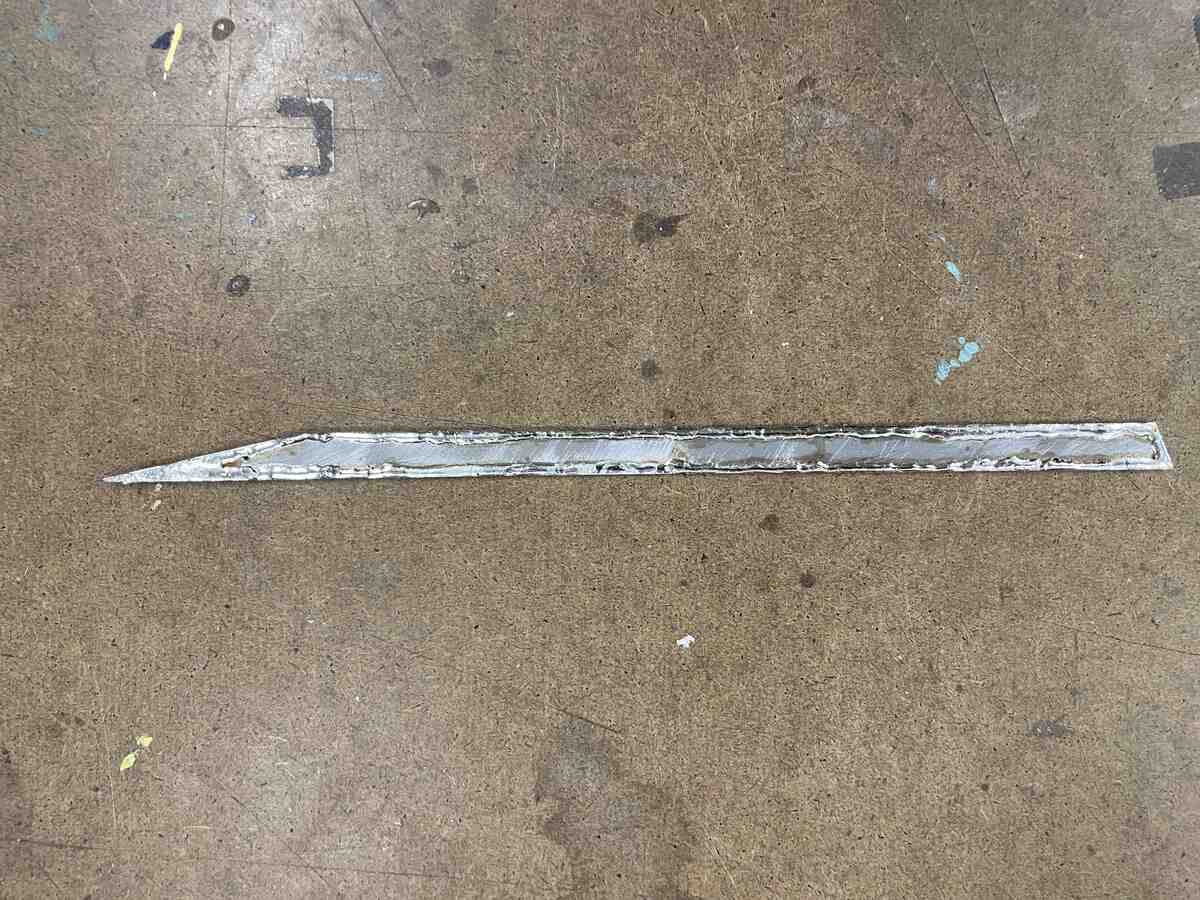
| *Metal Laser Cutter Process* |
|  |
|:---------:|
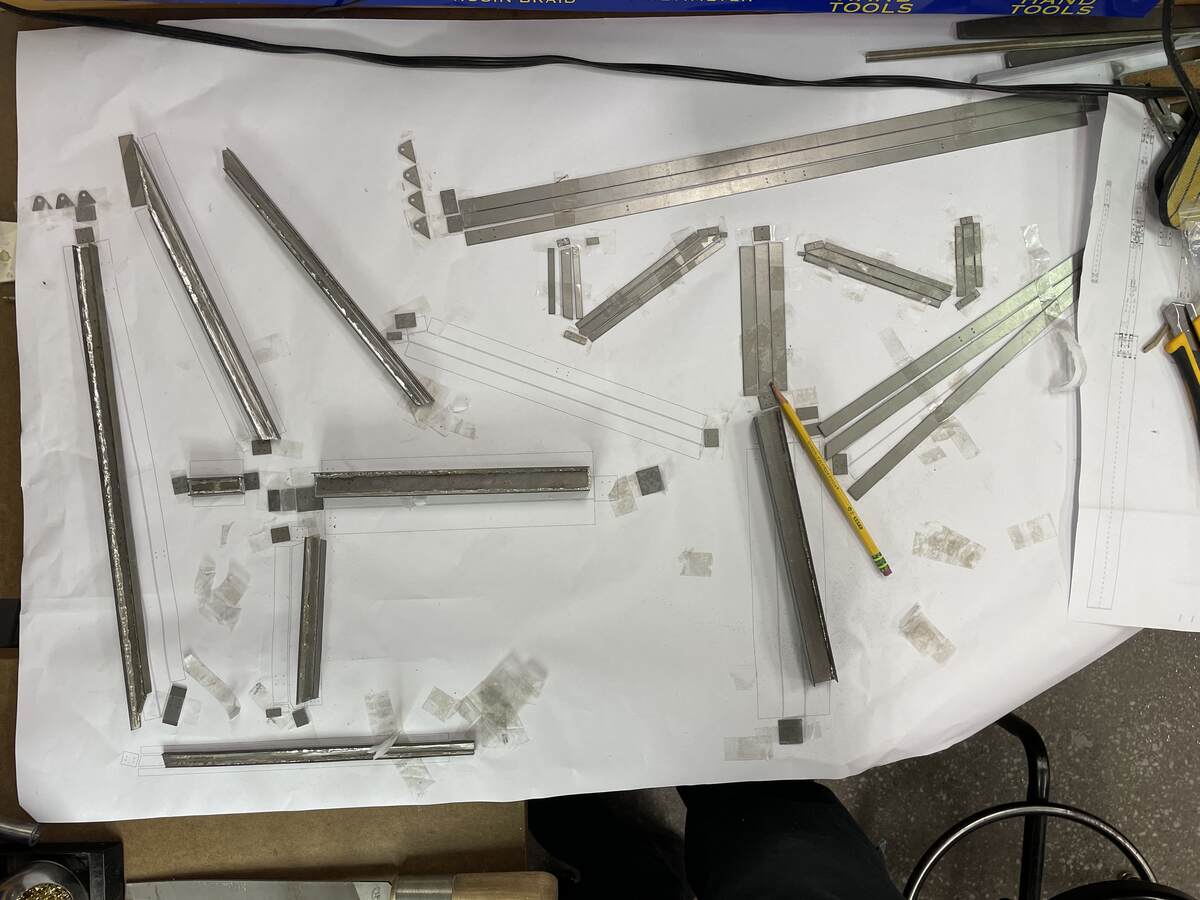
| *Metal Laser Cutter Process* |
|  |
|:---------:|
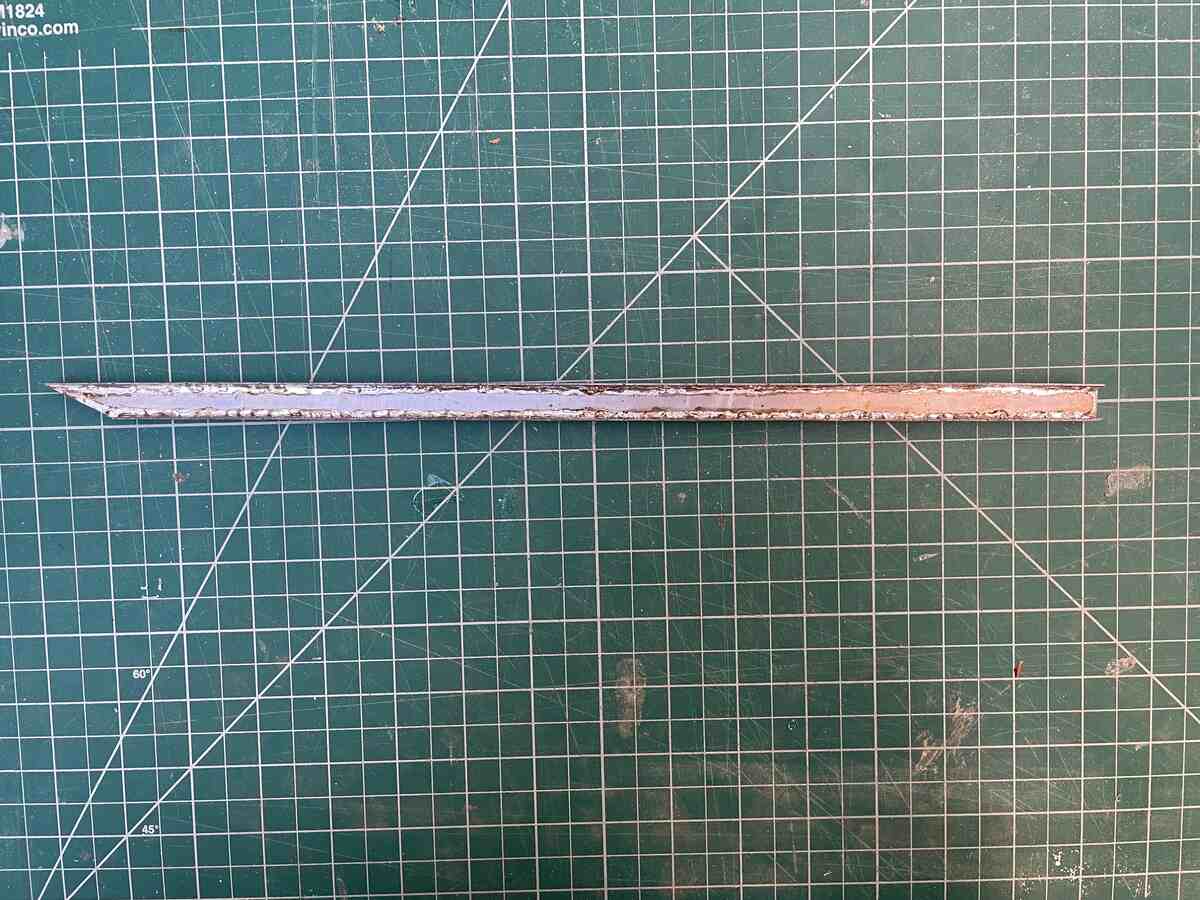
| *Metal Laser Cutter Process* |
|  |
|:---------:|
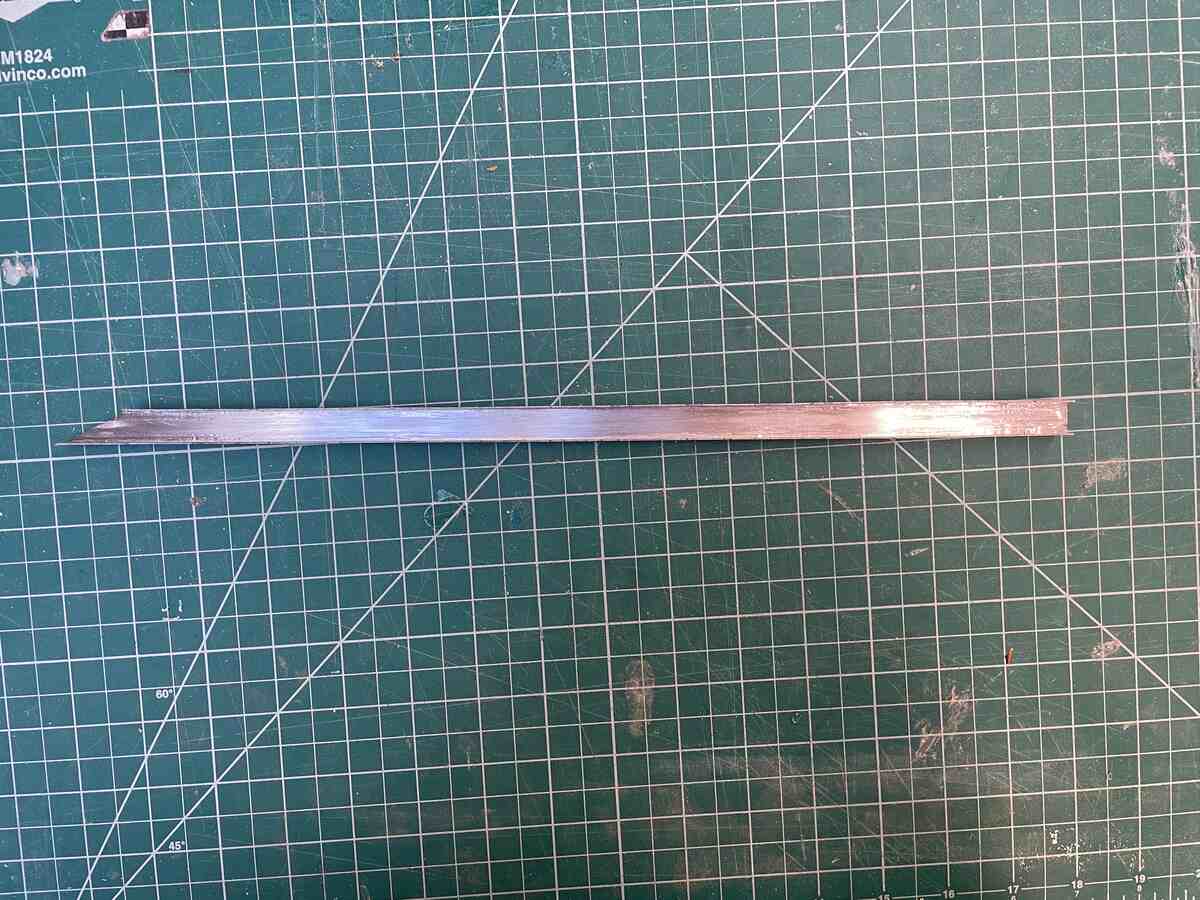
| *Metal Laser Cutter Process* |
|  |
|:---------:|
| *Metal Laser Cutter Process* |
|  |
|:---------:|
| *Metal Laser Cutter Process* |
|  |
|:---------:|
| *Metal Laser Cutter Process* |
|  |
|:---------:|
| *Metal Laser Cutter Process* |
|  |
|:---------:|
| *Metal Laser Cutter Process* |
|  |
|:---------:|
| *Metal Laser Cutter Process* |
|  |
|:---------:|
| *Metal Laser Cutter Process* |
## Attachments
Here are the DXF files to reproduce the cuts on the laser cutter. First run the Holes file to cut the interior holes. Then run Exterior file to cut the exterior outline, then if you want run the Tab file to cut all the tabs.
[251206-Physical-Model-Steel-1-2-Laser-Cut-Mac-1-Holes-Origin](files\251206-Physical-Model-Steel-1-2-Laser-Cut-Mac-1-Holes-Origin.dxf)
[251206-Physical-Model-Steel-1-2-Laser-Cut-Mac-2-Exterior-Origins](files\251206-Physical-Model-Steel-1-2-Laser-Cut-Mac-2-Exterior-Origins.dxf)
[251206-Physical-Model-Steel-1-2-Laser-Cut-Mac-3-Tabs-Origin](files\251206-Physical-Model-Steel-1-2-Laser-Cut-Mac-3-Holding-Origin.dxf)
[251207-Core-3-Laser-Cut-Remaining-Parts-R7-1-Holes](files\251207-Core-3-Laser-Cut-Remaining-Parts-R7-1-Holes.dxf)
[251207-Core-3-Laser-Cut-Remaining-Parts-R7-2-Lines](files\251207-Core-3-Laser-Cut-Remaining-Parts-R7-2-Lines.dxf)
[251207-Core-3-Laser-Cut-Remaining-Parts-R7-3-Tabs](files\251207-Core-3-Laser-Cut-Remaining-Parts-R7-3-Tabs.dxf)
Here is the Rhino File:
[251206-Physical-Model-Steel-1-2-Laser-Cut.3dm](files\251206-Physical-Model-Steel-1-2-Laser-Cut.3dm)
## Acknowledgments