.png)
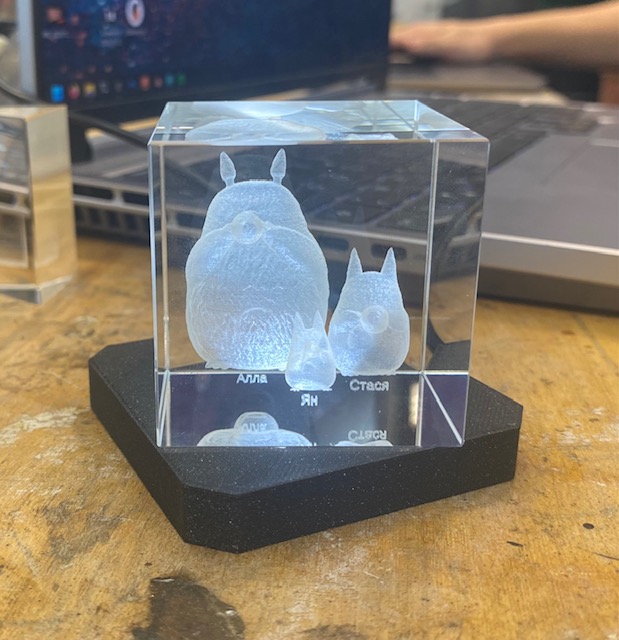
For laser engraving we used a xTool F2 Ultra UV machine to engrave a design into a 50mm K9 glass cube. I decided to make a gift for my mother. I found an SSTL of Totoros and uploaded it to onshape. In onshape I added the names of my family members under each of the characters. I then uploaded it to Xtools to confirm that it could process the file. I used scanning mode and the Xtools said the time to engrave would be ~4 minutes. I then uploaded my STL onto a usb and took it to the Xtools on the device connected to the machine and had my design engraved.
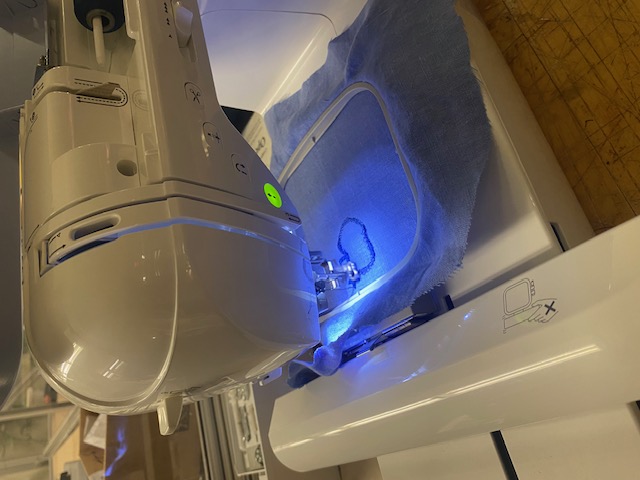
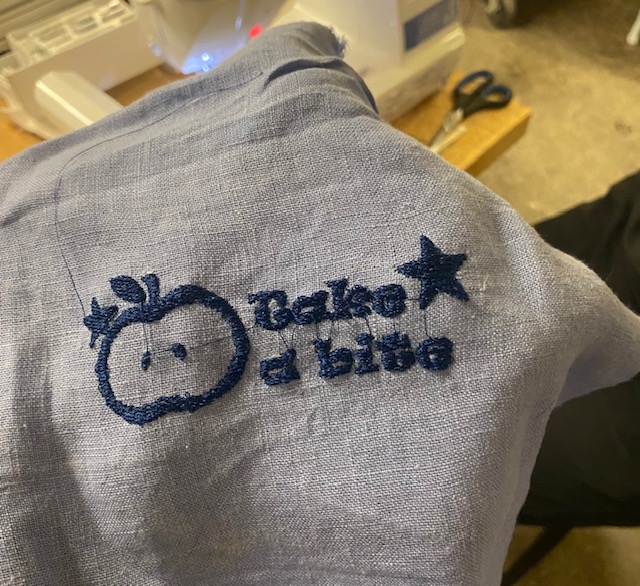
I decided to make a design inspired by the song “Take a Bite” by beabadoobee. In procreate, I traced a drawing of an apple and uploaded it as a png to Adobe Illustrator. In Illustrator, I added text and some stars. I downloaded my final artwork as a png and uploaded it to Inkscape. Due to the machine having difficulties with keeping the thread fully tensioned, we decided to only attempt to embroider one of the colors of my design. In Inkscape we used the Inkstitch extension to simulate the toolpath of the machine and then exported a .pes file to give to the machine. Using a usb you can upload the .pes file to the embroidery machine.
I placed my fabric in a fabric hoop and loaded thread into the machine and had the machine embroider my design. I then used scissors to cut the excess thread from the machine going between not connected design elements. Overall, the design came out well and if the tension issue would be fixed it would be cleaner. In the future, I would like to try to embroider my design in multicolor.
.png)