Group Assignment
- Compare as many tool options as possible Click here for link to group assignment
Individual Assignment
- Write an application that interfaces a user with an input &/or output device that you made
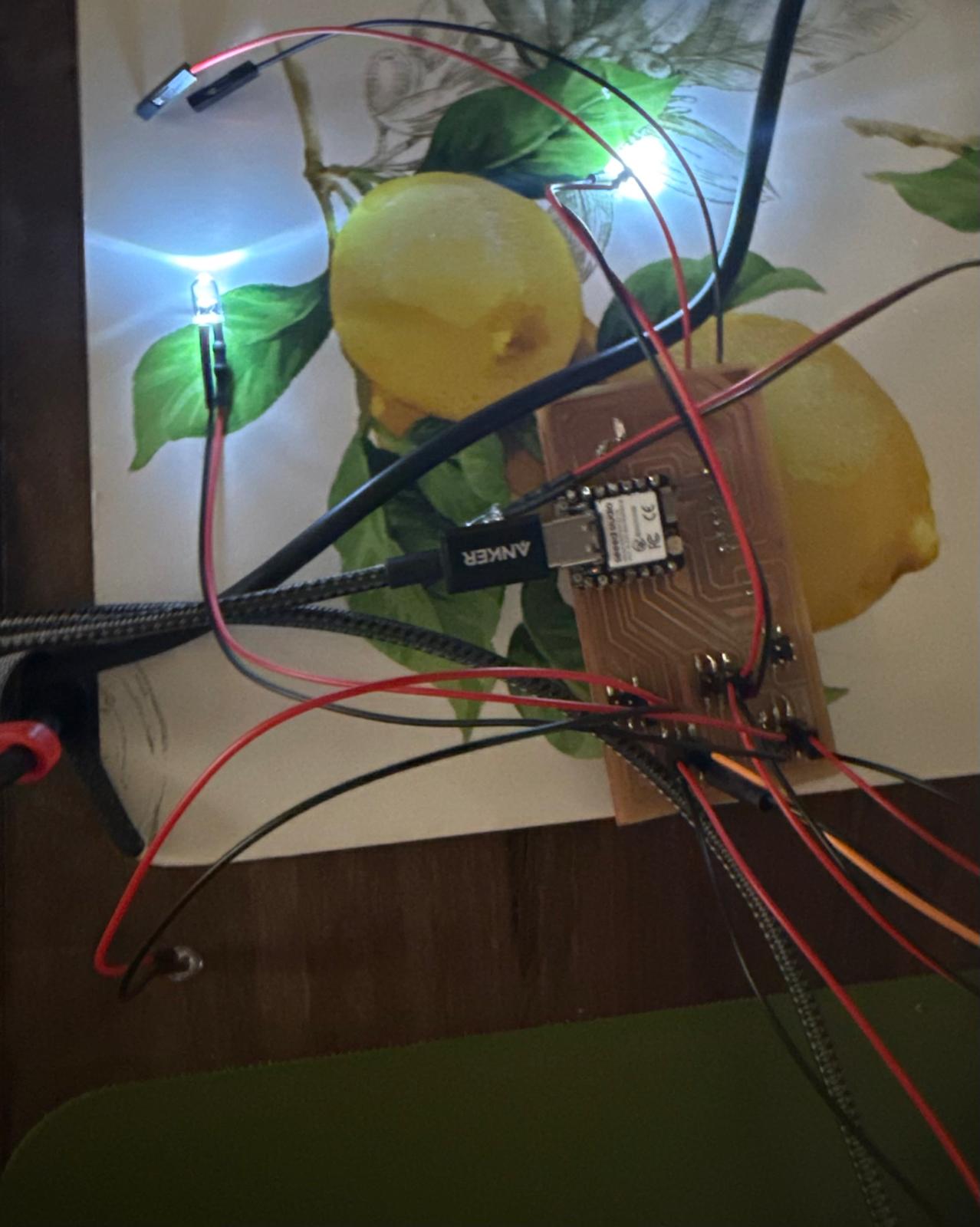
The goal for week 13 was to program the PCB for my final project and build a GUI interface. I was first thinking about using one of the pre-built Ardinuo GUI apps and connecting via bluetooth with my phone. I struggled in week12 to send messages via Bluetooth from my phone back to the Ardinuo IDE. Rather than spending a bunch of time debugging it (Please read more about week 12 here), Erik helped me get started using python to Ardinuo.
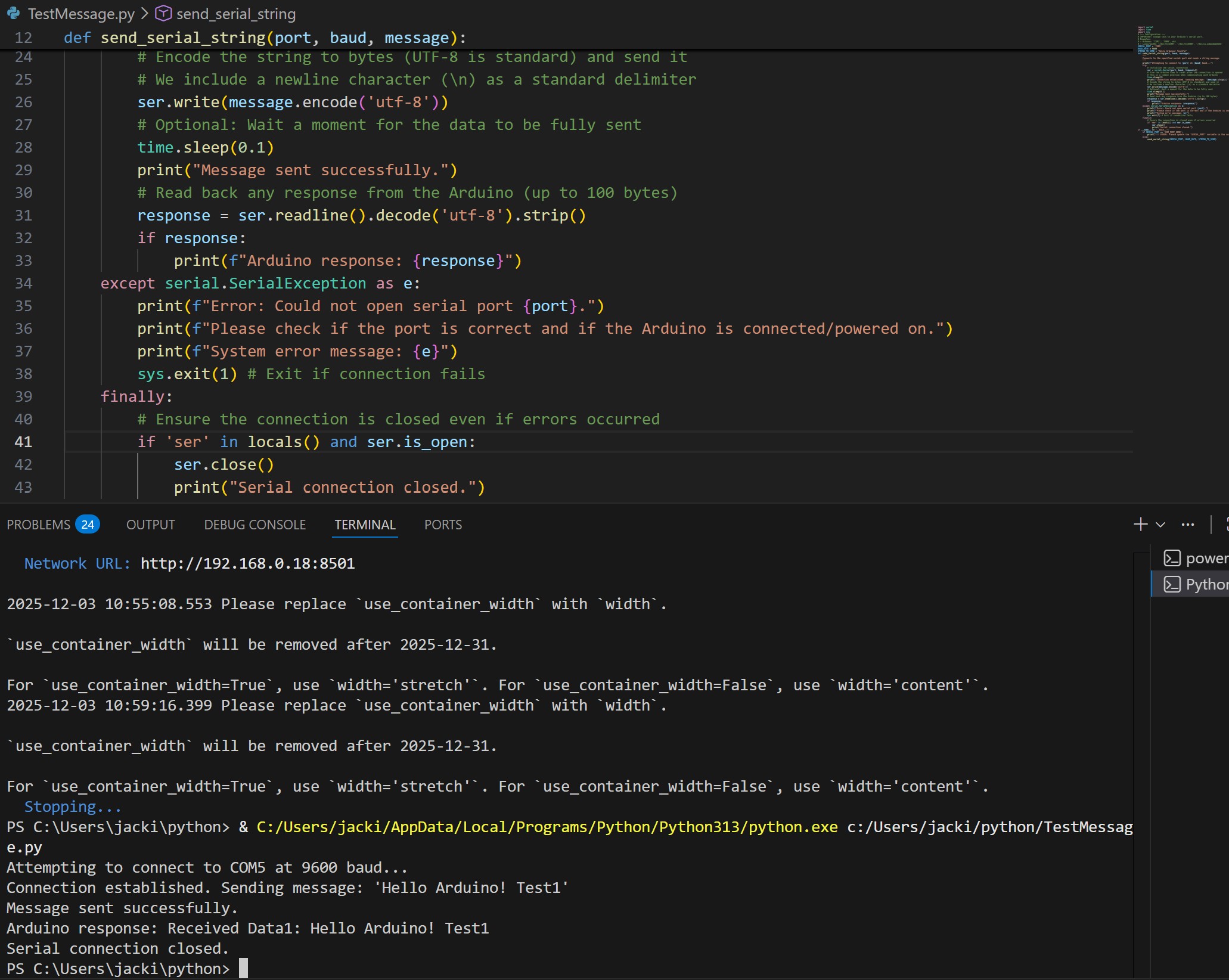
He used Claude to generate some test code for me to try and ensure I have the correct setup. I haven’t used Python before, so this was new to me. I faced many issues using Linux via WSL to access the USB serial, and after spending about an hour or so trying to debug it, I gave up and switched to running Python in Windows through VS Code.
It took me a while to install and run Python on Windows using VSCode. I called my husband halfway through to help me get set up since he regularly uses Python on Windows. I set-up python on VENU which will hopefully make libraries/projects easier for future use. Ideally, I will sort out the bug on WSL/Ubuntu in the future.
First, I compiled the code in Ardinuo and sent it to the microcontroller. Next, I ran the python script. How to run in Python: PS C:\Users\jacki\python> & C:/Users/jacki/AppData/Local/Programs/Python/Python313/python.exe c:/Users/jacki/python/TestMessage.py
I also learned that the python code will not run if the serial monitor is opened
Erik suggested I use Streamlit to create a front-end GUI to send commands via Python. We looked around on their website and it offered a lot of the features I was looking for to create my Final Project GUI. He helped me get started setting up Streamlit. To get started on Streamlit, I followed their instructions href="https://streamlit.io/ "> her
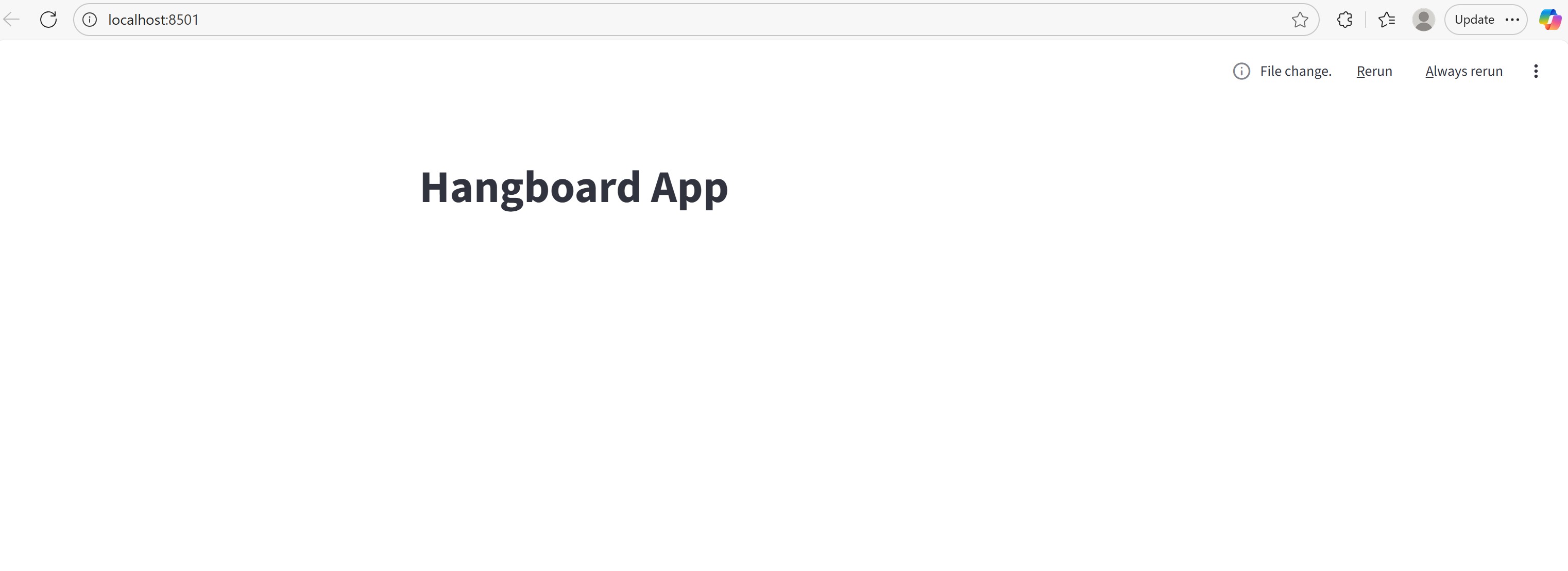
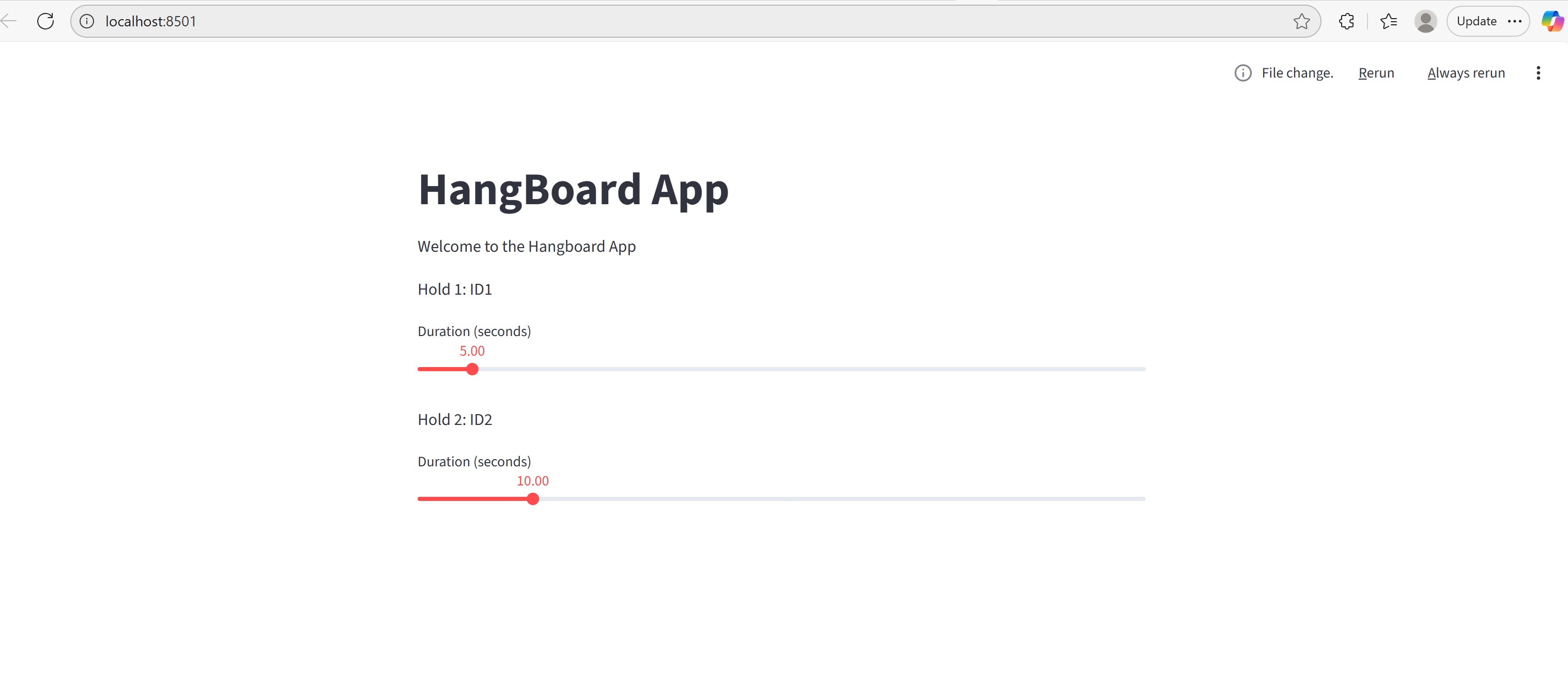
Had some issues with the session variables-- Streamlit automatically refeshes
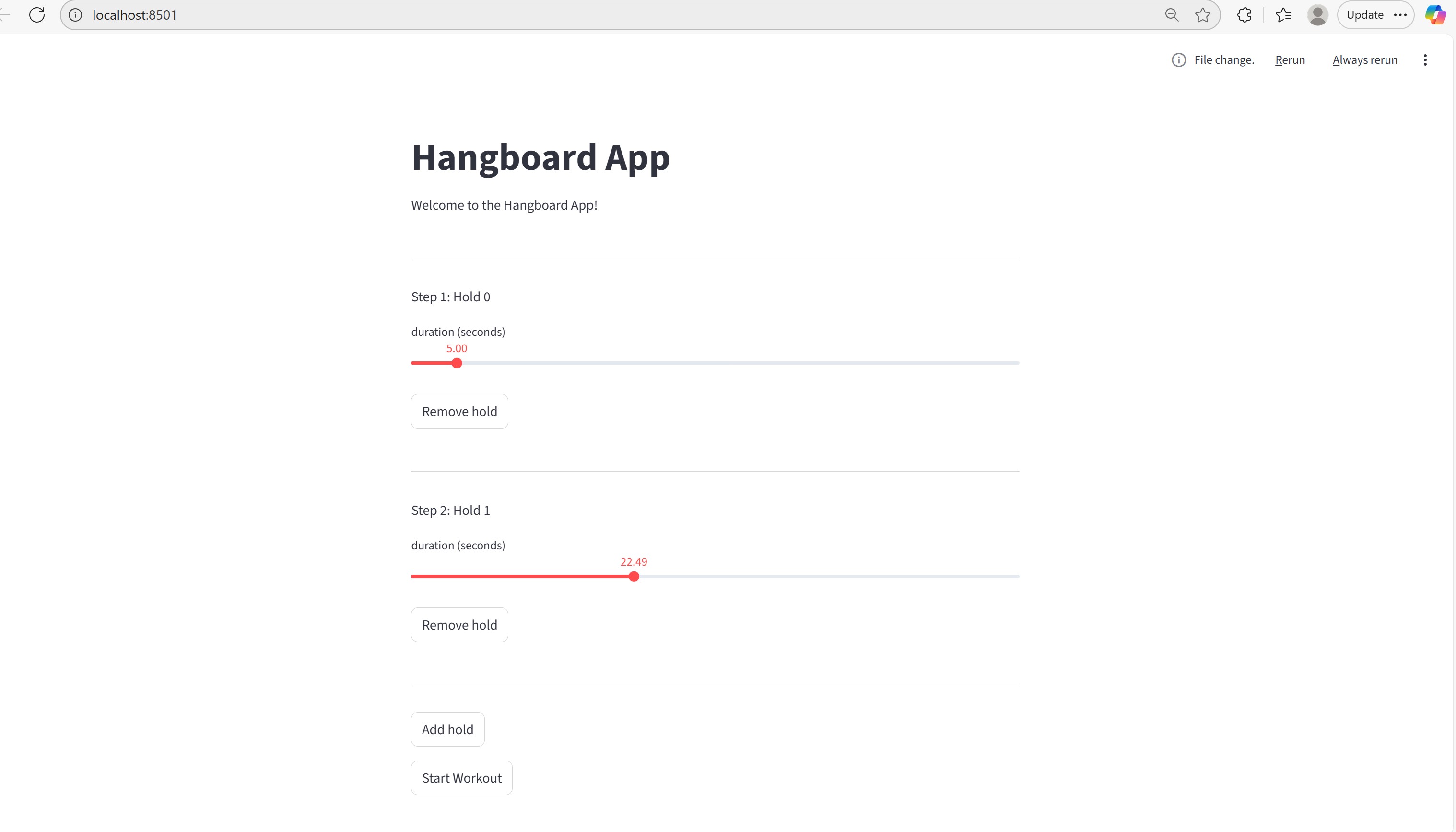
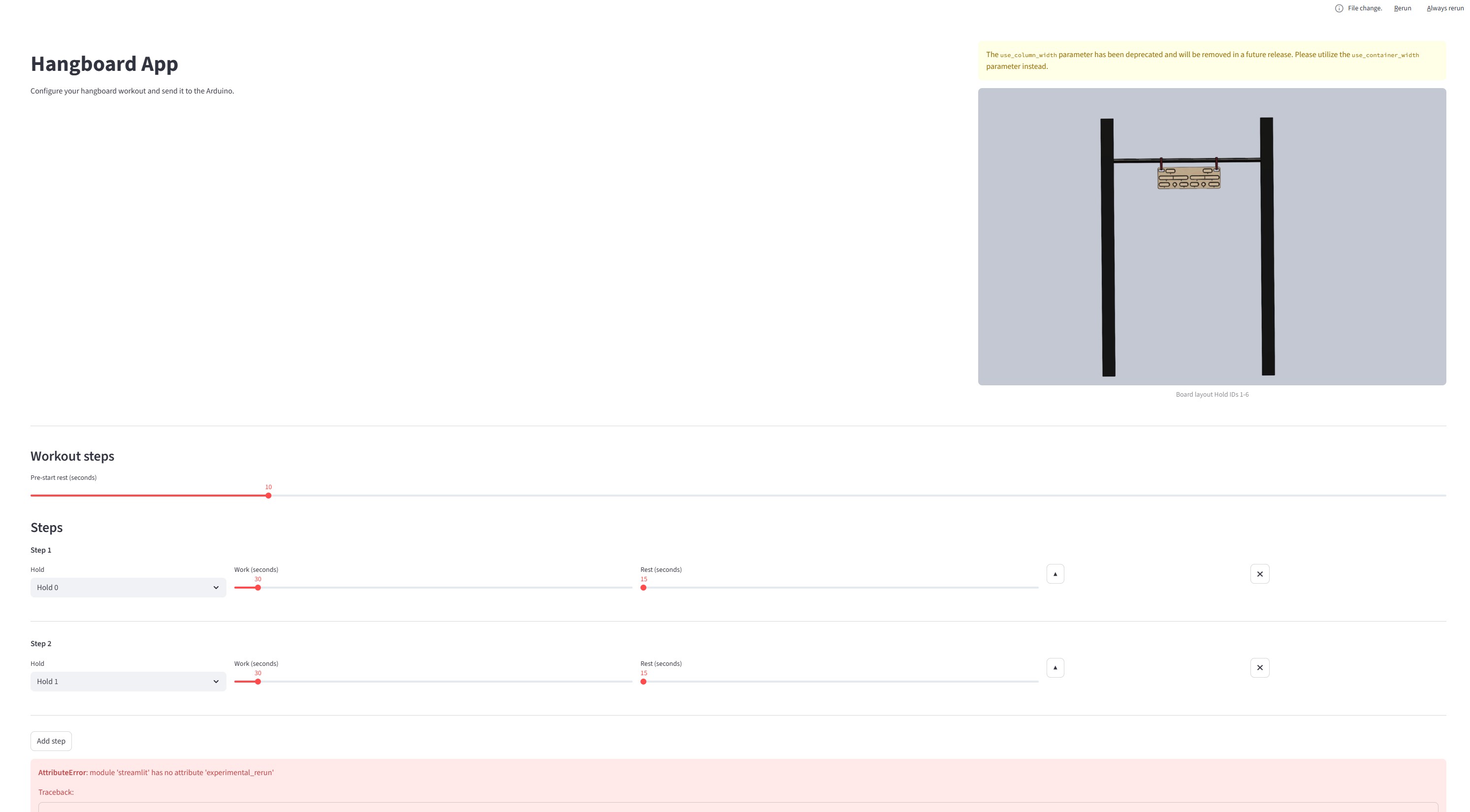
The Full conversation is here
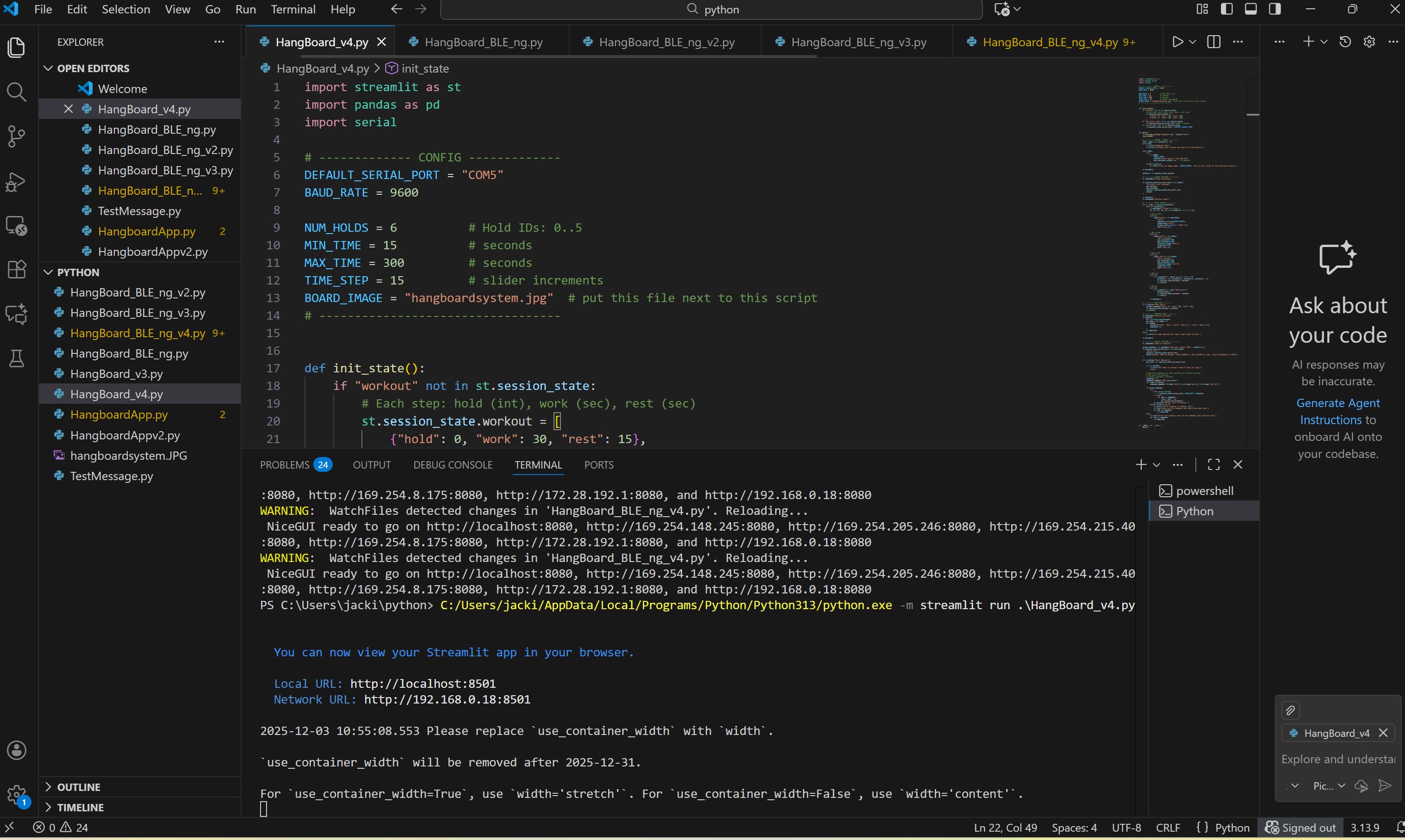
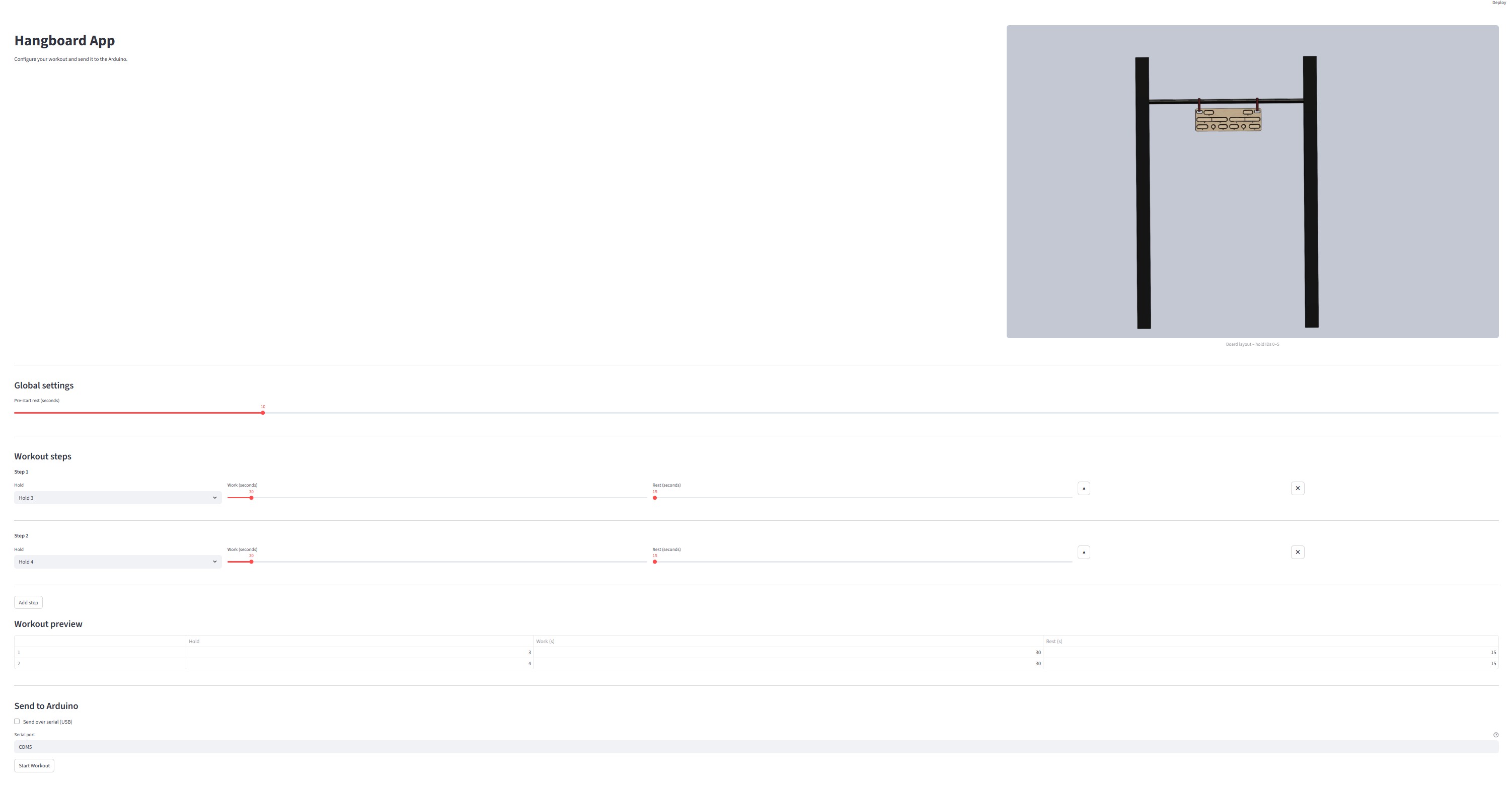
First, I tested all the LEDs on my PCB from Week 10, and only some of them work. See Week 10 for a detailed explanation. I have a new board design, but I still need to fabricate it. Next, ChatGPT took my initial test code and added functionality to hold the LED on (High) for a certain amount of time. While the LED is high, I want the NeoPixel to light up one at a time until the time ends. There are 8 NeoPixel cells in total. After the time ends, I want all the NeoPixels to turn red and gradually dim (like a light bar) for a set rest period. See the full conversation here . Surprisingly, it worked (neopixels not tested).
Next, I asked ChatGPT to help me add a section in for it to receive inputs based off Hold #, Duration, rest time, and initial rest time after pressing the start button (I will likely delete this).
I tested everything, and it worked as well as possible on my current board!