💻 WEEK 13: INTERFACE & APP PROGRAMMING
Building user-friendly software to control hardware remotely.
Remote Thermal Printer GUI
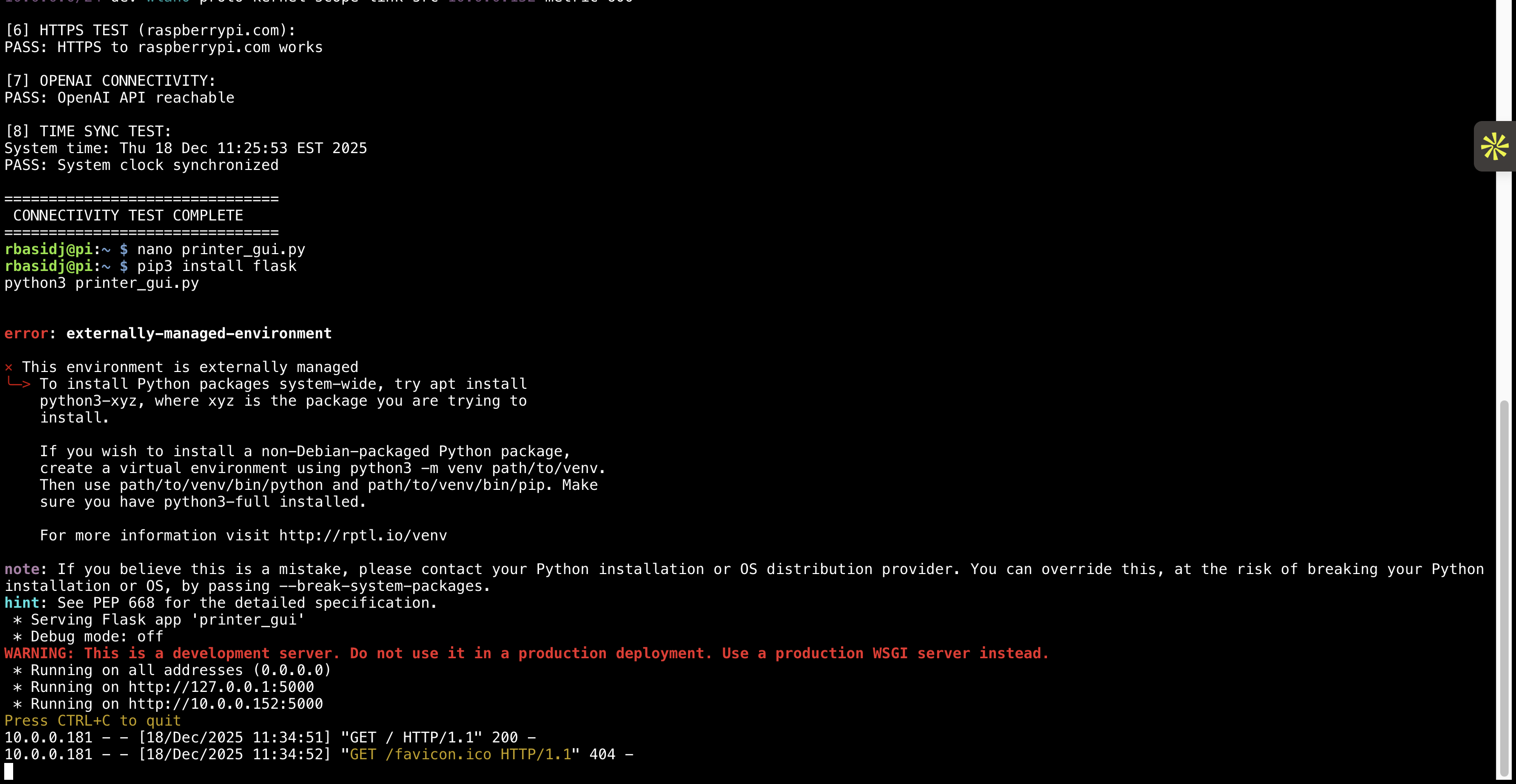
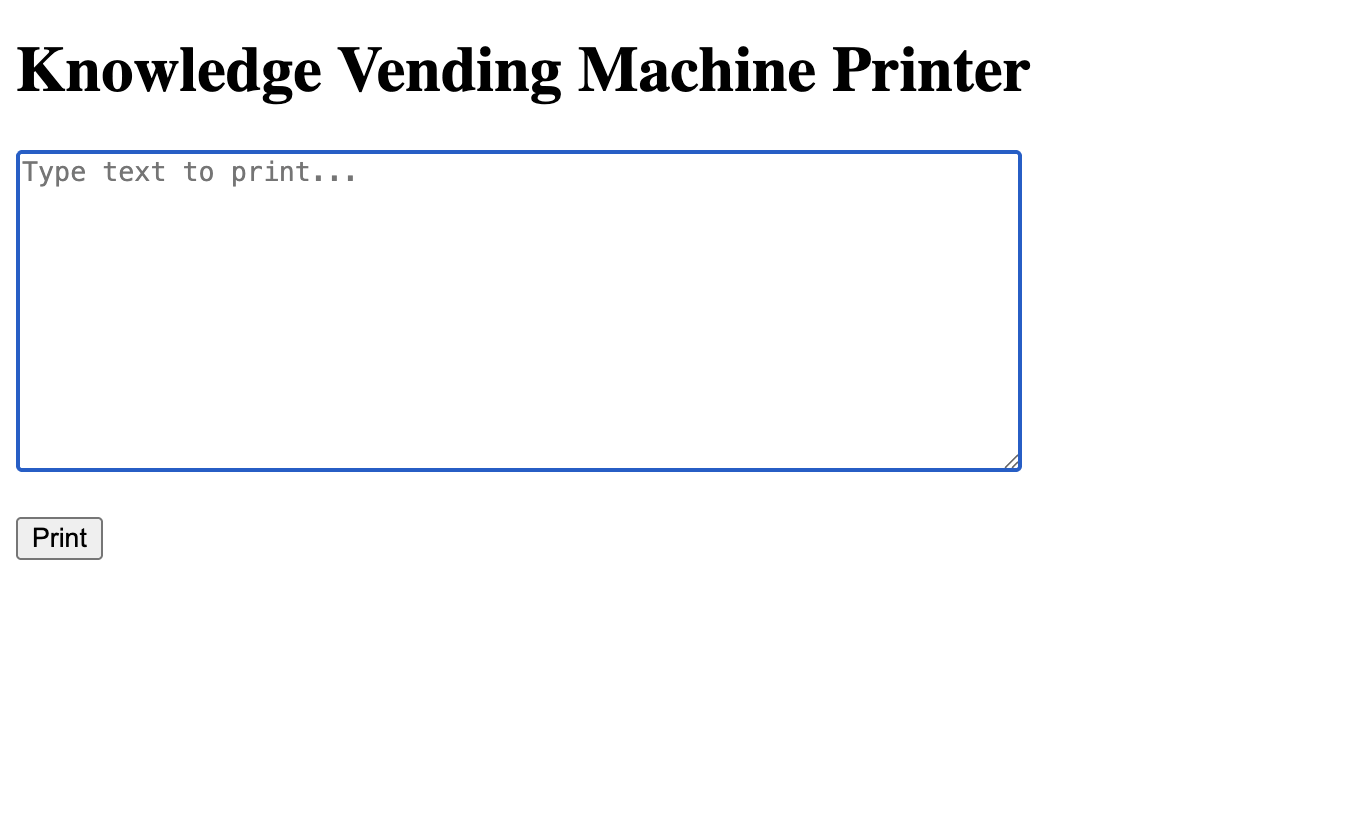
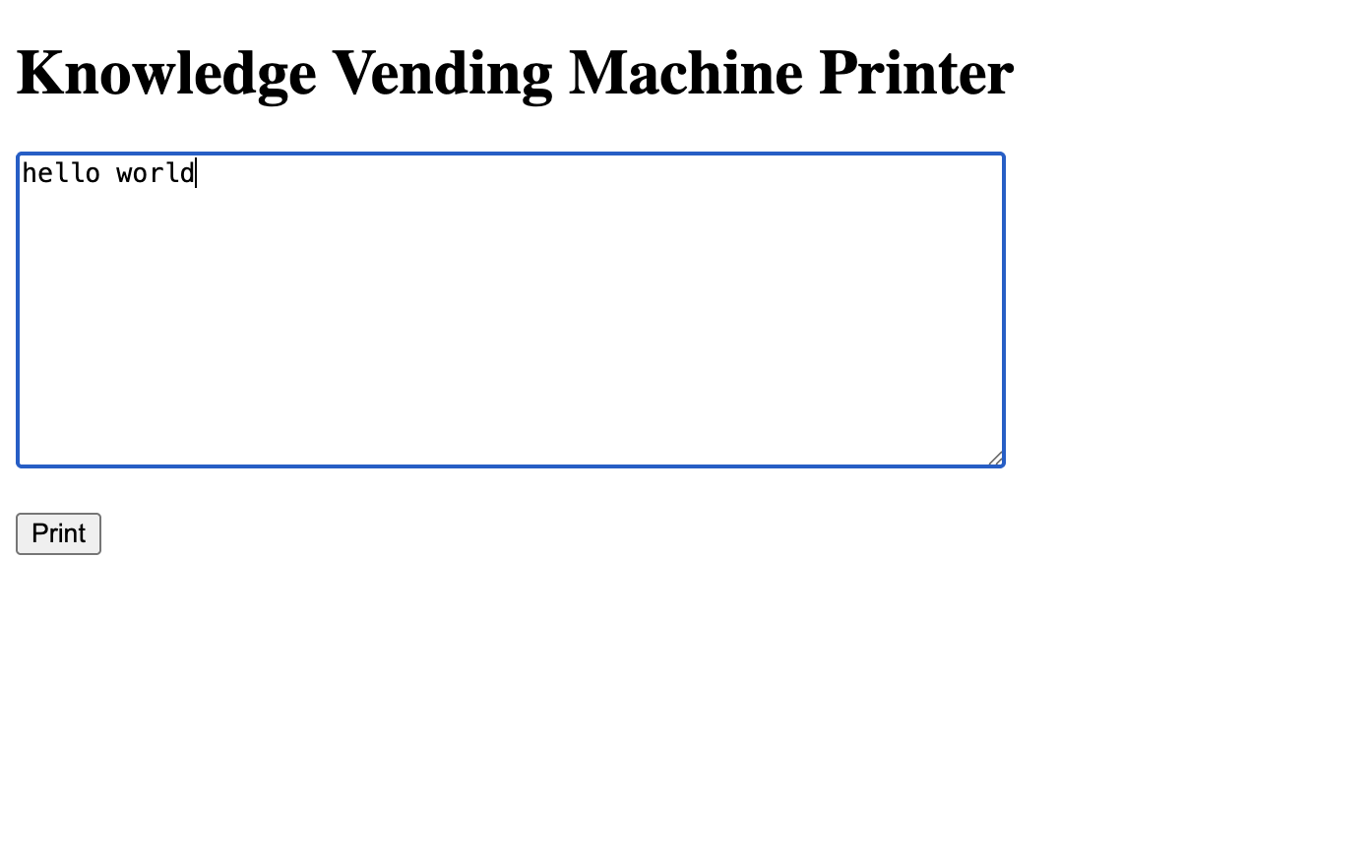
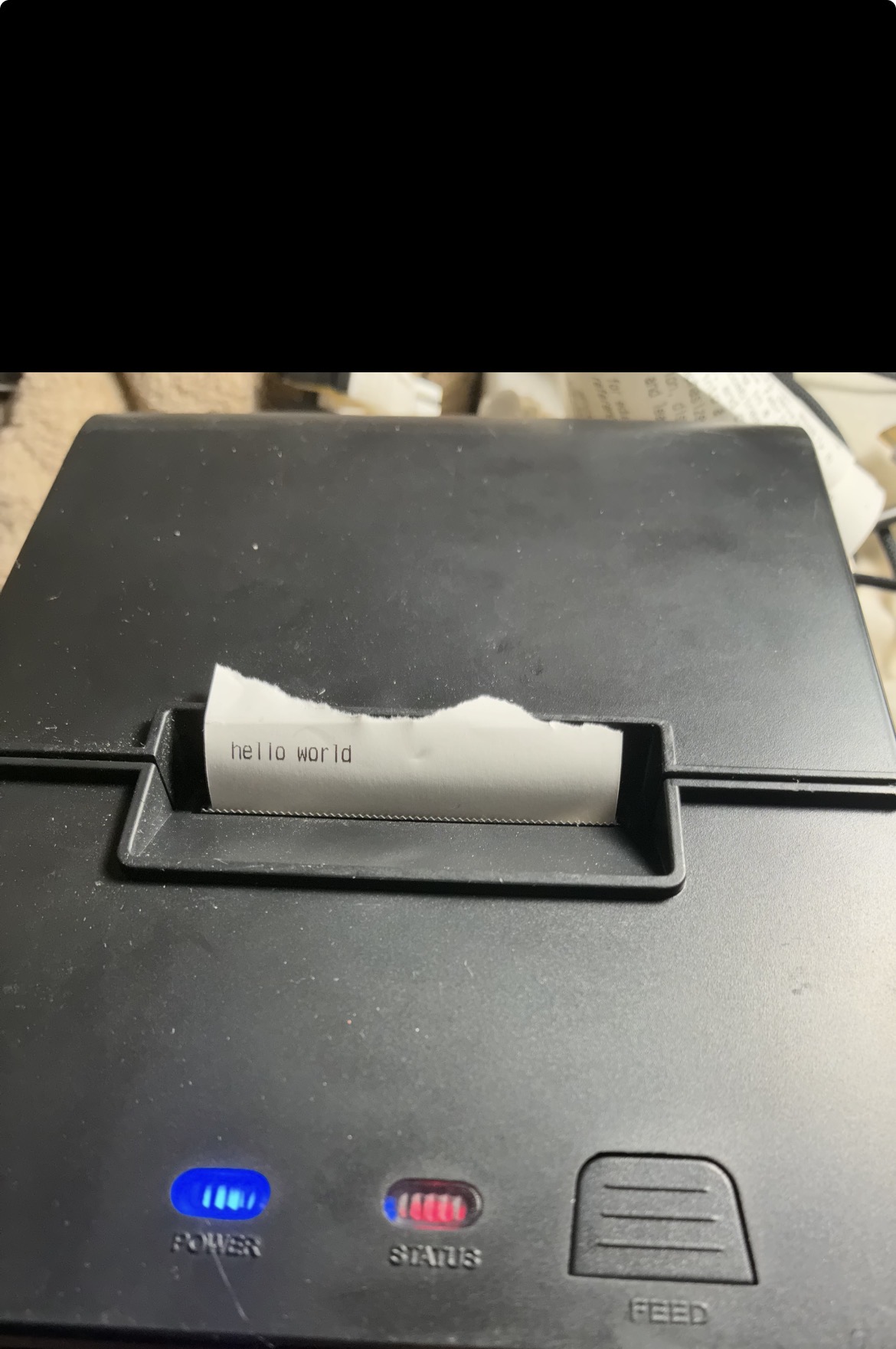
This week focused on creating a user-friendly GUI application to control the thermal printer remotely. Built a simple interface that runs on the Raspberry Pi and allows remote connection from any device over WiFi, enabling plaintext printing without terminal access.
Documentation & Media
GUI development, remote access, and thermal printer integration
GUI Application Code
Flask-based web interface for remote thermal printing
#!/usr/bin/env python3
# printer_gui.py - Simple GUI for remote thermal printer control

import flask
from flask import render_template, request
import thermal_printer

app = flask.Flask(__name__)

@app.route('/')
def index():
    """Display the main GUI interface"""
    return render_template('printer_interface.html')

@app.route('/print', methods=['POST'])
def print_text():
    """Handle print requests from the GUI"""
    text = request.form.get('text_input', '')

    if not text:
        return {'status': 'error', 'message': 'No text provided'}

    try:
        # Initialize and control thermal printer
        printer = thermal_printer.ThermalPrinter()
        printer.begin()
        printer.println(text)
        printer.feed(2)

        return {
            'status': 'success',
            'message': f'Printed: {text}'
        }
    except Exception as e:
        return {
            'status': 'error',
            'message': str(e)
        }

@app.route('/status')
def status():
    """Check printer connection status"""
    try:
        printer = thermal_printer.ThermalPrinter()
        is_connected = printer.check_connection()
        return {
            'status': 'connected' if is_connected else 'disconnected'
        }
    except:
        return {'status': 'error'}

if __name__ == '__main__':
    # Run on all network interfaces for remote access
    app.run(host='0.0.0.0', port=5000, debug=False)