📤 WEEK 9: OUTPUT DEVICES
Actuators, displays, and systems that respond to the world.
Output Device Integration
This week focused on controlling output devices and actuators using microcontroller boards. Explored thermal printing, multi-device coordination, and real-time feedback systems.
Note: For this output devices assignment, I am featuring the thermal printer (NuPrint 210) that I scavenged from the MIT mailroom and have integrated into my final project. This thermal printer serves as my primary output device, allowing text and imagery to be printed in real-time through microcontroller control.
Documentation & Media
Thermal printer integration, output control, and device communication

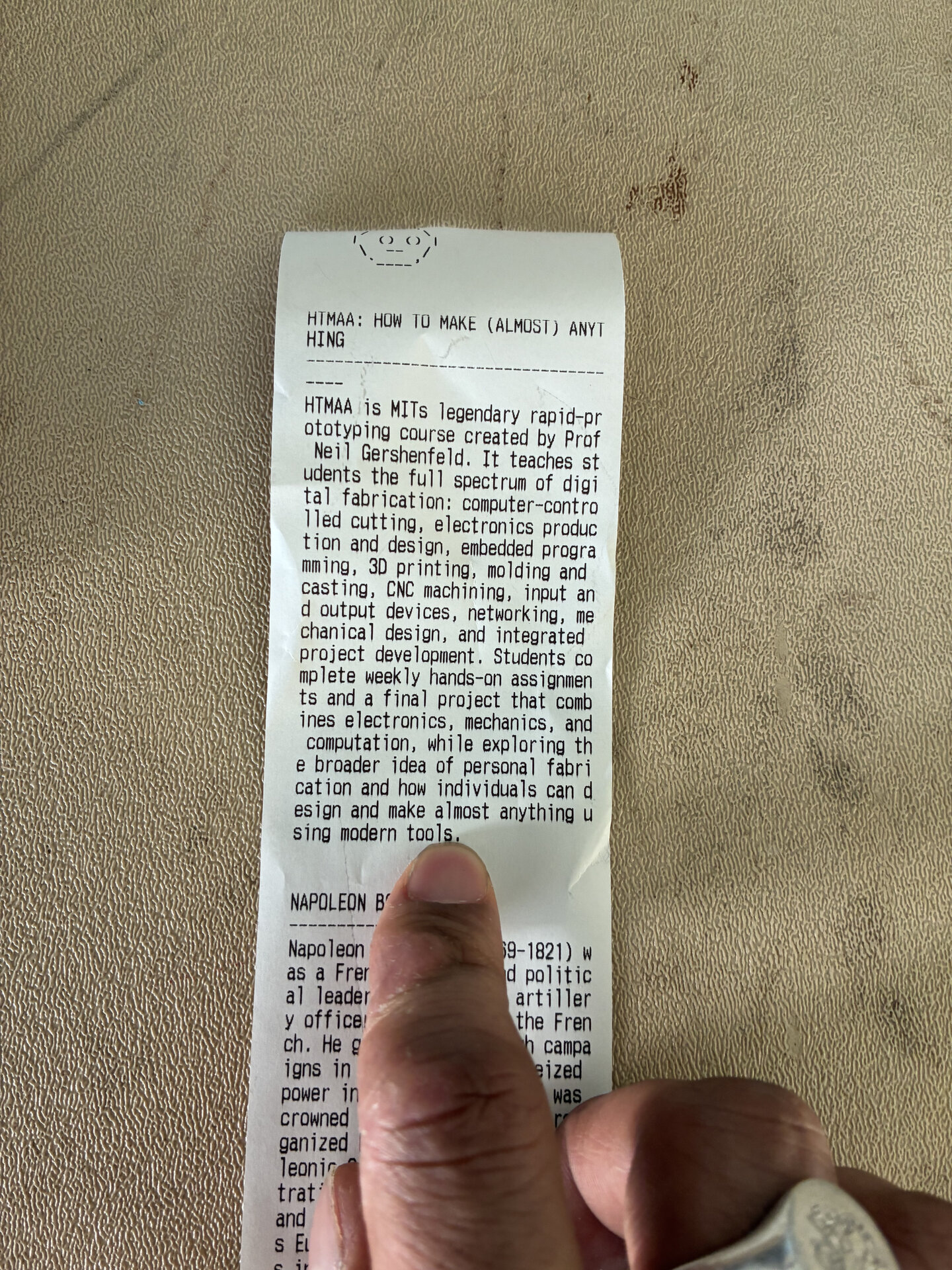
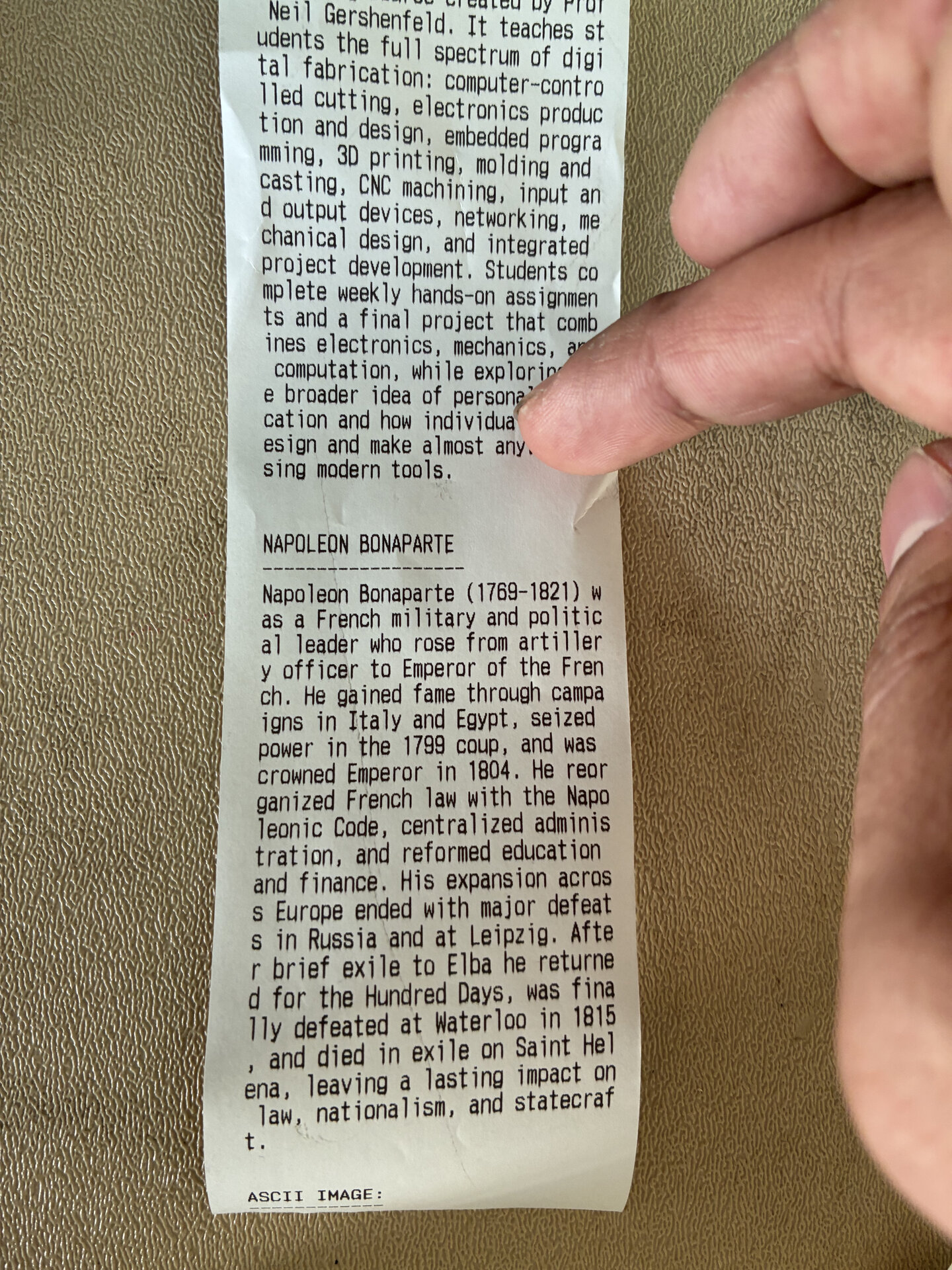
Control Code
Thermal printer control implementation
def print_thermal(text, image_path=None):
    """Control thermal printer output"""
    # Initialize printer connection
    printer.begin()

    # Print text with thermal control
    printer.println(text)

    # Print image if provided
    if image_path:
        img = Image.open(image_path)
        printer.printImage(img, LargeRender=True)

    # Feed and cut paper
    printer.feed(1)
    printer.println("")

    return True

# Device selection and output coordination
def select_output_device(device_type):
    """Route output to appropriate device"""
    devices = {
        'thermal': print_thermal,
        'display': display_text,
        'led': control_led
    }
    return devices.get(device_type)