Cooking up sound with circuits
Serves: One electronics chef with a ready-to-play PCB
Total Time: Several hours of debugging audio, wiring speakers, and pacing around
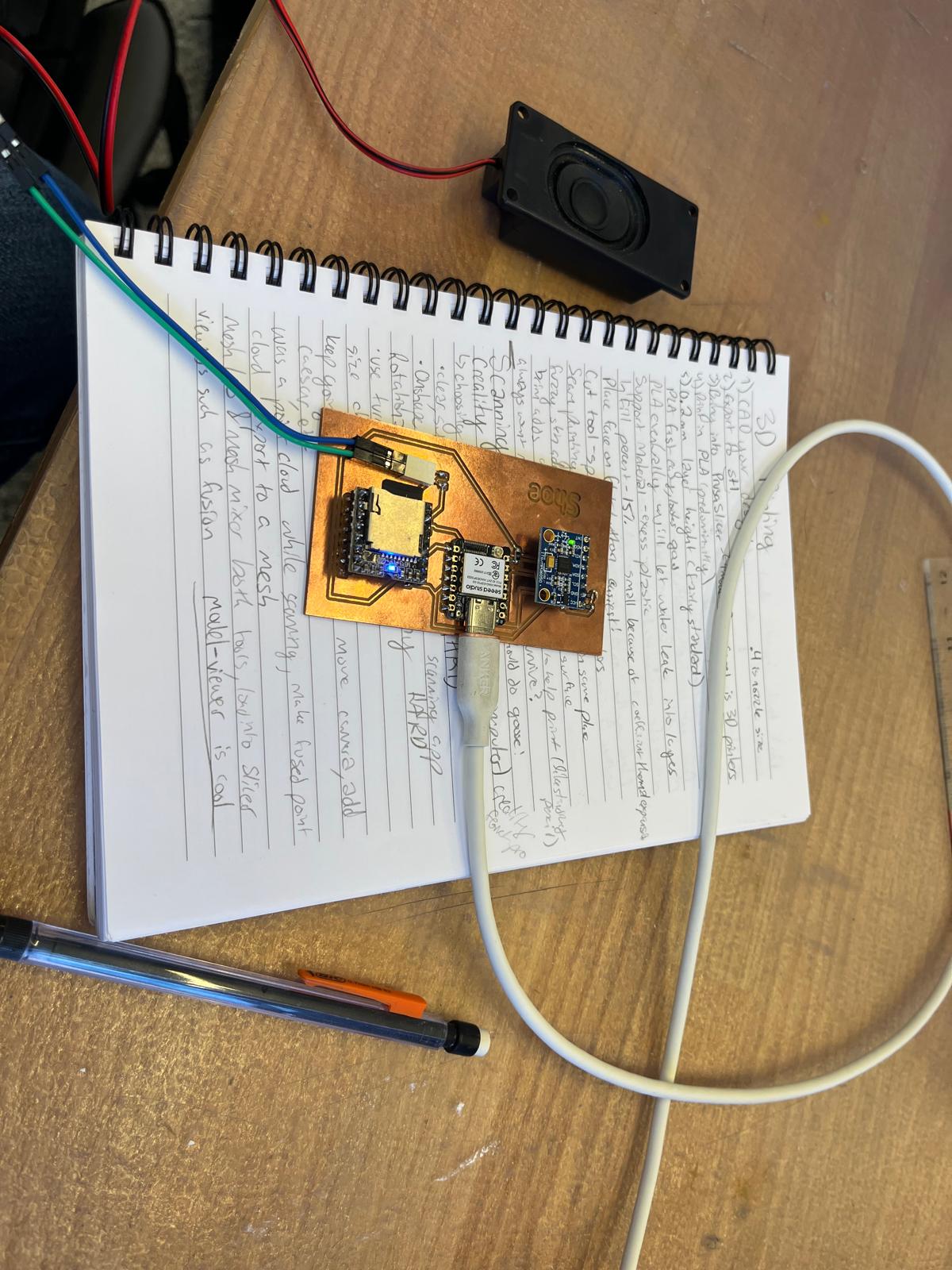
For output testing, I reused the step-detection code from Week 7 and the PCB designed in Week 4 and fabricated in Week 5. This allowed me to focus entirely on sound output rather than rebuilding infrastructure.
The primary output device for this week is a DFPlayer Mini, which plays audio files stored on a microSD card. I added a two-pin speaker output to the PCB so that sound could be produced directly from the board without any external audio equipment.
To test the system clearly, I found free WAV files from audio.com and assigned them to represent different walking speeds (slow vs. fast). This made it easy to confirm whether the correct audio was being triggered based on accelerometer input.
At this stage, the full pipeline of the project comes together:
Accelerometer motion → step detection → BPM classification → audio playback
When the accelerometer registers motion, the code categorizes the walking speed and sends a command to the DFPlayer Mini over serial communication. The DFPlayer then selects and plays the corresponding audio file through the attached speaker.
This setup confirms that my PCB successfully supports both input and output devices and that software decisions can directly control physical sound output.
The system worked exactly as intended. Changes in walking speed reliably triggered different audio outputs, demonstrating a complete and functional input-to-output loop.
This week validated the core idea behind my final project: physical motion can dynamically control musical output. While the current system uses broad speed categories, the next step is to map precise BPM values to a larger library of songs so that the music matches walking tempo more accurately.
With both input and output now functioning on the same custom PCB, the project is well-positioned to evolve into a fully wearable musical shoe.