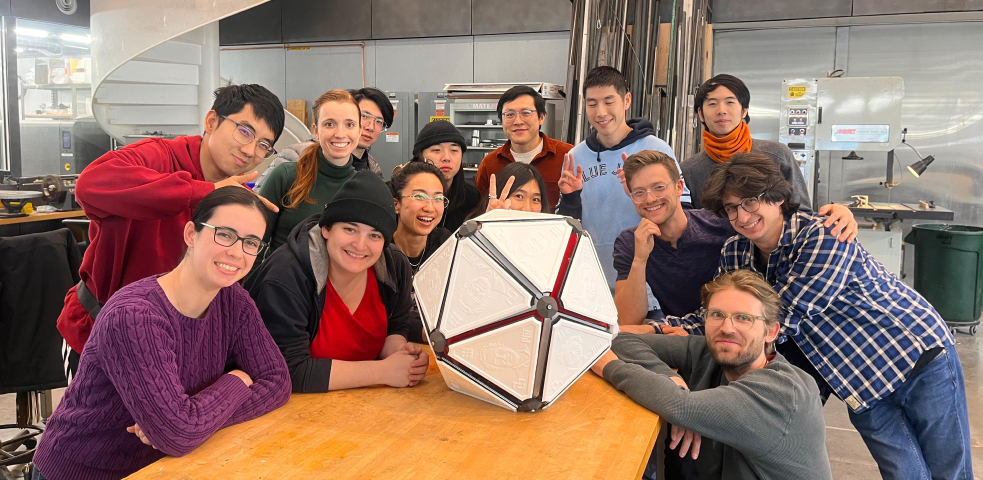
Neilbot
Result
- More documentation can be found on our amazing group website
- Detailed documentation about the software team can be found in software documentation
- Check our fabulous short film with Neilbot and behind-the-scenes documentary about how 1-week machine building was possible
Software Spec
Our Goal
IMU sensor subsystem with DMP quaternion computation and motion algorithm for determining which faces to actuate.
- IMU & Motion Control
- IMU Sensor Subsystem: Uses SparkFun ICM-20948 library with Digital Motion Processor (DMP) for quaternion computation in hardware, reducing CPU load.
Features:
- Quaternion output via DMP (no Euler angle conversion needed)
Motion Algorithm: To move forward, the system actuates two faces adjacent to the face on the ground, tipping the icosahedron onto the third neighboring face. The system uses vector math to determine which faces to actuate based on IMU orientation and desired movement direction.
Moving Faces
Algorithm
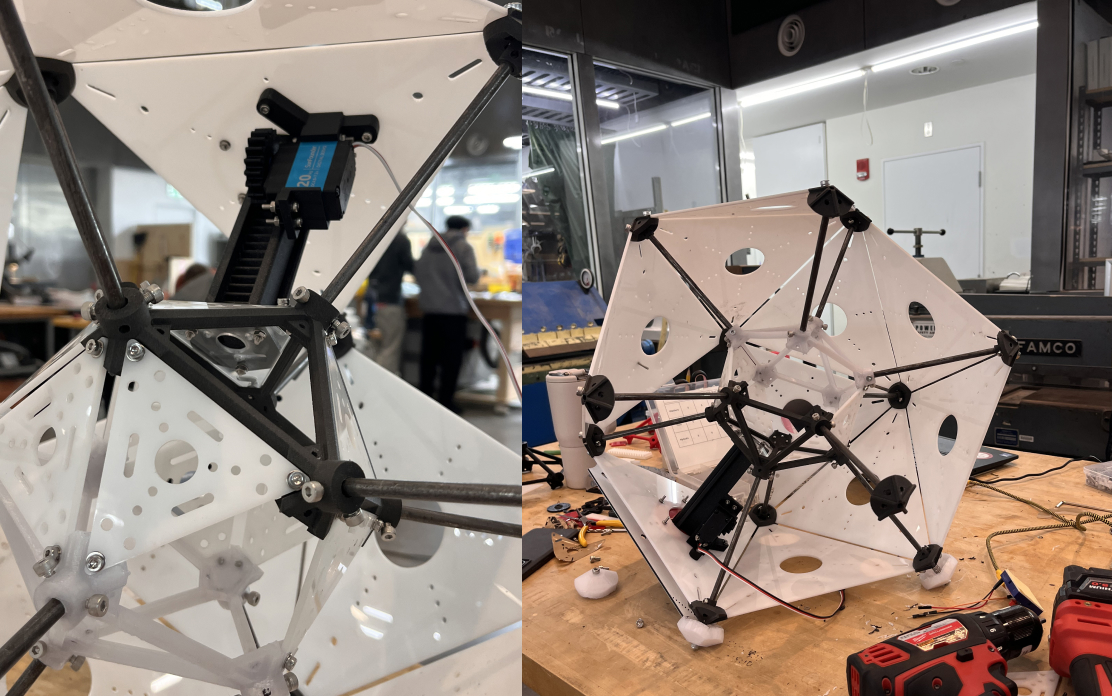
We had a quick conversation about how this thing will move. We decided that a naive algorithm for getting it to "take a step" forward is to actuate two faces adjacent to the face which is on the ground, to tip it onto the third neighboring face. Eitan had 3D-printed 20-sided dice for all of us, which we decided to use as a shared reference for how to refer to the faces. Miranda, Saetbyeol, and Eitan encoded the face adjacencies into a JSON file which maps each face number to its neighbors. We generated unit normal vectors for each face of an arbitrary icosahedron. From these, Miranda and Saetbyeol implemented a quick visualization for how to compute which faces to actuate given the face which is on the ground. In the below visualization, the face on the ground is colored in red, the face most closely aligned with the movement vector (greatest dot product between the face normal and the movement vector) is colored in yellow, and the two faces to actuate (the other two neighbors) are colored in green.
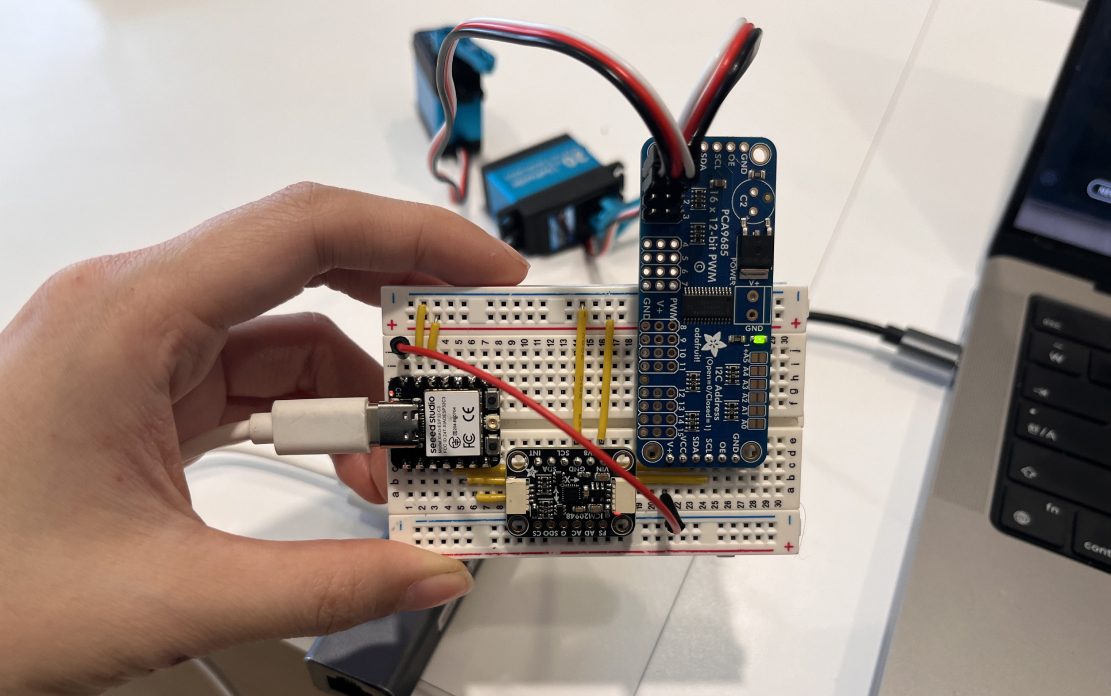
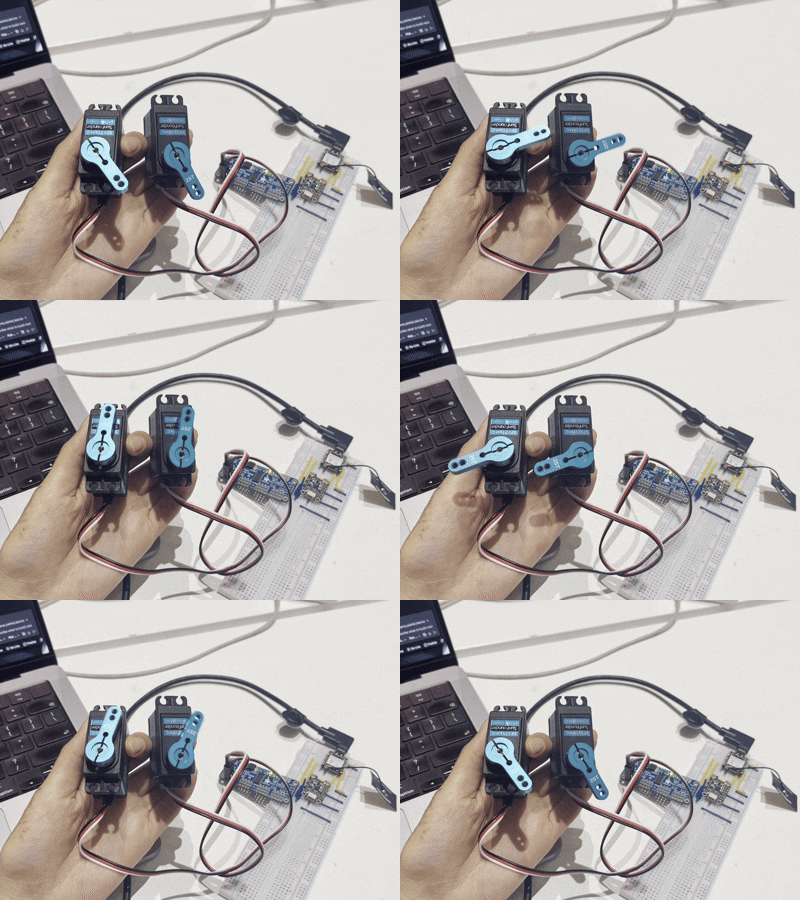
Servo Moving
I tested the muxes and got the servos to run!
Neilbot's Voice (Speaker)
Spec
The audio subsystem streams 16-bit PCM WAV files from an SD card to a MAX98357A I2S amplifier for playback through a speaker.
Audio Path: SD Card → ESP32 → Amplifier: WAV audio streaming via I2S
I2S Audio (MAX98357A):
- BCLK: D1
- LRCK (WS): D0
- DIN: D2
File Structure
Audio files must be stored in /audio/ directory on SD card:
/audio/
├── audio_0000_filename.wav
├── audio_0001_another.wav
├── audio_0042_example.wav
└── ...
Naming Convention: audio_XXXX*.wav
- XXXX: Zero-padded 4-digit ID (0000-9999)
- Suffix after ID: Optional (ignored)
Implementation
void setupAudio()
- Initializes SD card via SPI
- Checks for SD mount success
- Does NOT initialize I2S (done during playback)
void playAudioById(uint32_t audioId)
Parameter: Audio ID (0-1048575, but files use 0-9999)
Behavior:
- Searches /audio/ for file matching audio_{ID:04d}*.wav
- Opens file and validates WAV header
- Initializes I2S with sample rate from WAV header
- Starts playback (non-blocking)
void playAudio()
Called from main loop
- Streams audio data in chunks (4096 bytes)
- Applies volume gain (32.0x multiplier)
- Clamps samples to prevent clipping
- Auto-stops when file ends
bool initI2S(uint32_t sampleRate)
Configures I2S for specified sample rate
Settings:
- Mode: Master TX
- Bits per sample: 16-bit
- Channel format: RIGHT only (mono)
- DMA buffers: 8 buffers × 512 bytes
- APLL: Enabled for accurate clock
- Uninstalls previous I2S driver before reinitializing
I2S Configuration Details
i2s_config_t config = {
  .mode = I2S_MODE_MASTER | I2S_MODE_TX,
  .sample_rate = <from WAV file>,
  .bits_per_sample = I2S_BITS_PER_SAMPLE_16BIT,
  .channel_format = I2S_CHANNEL_FMT_ONLY_RIGHT,
  .communication_format = I2S_COMM_FORMAT_I2S_MSB,
  .intr_alloc_flags = ESP_INTR_FLAG_LEVEL1,
  .dma_buf_count = 8,
  .dma_buf_len = 512,
  .use_apll = true,  // Precise clock
  .tx_desc_auto_clear = true,
  .fixed_mclk = 0
};
Volume Control
Current Implementation:
- Fixed gain: 32.0f (hardcoded in playAudio())
- Applied as multiplication: sample = sample * 32.0
- Clamping: Prevents overflow (limits to ±32767)
- Modification: To change volume, edit volumeGain variable in lib-07-audio.ino
Command Integration
Audio playback is triggered via BLE command:
- Command: play_audio
- Command bits: 0b0100
- Data: Lower 20 bits = audio ID (0-1048575)
Example: Play audio file 42
- Command: play_audio
- Data: 0x00002A (42 in hex)
- Finds: /audio/audio_0042*.wav
Error Handling
- SD card mount failure: Logged, system continues
- File not found: Logged, playback not started
- Invalid WAV format: Logged, file closed
- I2S write failure: Stops playback, closes file
Networking
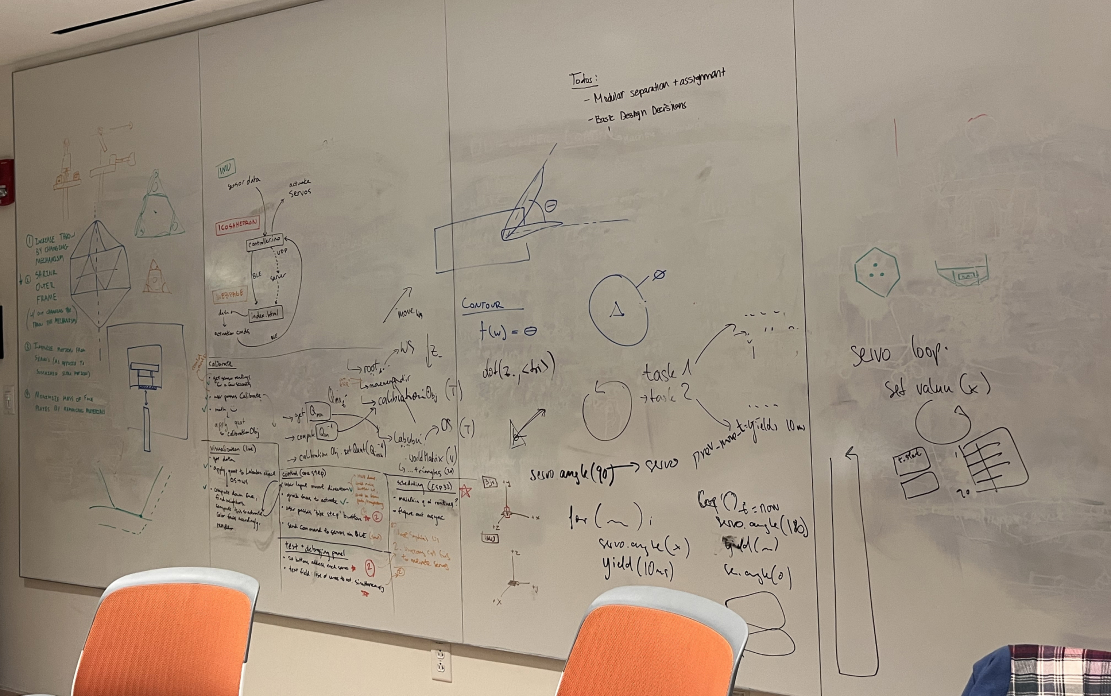
In order to debug an issue where the BLE signal would sometimes brownout, we moved away from sending JSON strings over BLE and came up with a more compressed representation for sending commands. Our final command encoding sends 4 leading bits to encode the commands and 20 bits for data. From the website, if the user clicks the specific number of audio to play, it sends the 20-bit audio ID.
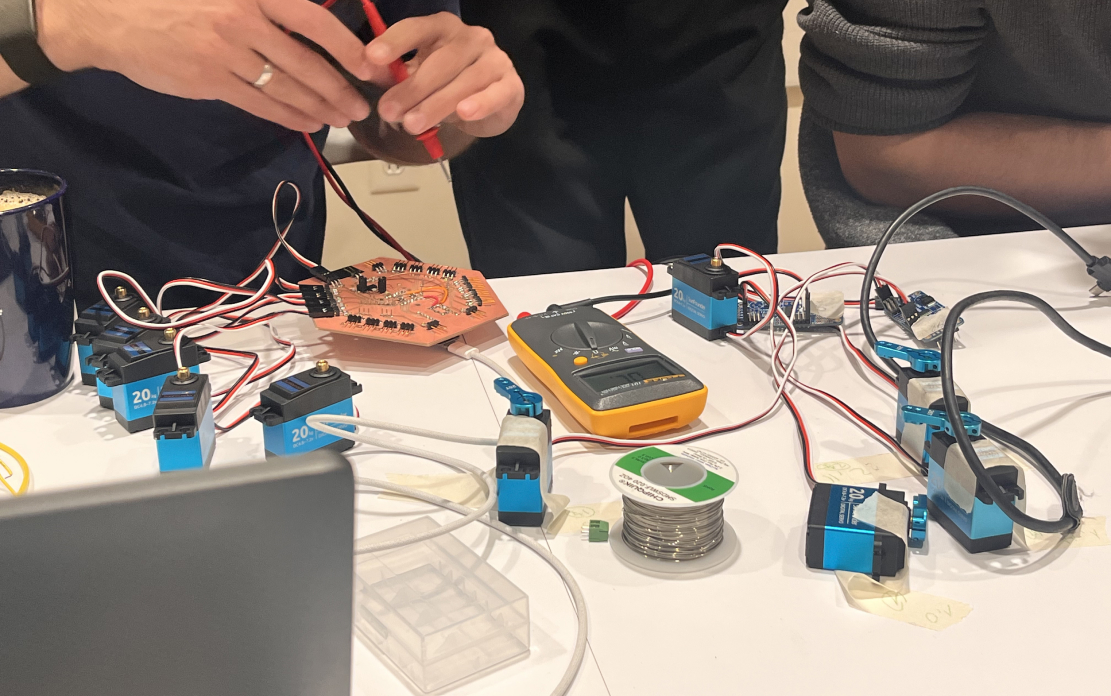
Neilbot is Speaking
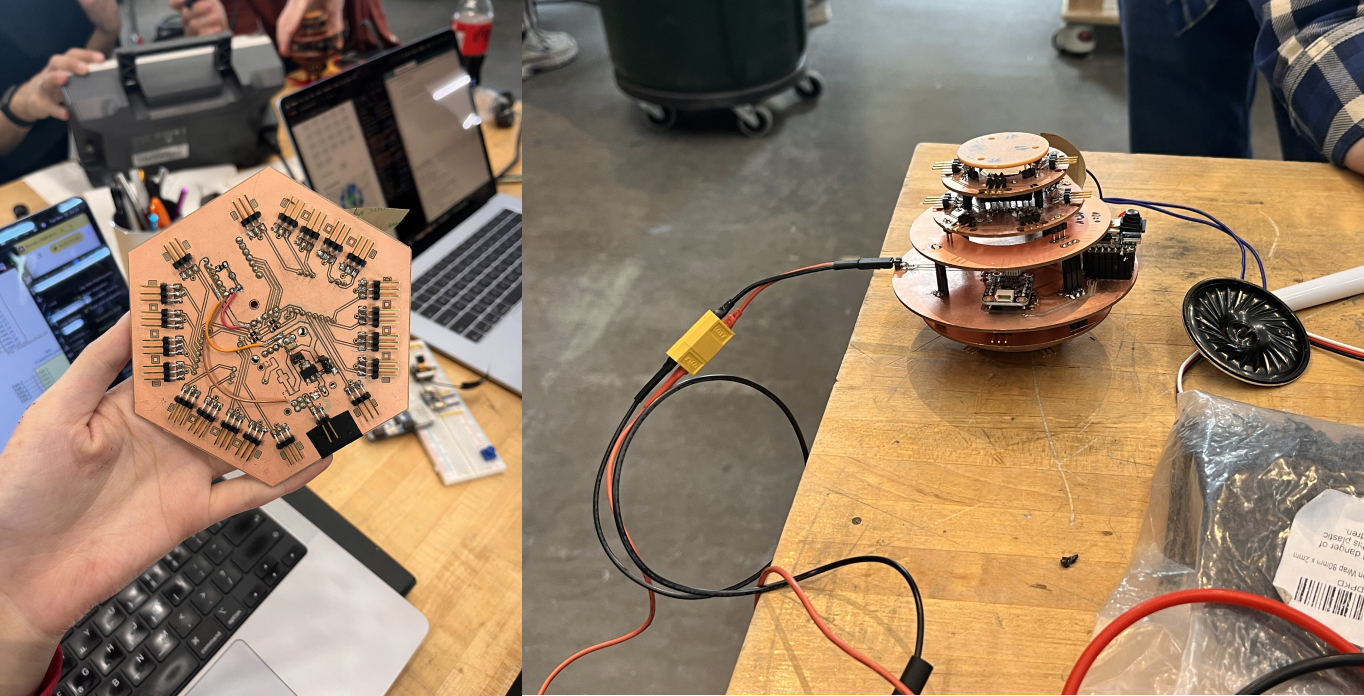
We debugged the audio subsystem because we encountered some problems with Tyler's amazing spherical PCB.
Final Integration
After debugging the software and with the final board settings, we started integrating all the amazing parts that the MechE and EE teams created! Truly amazed at how all the components fit together so well.
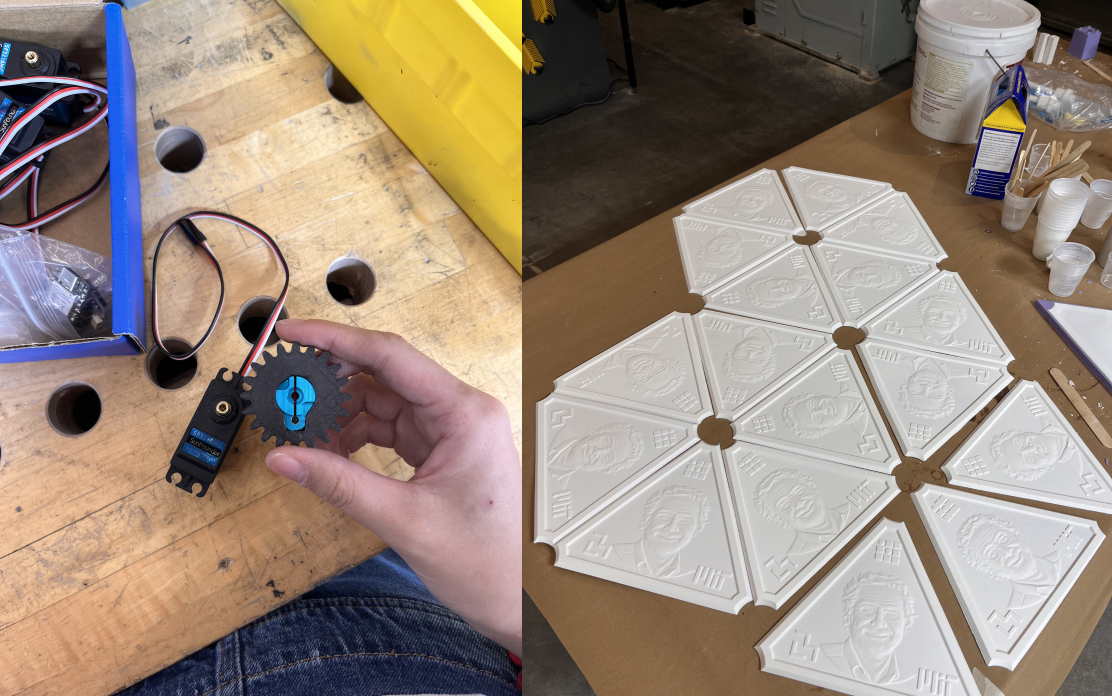
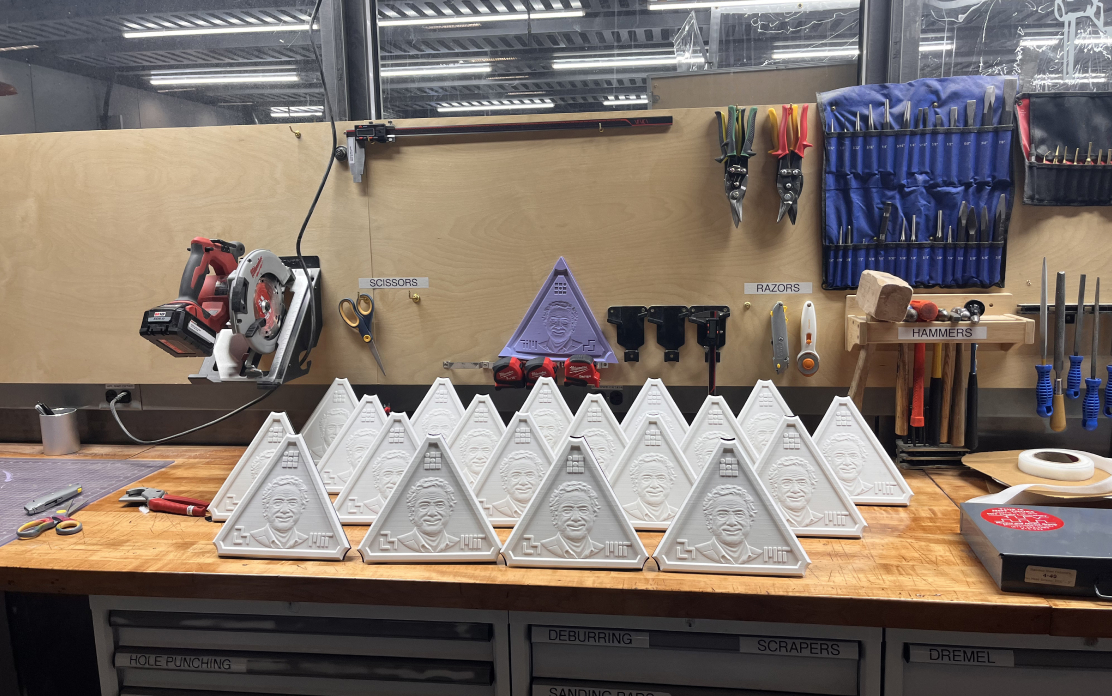
a.k.a. 20 Neils
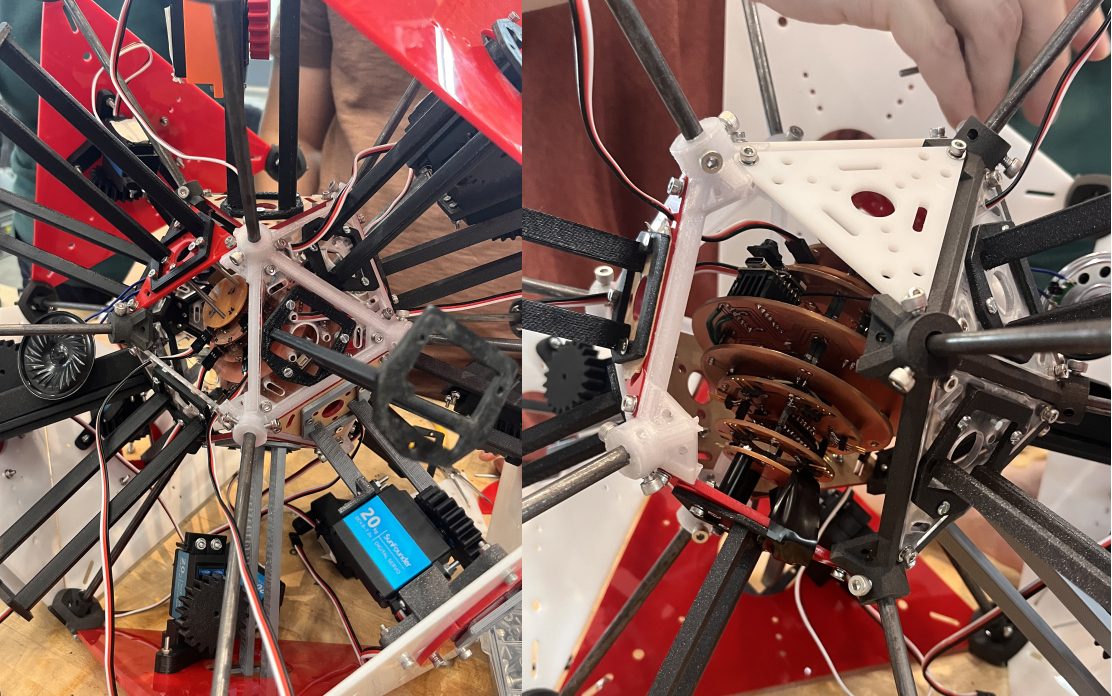
Beauty of the 9-layer PCB stack and perfect case.
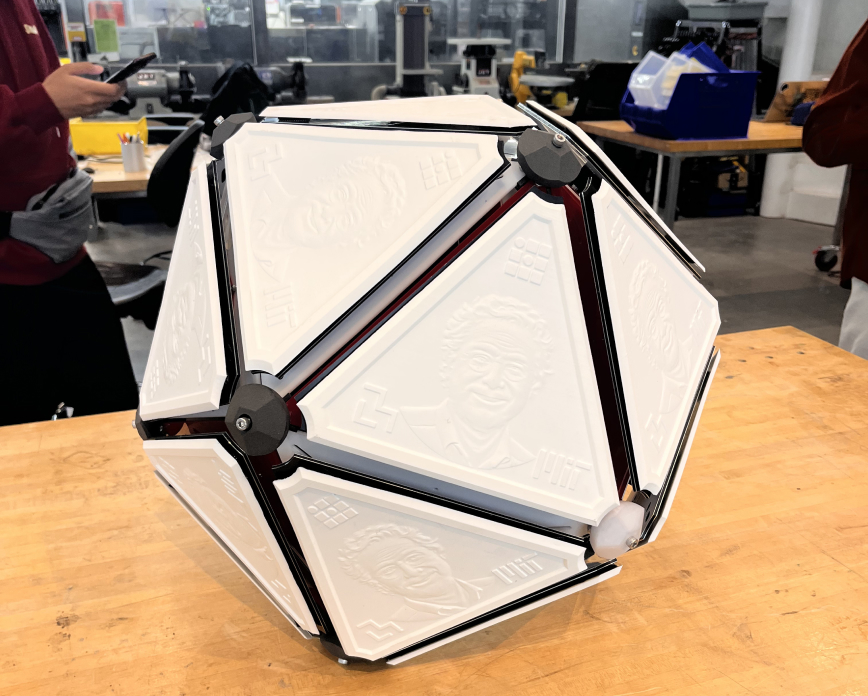
Baby's first step!!