3.1 3D Printing
3.2 3D Scanning
GROUP WORK

03
TRIALS & TRIBULATIONS
LESSONS LEARNED


Softwares: Fusion360, Rhino, Bamboo Slicer
Devices: Bamboo - PS2
Materials: PLA Matte Black, PLA Matte White
Files: NativeMini.f3d Cowrie_Shell.stl , CowryBangle.f3d
Devices: Bamboo - PS2
Materials: PLA Matte Black, PLA Matte White
Files: NativeMini.f3d Cowrie_Shell.stl , CowryBangle.f3d
Softwares: RevoScan, Revopoint Pop 2 Scanner
Devices: Phone, Revopoint Scanner
Files:NativeMini.mov, ShangtaoScan.mov
Devices: Phone, Revopoint Scanner
Files:NativeMini.mov, ShangtaoScan.mov
- Mesh Modeling and Holes - while importing STLs I had issues working with the meshes... a lot of them were extremely high resolution which blew up my file size and made editing extremely difficult. I found that lowering the poly-resolution and converting the mesh to an object was the easiest way to incorporate outside models into my design!
- Sketching your ideas out really helps with the CAD process
- Try to use .OBJ files for online imports and ALWAYS check file size
- Use other softwares to accomplish what you can’t on Fusion
- Always check if the infill makes sense, especially if the piece is small!
Architecture Assignment 3 Group Work
First thing I scanned was my bag deodorant! I was told that the RevoScan app
was not great at scanning small objects, but my scan turned out pretty good!
I was not able to export any files (I only have the free version ;-;), but
recorded videos of the scans.
The first thing I CADed was my mini deoderant that I scanned! I used
Fusion360, and just eyeballed all the sizes.
We also tried scanning Shengtao’s head. I was very surprised that the scan
also picked up the rest of the room and as well as other people. I think in
the future, it’s important to have a more simple background if I were to do
larger scans.
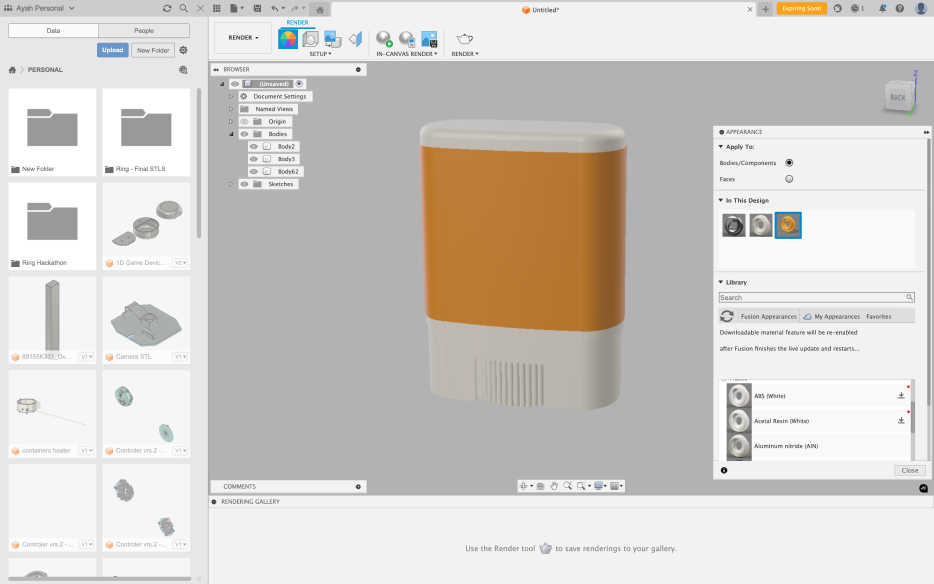
NATIVE MINI DEODERANT
COWRY SHELL BANGLE BRACELET
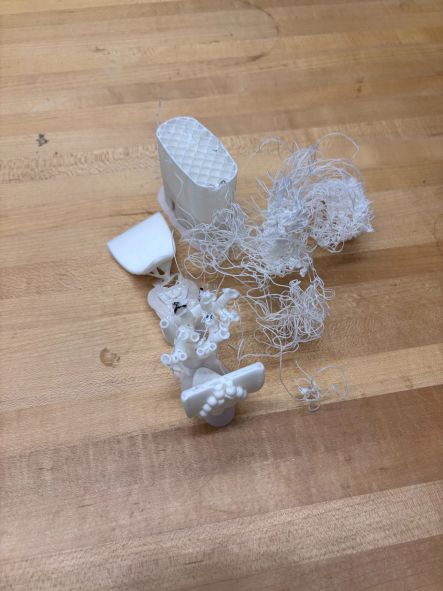
PRINTING: ROUND 1 (FAILURE ;-;)
PRINTING: ROUND 2 (SUCESS)
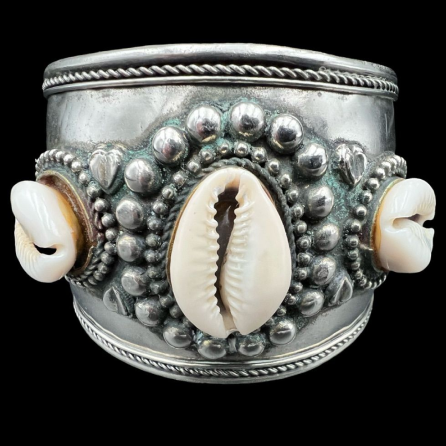
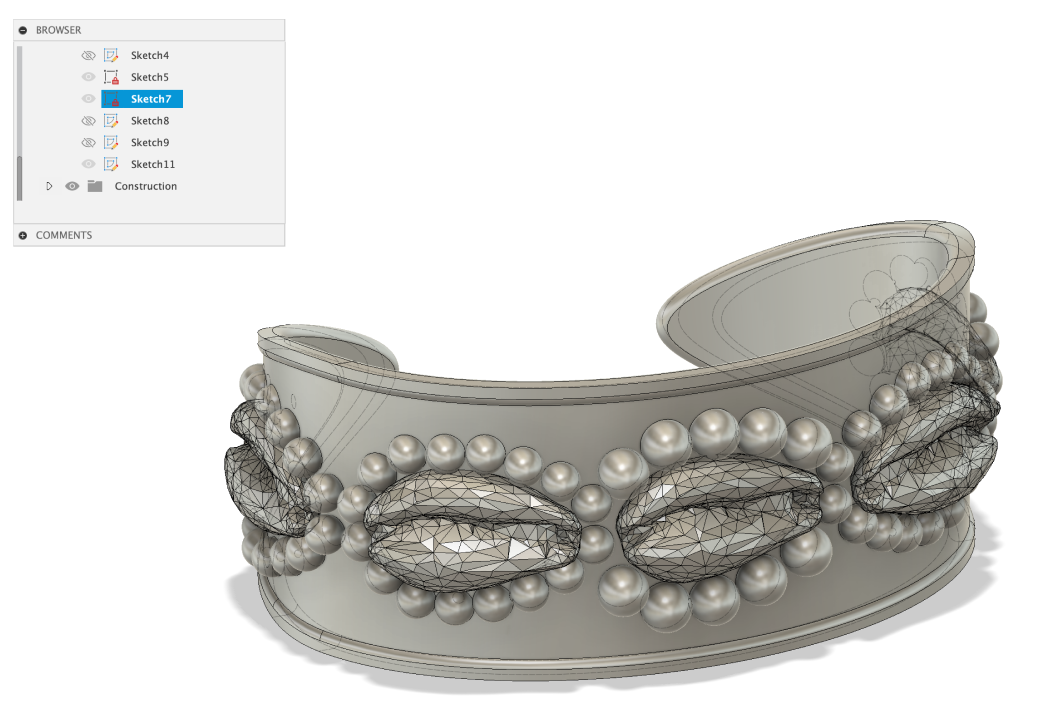
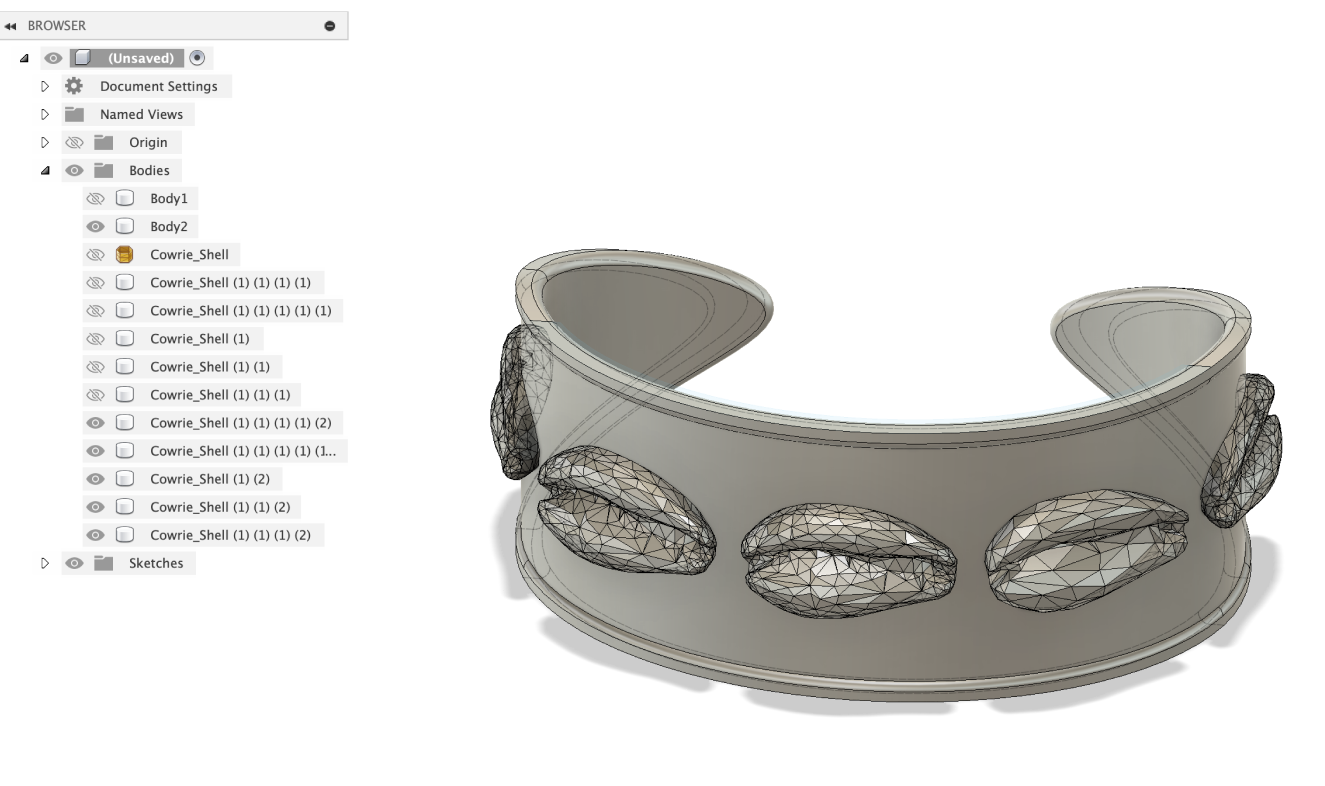
I started a CAD file in Fusion, approximating my wrist size, and
downloading a basic
cowrie shell mesh
from LennyFace on Thingiverse.
Then I fit some sphere embellishments around each shell, making the center
ones larger. I debated adding cut outs or spherical embossing along the
background of the cuff, but ultimately decided to go for the more simple
look.
Print Time: 50m38s | Material: PLA Basic Matte Black | Support: Tree
(default) | Infill: 15% | Brim: 5mm outer | Nozzle: 4mm
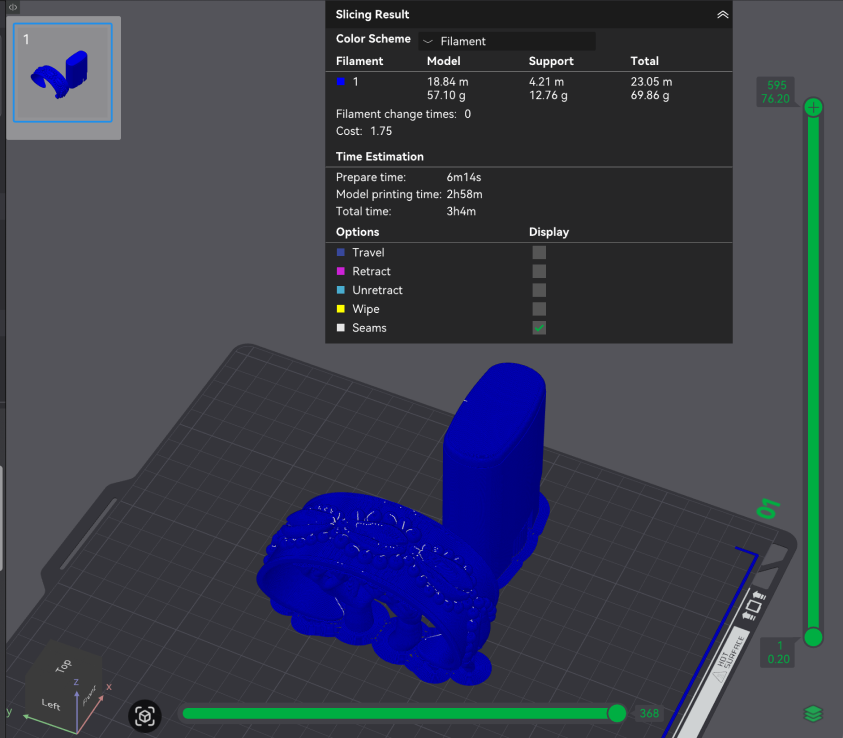
I printed both of them on the same plate on Bamboo Slicer and made
adjustments to the settings that I thought were appropriate for this type of
print, such as a 5mm Brim for better bed adhesion, and added tree supports.
Tree supports were the best option because they are the easiest to remove
and leave less rough markings on the print. I also oriented the bangle to be
printed facing upright so that the visible part of the piece would be most
smooth.
Print Time: 3h4m | Material: PLA Basic Matte White | Support: Tree (default) | Infill: 15% | Brim: 5mm outer | Nozzle: 4mm
Print Time: 3h4m | Material: PLA Basic Matte White | Support: Tree (default) | Infill: 15% | Brim: 5mm outer | Nozzle: 4mm
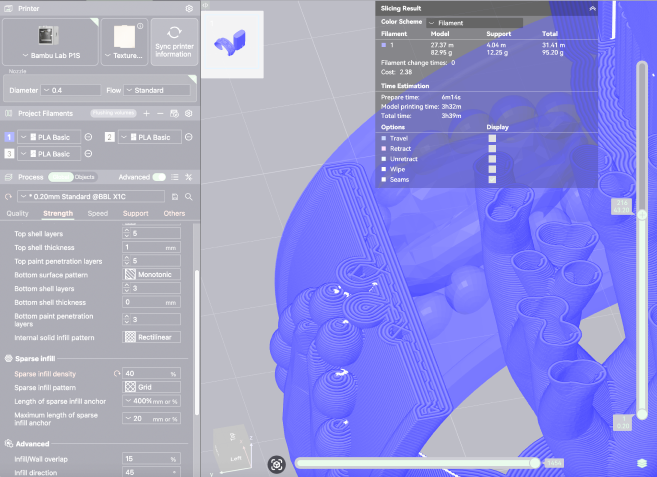
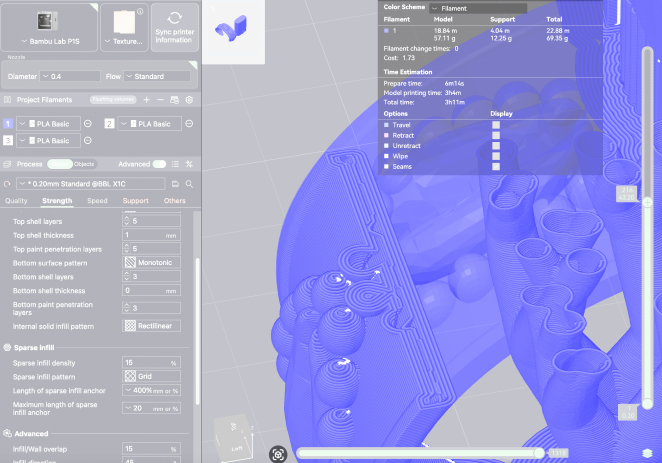
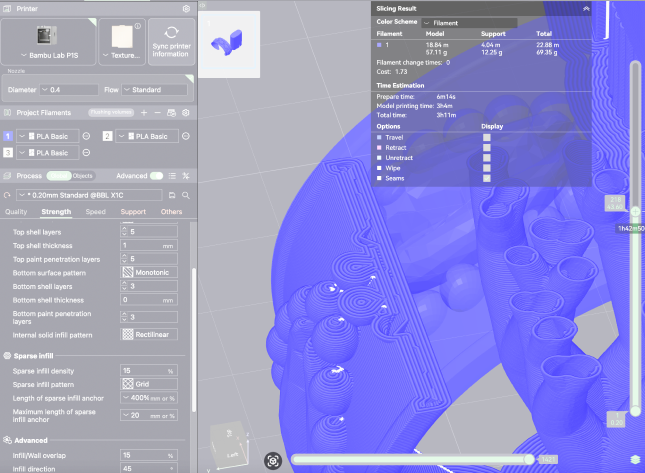
It failed!!!!! ;-;
So i took a look at the print to see where it stopped and then reopened
Bamboo Slicer.
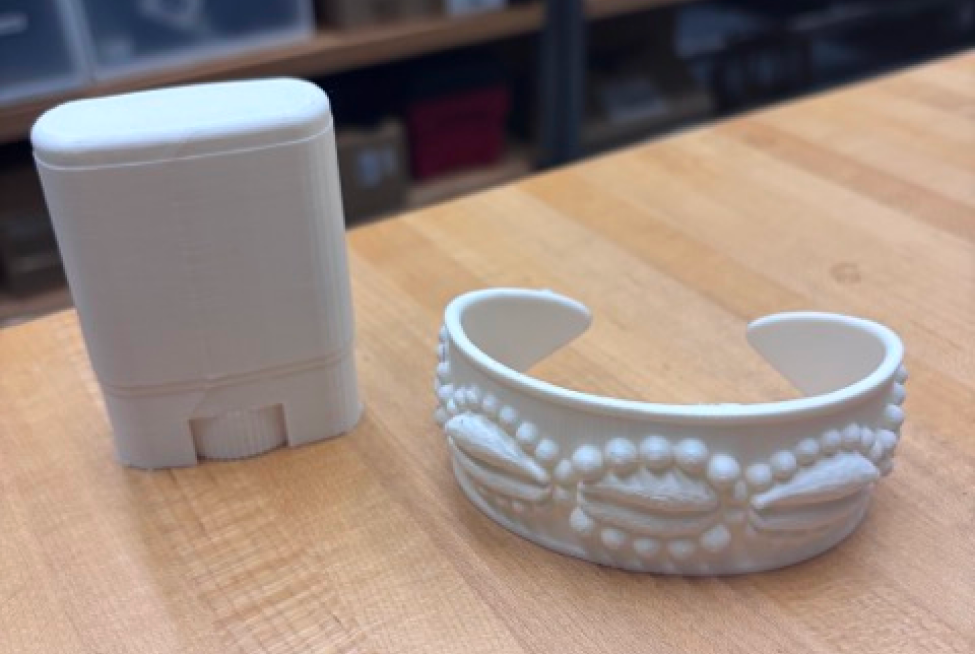
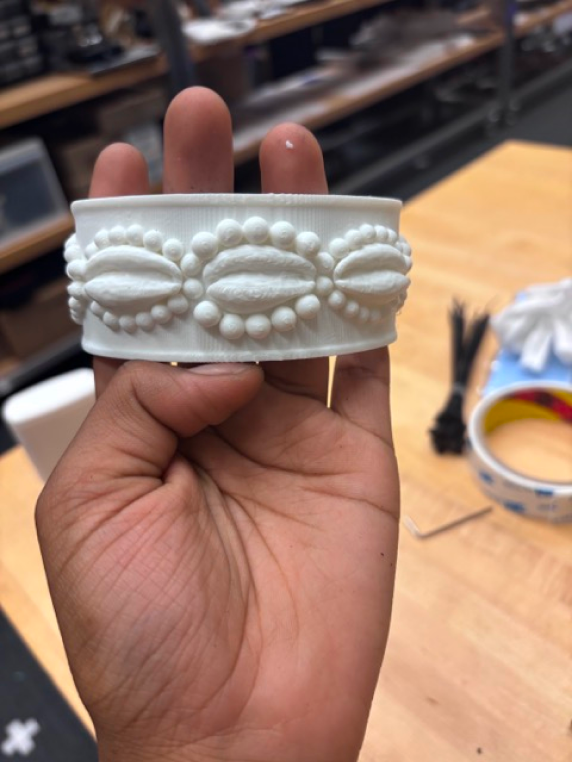
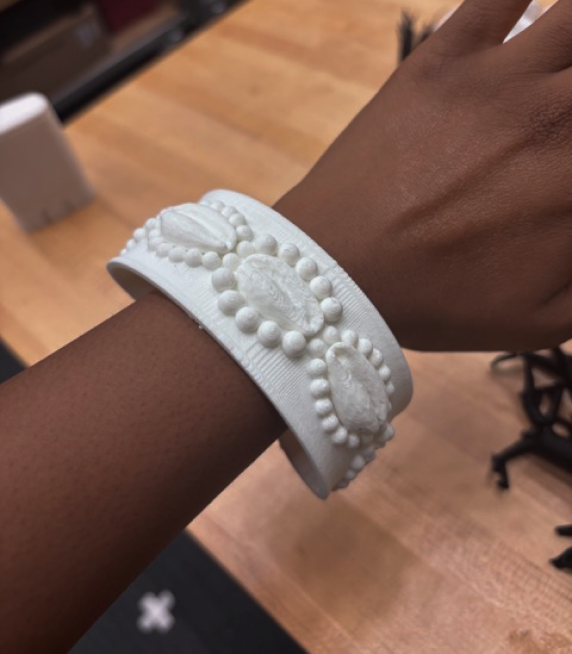
The print worked out!! I was very happy about the thickness and overall
look, and I think if this were a larger project I would’ve lived to sand it
and spray it silver. The cowrie shell meshes printed out well, but a little
grainy (nothing some sanding can’t smooth out!), and the tree supports were
extremely easy to remove with a pair of wire-cutters! I also reaaaaally over
estimated how large my wrists are... the bangle does not sit well at all and
is almost x2 longer in width...
The deodorant ended up well too! Since the infill was increased, it did feel noticeably denser my usual prints!
The deodorant ended up well too! Since the infill was increased, it did feel noticeably denser my usual prints!