Week 14
Goal
For wildcard week, I chose to work on laser engraving for PCBs. This is something I’ve been meaning to understand better. It is also relevant for my final project, because it will let me create compact chip-down boards.
First Attempt
I started with my dongle_medium board which I
designed for my final project.
The board can be found here.
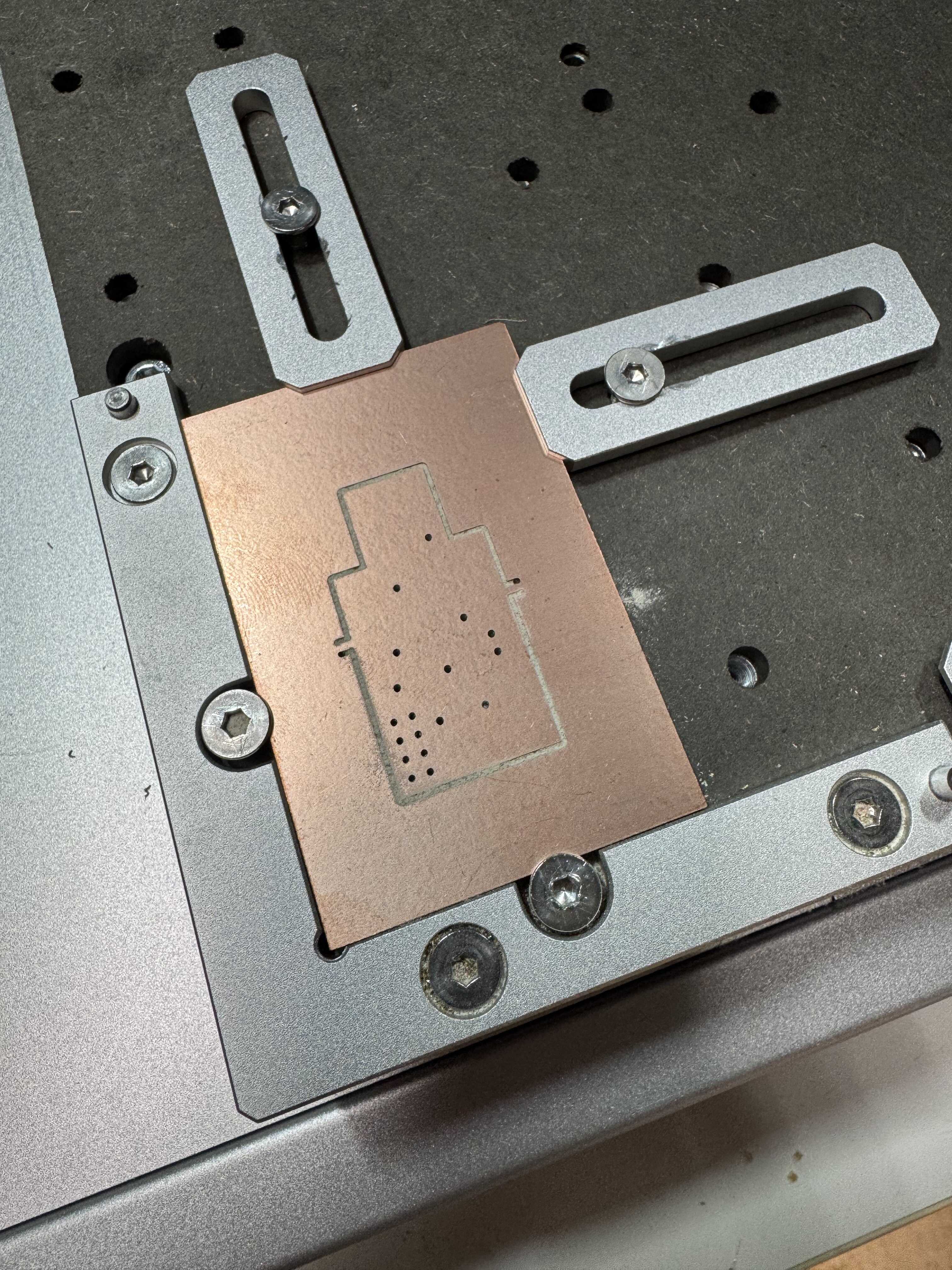
I milled the edge cuts and through holes on some of the two-sided FR1 copper clad from 043 using the Carvera in 023:
Before engraving the design using the F2 Ultra in 023, I followed Quentin’s suggestion, and engraved some markers to help with alignment:
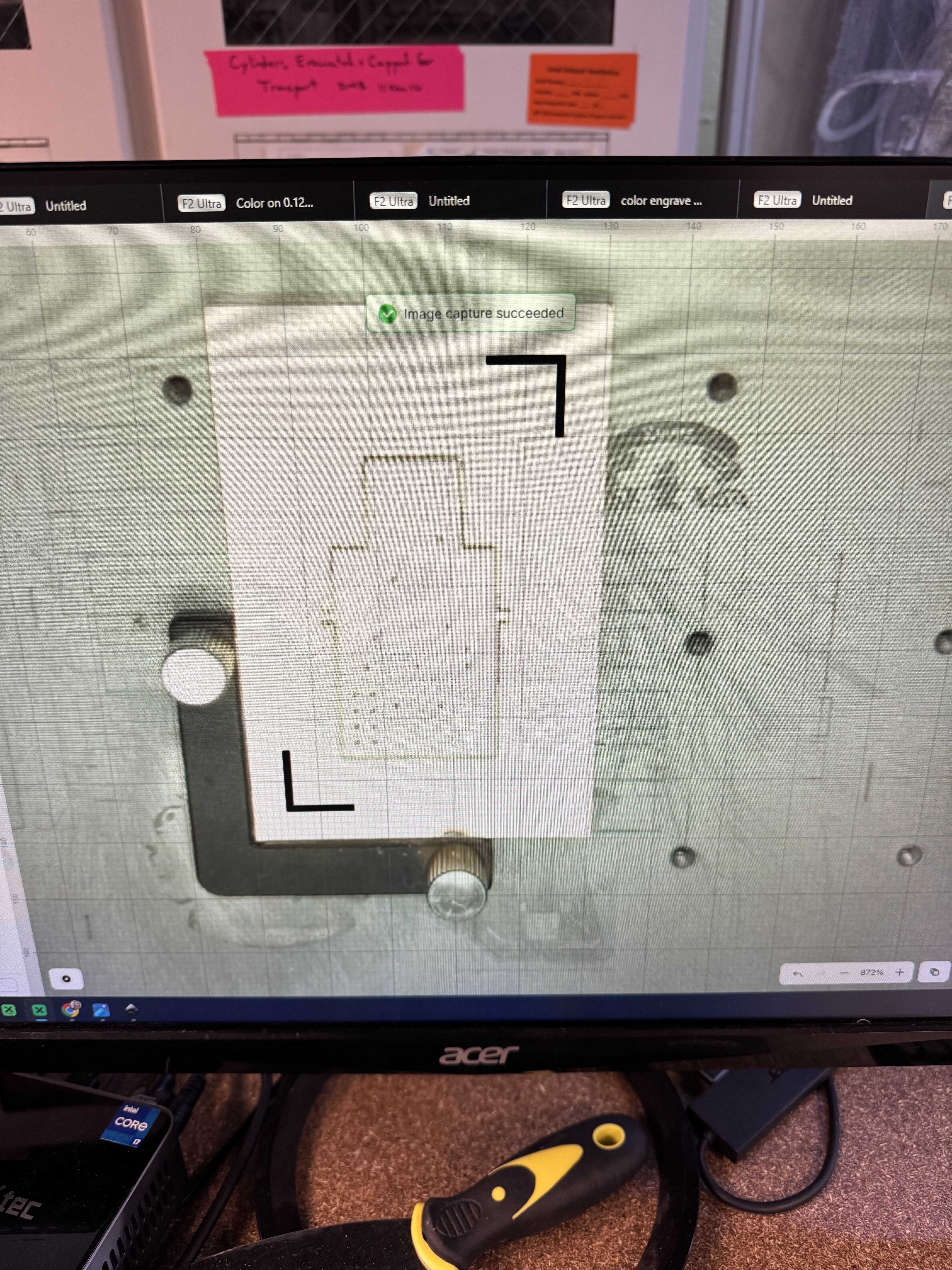
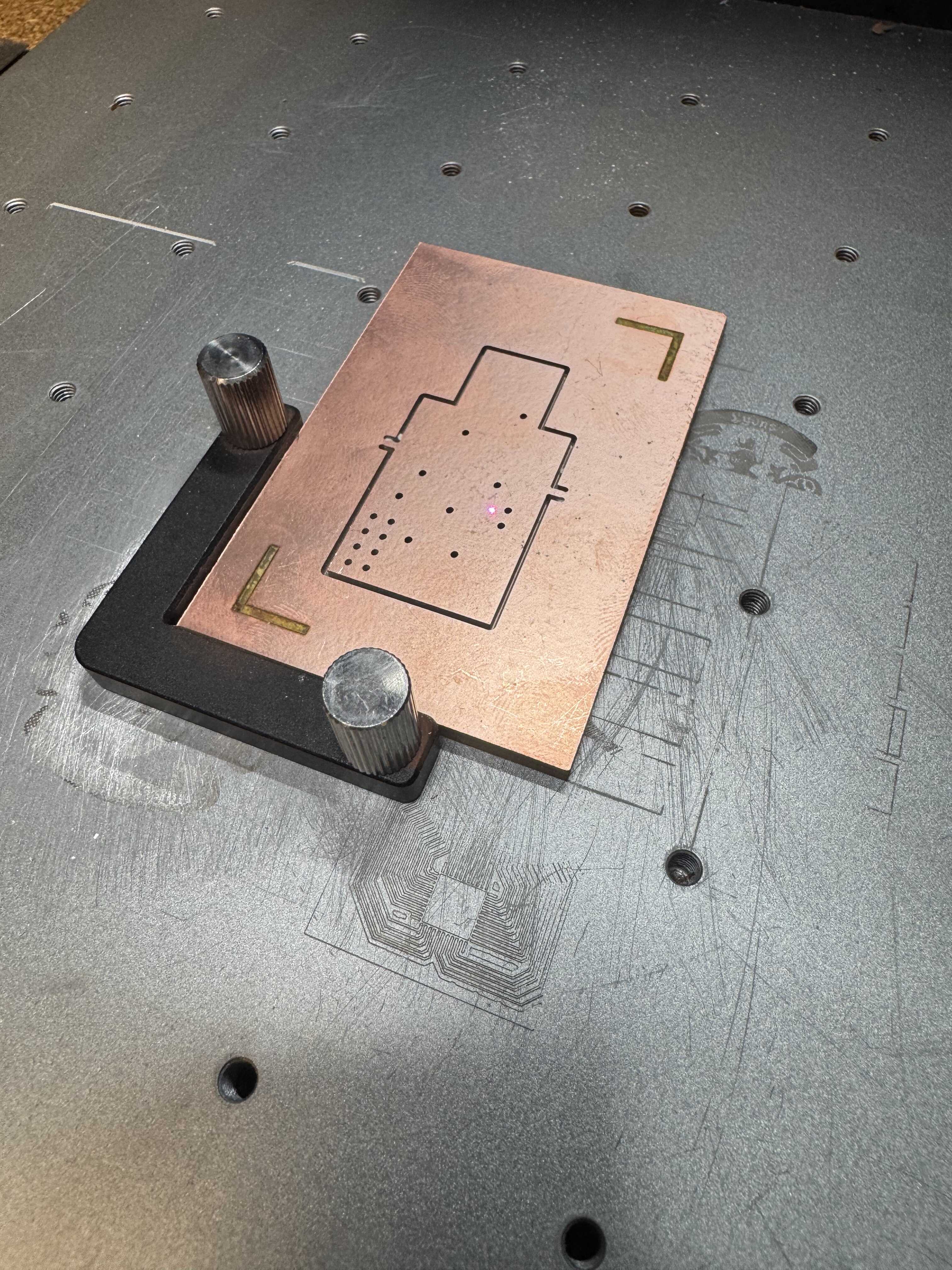
Based on the two, I calculated the coordinates which the design needed to be centered on. I then converted the front copper gerber to a PNG using gerber2img, and converted the PNG to an SVG using Inkscape (for some reason, xTool doesn’t respect the DPI in the PNG metadata; but the conversion step is useful, because it lets me remove unnecessary engraving along the edges). I looked at the final dimensions of the SVG and used that to determine the coordinates for xTool (top left corner of the image). It looked off-center on the camera, but I trusted the process:
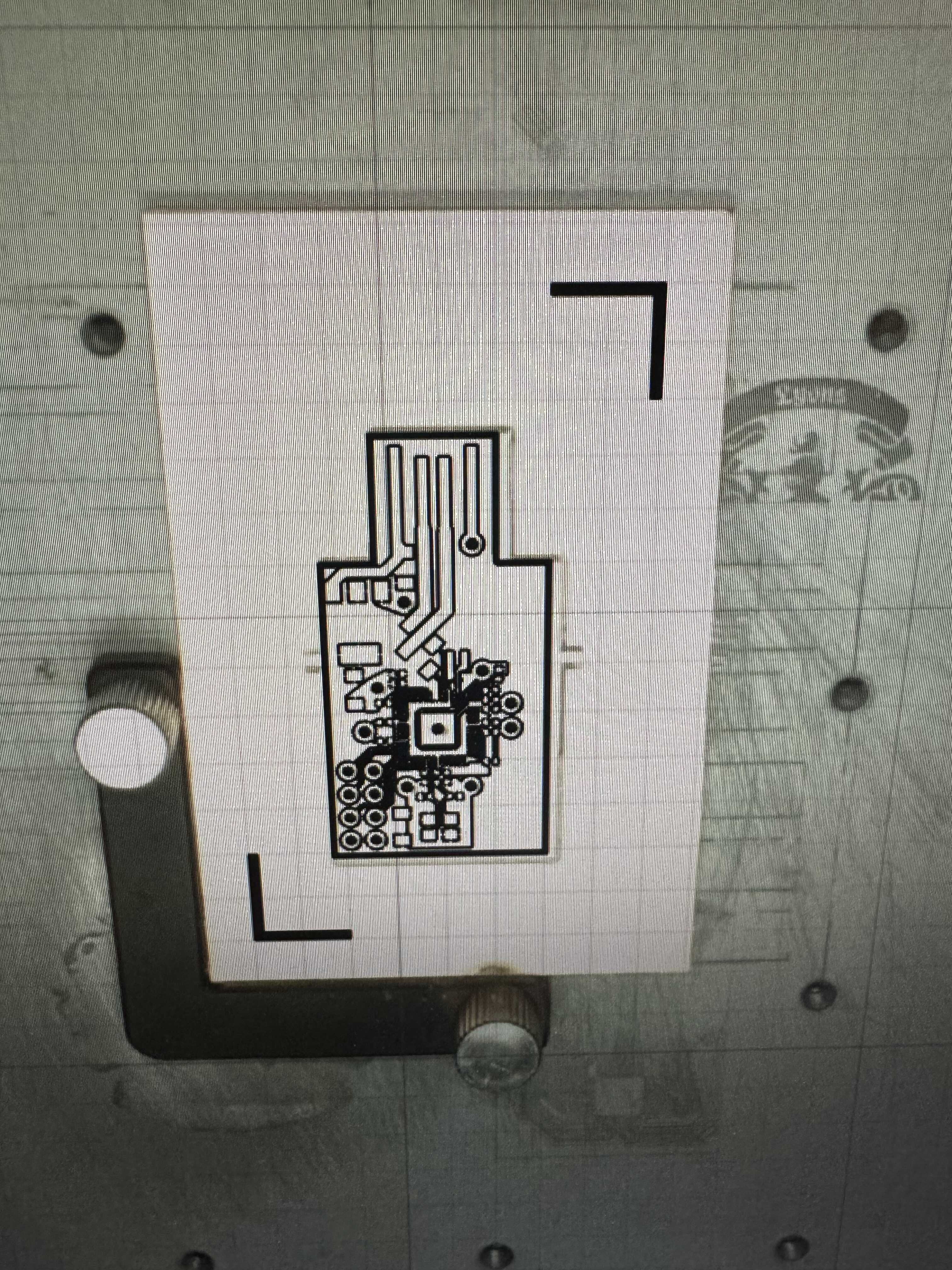
Then, I engraved using the FR1 PCB / engrave-PCB presets that Quentin had figured out.
The good news was that the alignment worked pretty well!
The bad news was that the engraving didn’t:
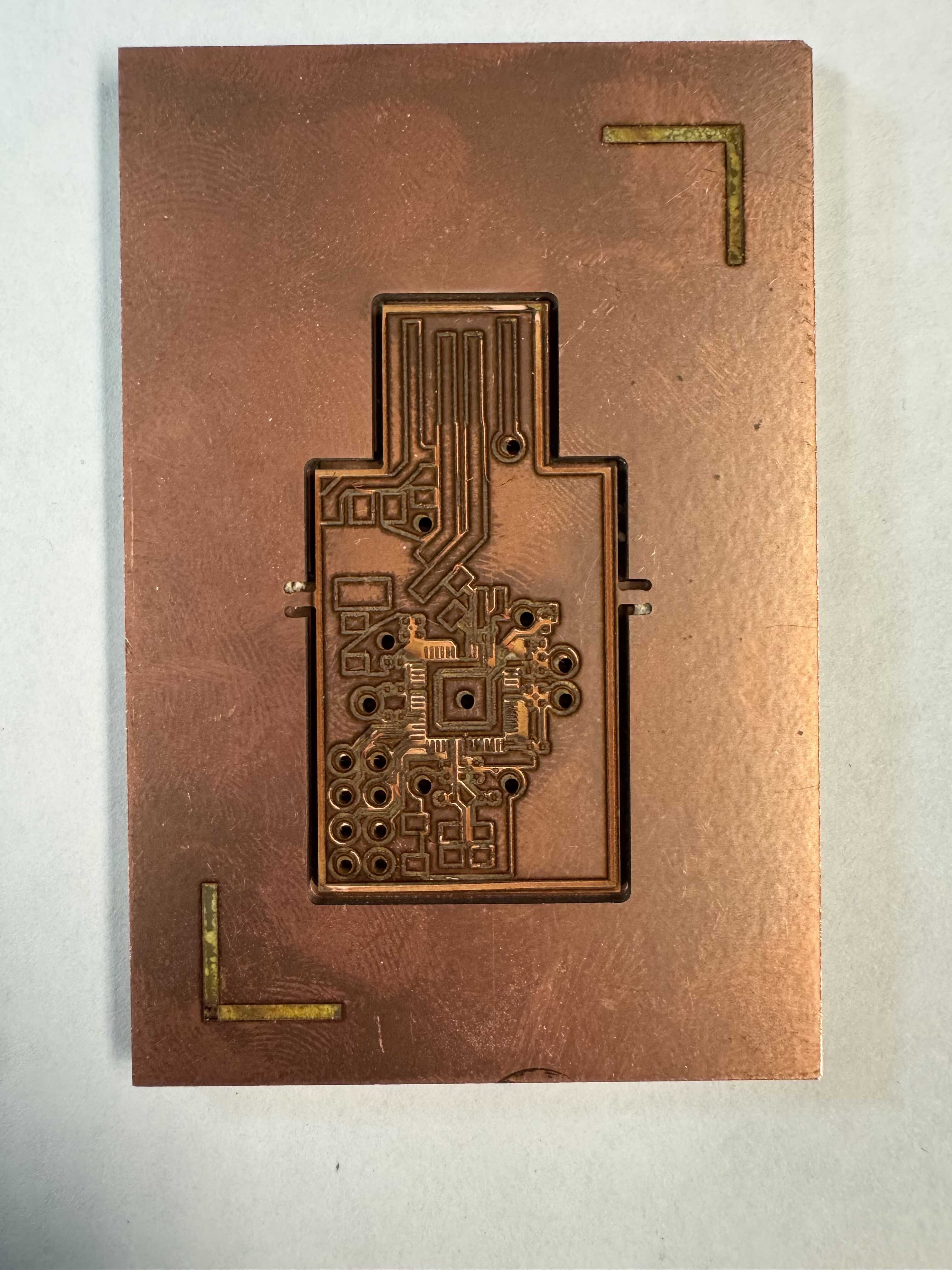
Note both the delaminated traces and the copper that hasn’t been fully removed around the RP2354A pads.
Second and Third Attempts
Next, I milled a new board on what I believe was Bantam Tools-brand copper clad (though the package was unlabeled).
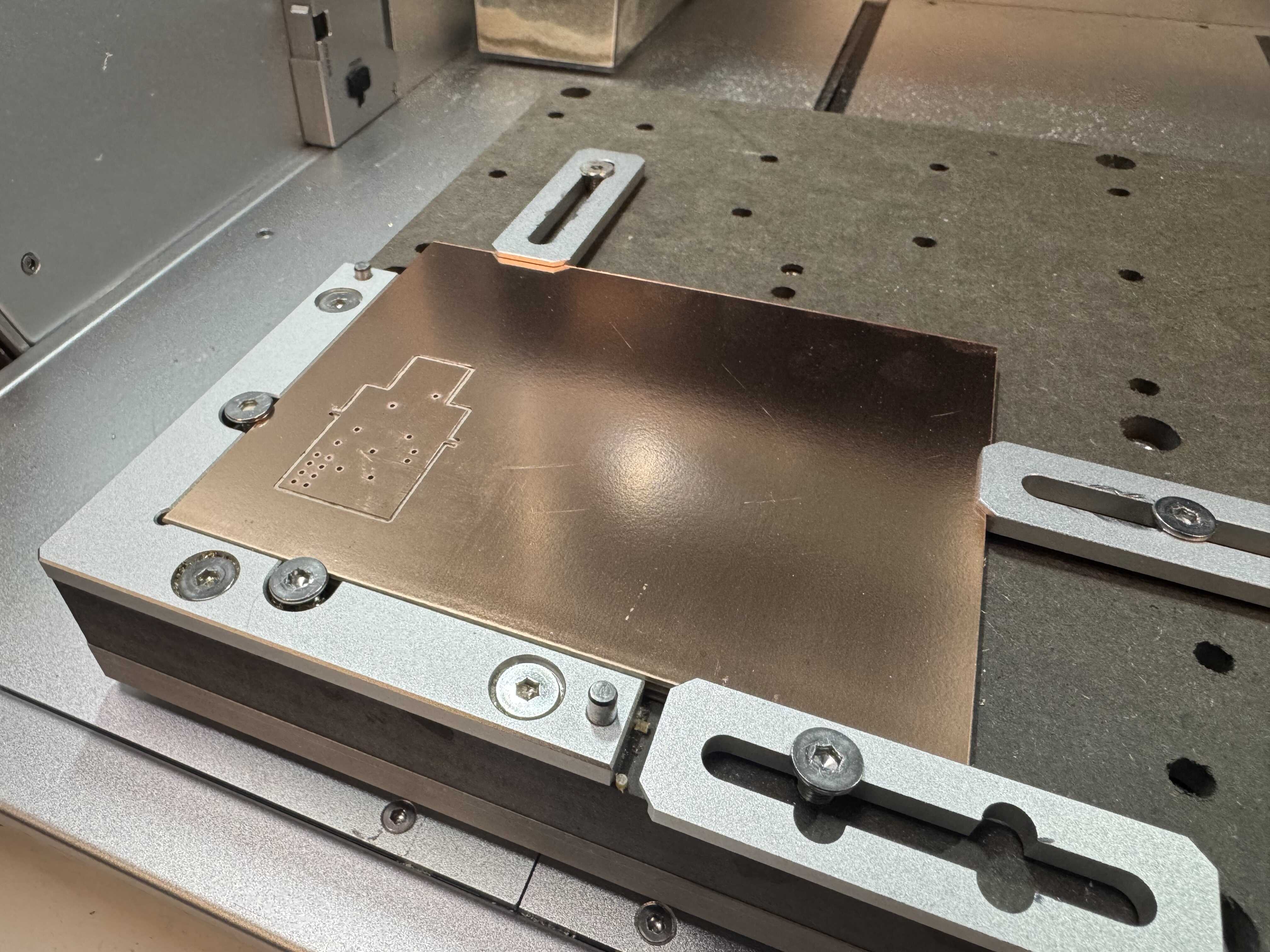
I trusted the original centering for the engraving, but it was a little off. It seemed off in rotation, though, which I wasn’t controlling for. The engraving seemed a bit better but still not perfect.
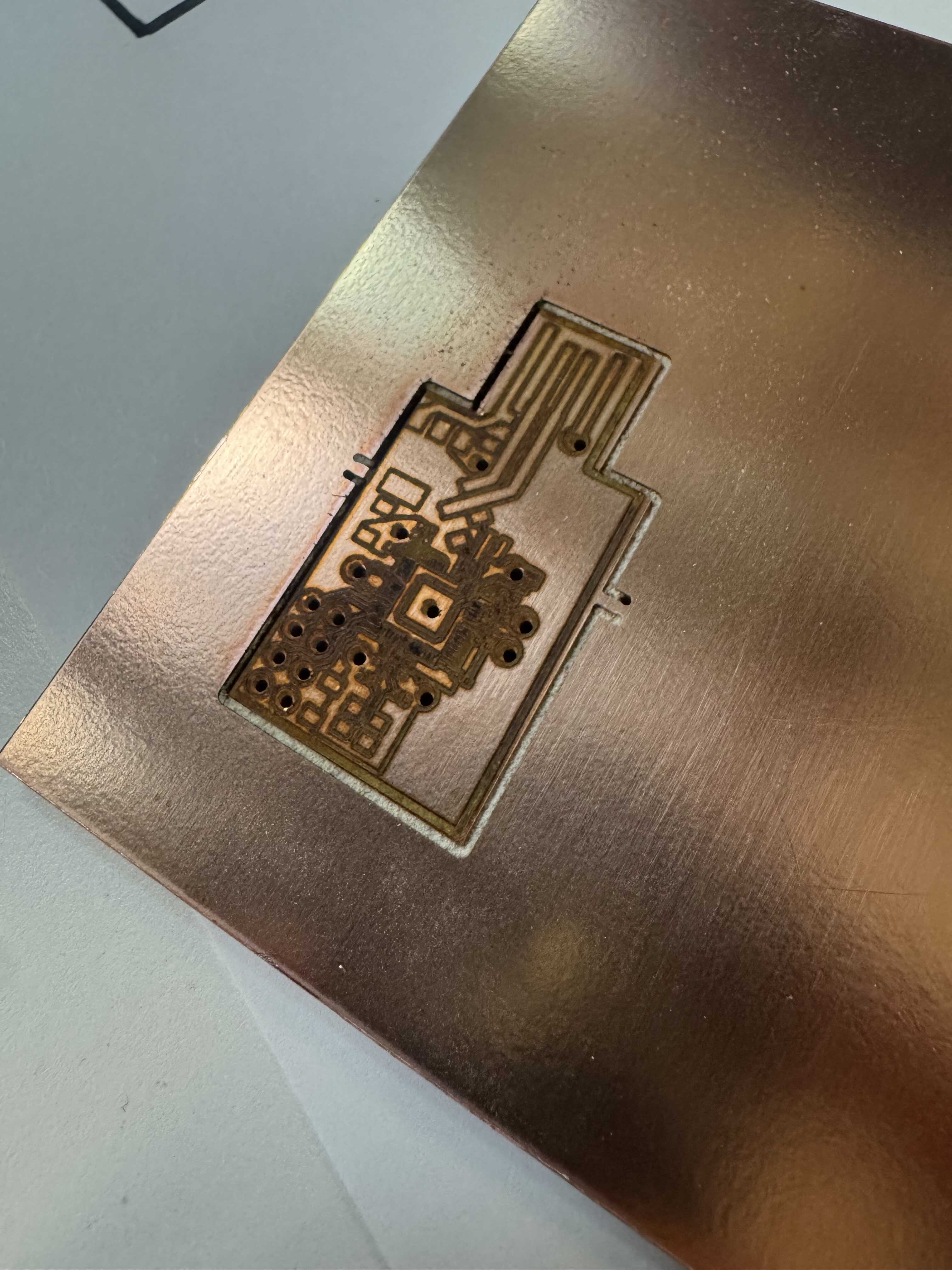
So I did the process a third time, this time with the alignment steps again:
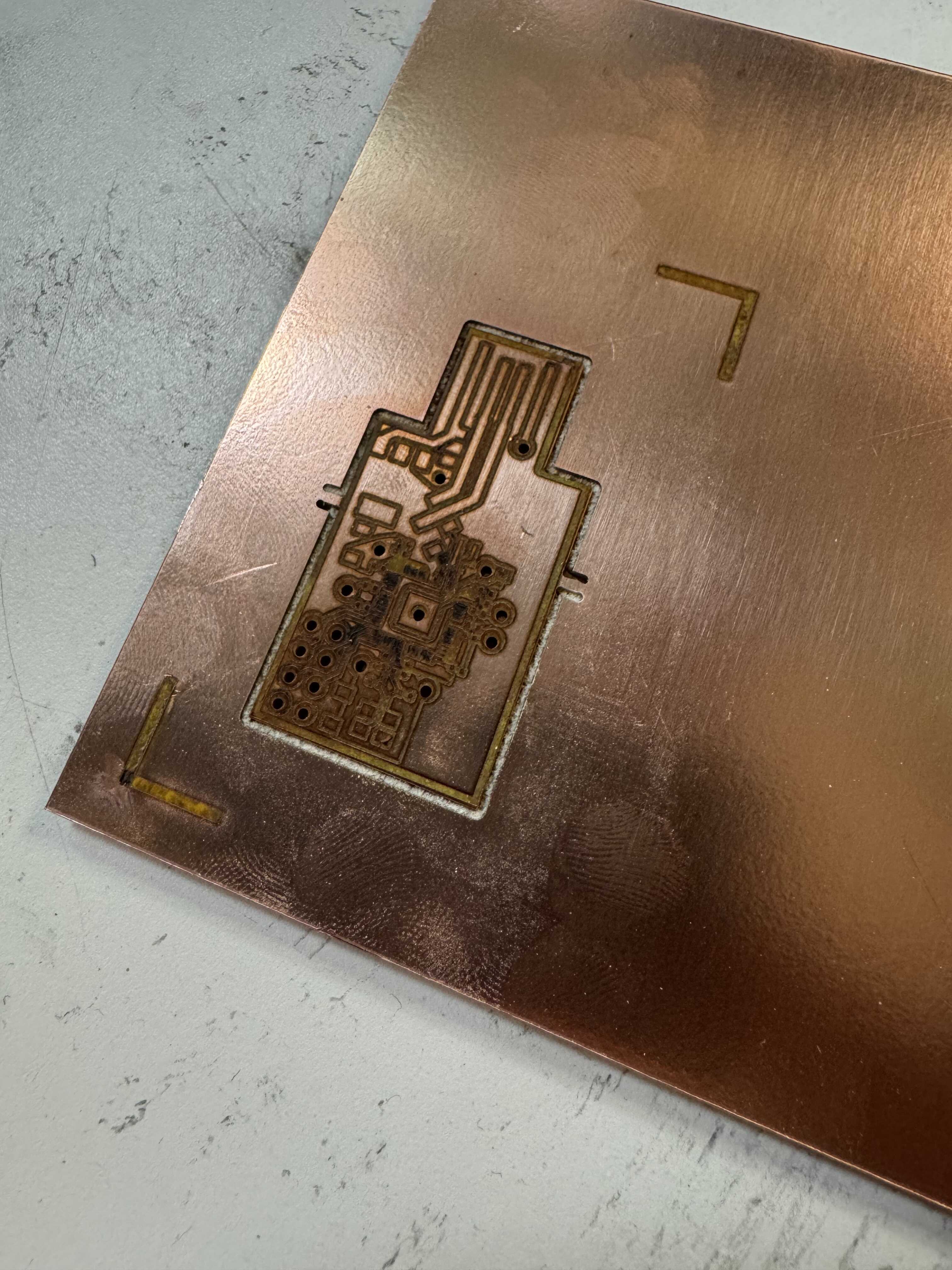
After speaking with Anthony, he advised me to not attempt to solder before further parameter tuning. Part of the reason was that he suspected the adhesive had boiled off. I did use the opportunity to test the rivets. Though they had worked great during machine week, they did not seem to work so well with this copper clad, and I could not establish contact. (The indent is from me trying to use the rivet press backwards just in case, but that didn’t help.)
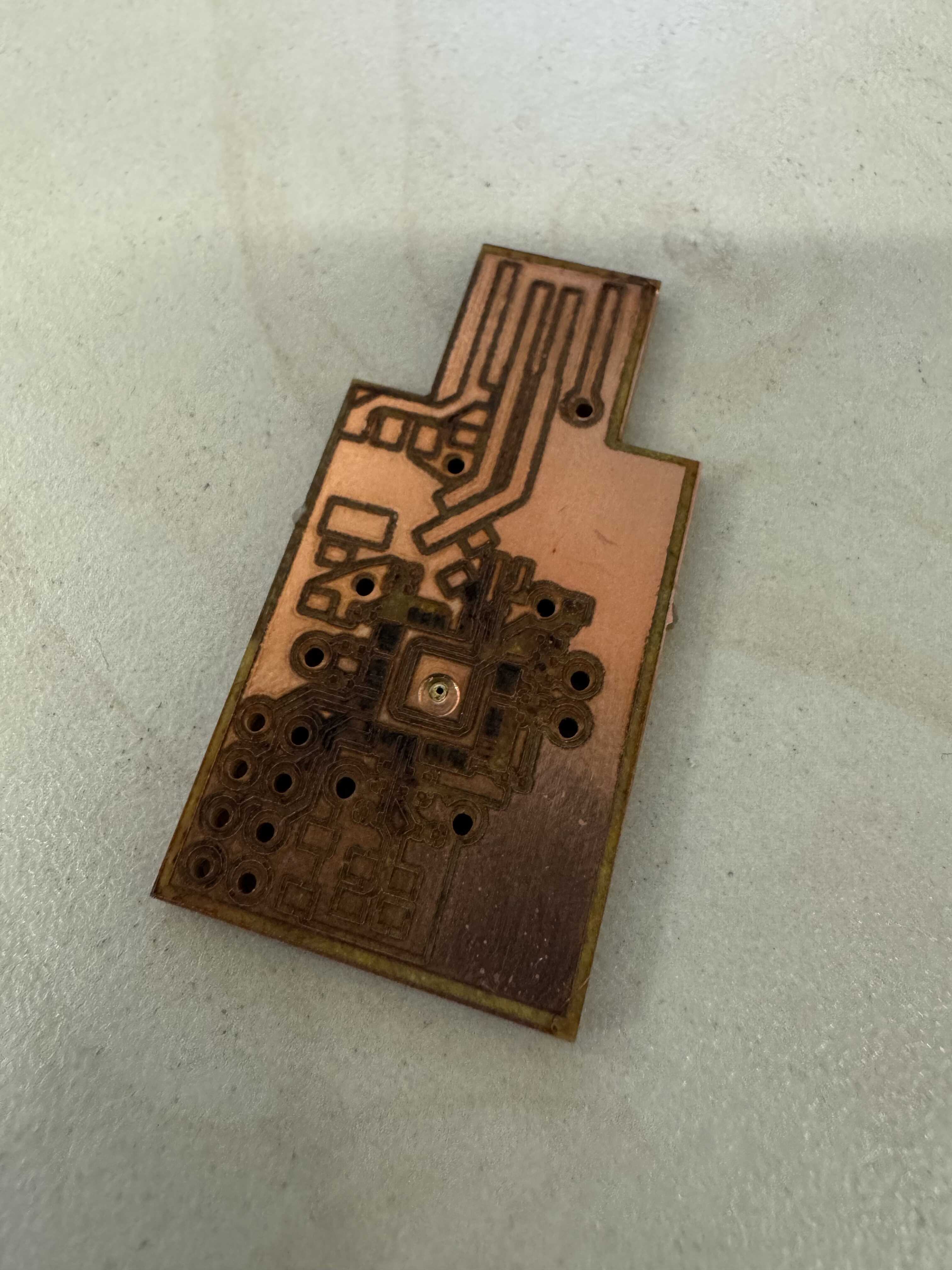
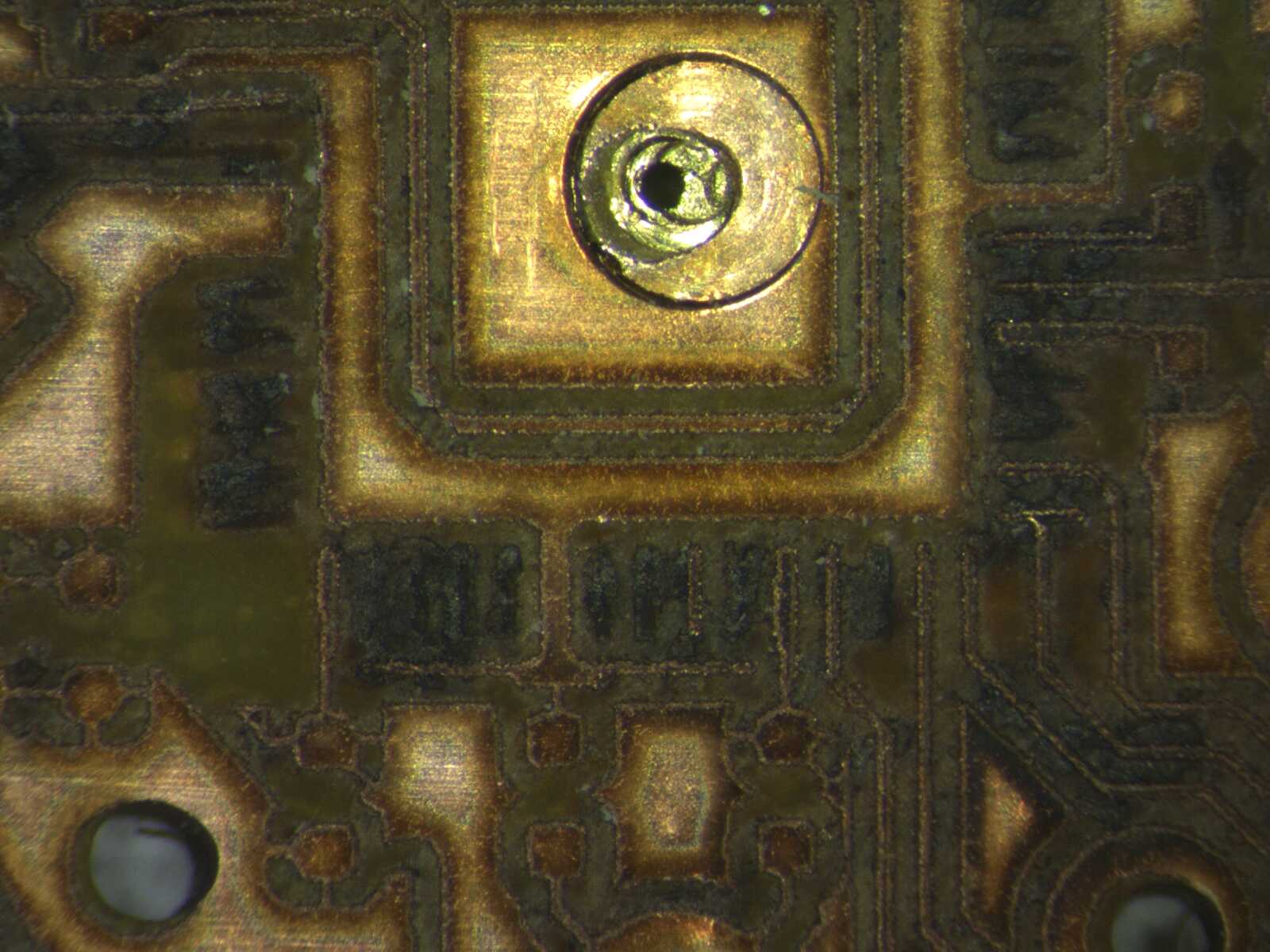
Given two unknowns, I decided to abandon this approach in the interest of time.
Fourth Attempt
I downloaded Quentin’s ATtiny_QFN.zip and fabricated the board exactly as described above.
This seemed to work well:
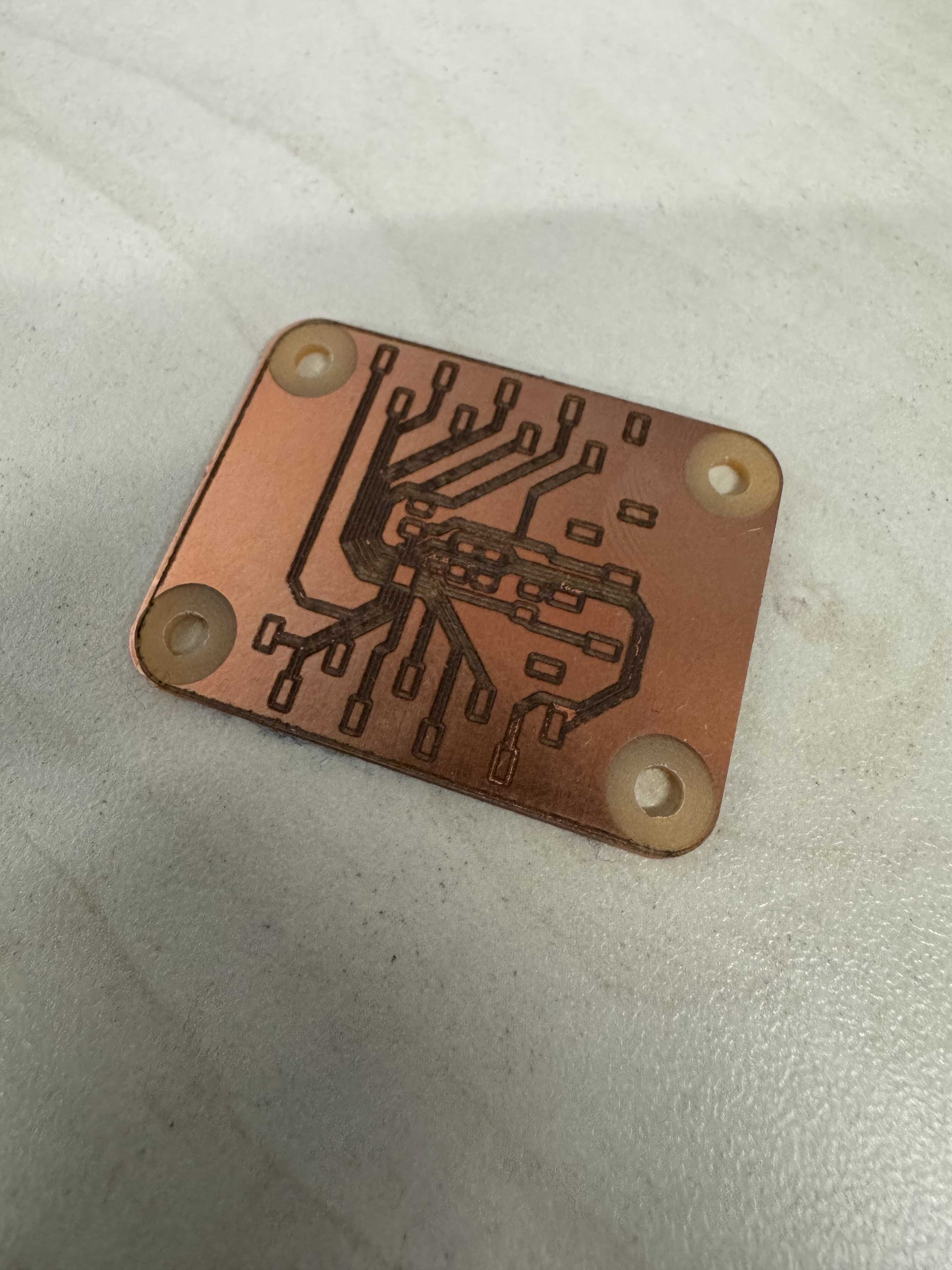
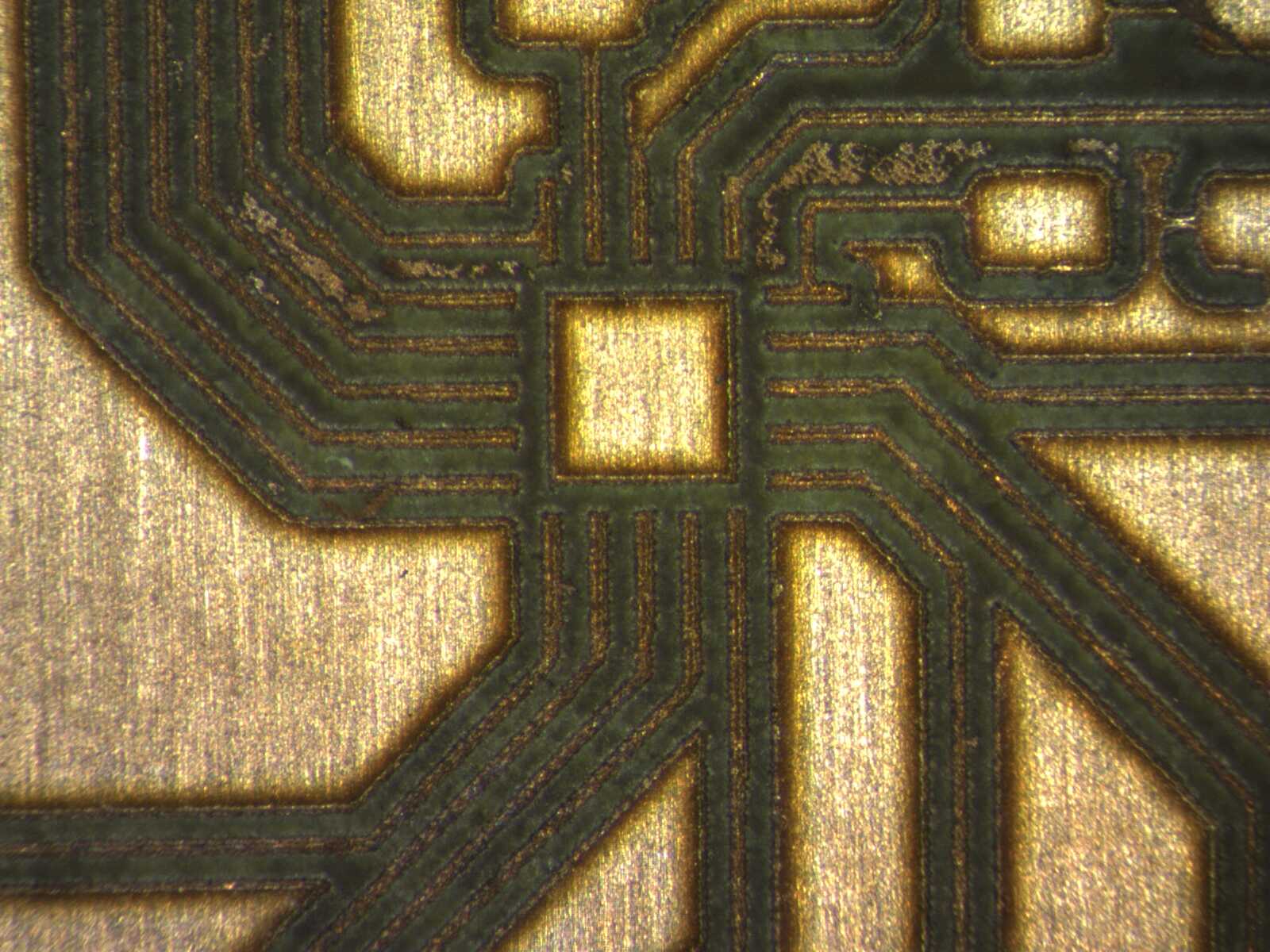
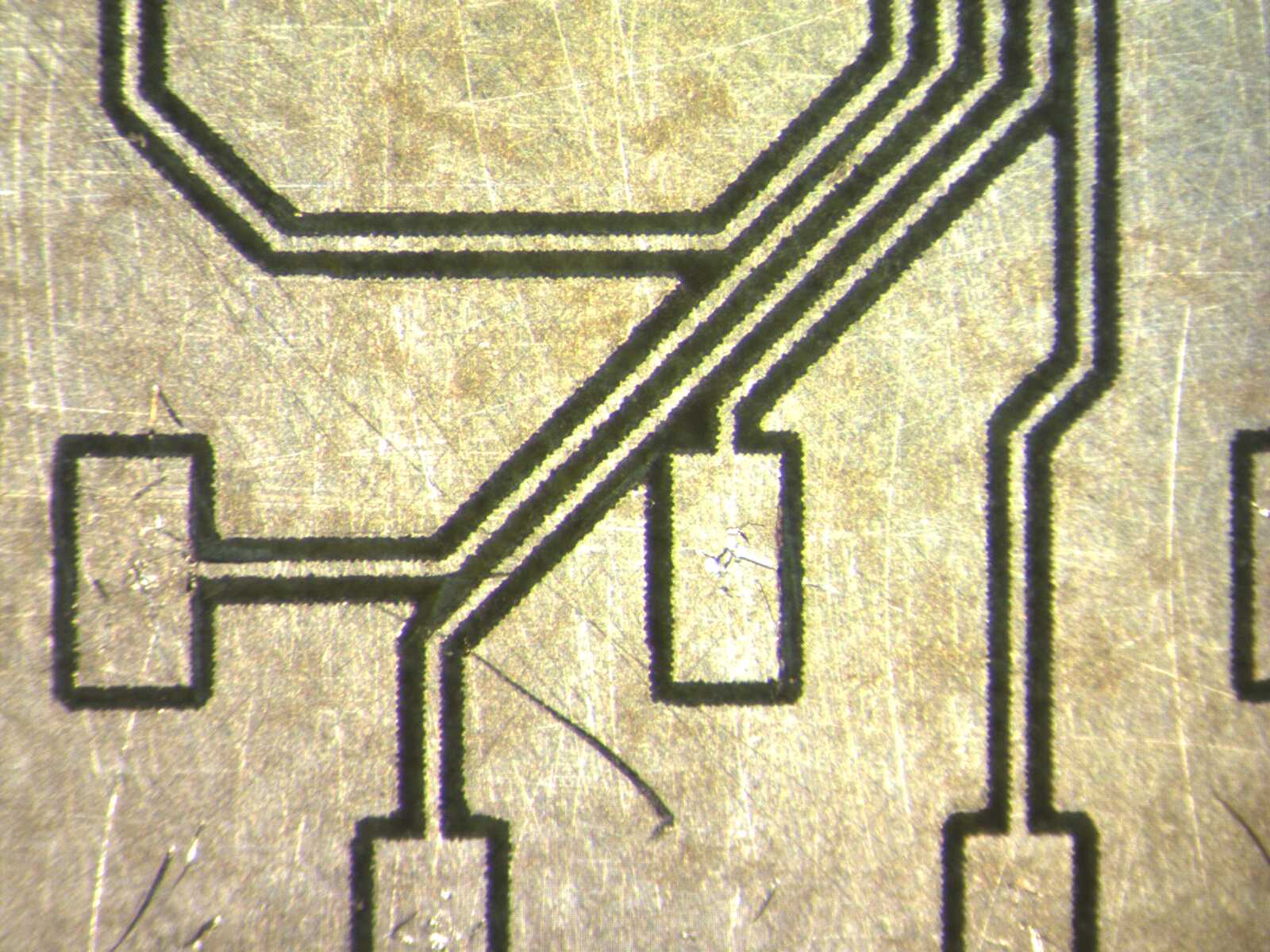
However, on closer observation, a number of traces were shorted to the copper pour. Even with sanding the shorts remained:
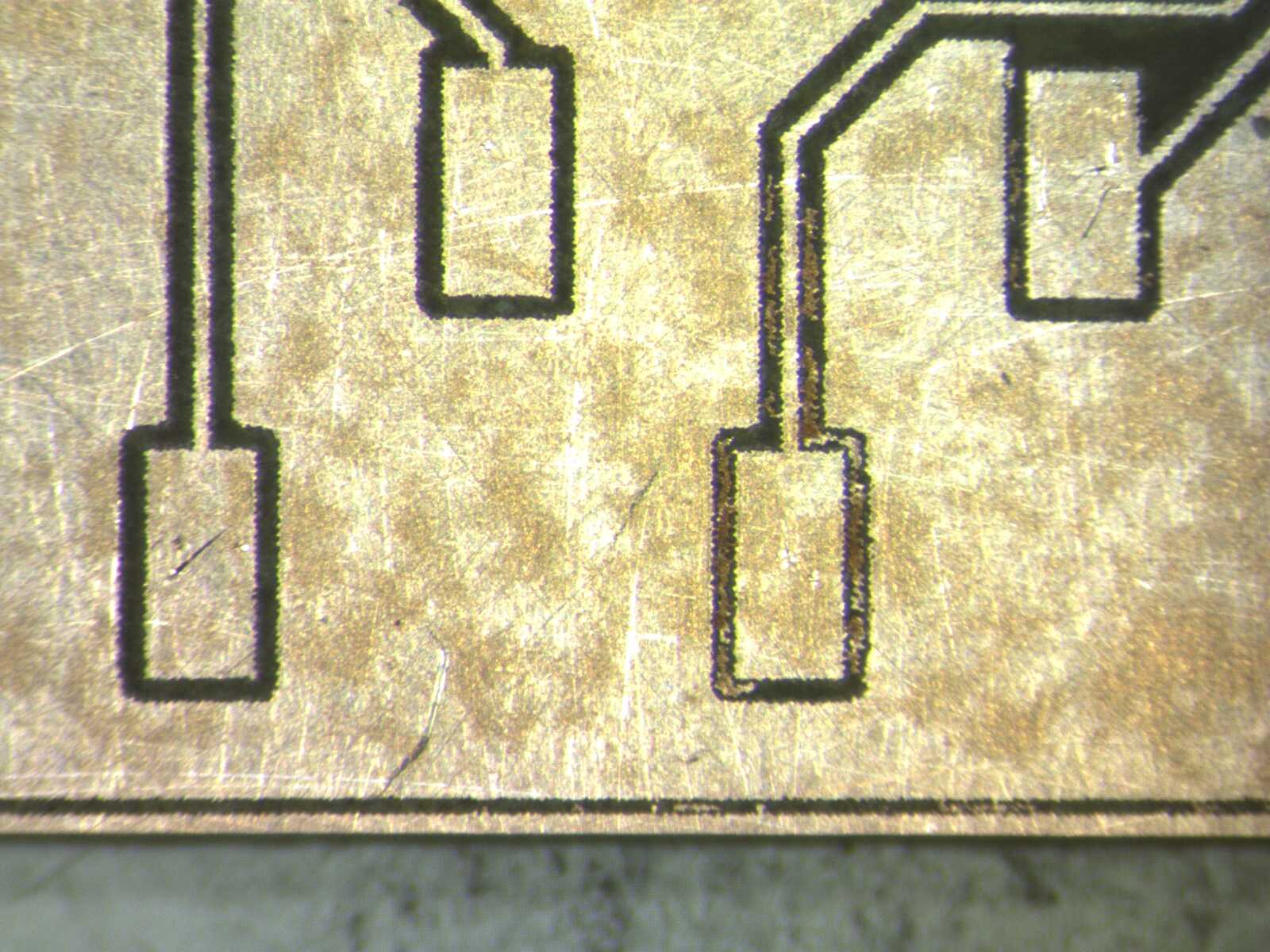
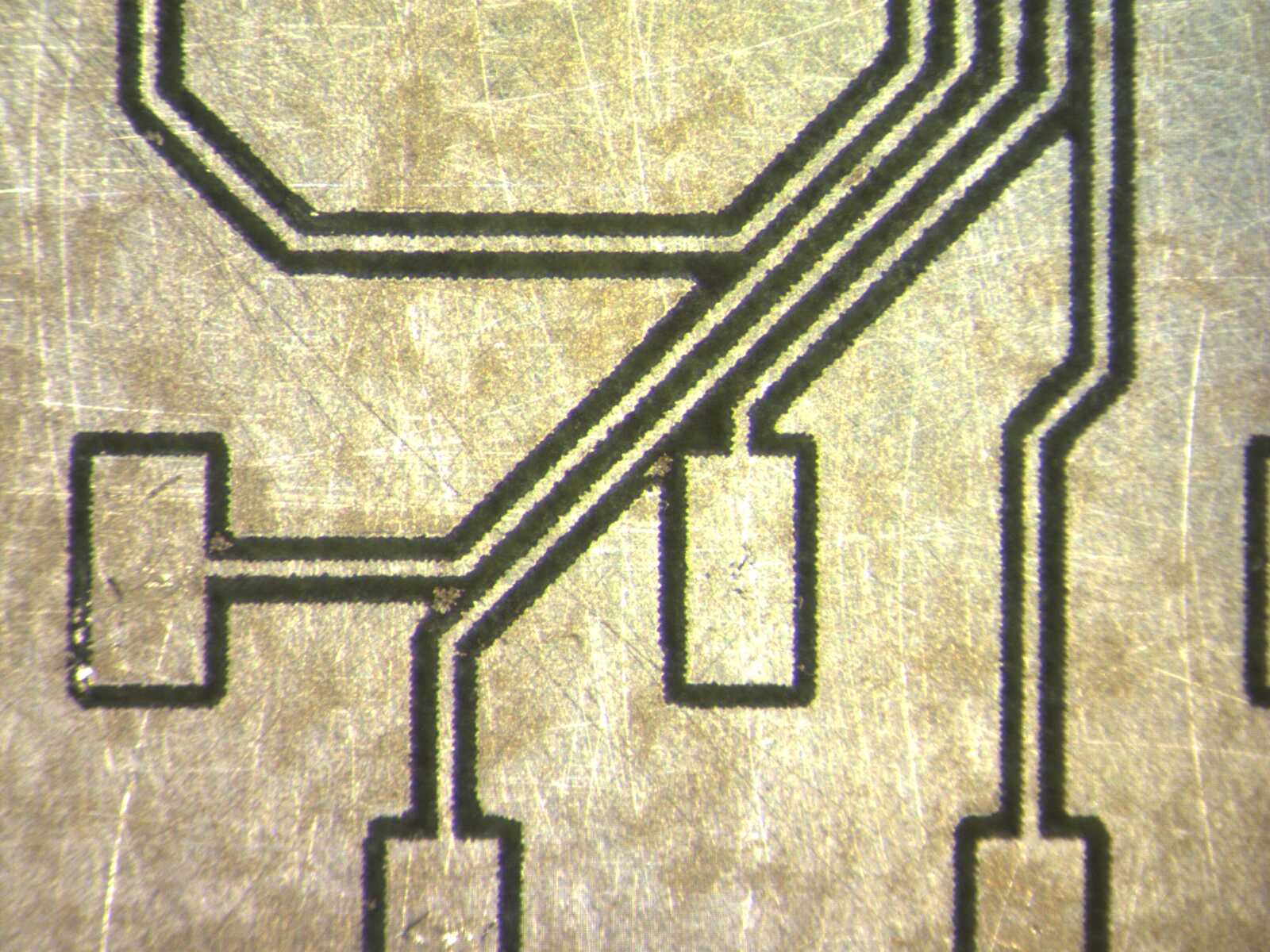
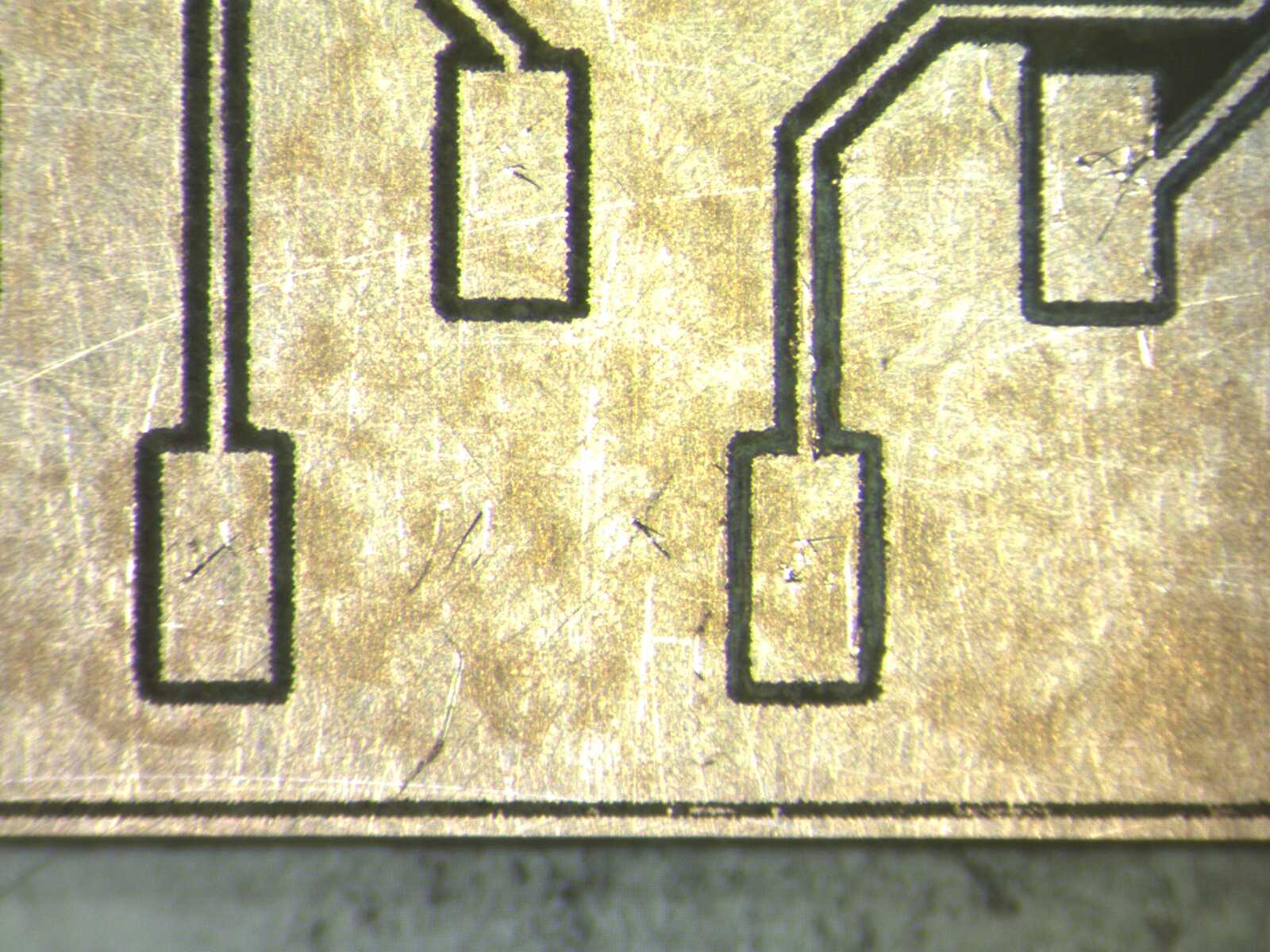
After a few sanding attempts, I ended up tracing all traces with a utility knife to remove all shorts:
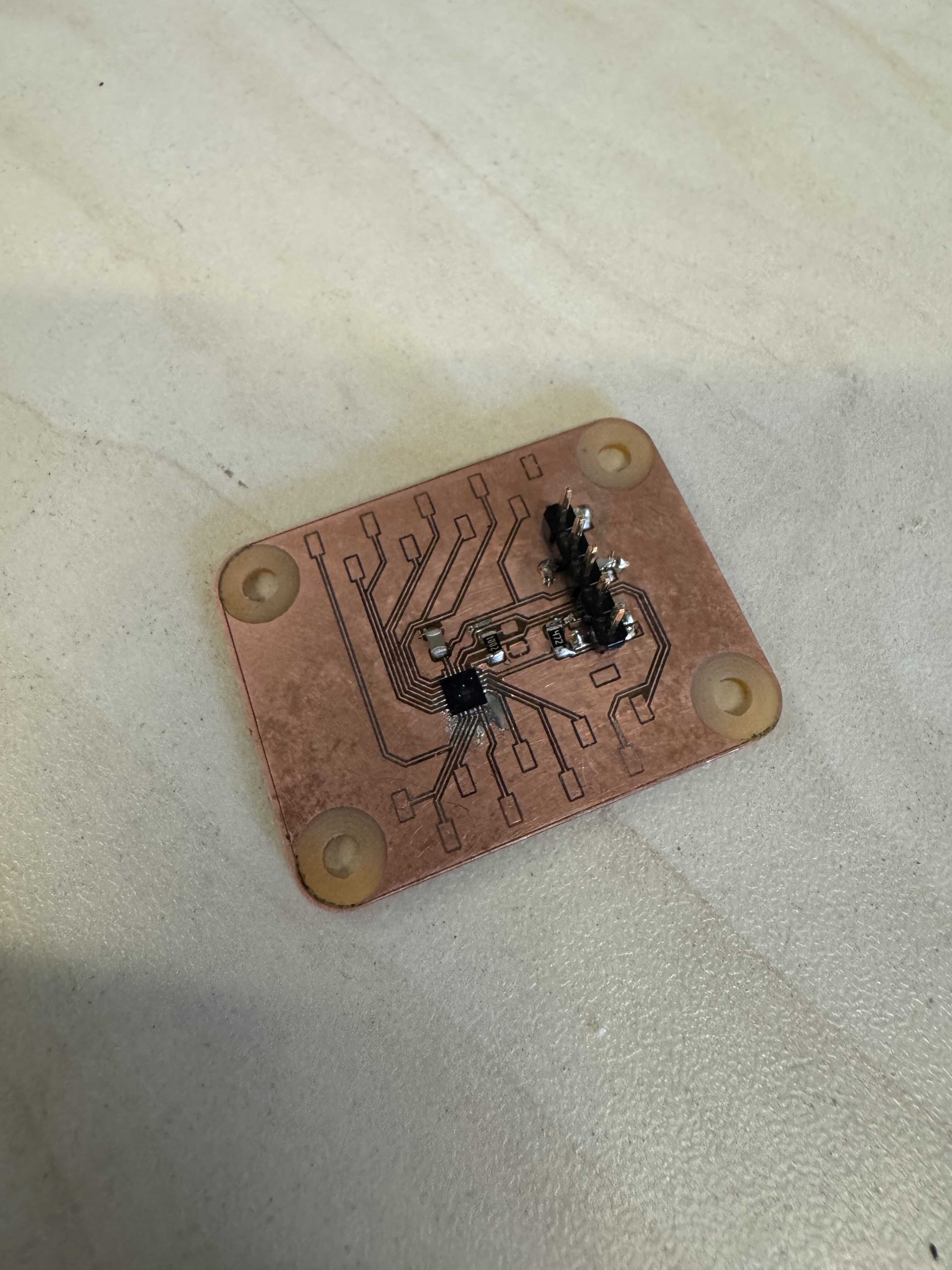
Finally I assembled it. I used the low-temp paste and hot air for the ATtiny, and wire solder for the rest of the components. The results is shown below: