Week 13 - Interface and Application Programming
For this week we talked about a variety of different languages, communication protocols, and graphics/user interface packages to make an appealing and user-friendly application for controlling devices. This included various styles for taking input from a user, as well as displaying data that the user would find of interest.
Assignments:- As a group, compare as many tool options as possible
- Write an application that interfaces a user with an input/output device that you made
Comparing Application/Interface Tools
For my assignment this week, I made use of the WebSerial protocol through HTML/JavaScript to interface with the XIAO's serial port. I also used the free Flat UI styling package to help format the site. As such, I wrote up a section on our class page, found here, about what I found challenging and what I thought was easy while using both of these tools.
Writing an Application Interface
I used this week's assignment to continue to make progress on my final project, specifically with controlling the TFT module I had been using over the previous weeks. I have still not gotten into the lab due to the holidays, so I have not yet been able to try a different TFT module to see if that fixes the touchscreen. But after this week, I may not even need to go that route. Instead of having the user touch the screen to select the lithography parameters, I figured that if I was able to get a UI working for this assignment then that would be how the variables get set. All I would need to do is make a simple website, get it to connect to the XIAO, and send data to the XIAO based on the parameter/buttons that get clicked.I started by browsing through the options listed on the HTMAA site and reading a little bit about what each was able to do. I settled on using the WebSerial interface to communicate to the XIAO serial port from a (local or hosted) website, along with the Flat UI styling package for the interface options. I largely used the WebSerial homepage and an example I found on github to guide my implementation of the tool. I had never worked with JavaScript before, so it took me a moment to get comfortable with setting up the functions/hooks needed for the site to work. Luckily the code to get the serial port open and communicating was super simple. I was able to get the XIAO board connected very quickly and I could read out the messages being sent to the serial monitor in the Arduino code.
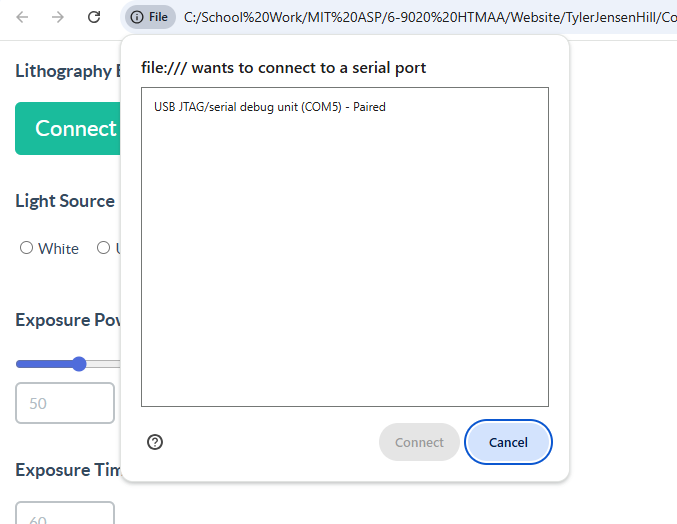
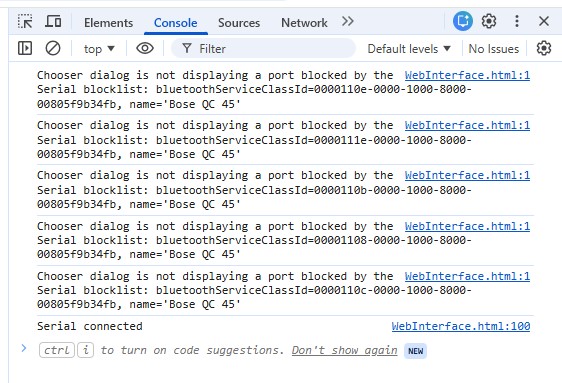
Once I had communication, I then set up all of the input fields and buttons needed for my lithography tool. In this case, the user is able to select between white and UV light, they can set the exposure power either on a slider or type it in the text box, and they can enter the exposure time. I do give the power and time default values of 50% and 60 seconds, but the user will always have to select what type of light is being used. I then added two buttons, one to send the parameters to the XIAO so it can update the TFT screen, and then a second button to actually run the exposure. At this point I downloaded the Flat UI styling files from the Flat UI homepage and opened up the how to documents included in the download. The buttons were super simple to implement, but sadly I could not get the radio buttons to find the right styling. I was able to get the slider to display properly, however when I attached a function to it to sync the textbox and the slider values, the function was unable to write the slider value. I have suspicions this is due to how the div tag was being used for the slider without an input tag so the input value of the slider was not being registered properly, but I was able to get it to work with a normal slider so I decided to leave it. Overall, the UI I made was quite simple as it does not require a lot of user input or control to operate.
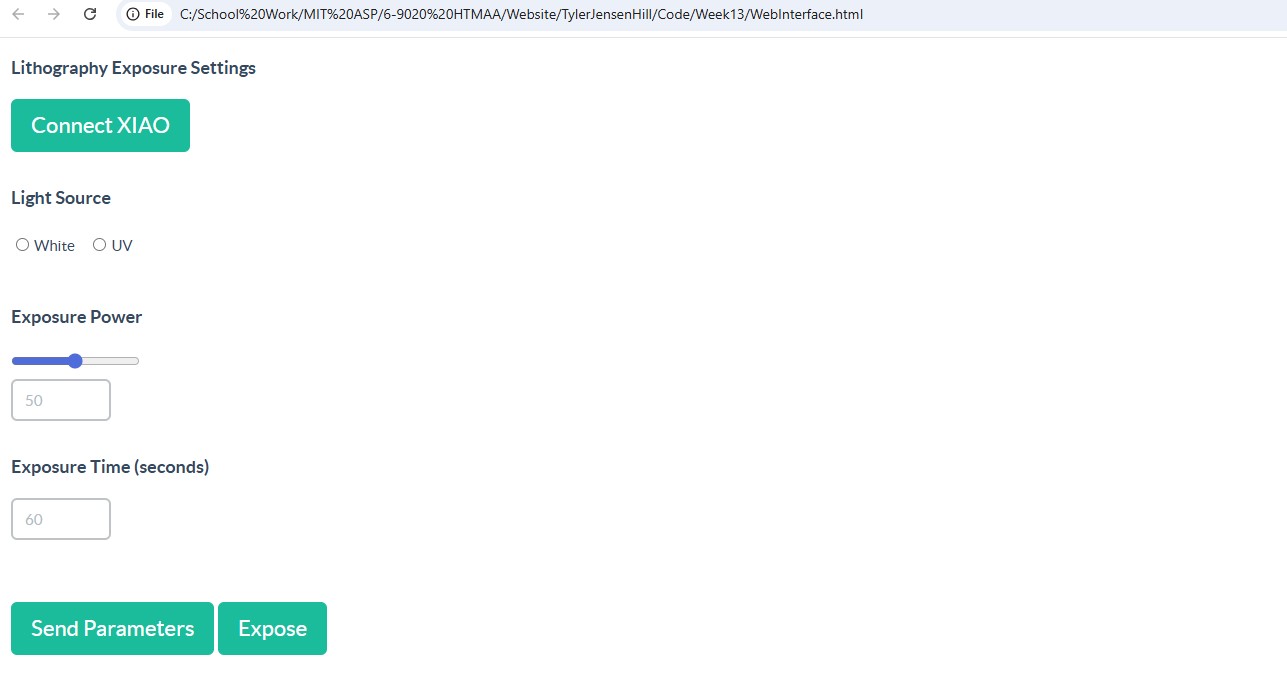
I then set up the JavaScript on update/click functions for the respective inputs and buttons. I tested a few things with the "writer" function withing the WebSerial interface, and I was able to get it working by using Serial.read() in Arduino. I think if I were to send more complicated messages back and forth I would have some difficulties handling the size of the bytes, but I wrote my interface to just send integers that effectively encode the behavior I want. I then handle the integers on the Arduino side and the correct behavior executes. This took a bit of trial and error to get right, but once I had the format down it didn't take too long to get the remaining functions written. The result is an interface that the user is able to select exposure parameters, send them to the XIAO, and have the proper values displayed on the screen! Of course for my actual project I will then have the parameters actually mean something rather than just appearing on the TFT.